
Choose Markdown when readable plain-text source is a good fit for the ongoing writing. Choose DOCX when document layout, a required template or the recipient's Word-oriented editing workflow is central to the task.
Start with the next revision: who will make it, using which tools, and which file they will treat as the source.
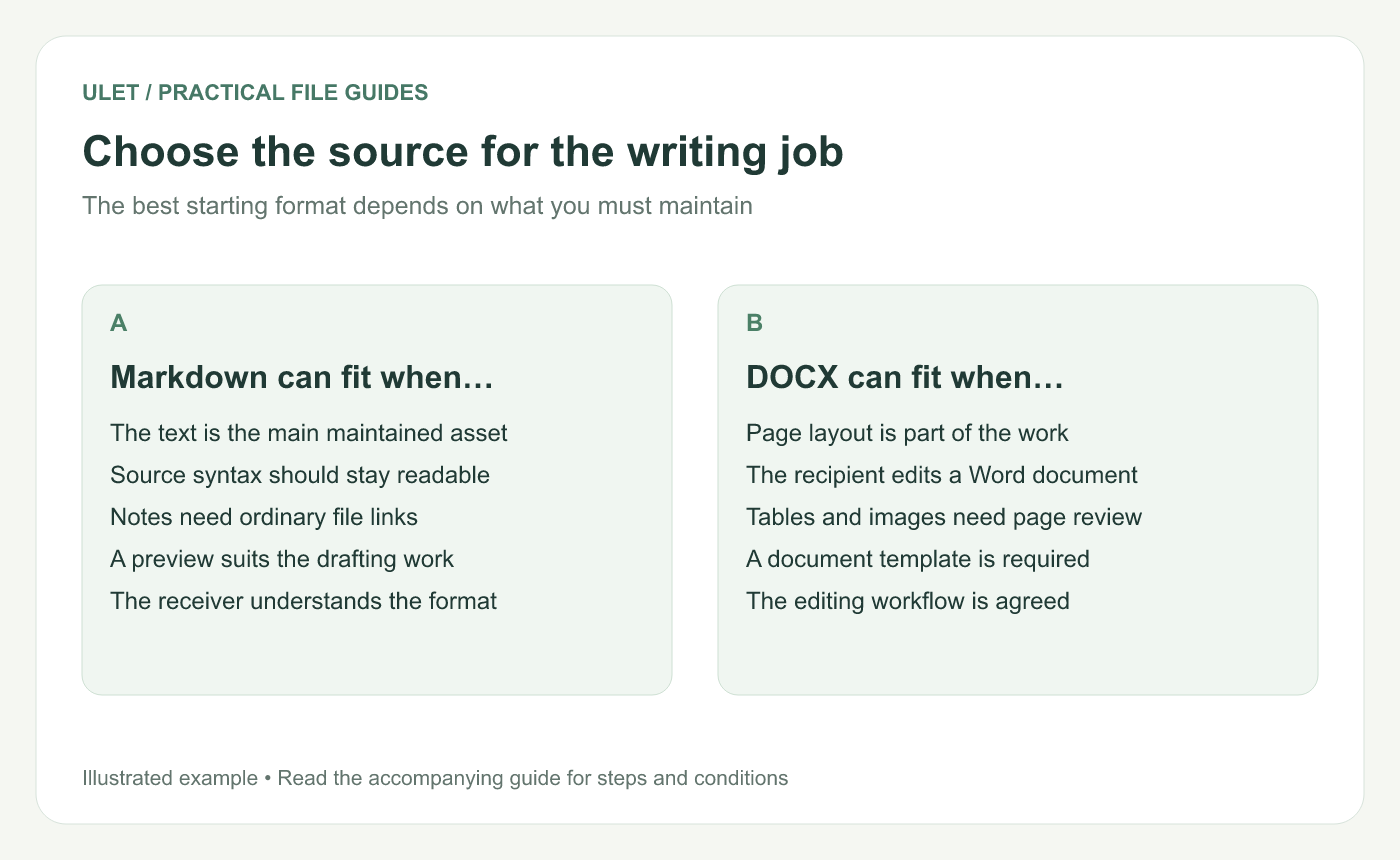
Choose the source for the writing job. Original instructional illustration; examples are not software screenshots or product test results.
Look at what you need to maintain
A small collection of linked notes can work well as Markdown files. The content and formatting symbols remain visible in a text editor, and a preview shows the rendered structure.
A paginated report may be better maintained as DOCX when the work includes careful page composition, document styles and a handoff to someone who expects that format.
These are workflow choices, not absolute limits. Either format can contain headings, links, lists and other structured content, but the editing and layout controls differ.
Ask the recipient about the editing job
Question | Why it matters |
|---|---|
Will they edit the source? | The format needs to fit their actual tools |
Is a template required? | Its page and style expectations can determine the workflow |
Are linked resources part of the project? | The files need a maintainable location and handoff |
Is precise pagination required now? | A continuous preview may not provide the needed control |
Do not assume a recipient wants Markdown merely because it is readable as text, or DOCX merely because it is familiar to you.
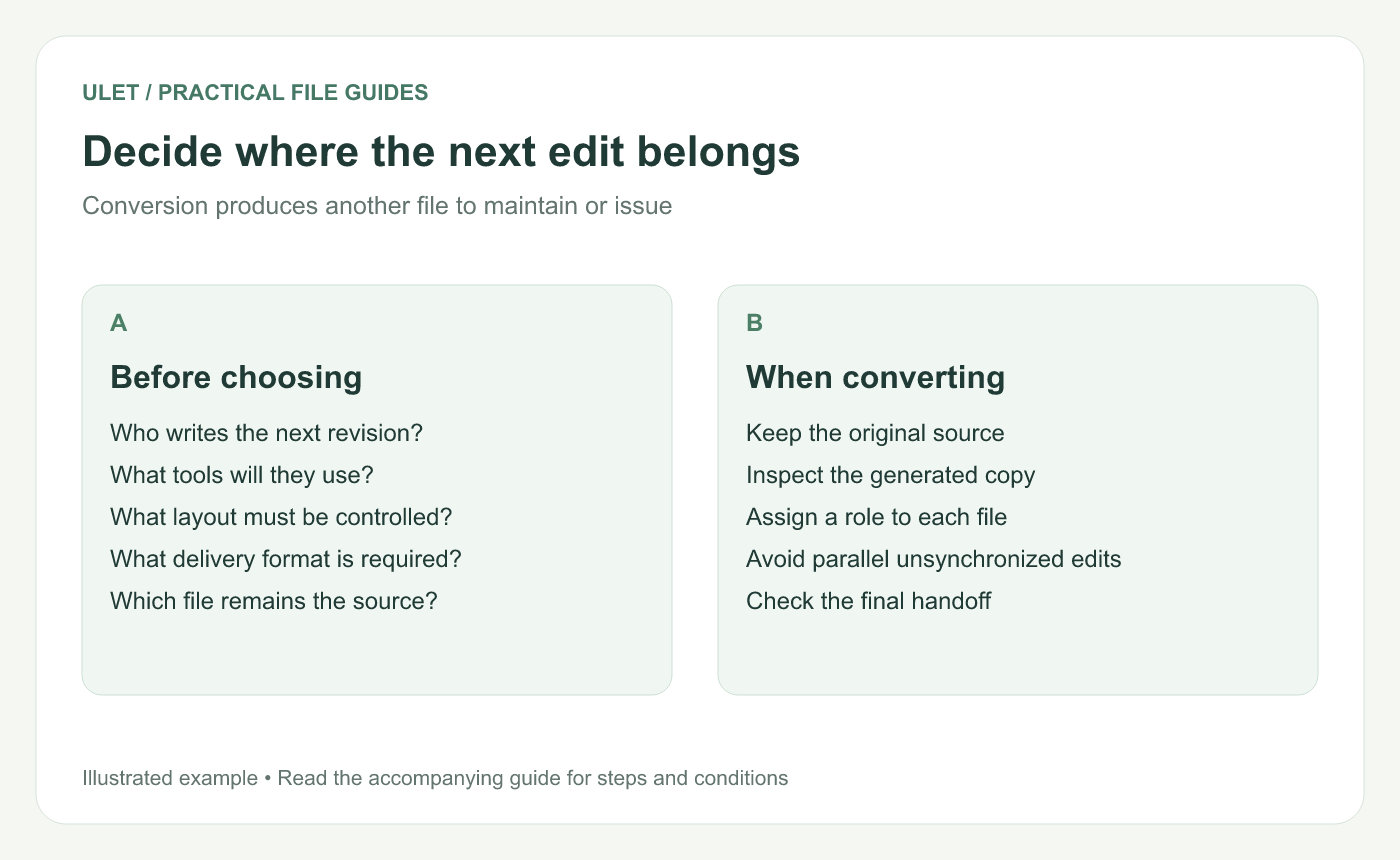
Decide where the next edit belongs. Original instructional illustration; examples are not software screenshots or product test results.
Keep one clear source of truth
If you draft in Markdown and export a DOCX, decide whether the DOCX is a delivery copy or the new maintained source. The answer can change later, but make that change explicit.
Parallel edits in both files need a deliberate reconciliation process. A fresh export from one file does not automatically include changes made only in the other.
Try a representative sample
Before committing a long document, try its hardest content: a table, an image, a code example or a page with a particular layout requirement. Check the actual editing and delivery workflow using that sample.
For a Markdown-to-DOCX handoff, the export review guide provides a focused check of the generated document.
Choose the delivery separately
The maintained source and the issued copy can have different roles. You might keep a Markdown source while distributing a checked PDF, or maintain a DOCX while issuing a PDF reference.
Ulet includes local Markdown and document editing on Windows and macOS with free basic editing. Keep the source choice and the delivery requirement clear as the project develops.



