
To export Markdown to Word in Ulet, save the note, use its Word or DOCX export command and open the generated .docx. Review the editable content as well as the page appearance.
Keep the Markdown source. Before handing the DOCX to another editor, agree which file will receive later changes so the two versions do not quietly diverge.
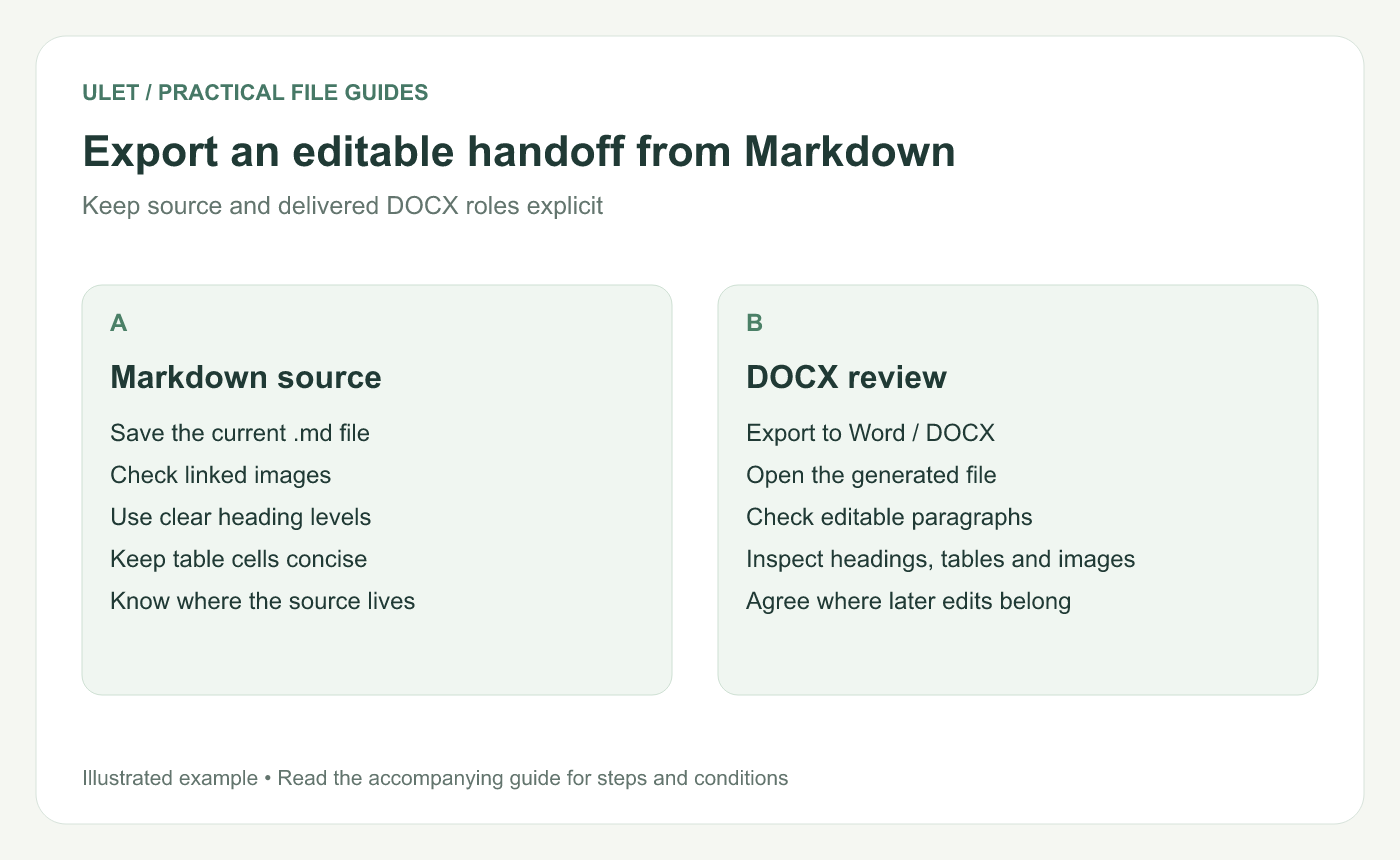
Export an editable handoff from Markdown. Original instructional illustration; examples are not software screenshots or product test results.
Prepare a small representative source
# Review brief

## Purpose
Confirm the sample figures before the review.

## Findings
- Source checked: [insert the real date].
- Open question: [insert the specific question].

## Sample counts
| Item | Count |
| --- | ---: |
| Drafts | 4 |
| References | 7 |
This illustrative sample includes headings, a list and a table. Replace the bracketed prompts before using it as a real review brief. Add a representative image if images matter to your own document.
Export and open the actual result
Save the Markdown file to the intended local folder.
Confirm required images load from their stored paths.
Choose the Word or DOCX option in the current export controls.
Select an identifiable destination filename.
Open that saved DOCX in the editor the recipient will use.
Ulet's current Markdown workflow includes DOCX export and opening the result in its document editor. File-specific layout still needs its own review.
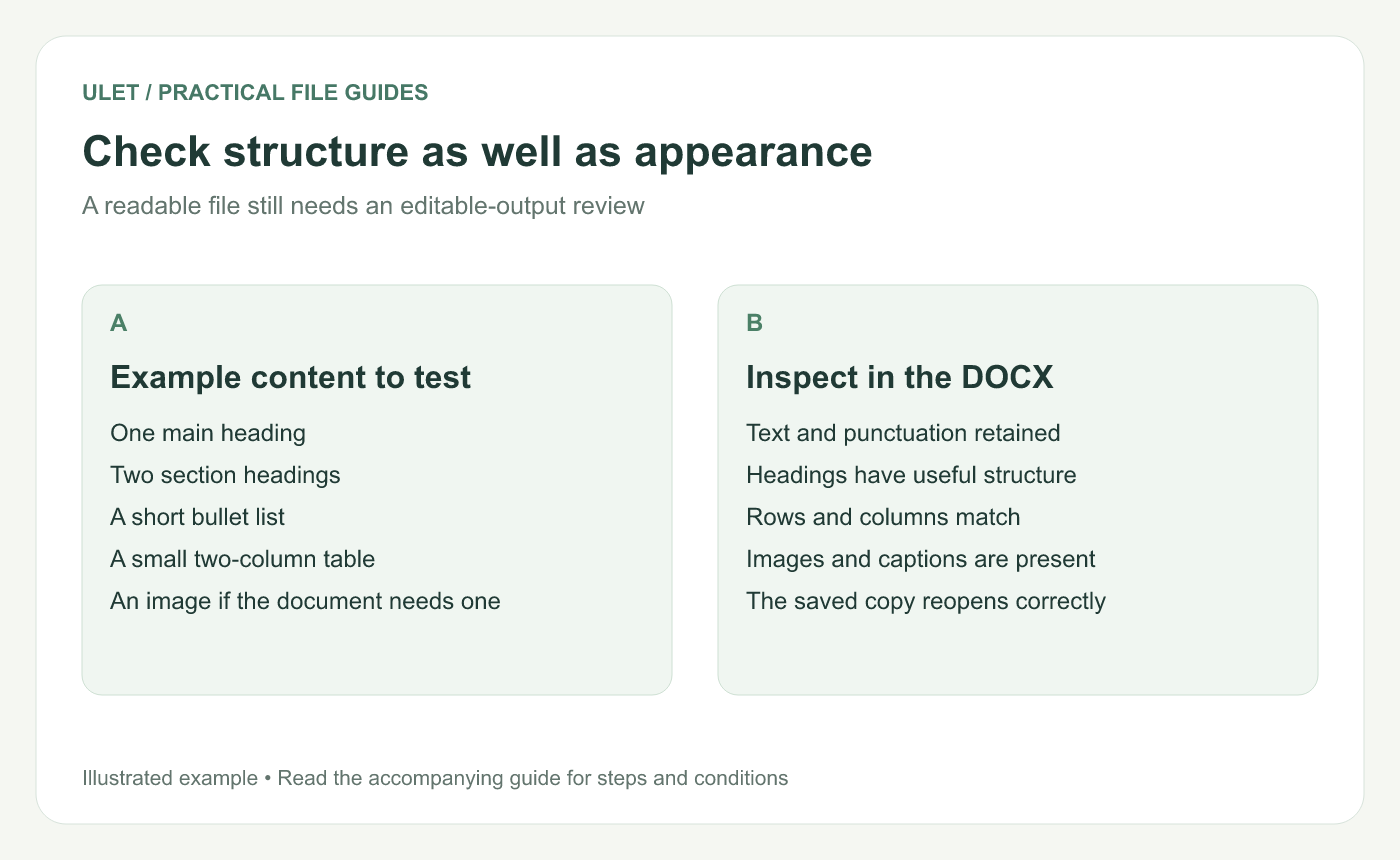
Check structure as well as appearance. Original instructional illustration; examples are not software screenshots or product test results.
Inspect the editable elements
Compare the paragraph text and punctuation. Inspect heading structure, list order and the table's row and column values. Try a small edit in a check copy to confirm the relevant text is editable.
For images, inspect the image itself, its size and any caption or text reference. A picture visible in the Markdown preview should still be checked in the generated output.
Review the page layout separately
Look at long headings, wide tables, code examples and image boundaries. A continuous Markdown preview and a paginated document answer different layout questions.
If you apply extensive finishing changes in DOCX, record that decision. A later export from the old Markdown source may not contain those finishing edits.
Hand over a clearly named source of truth
Tell the recipient whether to return the DOCX or send feedback for the Markdown author to apply. If both files remain maintained, decide how changes move between them.
Save and reopen the issued DOCX, then check the passages that matter to the handoff. Ulet keeps local Markdown and document editing in one app on Windows and macOS, with free basic editing, so you can compare the source and delivery copy together.



