3 days
free trial
 Ulet
Open and edit PDF text, add content, annotate pages, and manage PDF documents on Windows and macOS.
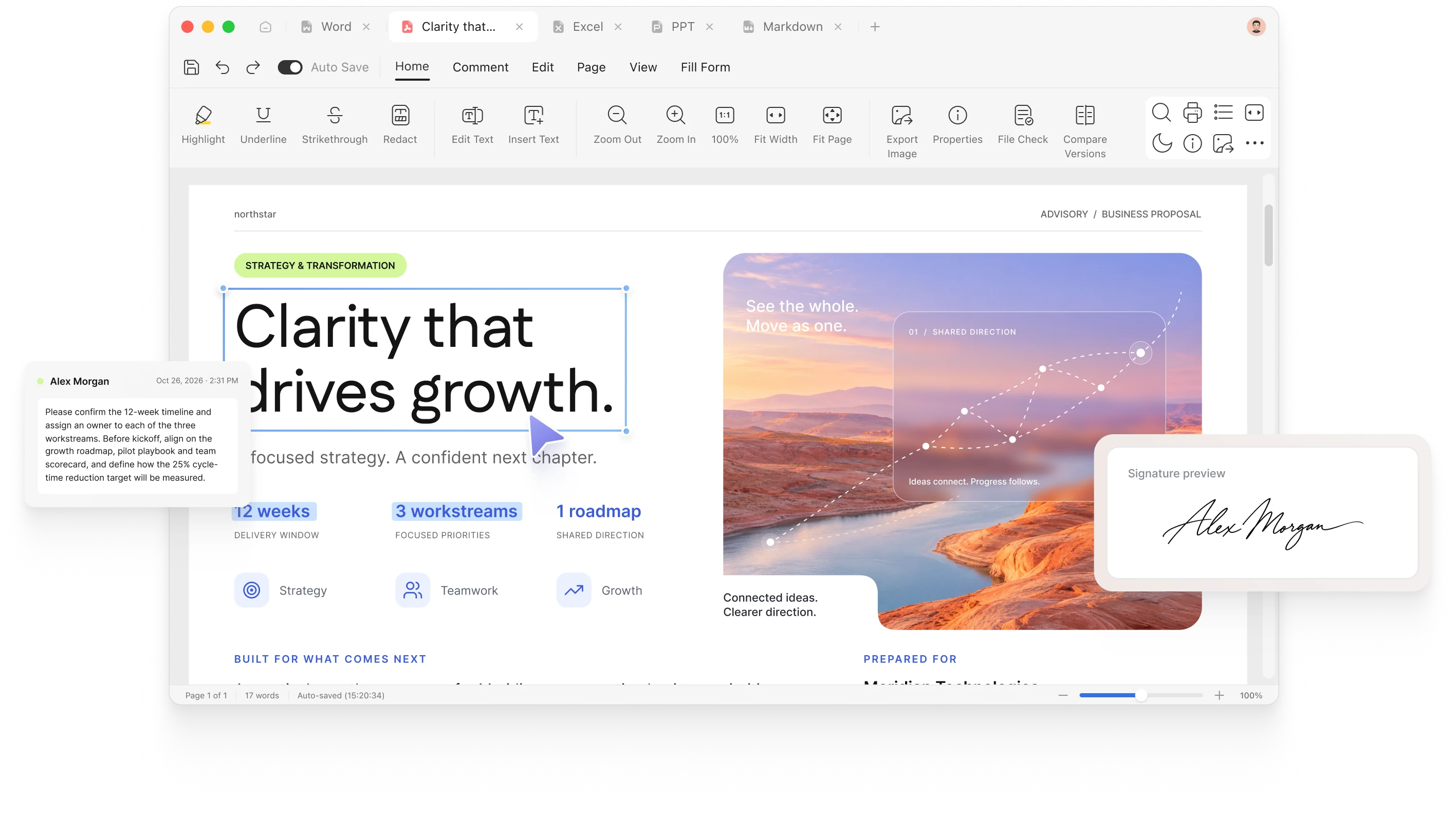
Edit the content, review the details, and keep your PDF ready for the next step.
Update existing text in your PDF to correct details and keep the document current without rebuilding it from scratch.
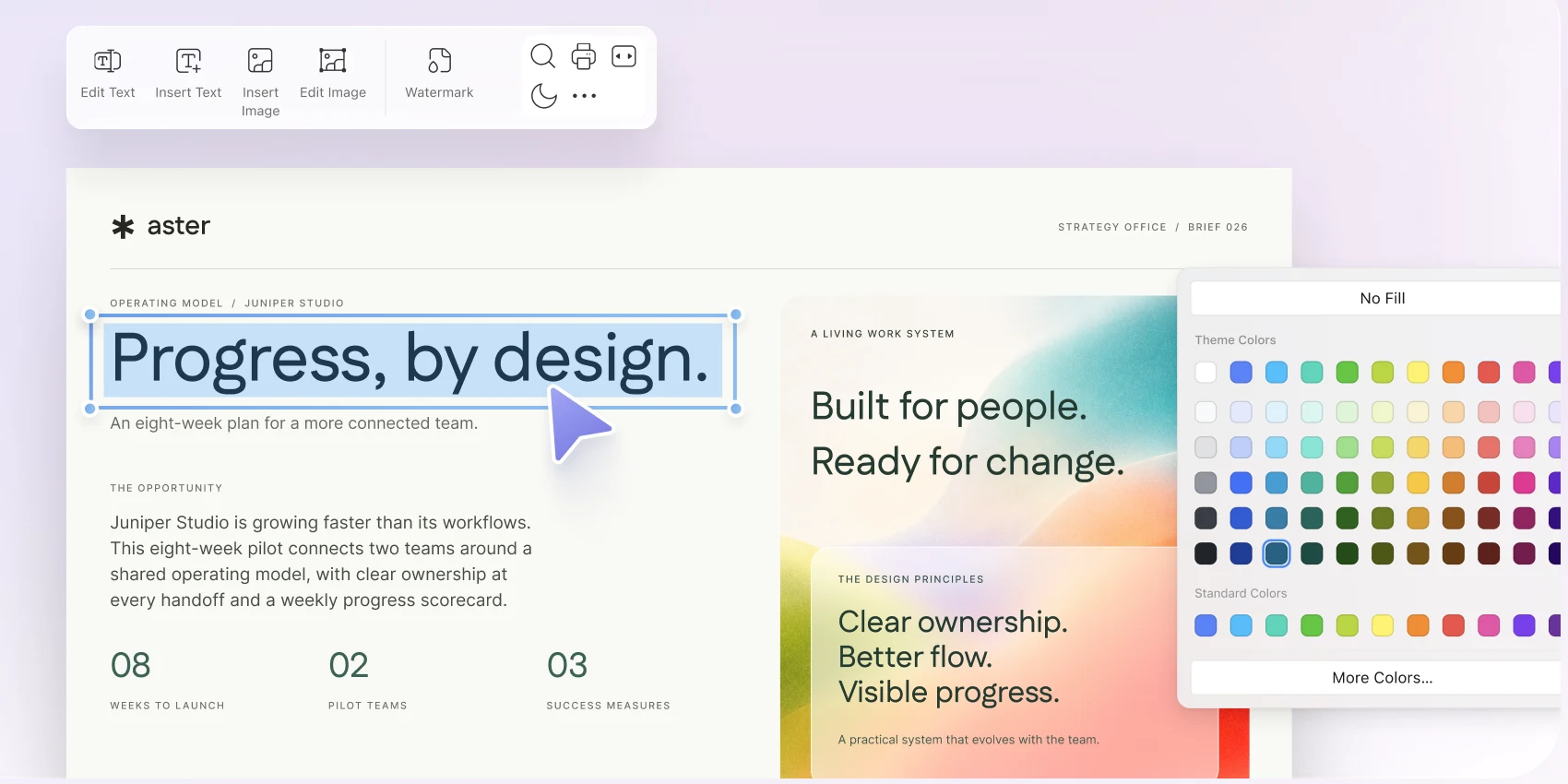
Highlight key information, add comments, and mark up your PDF so feedback stays close to the content.
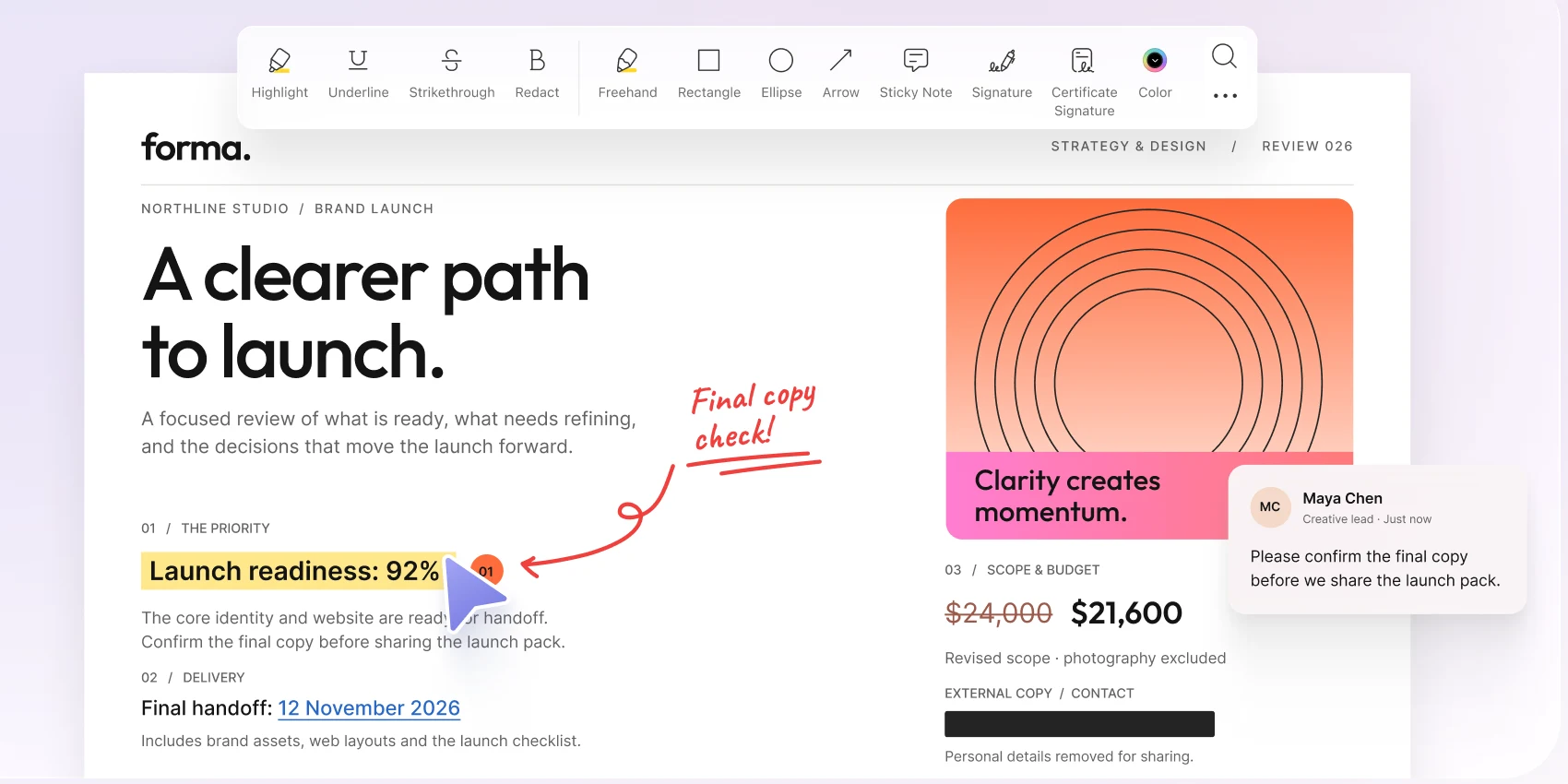
Review the pages in your PDF and arrange them in a clear order for reading and sharing.
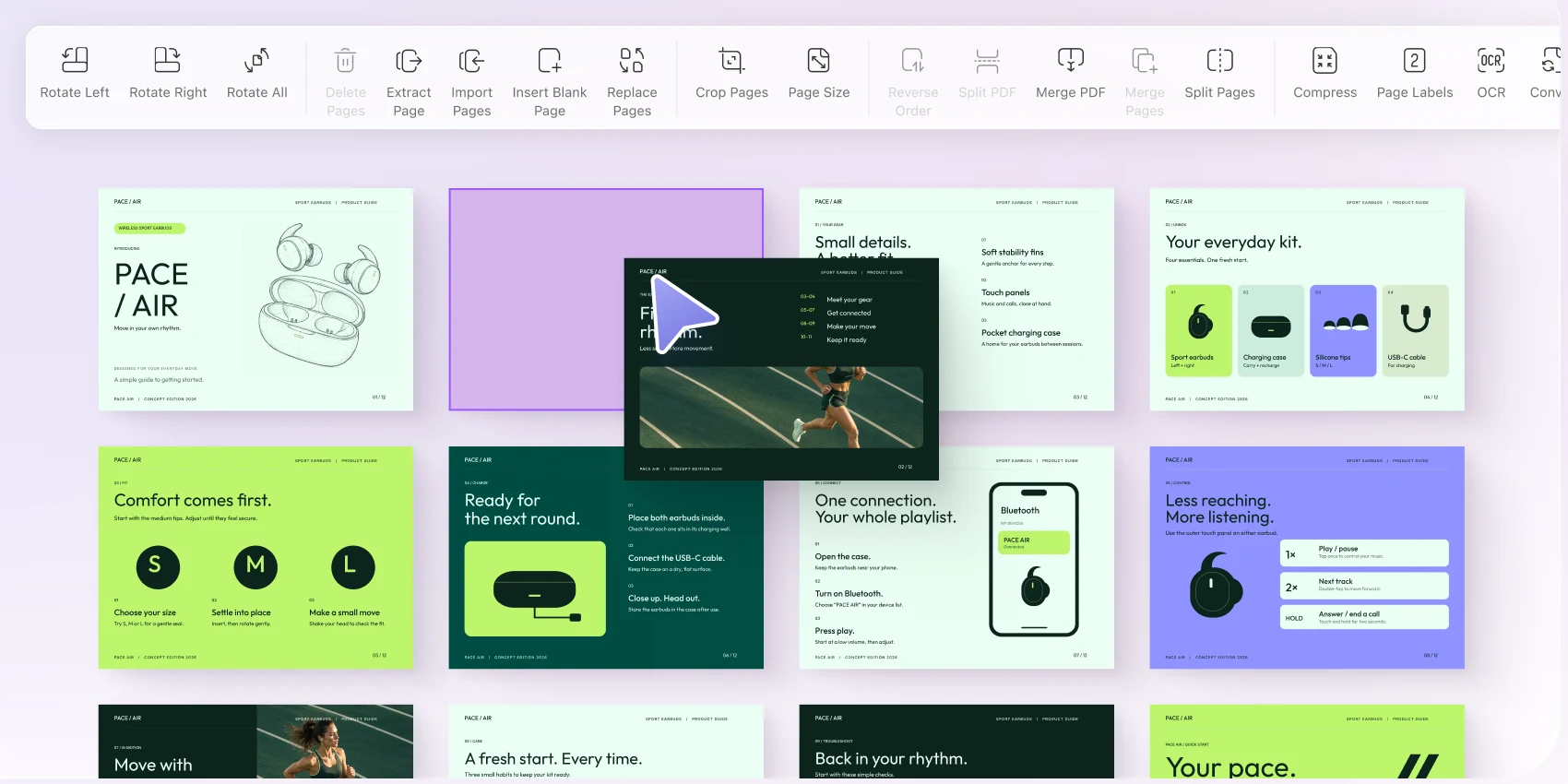
Enter information into PDF forms and complete the details directly on your computer.
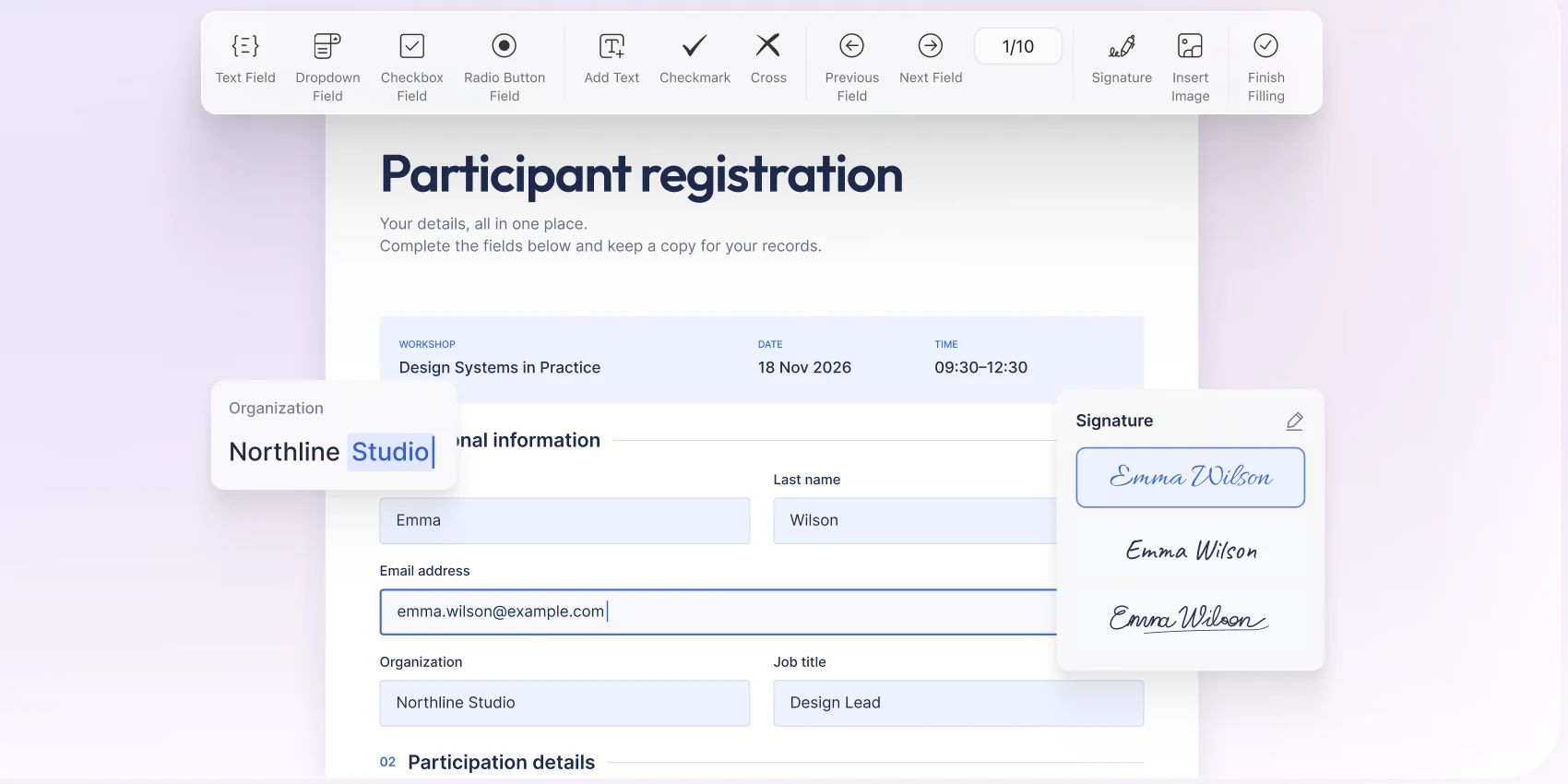
Try Ulet free for 3 days, then choose a Yearly or Lifetime plan.
free trial
open files from your computer
included in one download
Windows and macOS
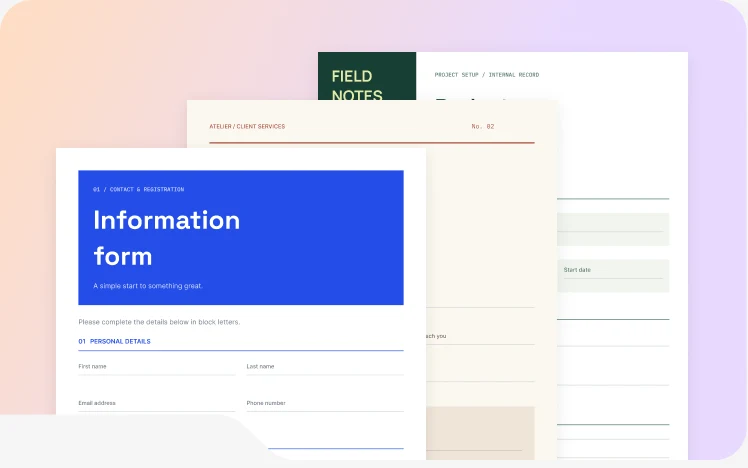
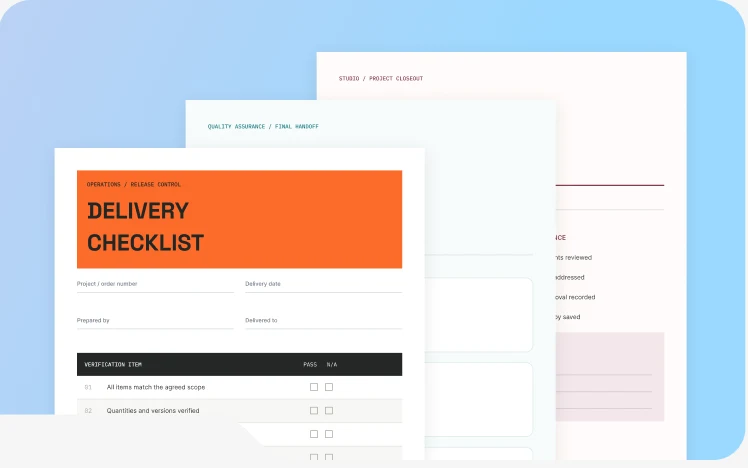
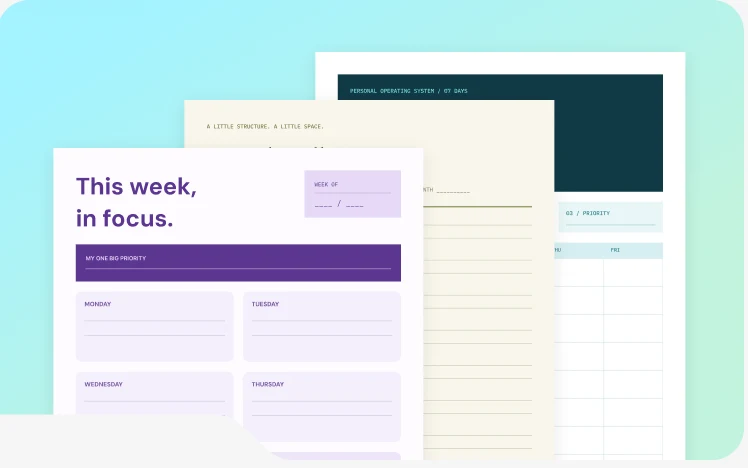
Choose a practical structure, replace the sample content, and start with a useful first draft.
Collect the details in one place.
Keep handovers clear and complete.
Plan your week with a useful structure.
Continue your work with documents, spreadsheets, presentations, PDFs, and Markdown—all in the same Ulet workspace.
Try Ulet free for 3 days, then choose a Yearly or Lifetime plan.
Read the Ulet User Guide
Ulet offers a free version of its PDF Editor as part of the Ulet desktop app. You can upgrade to the paid plan for $1.99 per year to access more advanced features.
Yes. Open a PDF and edit existing text to update or correct its content.
Yes. Highlight information, add comments, and mark up pages for review.
Yes. Arrange PDF pages to keep the document in the order you need.
Yes. Enter information into PDF forms directly in Ulet.
No. Ulet opens PDF files directly from your computer.

Open an existing PDF, edit its text, complete a form, or start with a free template in Ulet.



 Document Editor
 Spreadsheet Editor
 Presentation Maker
 Markdown Editor