3 days
free trial
 Ulet
Open Excel files and work with data, formulas, tables, and charts on Windows and macOS.
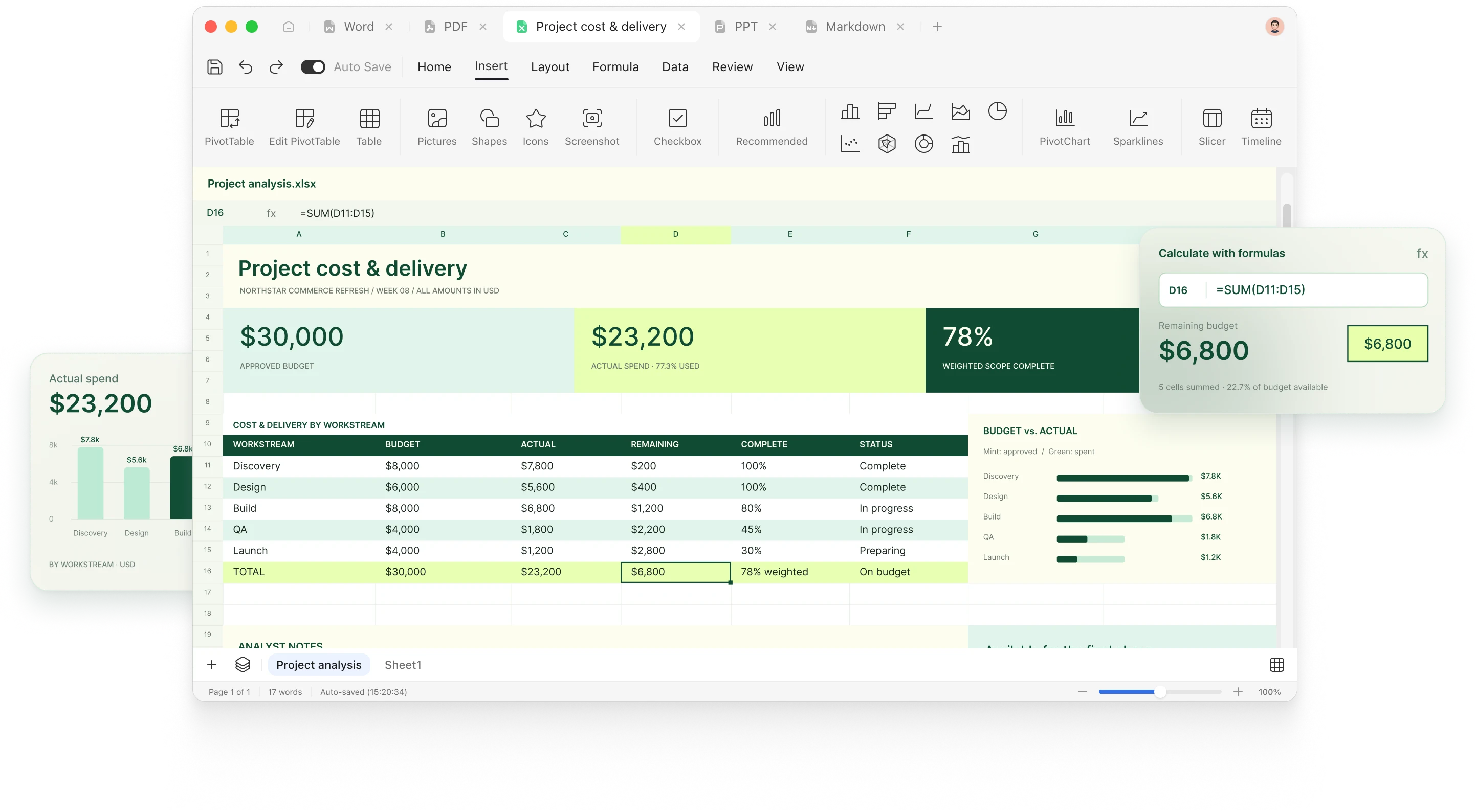
Organize your spreadsheets, calculate with formulas, and turn numbers into charts—all in one focused workspace.
Organize information with rows, columns, tables, and clear formatting. Sort and filter your data to find what matters.
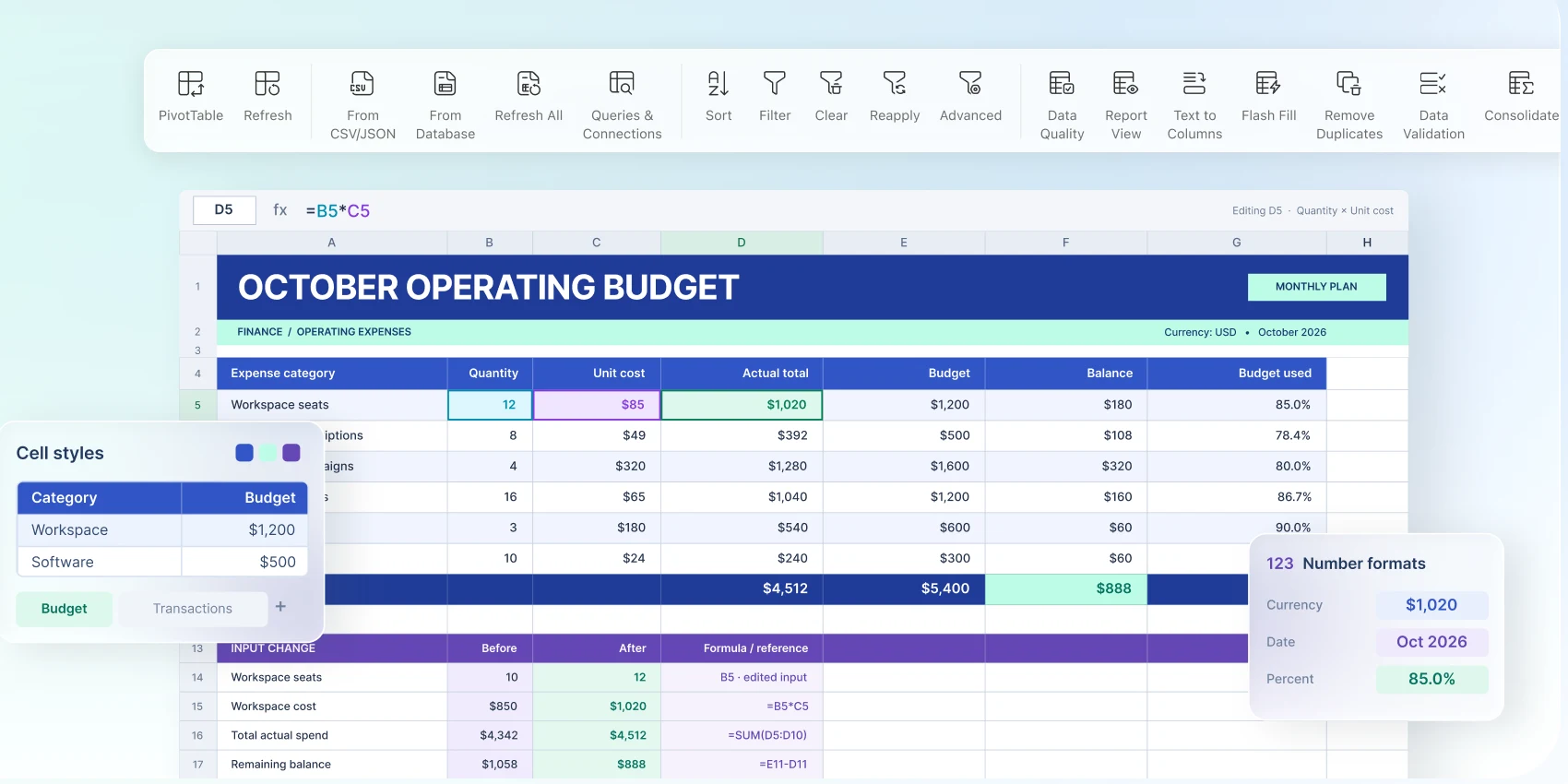
Use formulas and functions to calculate totals, compare values, and keep your workbook up to date as the numbers change.
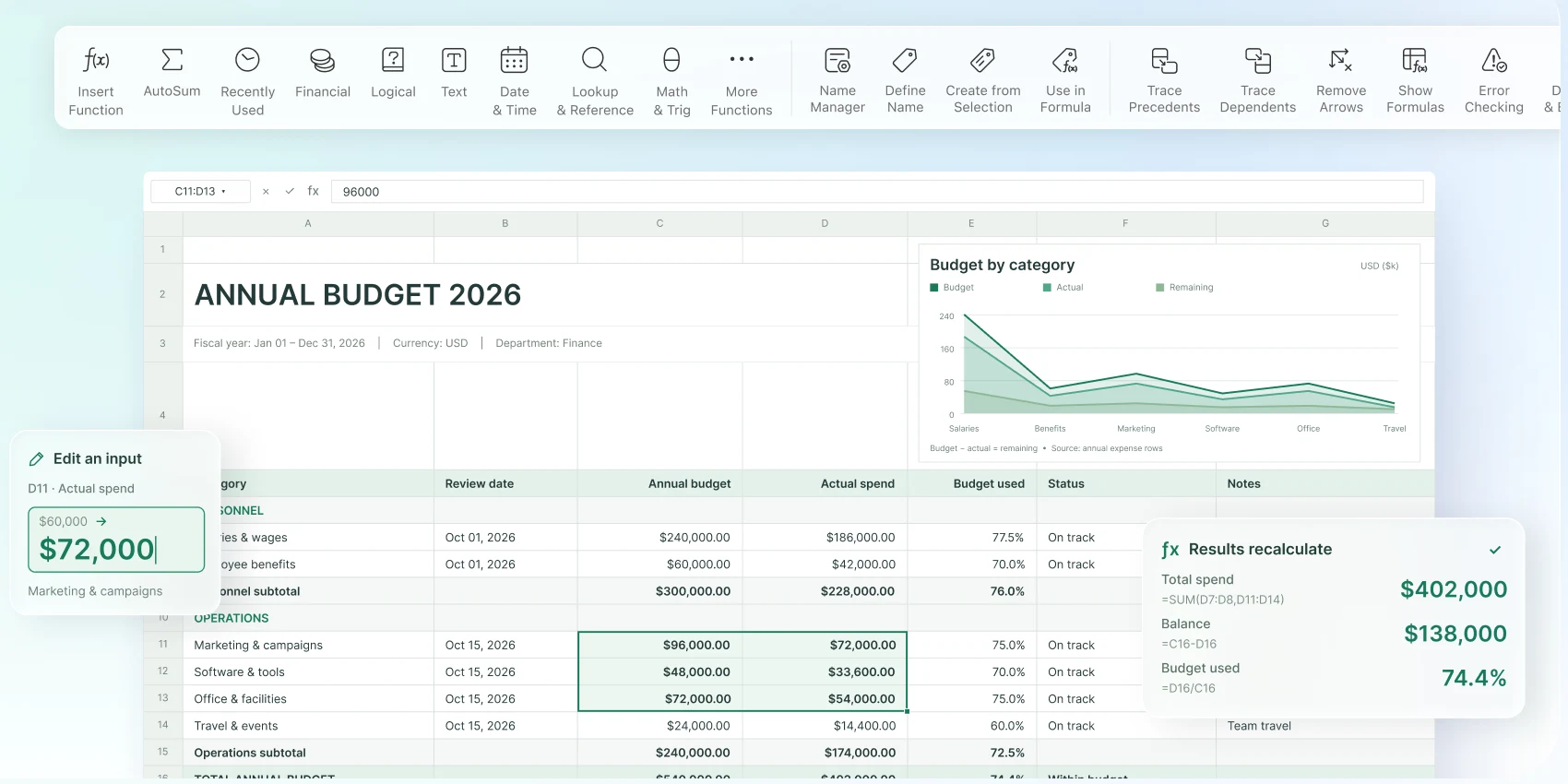
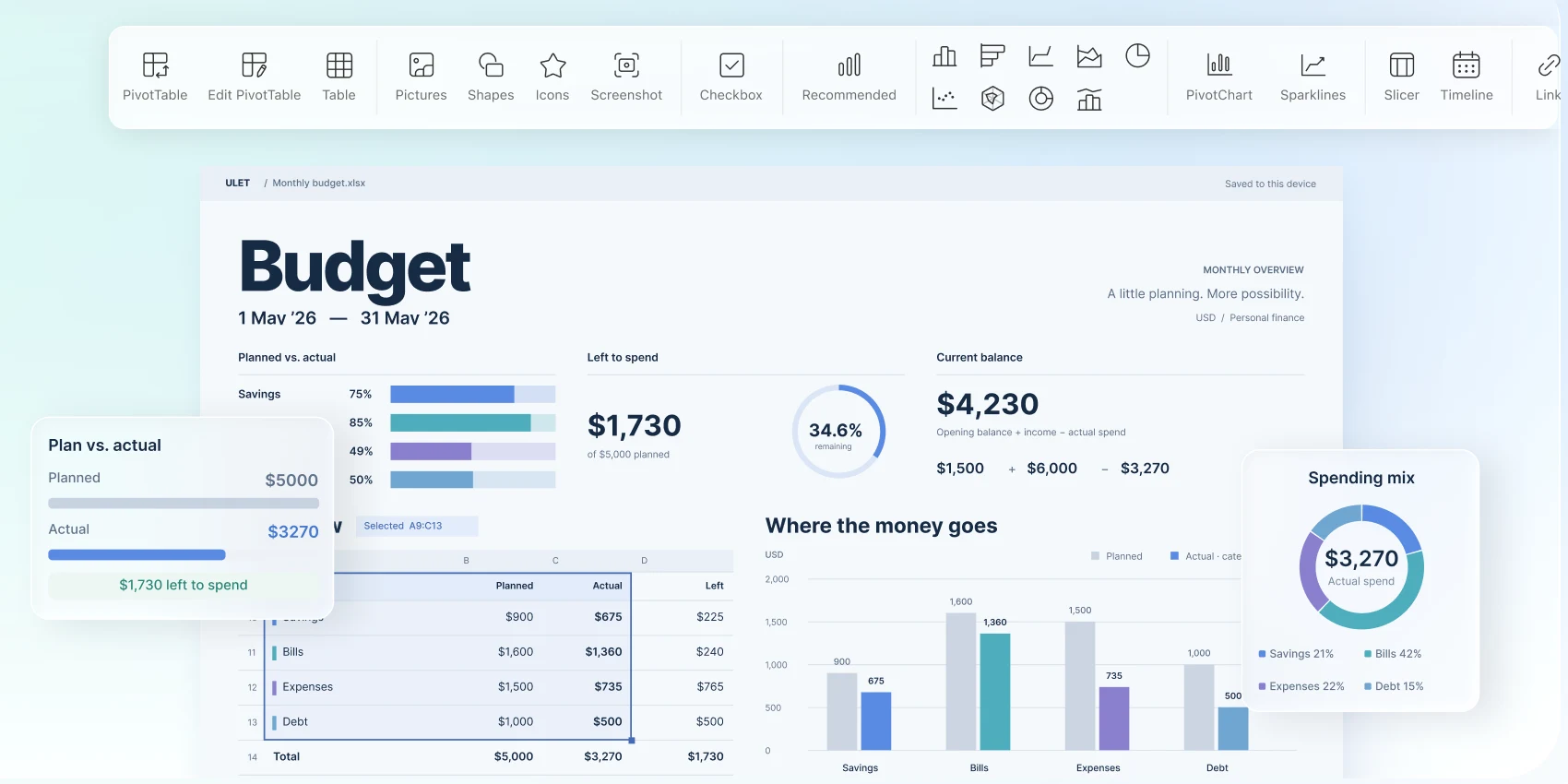
Turn your spreadsheet into charts that make comparisons, progress, and changes over time easier to understand.
Try Ulet free for 3 days, then choose a Yearly or Lifetime plan.
free trial
open files from your computer
included in one download
Windows and macOS
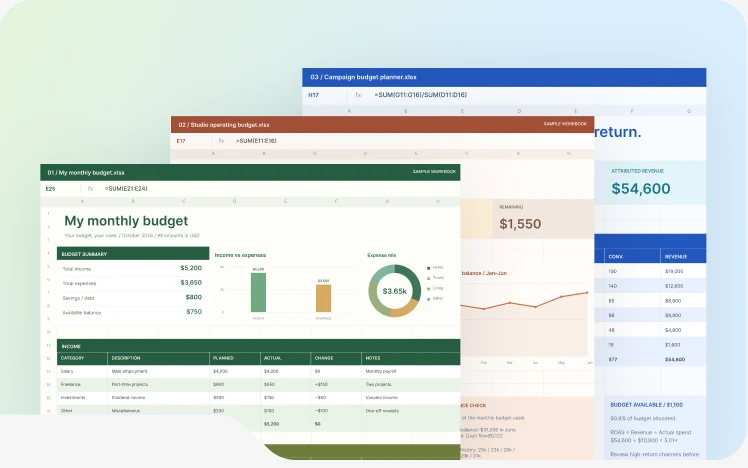
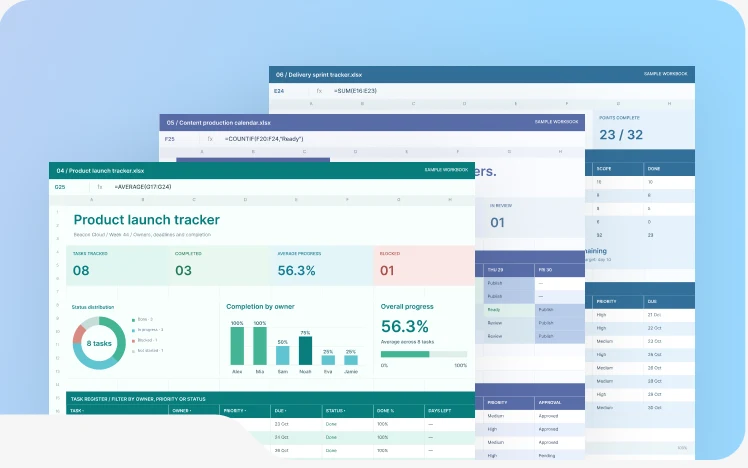
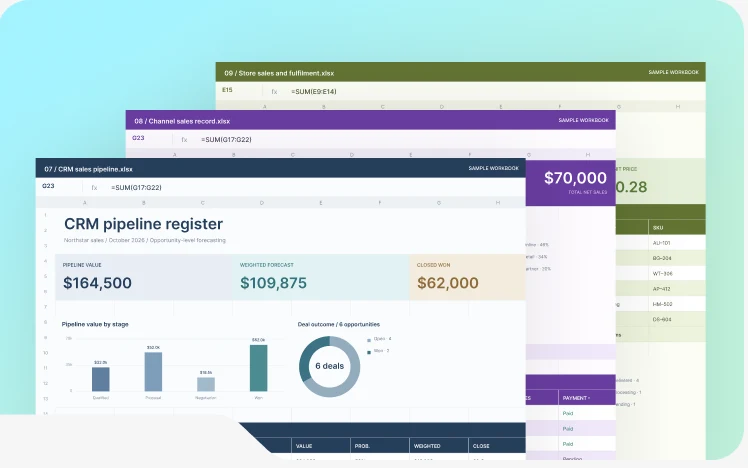
Choose a practical structure, replace the sample content, and start with a useful first draft.
Plan income, spending and savings.
Track tasks, owners and deadlines.
Review results and compare trends.
Continue your work with documents, spreadsheets, presentations, PDFs, and Markdown—all in the same Ulet workspace.
Try Ulet free for 3 days, then choose a Yearly or Lifetime plan.
Read the Ulet User Guide
Ulet offers a free version of its Spreadsheet Editor as part of the Ulet desktop app. You can upgrade to the paid plan for $1.99 per year to access more advanced features.
Yes. Open Excel workbooks and continue working with data and formulas in Ulet.
Yes. Use formulas and functions to calculate values and update results as your data changes.
Yes. Create charts to compare values and visualize trends in your spreadsheet.
No. Open spreadsheet files directly from your computer.
Yes. Start with a budget, task tracker, or sales report template and replace the sample content with your own.

Open an existing Excel file or start with a free spreadsheet template and turn everyday numbers into useful results with Ulet.



 Document Editor
 Presentation Maker
 PDF Editor
 Markdown Editor