3 days
free trial
 Ulet
Open PowerPoint files and create polished slides with text, images, shapes, and flexible layouts on Windows and macOS.
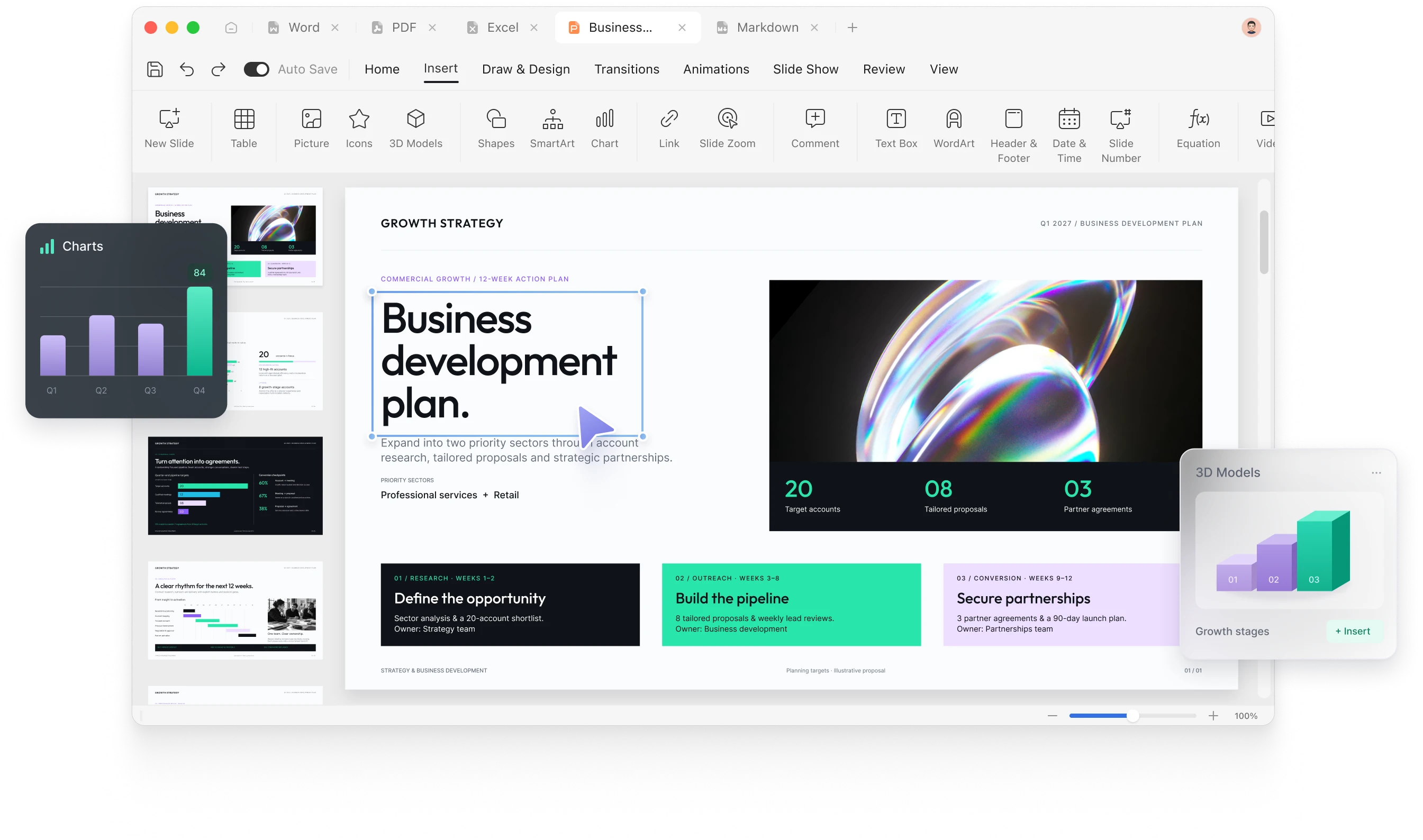
Organize your ideas, design clear slides, and move from editing to presenting in one focused workspace.
Build your presentation slide by slide. Add, arrange, and organize slides to give your story a clear beginning, middle, and end.
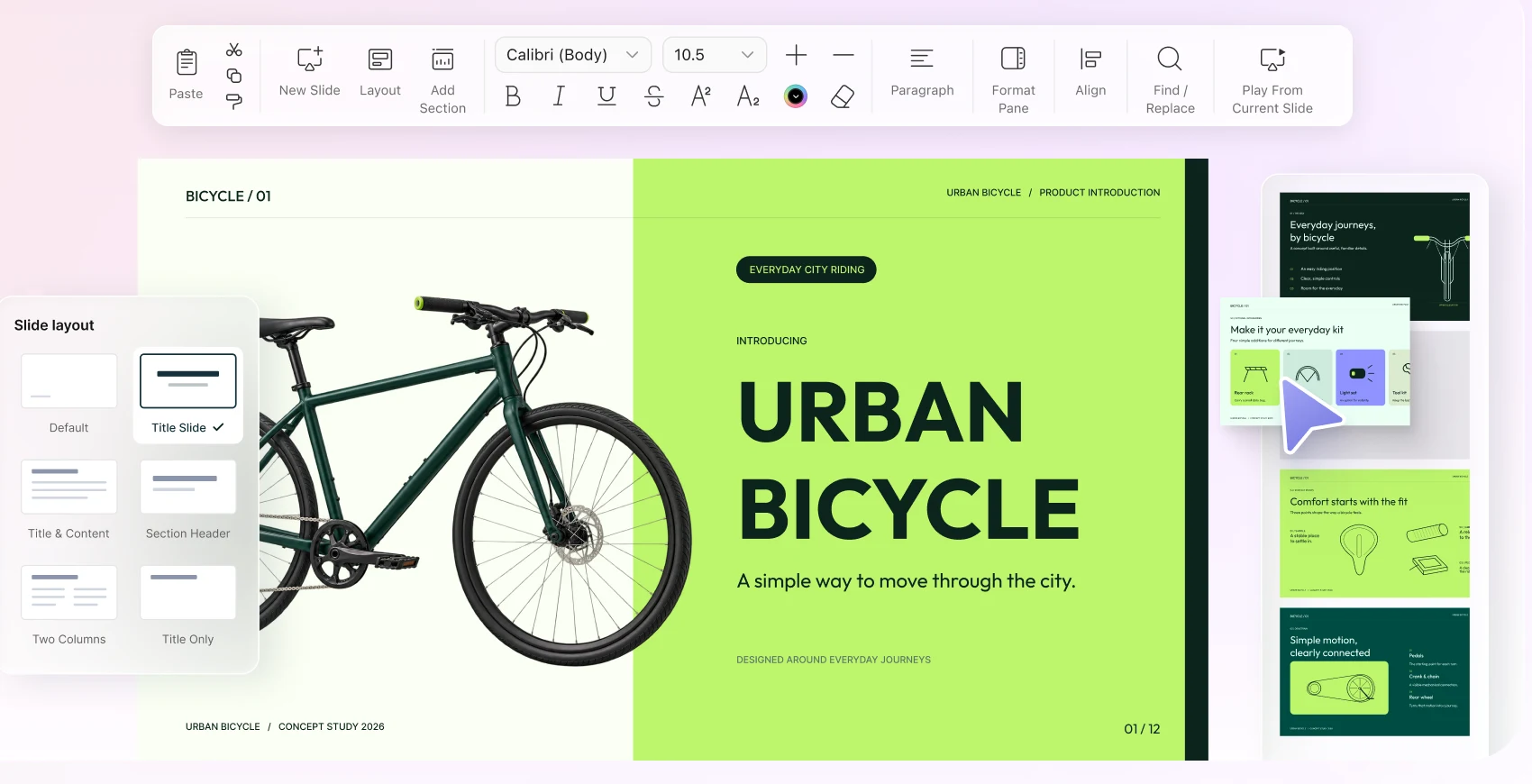
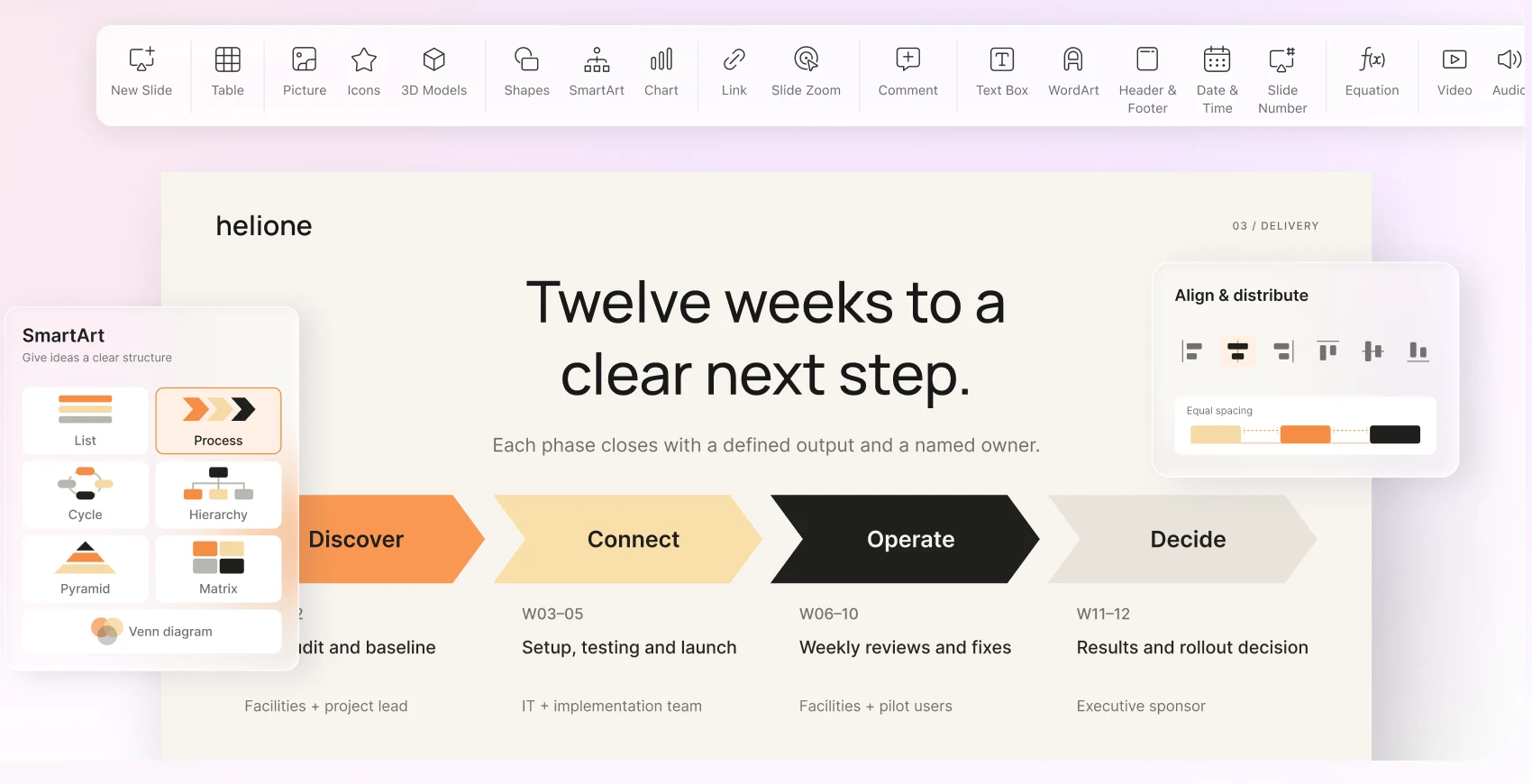
Bring together text, images, shapes, charts, and flexible layouts. Align elements and keep your presentation clear and consistent.
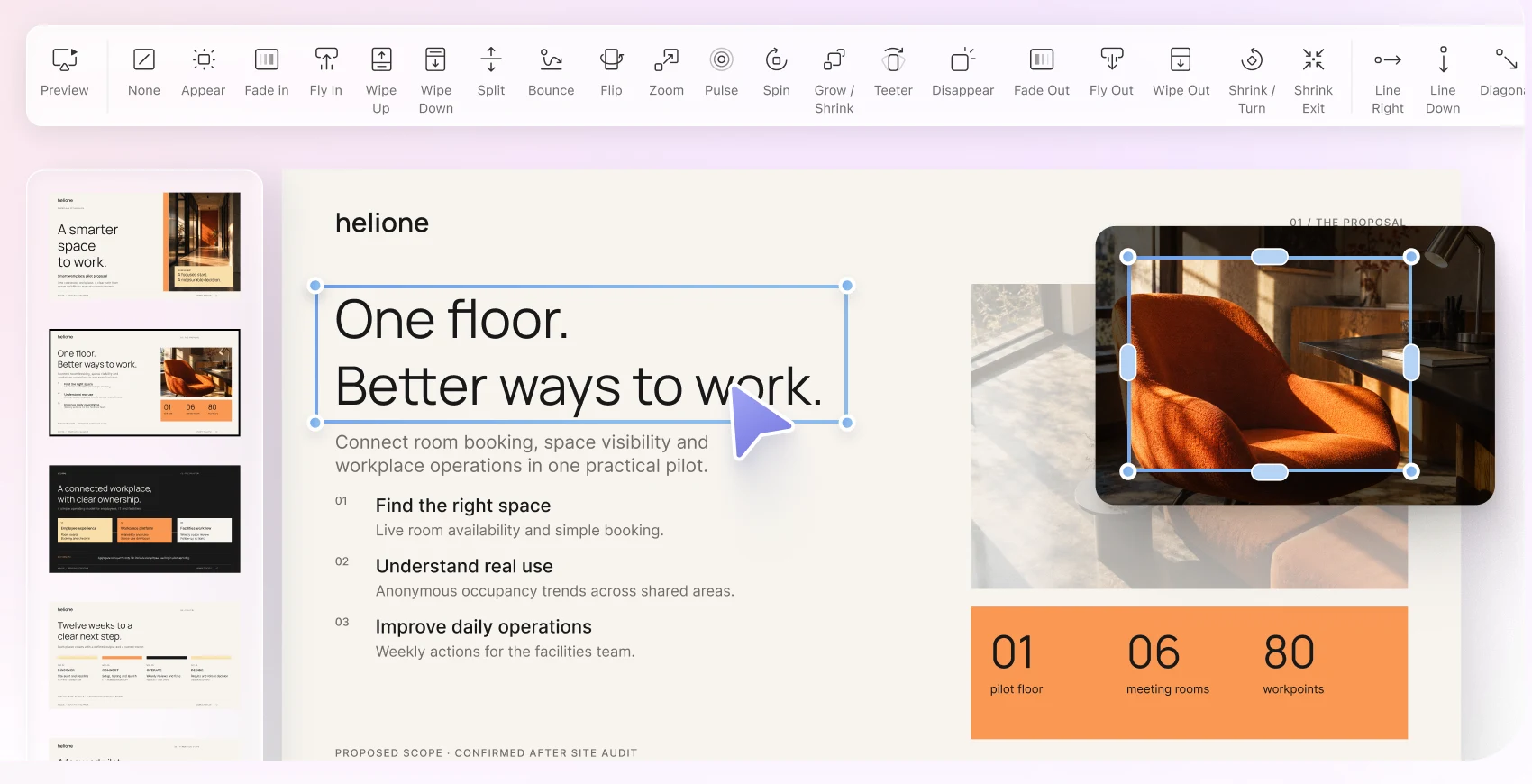
Review your slides, refine transitions, and start your slide show when you are ready to share your ideas.
Try Ulet free for 3 days, then choose a Yearly or Lifetime plan.
free trial
open files from your computer
included in one download
Windows and macOS
Choose a practical structure, replace the sample content, and start with a useful first draft.
Share progress, milestones and next steps.

Introduce your product and its value.

Build a clear, structured learning session.

Continue your work with documents, spreadsheets, presentations, PDFs, and Markdown—all in the same Ulet workspace.
Try Ulet free for 3 days, then choose a Yearly or Lifetime plan.
Read the Ulet User Guide
Ulet offers a free version of its Presentation Maker as part of the Ulet desktop app. You can upgrade to the paid plan for $1.99 per year to access more advanced features.
Yes. Open PowerPoint presentations and continue working on the slides in Ulet.
Add text, images, shapes, tables, and charts to communicate your ideas.
Use slide transitions to guide your audience from one part of the presentation to the next.
Yes. Move from editing into slide show mode to present your work.
No. Ulet opens presentation files locally on your computer.

Open an existing PowerPoint file or start with a free presentation template and build your next slide deck with Ulet.



 Document Editor
 Spreadsheet Editor
 PDF Editor
 Markdown Editor