3 days
free trial
 Ulet
Write and preview Markdown with clean formatting, focused editing, and local files on Windows and macOS.
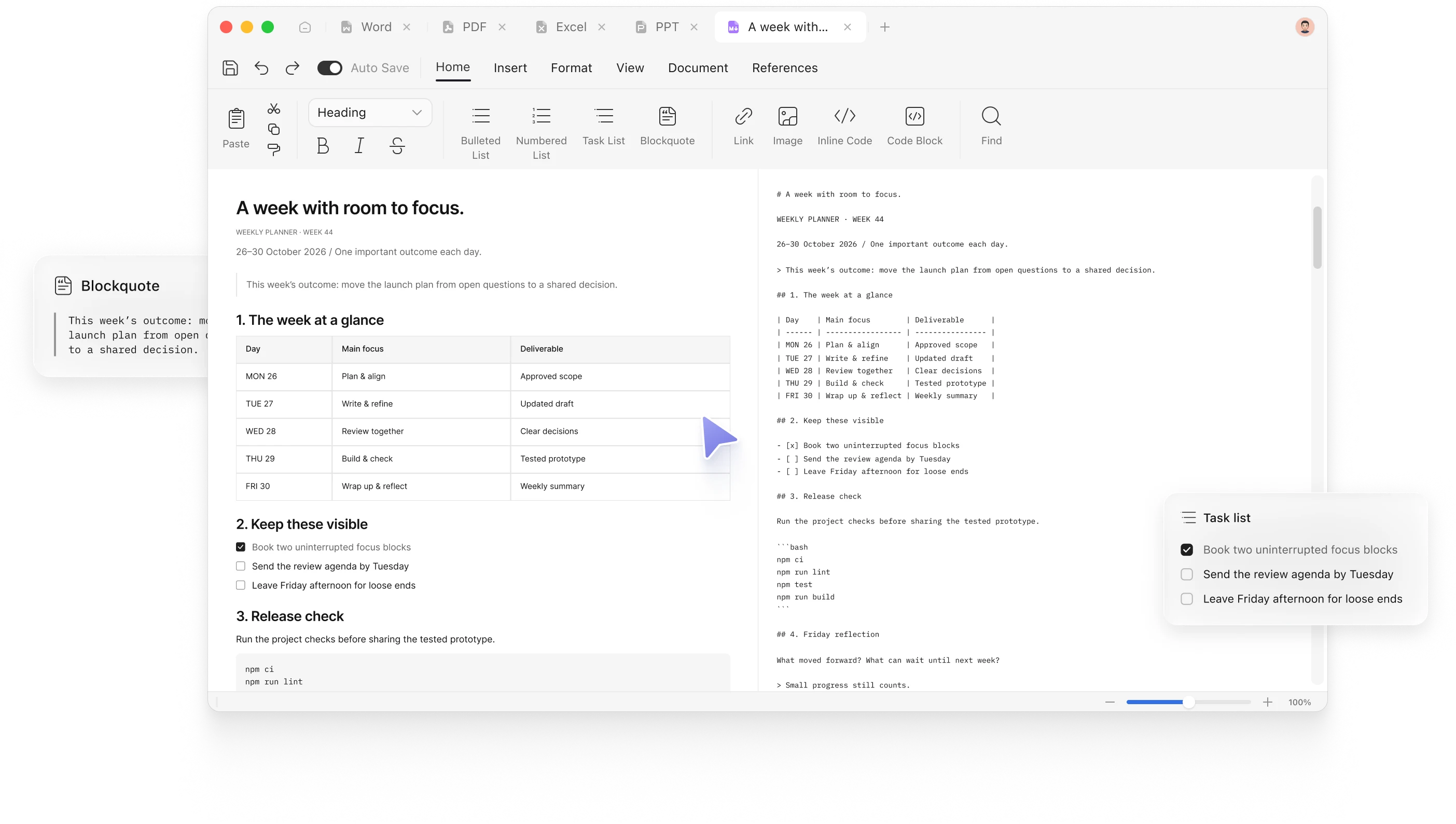
Choose how you want to write, structure technical content clearly, and move your finished Markdown into formats others can use.
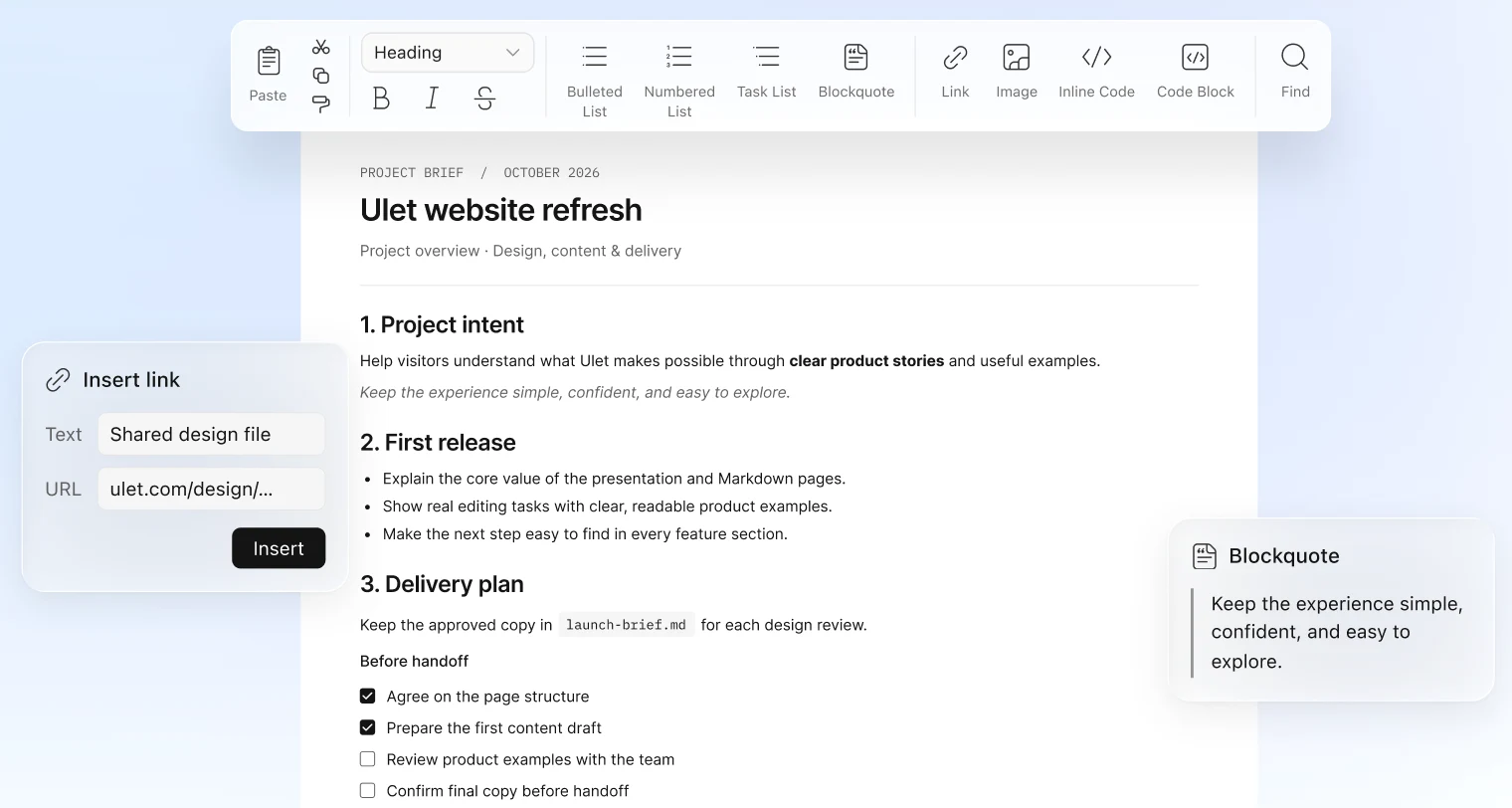
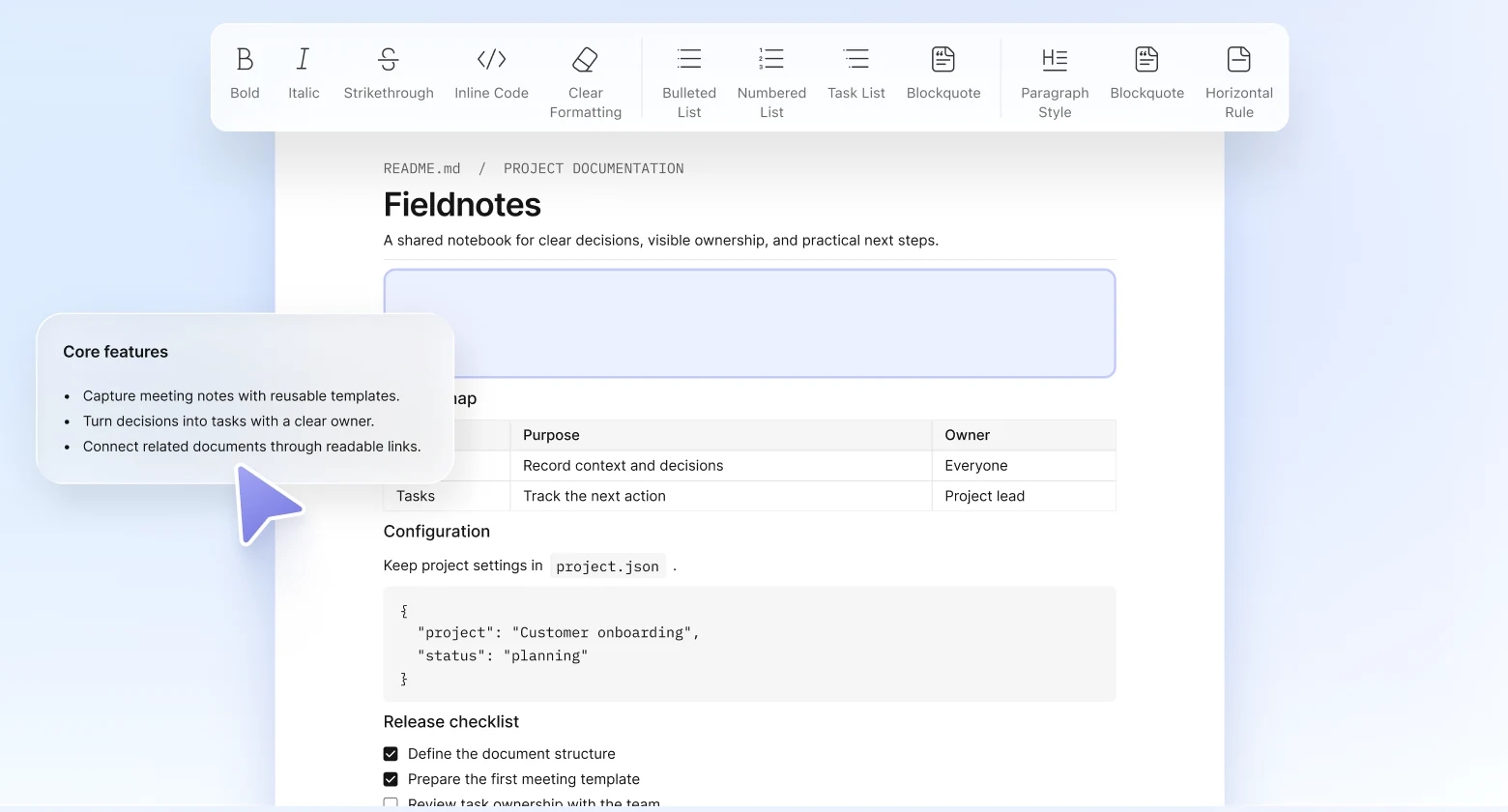
Use familiar formatting controls for headings, emphasis, lists, links, quotes, and code without manually entering every Markdown symbol.
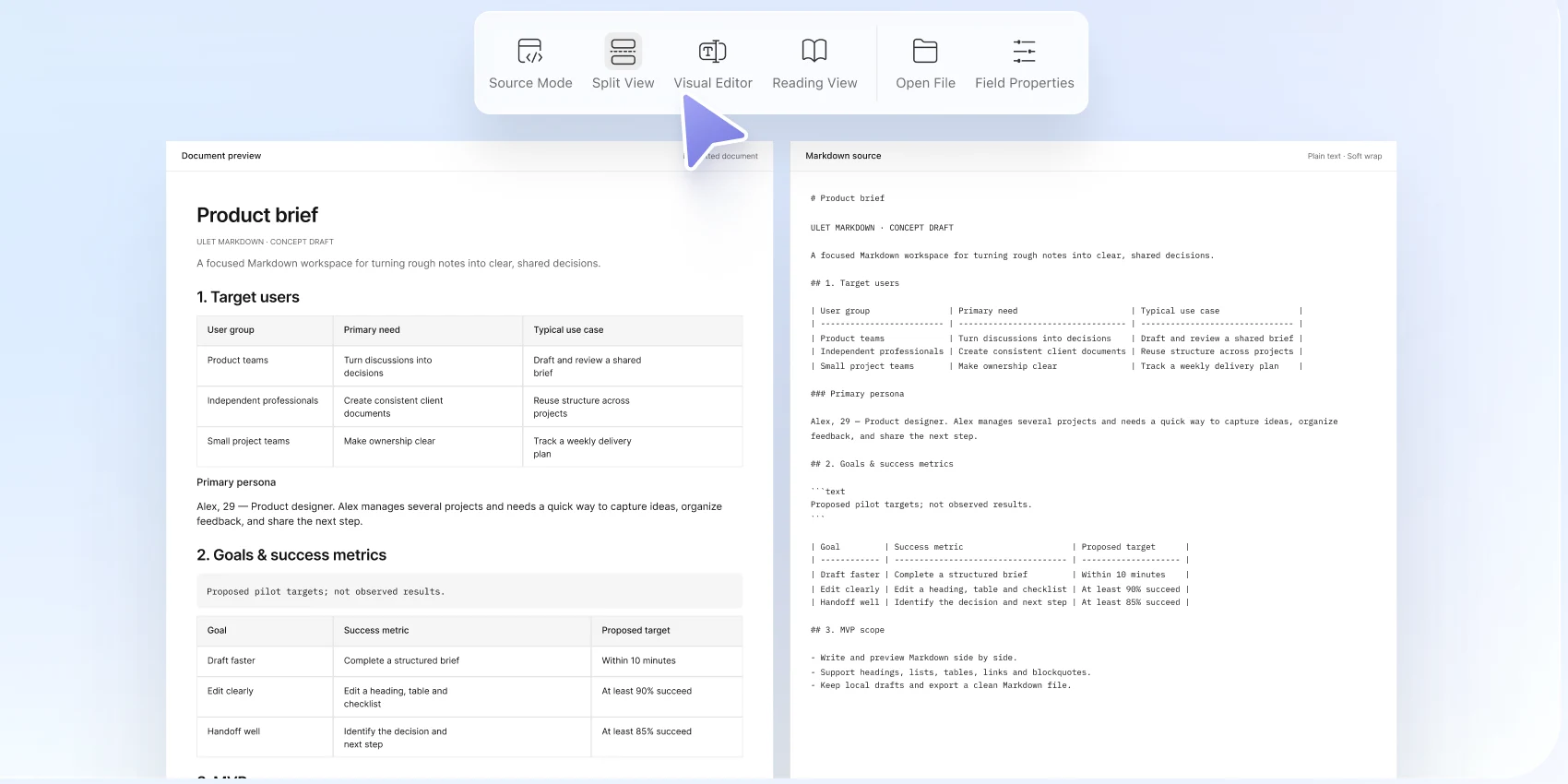
Edit Markdown source directly and use a split view to keep the source and formatted result side by side.
Organize information with headings, lists, task items, tables, blockquotes, links, inline code, and code blocks.
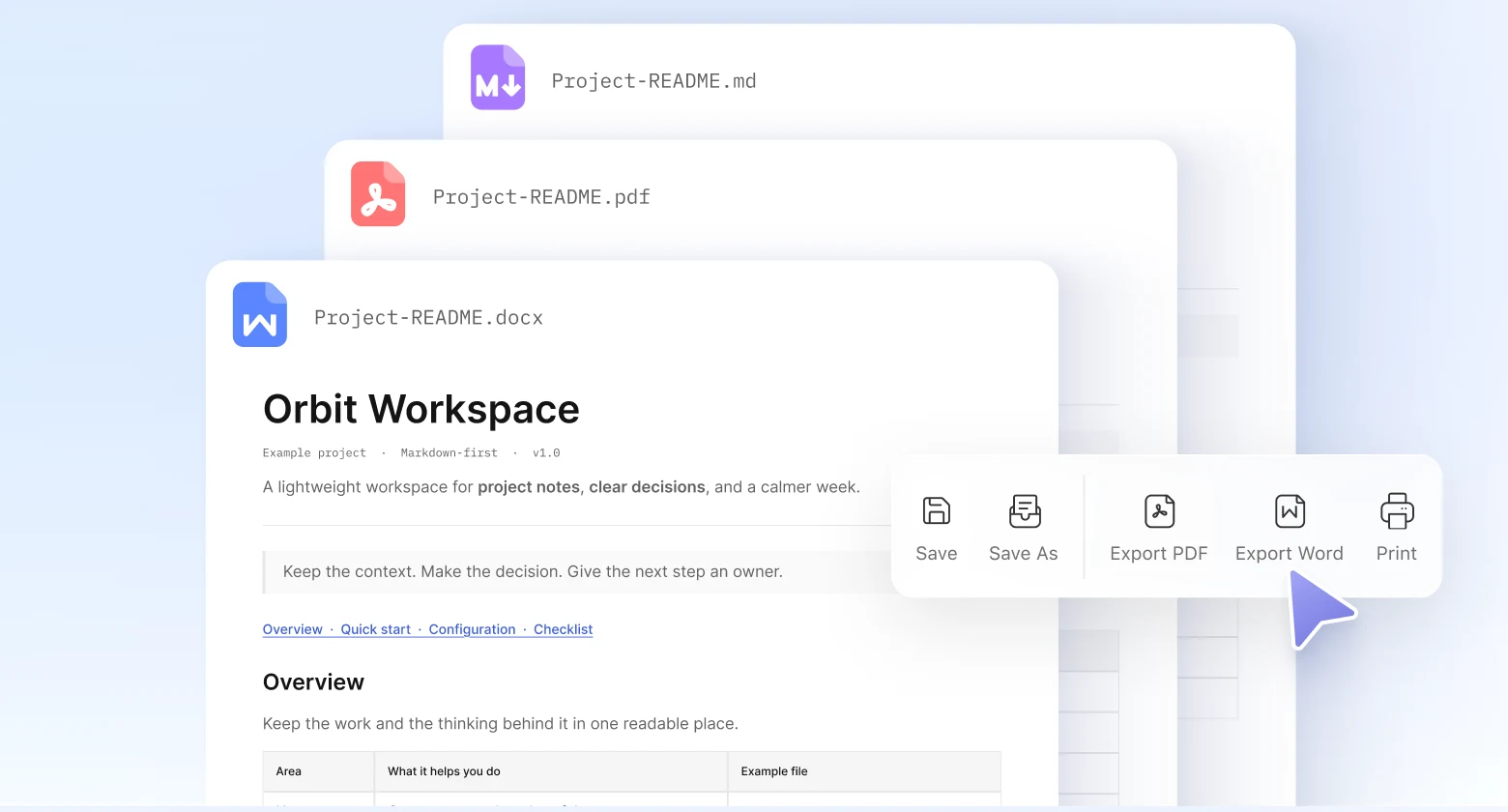
Keep the original Markdown file, or export the completed document to PDF or Word when it needs to be shared beyond a Markdown workflow.
Try Ulet free for 3 days, then choose a Yearly or Lifetime plan.
free trial
open files from your computer
included in one download
Windows and macOS
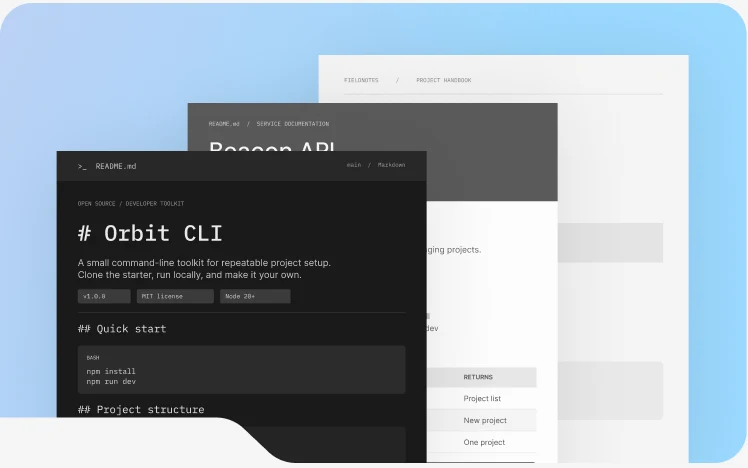
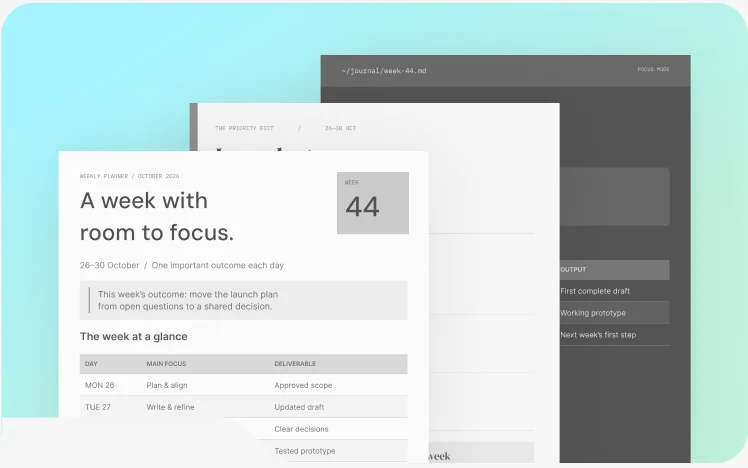
Choose a practical structure, replace the sample content, and start with a useful first draft.
Explain setup, usage and project details.
Capture decisions, actions and next steps.
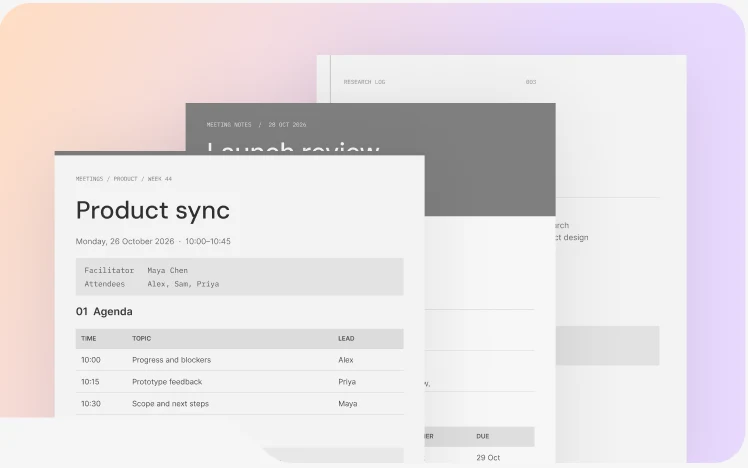
Plan priorities, tasks and deadlines.
Continue your work with documents, spreadsheets, presentations, PDFs, and Markdown—all in the same Ulet workspace.
Try Ulet free for 3 days, then choose a Yearly or Lifetime plan.
Read the Ulet User Guide
Ulet offers a free version of its Markdown Editor as part of the Ulet desktop app. You can upgrade to the paid plan for $1.99 per year to access more advanced features.
Yes. Open local Markdown files and continue writing in Ulet.
Yes. Use familiar formatting controls to edit Markdown content visually.
Yes. Switch to source editing to work directly with Markdown syntax.
Yes. View the Markdown source and formatted result side by side.
Use headings, lists, task items, tables, blockquotes, links, inline code, and code blocks.
Yes. Keep your original Markdown file or export your finished document to PDF or Word.

Open an existing Markdown file or start with a free template, then write, preview, and export your work in Ulet.


 Document Editor
 Spreadsheet Editor
 Presentation Maker
 PDF Editor