
A relative Markdown link starts from the folder containing the current note. Use the target filename for a same-folder link, a folder name for a child destination and ../ to move to the parent folder.
Create a tiny folder example before applying this to a large notes collection. The direction depends on which file contains the link.
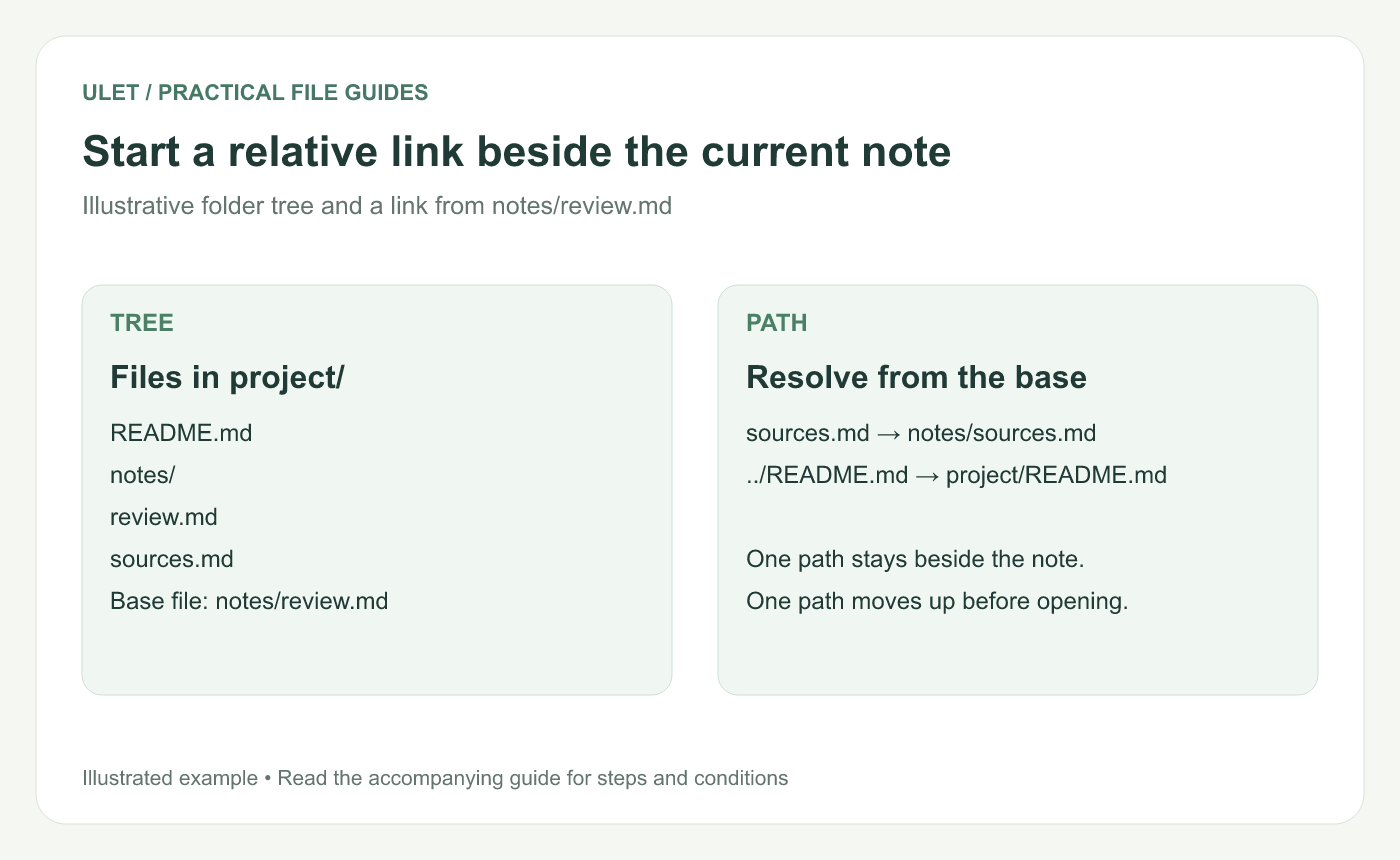
Start a relative link beside the current note. Original instructional illustration; examples are not software screenshots or product test results.
Use this three-file example
project/
  README.md
  notes/
    review.md
    sources.md
From notes/review.md, [Sources](sources.md) points to the neighboring note. [Start here](../README.md) moves up to project/ and then selects the README.
From README.md, the link to the review note is [Review](notes/review.md). The same destination needs different path text because the starting file is different.
Keep the path distinct from the visible wording
The text in square brackets tells the reader what they will open. The destination in parentheses tells the renderer where it is.
A reference label, as described in the reference-link guide, is another way to organize link syntax. It does not change where a relative destination starts.
GitHub documents current-file-relative links and parent-directory operands for repository Markdown. Local desktop and published workflows can have their own handling, so test the intended receiving tool too. GitHub relative-link guidance.
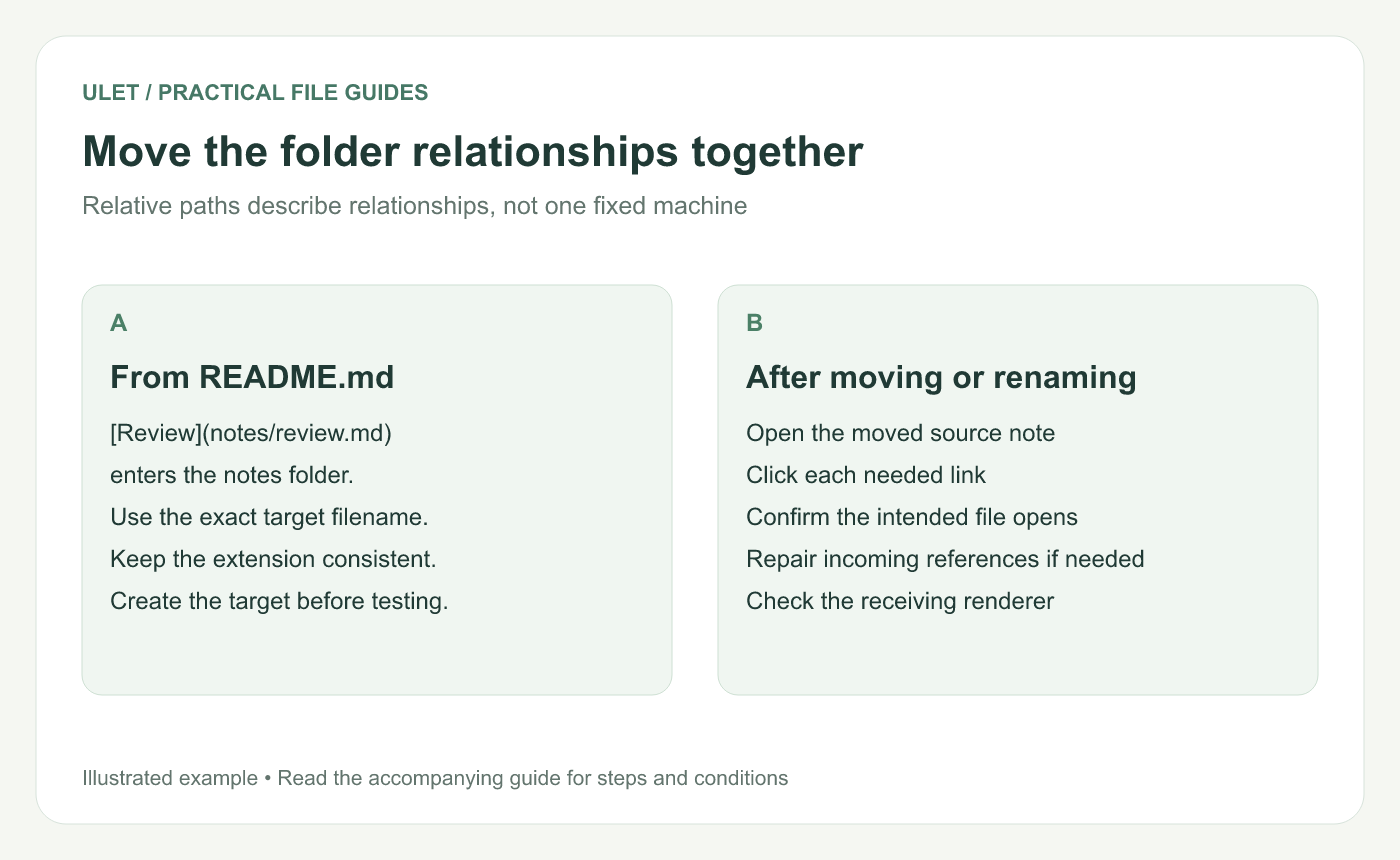
Move the folder relationships together. Original instructional illustration; examples are not software screenshots or product test results.
Check names and folder changes
Use consistent filename case and include the intended extension. A link that happens to work on one computer can expose a naming mismatch in another environment.
Moving the complete project folder can preserve these relationships. Moving only review.md to another level changes the base folder and can break both example links.
Renaming a target also needs a review of notes that link to it. Do not assume every editor automatically updates all incoming references.
Test the moved copy
Save all three files.
Open the linking note from its actual location.
Follow each link and inspect the destination content.
Repeat after any folder move or rename.
Check the exported or published format separately if one is required.
Ulet provides free local Markdown editing on Windows and macOS. Keep the example folder together and verify the actual local-link interaction in the version you use.


