
Use Markdown reference links when a document repeats a destination or long inline URLs interrupt the source text. Write the readable link text with a reference label, then define that label on its own line in the same file.
The paragraph and destination are separated in the source, but the preview should still show an ordinary clickable link.
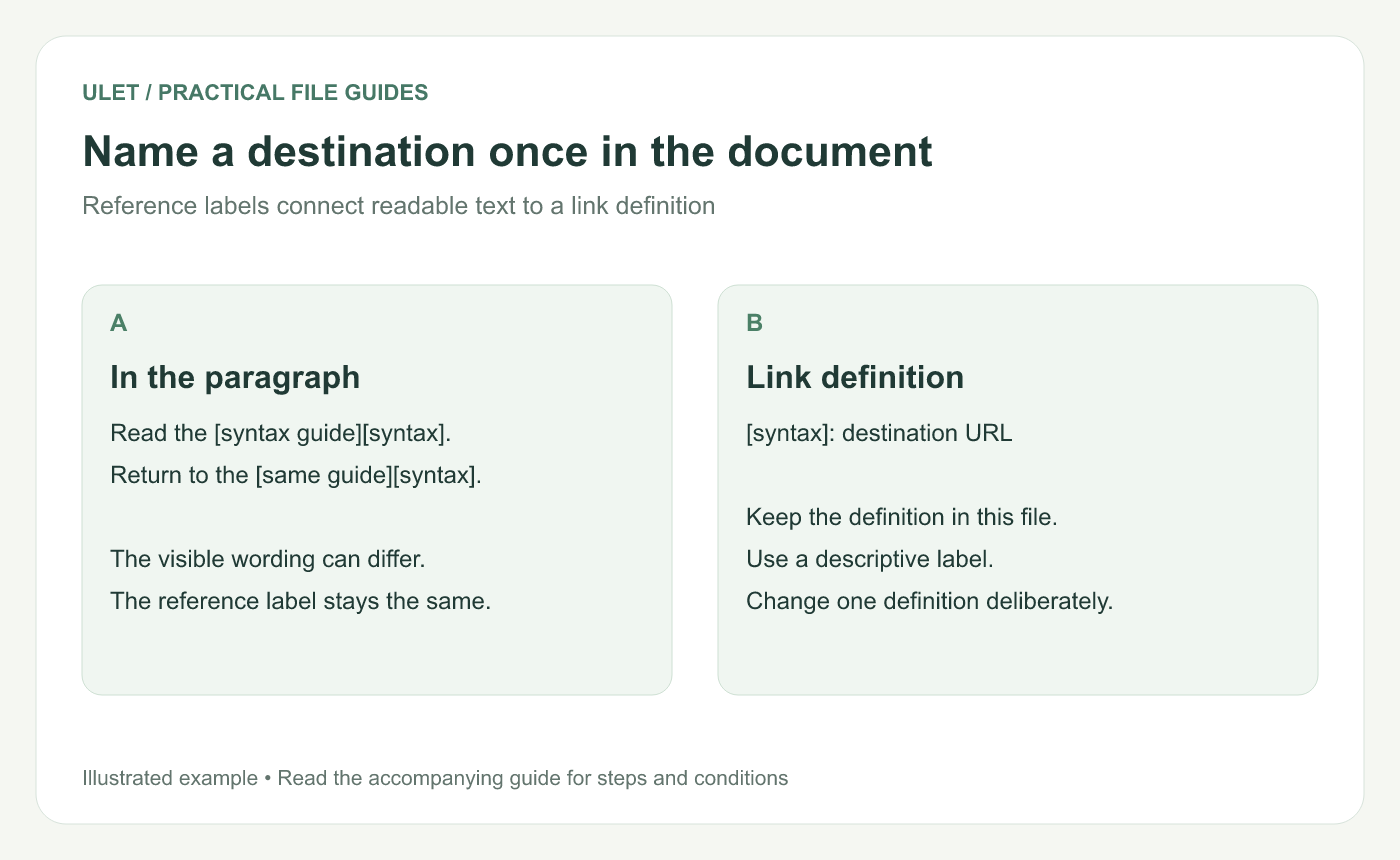
Name a destination once in the document. Original instructional illustration; example text and diagrams are not software screenshots.
Start with one definition
Read the [syntax guide][syntax].
Return to the [same guide][syntax] when needed.

[syntax]: https://daringfireball.net/projects/markdown/syntax
The visible phrases “syntax guide” and “same guide” both use the label syntax. That label connects them to the single URL in the definition.
The original Markdown syntax guide documents this reference-link form. Markdown link reference.
Choose labels that remain understandable
Use labels such as syntax, project-brief or source-table rather than an unexplained number when that makes the source easier to maintain.
Keep a consistent spelling and avoid defining the same label for different destinations. The reference label is an authoring aid; the visible link text should describe what a reader will open.
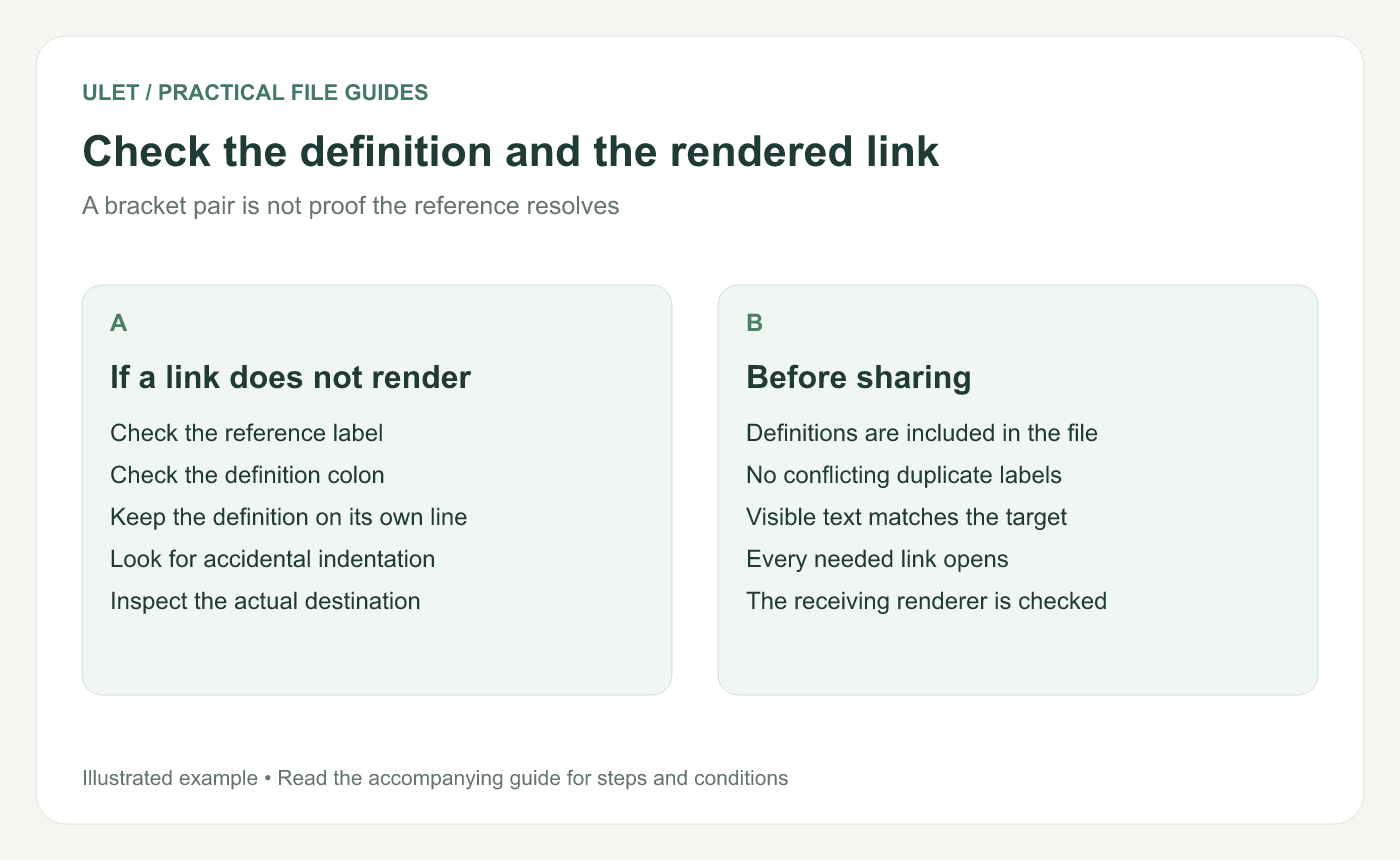
Check the definition and the rendered link. Original instructional illustration; example text and diagrams are not software screenshots.
Update a shared destination carefully
Changing the URL in the definition changes the destination used by its references. Before doing that, find all uses of the label and confirm the new destination fits each one.
If one paragraph needs a different resource, give it a separate label. Reusing the old label just because it already exists can make the visible text and target disagree.
Keep definitions with the note
A definition in another Markdown file is not automatically shared with this one. Include the needed definition when copying a paragraph into a new note.
Place definitions on their own lines outside a code block. Accidental indentation or missing punctuation can make a definition display as text rather than supply a link target.
Check the preview and the actual target
Confirm each intended link renders.
Open it and inspect the destination.
Check the visible wording still describes that destination.
Search for unresolved or conflicting reference labels.
Save and reopen the file in the receiving Markdown workflow.
Ulet provides free local Markdown editing on Windows and macOS. Use source and preview together to review the definitions, then keep the complete .md file as the editable source.



