
Send a DOCX when the recipient needs to edit and maintain the document's content. Send a PDF when the task is to read, print or review an issued page-layout copy. Follow any format requirement the recipient has supplied.
Neither extension tells the whole story. A PDF may have editable content or annotations, and a DOCX can look different in another editor. Choose the workflow, then check the actual file.
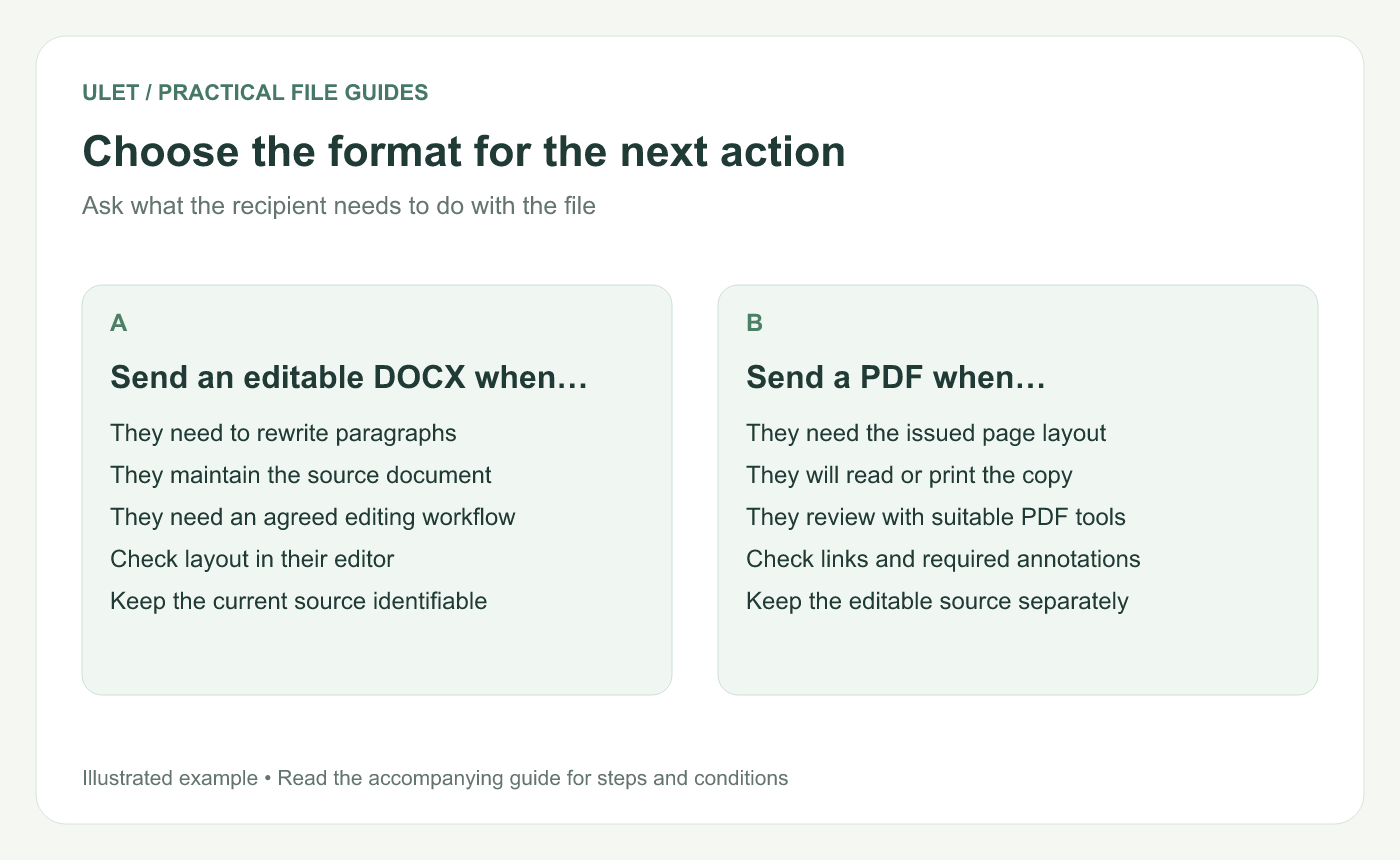
Choose the format for the next action. Original instructional illustration; example text and diagrams are not software screenshots.
Start with the recipient's next action
Ask what they are expected to return. A colleague rewriting a proposal needs a different working file from a reader checking the final page layout.
If the receiver uses a submission system or an agreed review process, check its accepted format first. Do not change the delivery type simply because it is convenient for the sender.
Use DOCX for a maintained document source
DOCX is a practical choice when the next person must change paragraphs, reorganize sections or continue developing the document. Agree which editor and review convention the team will use.
Inspect the layout in the receiving workflow when it matters. Fonts, tables and pagination deserve particular attention. The DOCX and PDF comparison guide explains how to review matching content anchors.
Use PDF for the issued page-layout copy
A PDF can give the recipient a defined set of pages to read or print. If it is also a review file, confirm the recipient can see the required notes or form entries in their viewer.
Do not describe PDF as a guarantee against editing. The useful distinction here is the role of the delivery copy, not a blanket promise about what anyone can change.
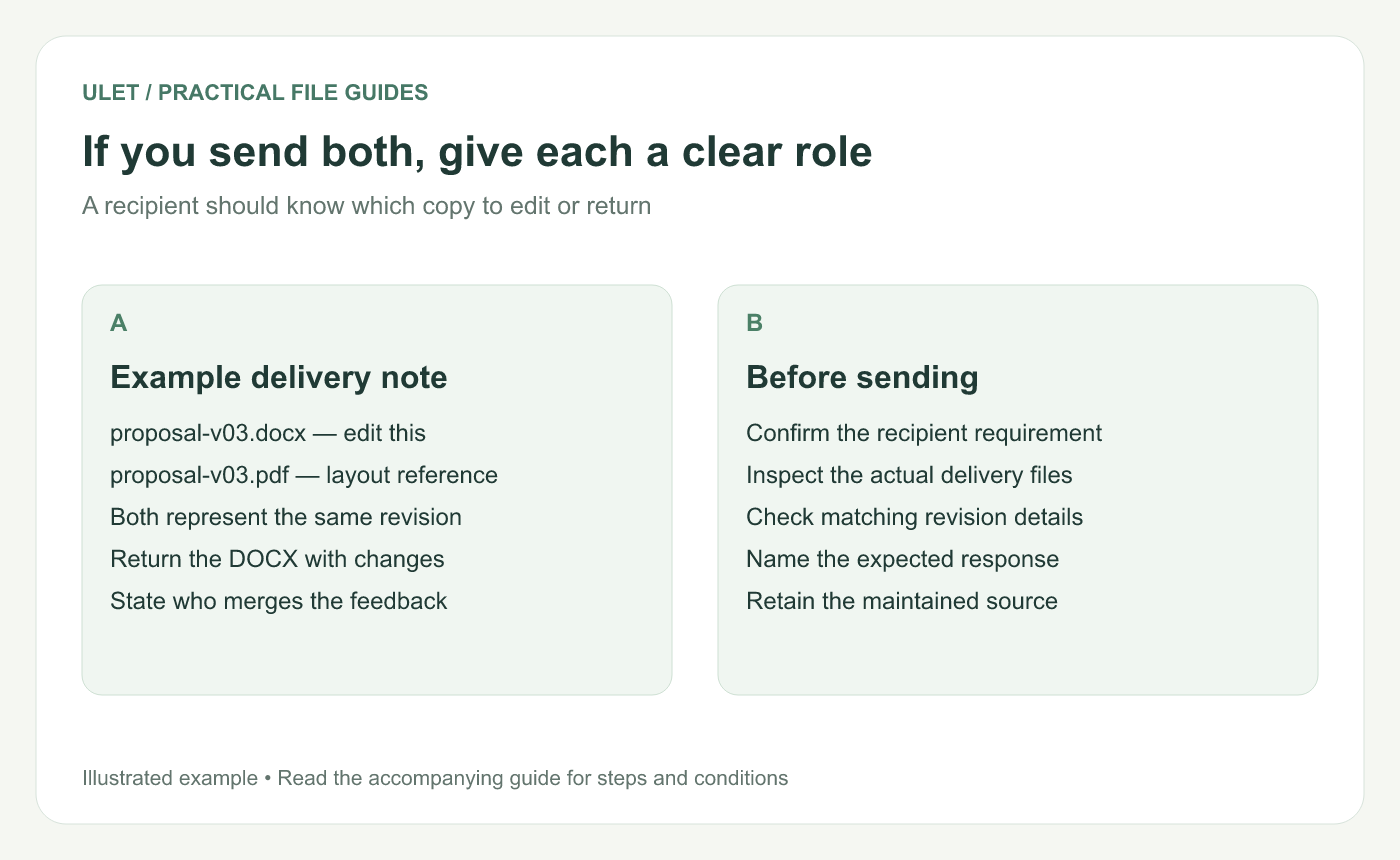
If you send both, give each a clear role. Original instructional illustration; example text and diagrams are not software screenshots.
Give two files separate roles
Example file | Role in this handoff |
|---|---|
proposal-v03.docx | Editable source to revise and return |
proposal-v03.pdf | Reference for the intended layout of the same revision |
Add a short note stating which file to edit, which one is the reference and who merges the returned changes. If the two files do not represent the same revision, explain that difference before sending them.
Check the issued copy
Confirm the recipient's format requirement.
Open the exact files you will deliver.
Inspect the pages or editable passages that matter.
Check version details and the expected response.
Retain the source used to produce the delivery.
Ulet keeps local DOCX and PDF work in one app on Windows and macOS, with free basic editing. You can maintain the source and inspect the delivery copy together before handing them over.



