
Before handing over an annotated PDF, review each comment against the current document and record its outcome. Leave unresolved questions with a named owner and a clear next action.
A file full of marks is difficult to act on when the receiver cannot tell which questions still need an answer.
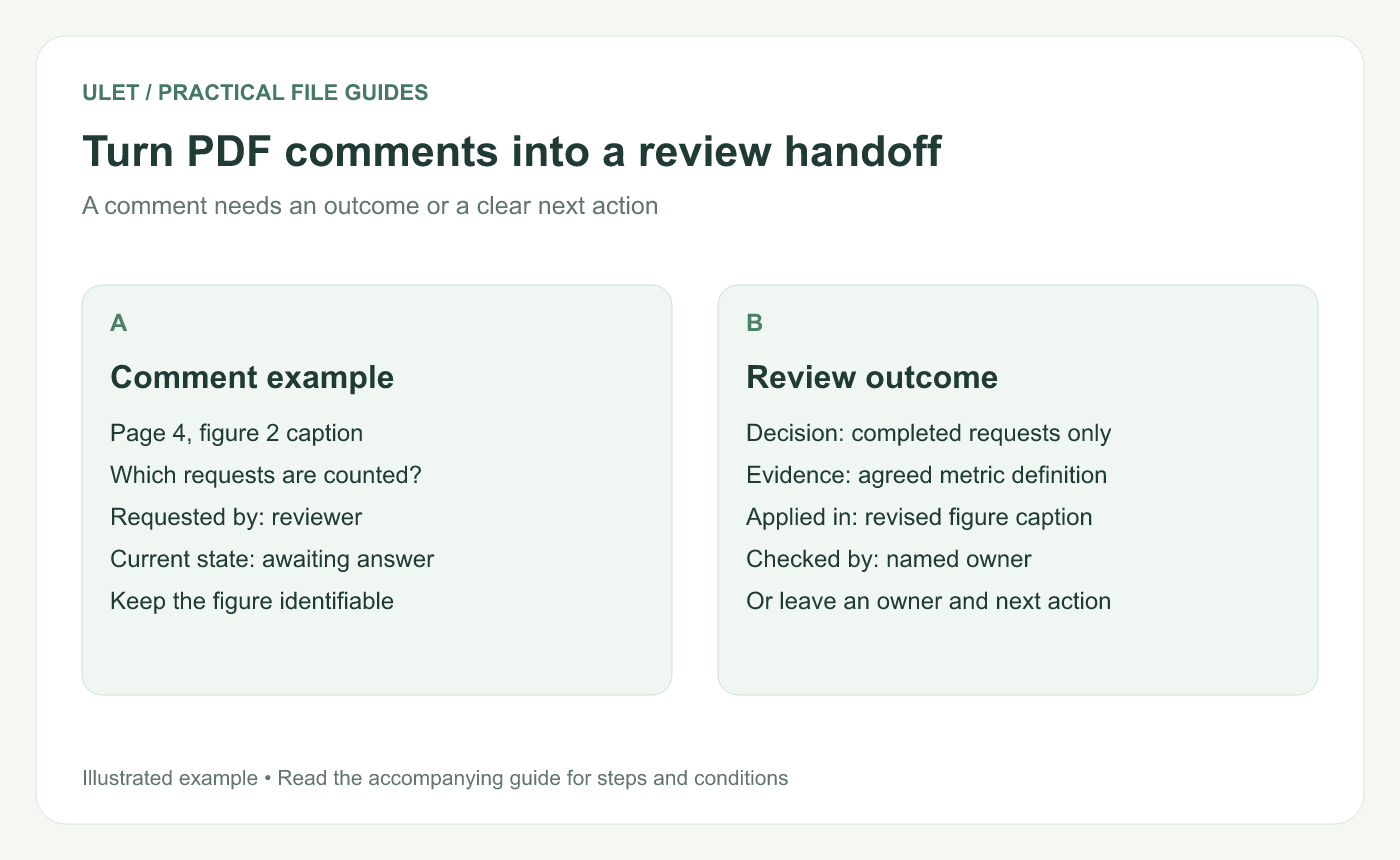
Turn PDF comments into a review handoff. Original instructional illustration; sample records and layouts are examples, not software screenshots.
Match each comment to the current passage
Open the comment and inspect the marked text or page area. If a newer document exists, confirm whether that passage has changed since the note was written.
Use the section heading and a short quotation as well as the page number. Page numbers can move when a revised version gains or loses pages.
Give each review item a clear outcome
Outcome | What to record |
|---|---|
Change applied | The revised file and passage containing the change |
Question answered | The answer and supporting reference |
No change agreed | The decision and its reason |
Still open | The owner, next action and checkpoint |
Use a short companion review log when the PDF's available comment controls do not capture the information you need. You do not need to force every outcome into a software status label.
Check the evidence before closing the question
For example, a comment might ask “Does figure 2 count completed requests or all received requests?” A useful answer names the intended measure, cites its agreed definition and identifies the revised caption that now states it.
“Done” is hard to verify if it does not say what changed. Open the revised file and check the actual passage before recording the item as complete.
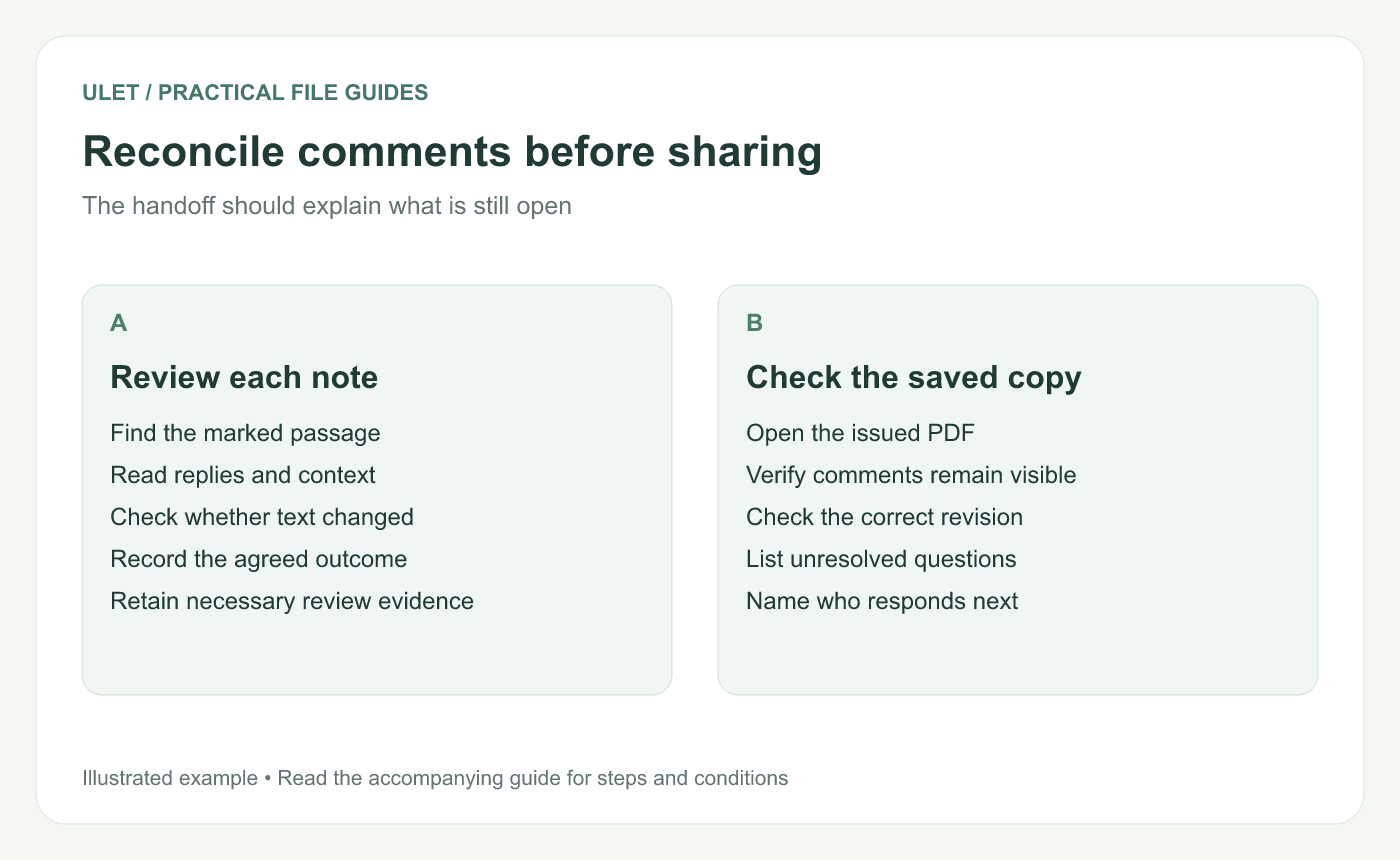
Reconcile comments before sharing. Original instructional illustration; sample records and layouts are examples, not software screenshots.
Prepare the open-item handoff
List the remaining questions separately so a receiver can find their work quickly. Keep the passage reference, the exact decision needed and one person responsible for the next response.
Avoid deleting unresolved marks merely to make the file look cleaner. Decide what review record the team needs to retain, then prepare the intended delivery copy accordingly.
Reopen the annotated PDF
Save the intended review copy.
Open it again and inspect a sample of notes and highlights.
Check that the comment references match this document revision.
Compare the open-item list with the remaining questions.
Confirm which file the recipient should return or revise.
Ulet can keep PDF review local on Windows and macOS, alongside a DOCX or Markdown review log. For adding the original marks, see the PDF annotation guide.


