
A product overview should help a new audience decide whether the product fits a task they actually have. Begin with that task, show the workflow and explain the result they can expect to check.
A long feature list often makes the audience do that work for you. Choose one use case as the thread through the presentation, then introduce the capabilities that support it.
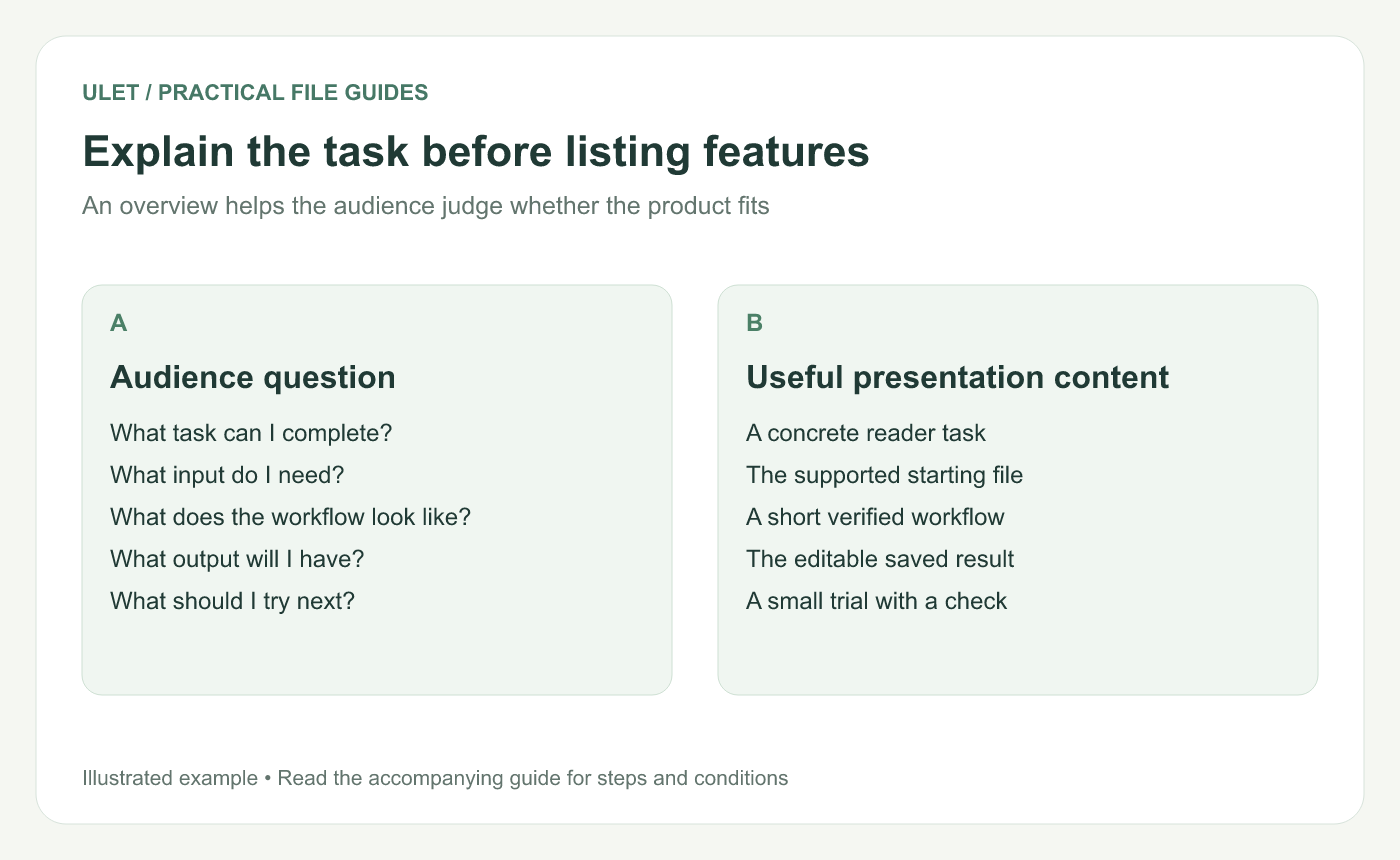
Explain the task before listing features. Original instructional illustration; example values and layouts are illustrative, not software screenshots.
Choose an audience and a starting situation
For an illustrative Ulet overview, the audience might be a reviewer who receives a local PDF and needs to mark a passage and ask a clear question about it. The input is a PDF; the desired output is a saved review copy containing the annotation and its reason.
A different audience might need to review a workbook or edit a presentation. Give that audience its own example rather than squeezing every workflow into the same short deck.
Use a practical outline
Part | Question it answers |
|---|---|
Use case | What situation is this for? |
Starting requirements | What file, platform or setup is needed? |
Workflow | What does the user do? |
Result and checks | What is produced and how is it checked? |
Next step | What small trial should the audience run? |
Use the number of slides the explanation needs. A workflow can take several slides if a single screenshot would be too small to read.
Keep claims specific and current
When demonstrating a particular function, check it in the version you are describing. “Open this sample PDF, annotate the passage and inspect the saved review copy” is a claim you can verify directly. Broader promises about every imported feature require broader evidence.
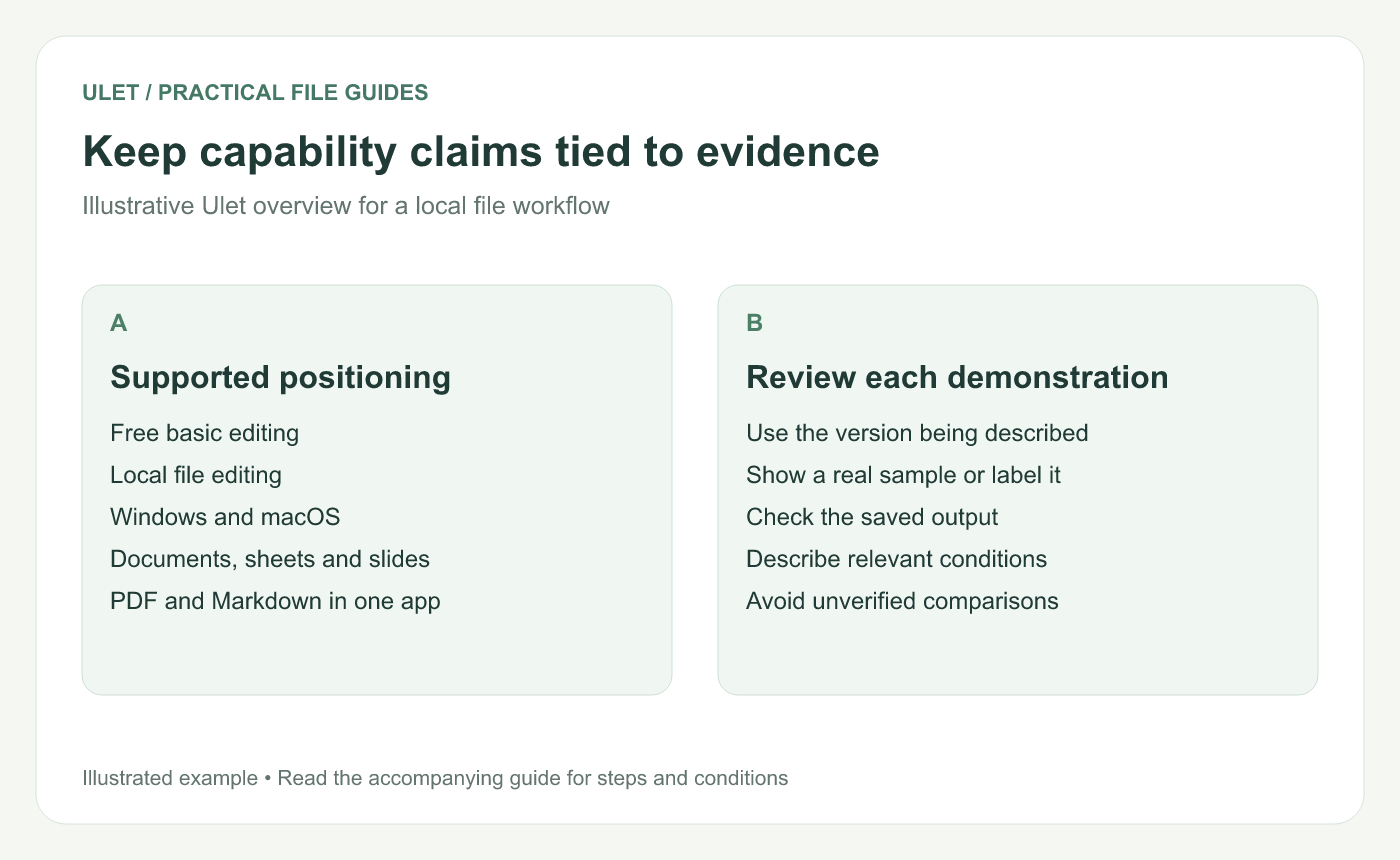
Keep capability claims tied to evidence. Original instructional illustration; example values and layouts are illustrative, not software screenshots.
Show the result as well as the interaction
For a file-editing example, show the starting file and the reopened edited output. Label a diagram or mockup as illustrative; reserve screenshot labels for actual captures of the product.
Explain any condition relevant to the use case, such as a required font or the separate behavior of a synchronized storage folder. Keep the explanation tied to what the audience needs to decide.
End with a small trial
Ask the viewer to try a noncritical copy of a representative file, perform one edit and check the saved result. Name the check so the next step is concrete.
You can prepare the overview locally in Ulet and keep its sample files beside the PPTX. For the example workflow, see highlighting and annotating a PDF locally.



