
A product requirements document turns a user problem into behavior a team can discuss and check. Describe who needs the change, the task they are trying to complete and what a successful result looks like.
Start with the workflow and acceptance criteria. You can refine the document's layout once the team agrees on what it is asking the product to do.
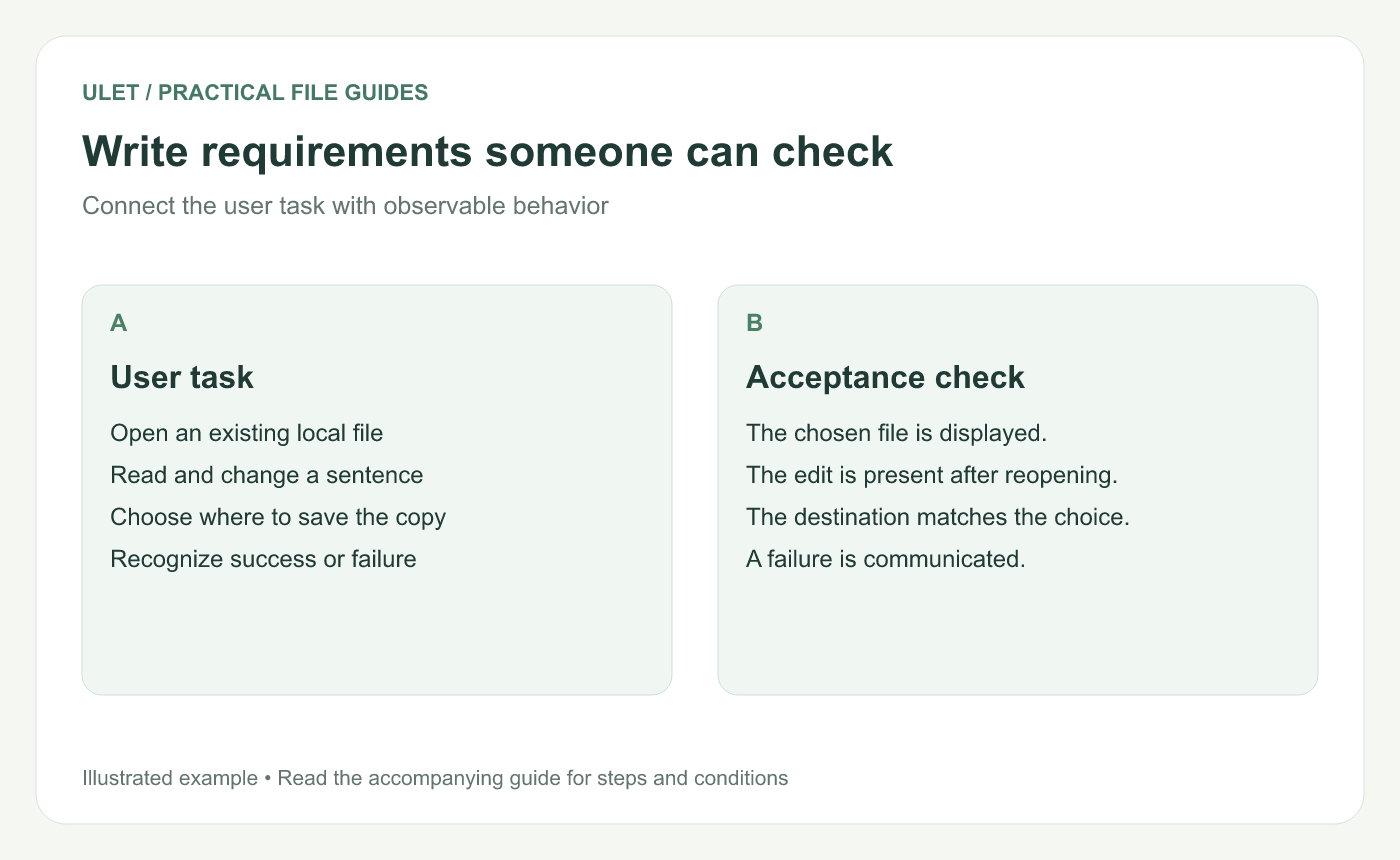
Connect the user task with observable behavior. Original instructional illustration.
Begin with a specific user task
For a simple example, imagine a desktop user who needs to open a saved DOCX, change a sentence and save a new copy. Describe the starting file, the intended output and any relevant conditions.
“Improve document handling” is too broad to test. The smaller task gives design, implementation and review a shared point of reference.
Write observable acceptance criteria
Situation | Expected behavior to check |
|---|---|
User selects a supported file | The chosen document is displayed |
User edits and saves a copy | The edit is present after reopening that copy |
Saving cannot finish | The failure is communicated and the original remains available |
These are illustrative criteria for a requirements exercise. Add the actual supported formats, platforms and cases agreed by your team. If you specify a timing target, include how and where it will be measured.
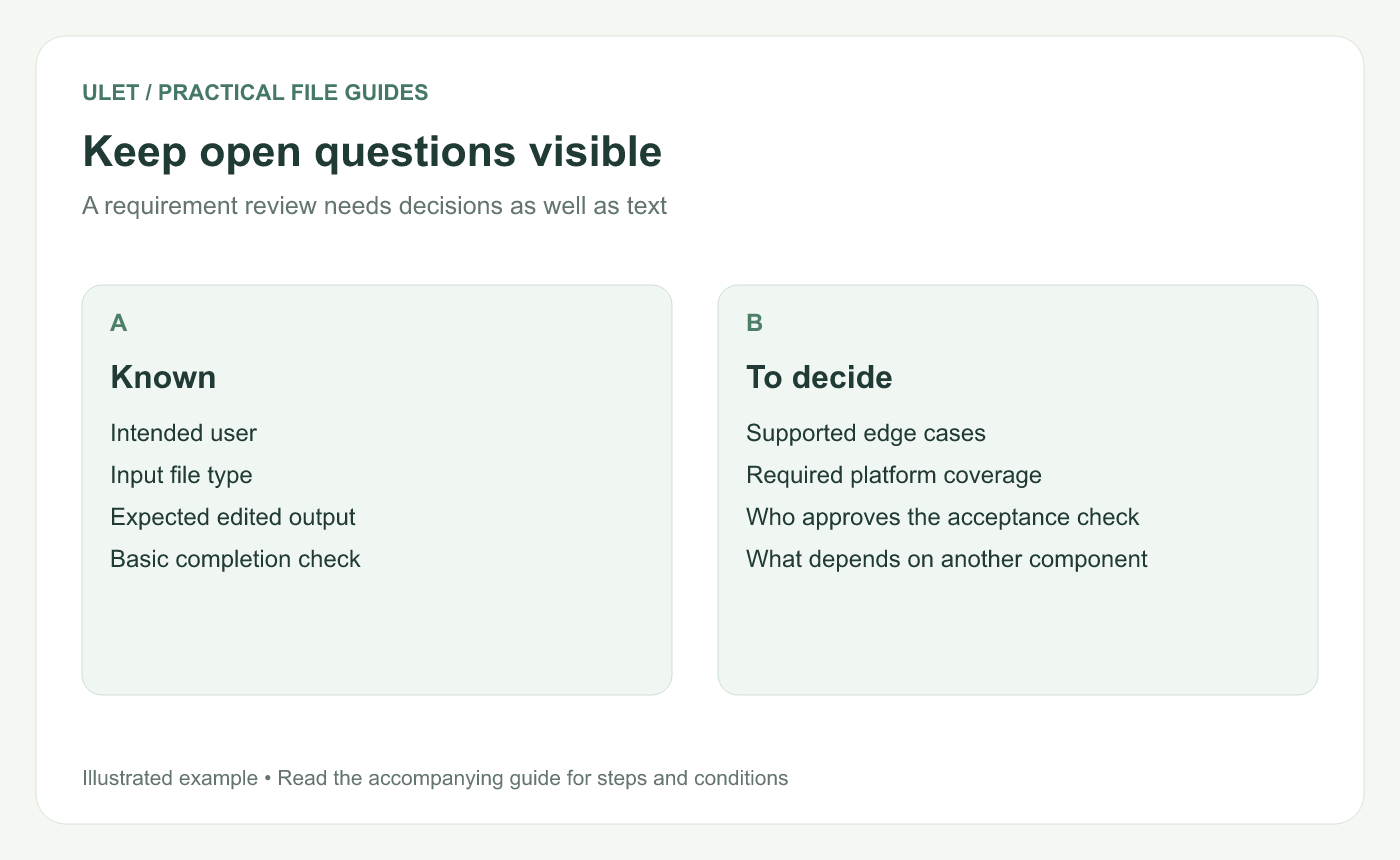
A requirement review needs decisions as well as text. Original instructional illustration.
Keep boundaries and unanswered questions visible
Name the workflow covered by the requirement, its dependencies and the cases that need a separate decision. Assign an owner to each unanswered question so it can be resolved before it blocks implementation.
Include links to design references and supporting evidence when those help explain a requirement. Check that readers have the version being discussed.
Review the document across roles
Ask the designer whether the behavior is clear, the implementer whether dependencies are identified and the reviewer whether the acceptance checks can be performed. Update the wording when those perspectives expose ambiguity.
Use the project proposal to secure agreement on the work, and use the requirements document to explain its expected behavior. Ulet lets you maintain the local DOCX as those decisions develop. Work on the requirements in Ulet.



