
A one-page project proposal should let someone understand the work and decide whether to approve it. Give them the problem, the result you're proposing, what is included, who will do it and what you need them to approve.
Write those points first. Then use the page layout to make them easy to read. Ulet can open and edit a local DOCX proposal on Windows or macOS, so you can keep the working file in your project folder.
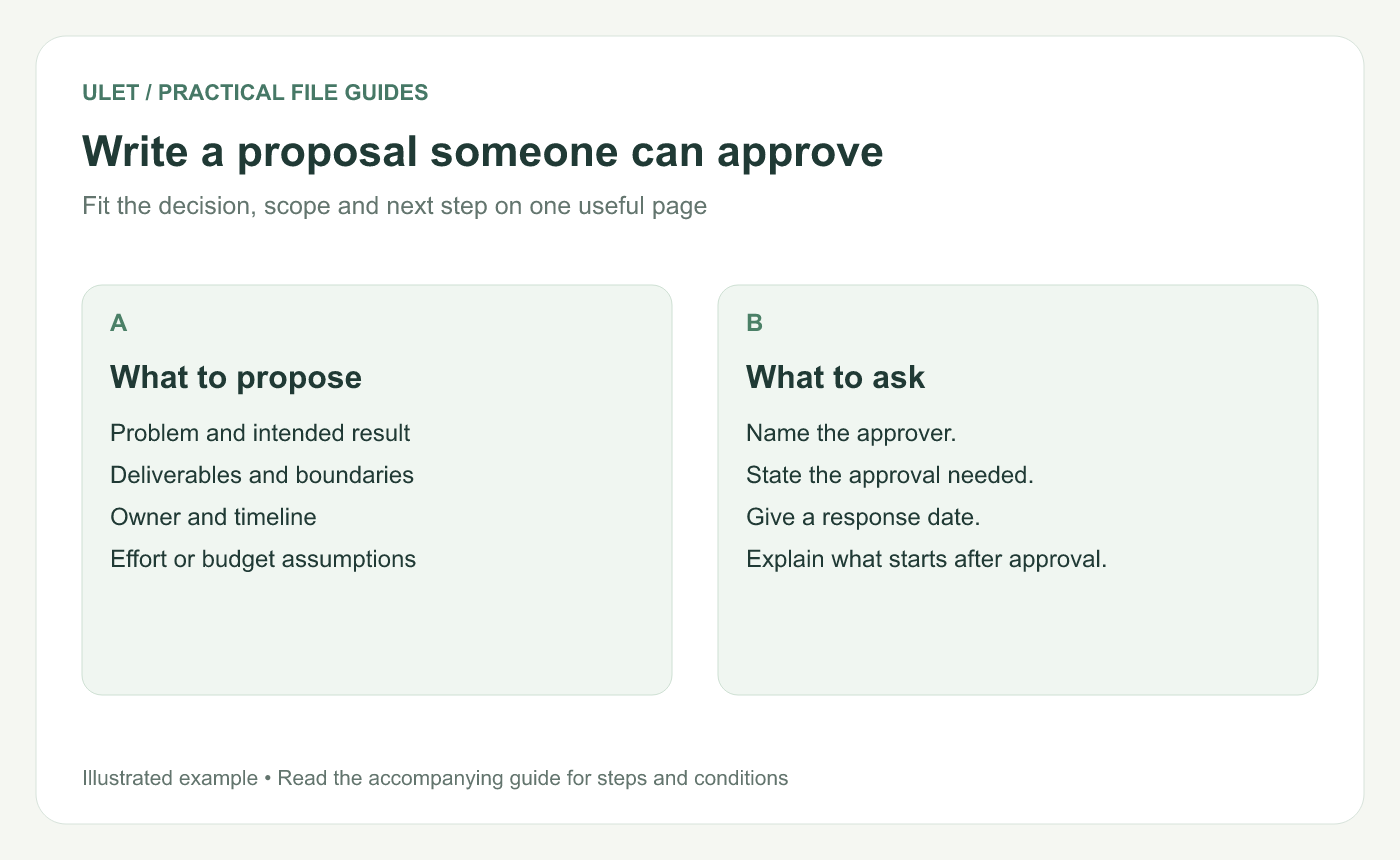
Every section should help the reader assess the proposed work.
Start with the result
“Improve the help center” leaves too much open. Try “Update the 12 highest-priority help pages so their instructions match the current desktop app.” The second version tells the reader what will be delivered and gives you something to check at the end.
A copyable one-page structure
Section | What to write |
|---|---|
Project and owner | A short project name, your name and the proposal date |
Problem | What is happening and who it affects |
Proposed result | The specific outcome or deliverable |
Scope | What this proposal covers and its boundaries |
Plan | The main steps, owners and expected dates |
Resources | People, access, effort and budget assumptions |
Approval requested | The decision, decision-maker and response date |
Example — a help-center refresh
Problem. Several priority pages show an older interface. Readers have to work out where the current controls moved.
Result. Refresh 12 selected pages, replace their outdated screenshots and check the links within those pages. The product owner reviews the revised instructions before publication.
Plan. Agree on the page list first, draft the updates next, then run a product review and publish the approved changes. Put real dates and named owners beside these steps before asking for approval.
Resources. The writer needs the current app, approved feature information and access to the help-center editor. Estimate the effort using a trial update of one representative page.
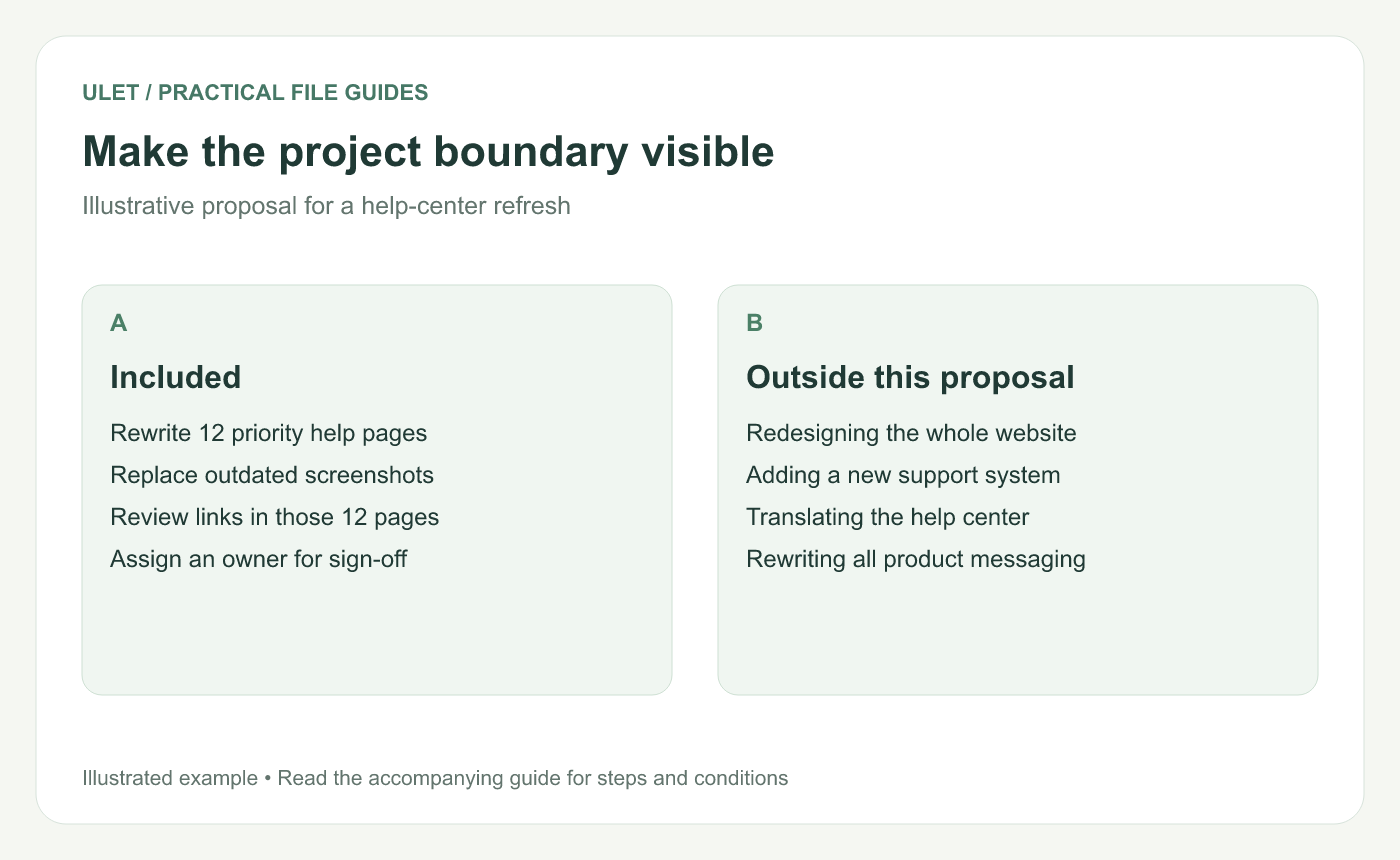
A visible boundary makes a small proposal easier to assess.
Make the approval request explicit
End with something the reader can answer. For this example, that might be “Please approve the 12-page scope and name the product reviewer by Friday.” Add the actual calendar date and the step that begins once approval is received.
Fit the page without shrinking everything
Use short sections, descriptive headings and a compact timeline table. If the proposal is too long, check whether it contains background that belongs in a linked reference. Keep the assumptions and trade-offs the approver needs in the proposal itself.
A tiny font can make a one-page document technically fit while making the decision harder. Read the page at its expected viewing or printing size.
Before you share the DOCX
Can a reader name the deliverable after one pass?
Are the boundaries and assumptions visible?
Does every key step have an owner?
Is the approval request answerable?
Have you replaced every sample date and name?
Save the working proposal as DOCX and reopen it to check the page layout. Edit your proposal in Ulet.
Working from someone else's proposal? See how to open and edit a DOCX file without Microsoft Word.



