
Before polishing a long document, write down what each section is supposed to do. A simple outline makes it easier to spot repeated explanations, missing evidence and paragraphs that belong somewhere else.
You can do this alongside a DOCX in Ulet or in a separate Markdown note. Keep a working copy before making large structural edits.
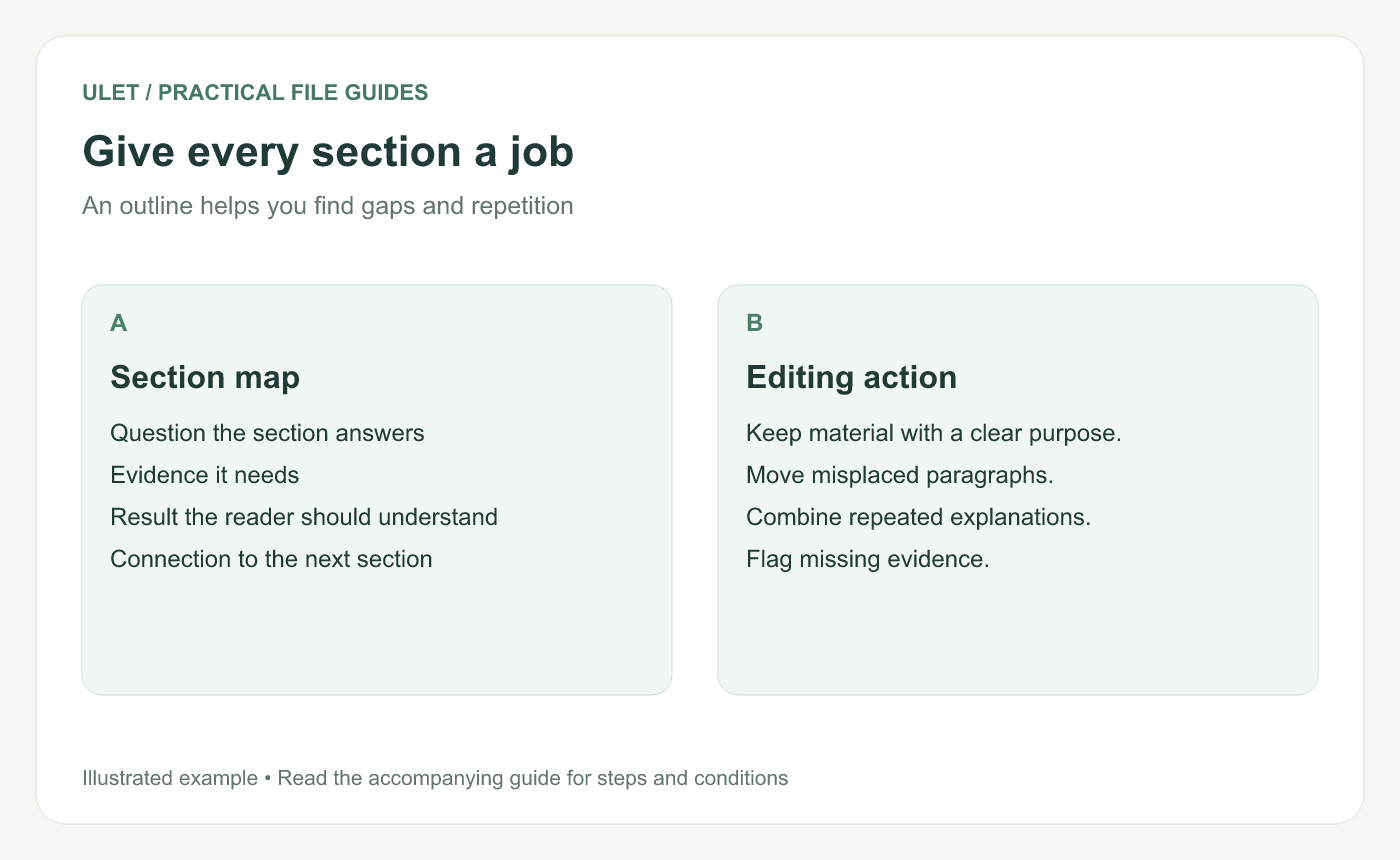
Work on the reading structure before detailed layout.
Write the reader's main question
For a research report, that might be “What did we learn, and what should we do next?” For a process guide, it might be “How can someone complete this task correctly?” Those questions lead to different structures.
Put the intended audience beside the question. A specialist may need the method in detail. A project lead may need the finding and its practical consequence first.
Make a section map
Section | Its job | What to inspect |
|---|---|---|
Scope | Define the question and boundaries | Terms and assumptions |
Evidence | Explain what was examined | Sources and method |
Findings | Present the answer | Support and limitations |
Next step | Explain the proposed action | Owner and decision needed |
Change the section names to fit your document. The table is a planning aid, not a required report format.
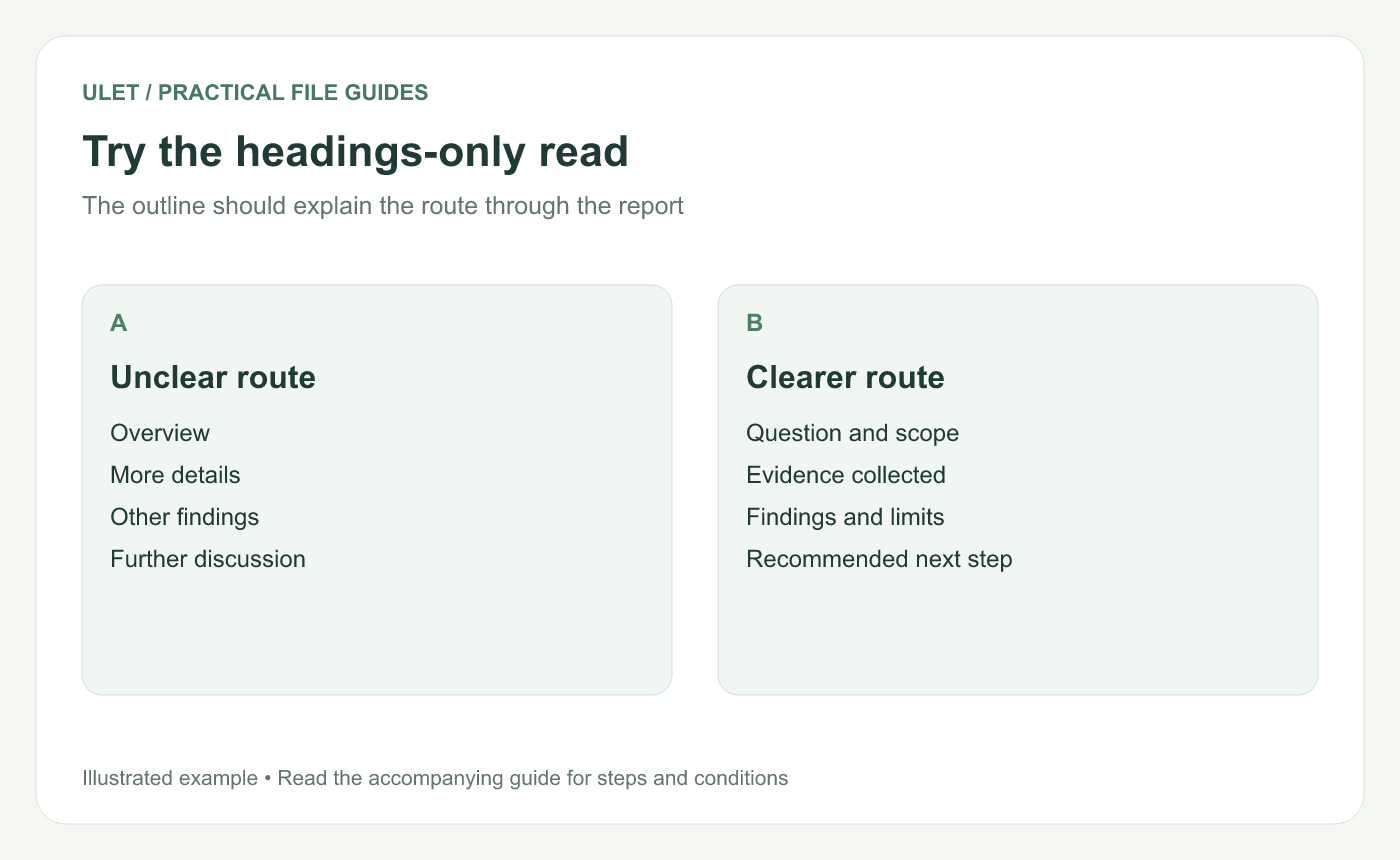
Use headings that match the actual argument.
Move paragraphs before styling them
Read the opening sentence of each paragraph and ask which section it supports. Move a paragraph when it answers a different question from its neighbors.
If two sections explain the same background, choose a main location for that explanation and use a short reference elsewhere. Keep repeated information only when a reader needs it at that point.
Mark gaps instead of hiding them
If a conclusion needs evidence you do not yet have, flag the missing source or check. A smooth transition cannot replace the information needed to support the point.
Then apply a consistent heading structure
Once the reading order works, apply the heading levels and page layout. The DOCX heading guide explains how to carry that structure into the document's formatting.
Save and reopen the reorganized file. Check that tables, figures and cross-references still sit beside the material they support. Edit a long document locally in Ulet.



