
Use a heading style for text that introduces a section, then use the next level for a subsection. In a report with Results followed by Customer feedback and Support issues, Results is the parent section and the other two are its subsections.
That structure is worth deciding before you start changing fonts. It helps the reader follow the document and makes formatting choices easier to keep consistent.
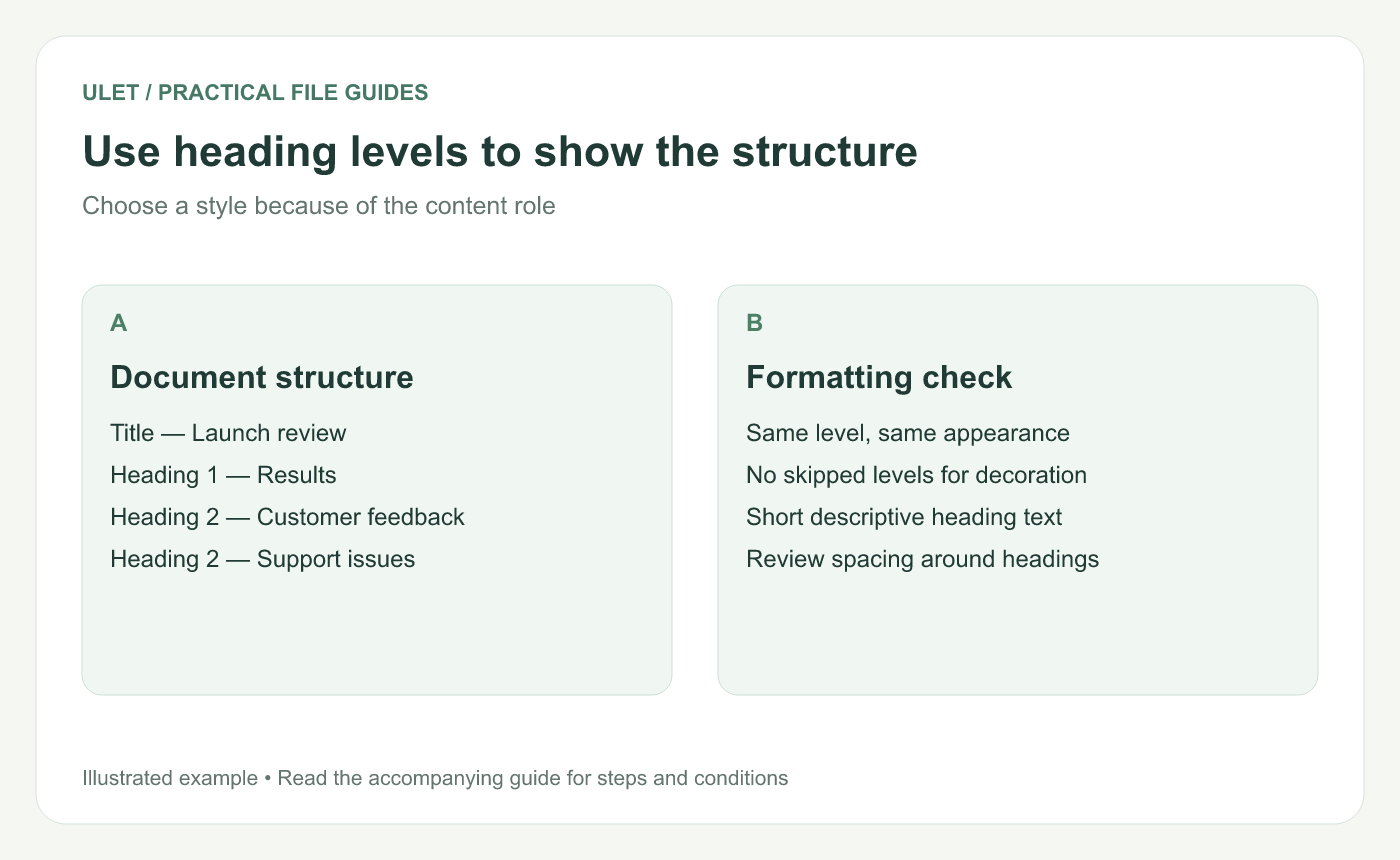
Choose the level from the role of the heading in the document.
Write a short outline first
For a launch review, you might use this outline.
Problem
Evidence
Options
Recommended next step
Read just those headings. Can someone predict what each section will contain? Replace headings such as “Other details” with wording that tells the reader what they will find.
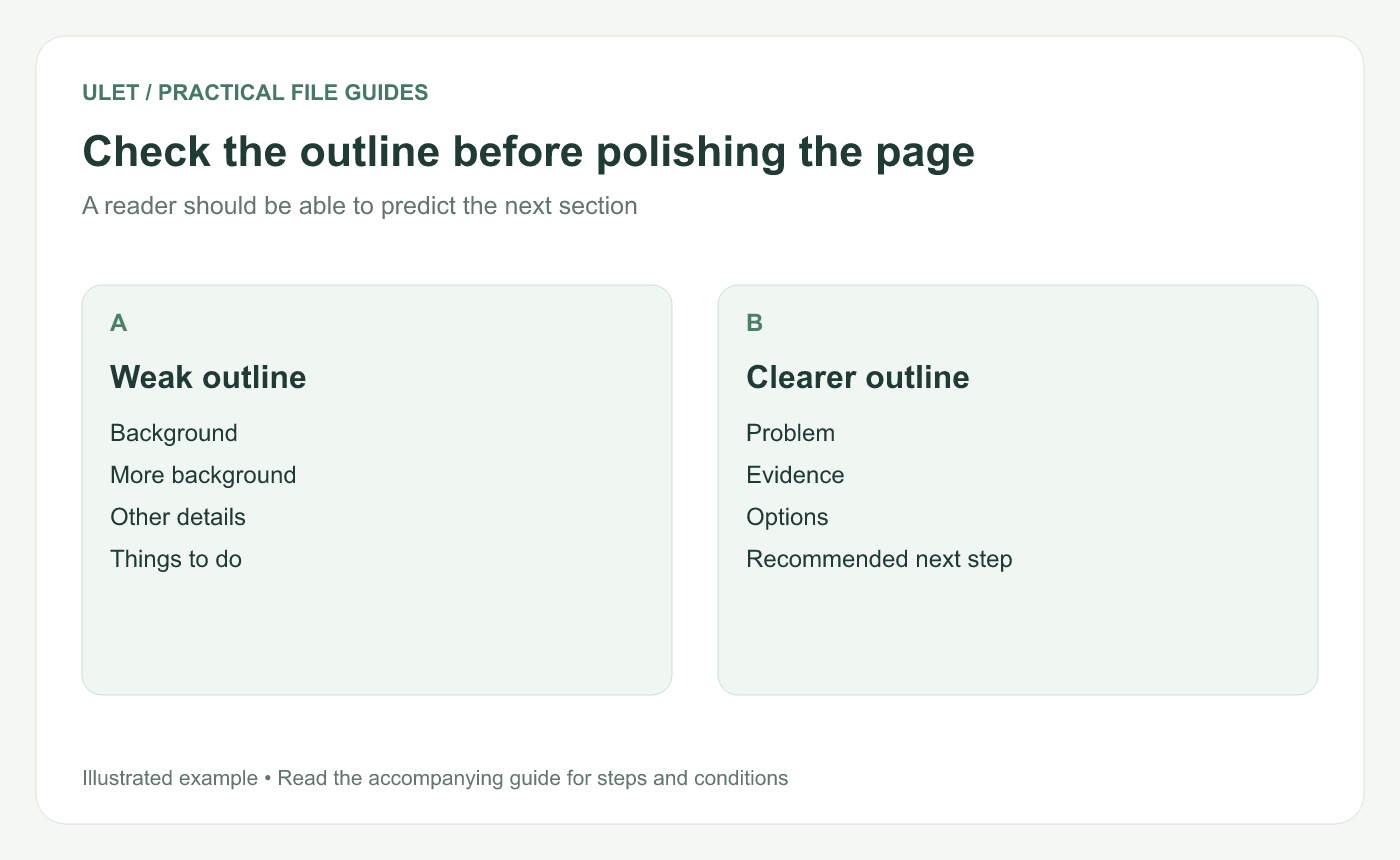
A useful outline tells the reader how the explanation will develop.
Apply the heading styles in your editor
Open the DOCX in Ulet and select a section heading.
Use the document's formatting controls to apply the appropriate heading style.
Apply the same level to the other headings with the same role.
Use a lower level for subsections.
Review the text around each heading for unexpected spacing.
If you are editing an existing file, start with the styles already used in it. A document may have a deliberate appearance for Heading 1 and Heading 2. Check the result before replacing those styles with a new design.
Make headings easy to scan
Keep headings short enough that their main point appears early. “Customer feedback from the trial” is easier to interpret than “Some additional observations from people who tried the product.”
Use consistent capitalization and spacing at the same level. Choose the visual treatment after the structure is clear. A smaller subsection should not appear more prominent than its parent simply because it happened to receive a larger font.
Check where headings land on the page
A heading at the bottom of a page with all its text on the next page is easy to miss. Review page breaks after changing fonts or paragraph spacing. If the editor provides a keep-with-next option, it can help keep a heading with the following paragraph. Check that setting in the current document before relying on it.
Avoid adding several empty paragraphs to push a heading into place. Small edits earlier in the file can move those empty lines and create another layout problem.
Finish with two quick reads
First, read the headings without the body text. Then read one section with its heading. The first pass checks the outline. The second checks whether the content delivers what that heading promises.
Save the DOCX and reopen it to check the edited pages. Use Ulet for local document editing.
You can follow the DOCX opening and saving steps if this is your first time using a local document editor.



