
Review A and Review B both contain agenda.docx. The filenames match, but the copies could differ. A recursive comparison gives you a shorter list than reopening every file by hand.
Compare two saved folder copies
Close or save the open documents first. In Terminal, point the command to your two folders. Keep quotes around paths with spaces.
diff -qr "$HOME/Documents/Review A" "$HOME/Documents/Review B"-r compares corresponding subdirectories. -q reports differences without printing the changed lines. Read any error before interpreting the result. An unreadable directory or a bad path can leave the comparison incomplete.
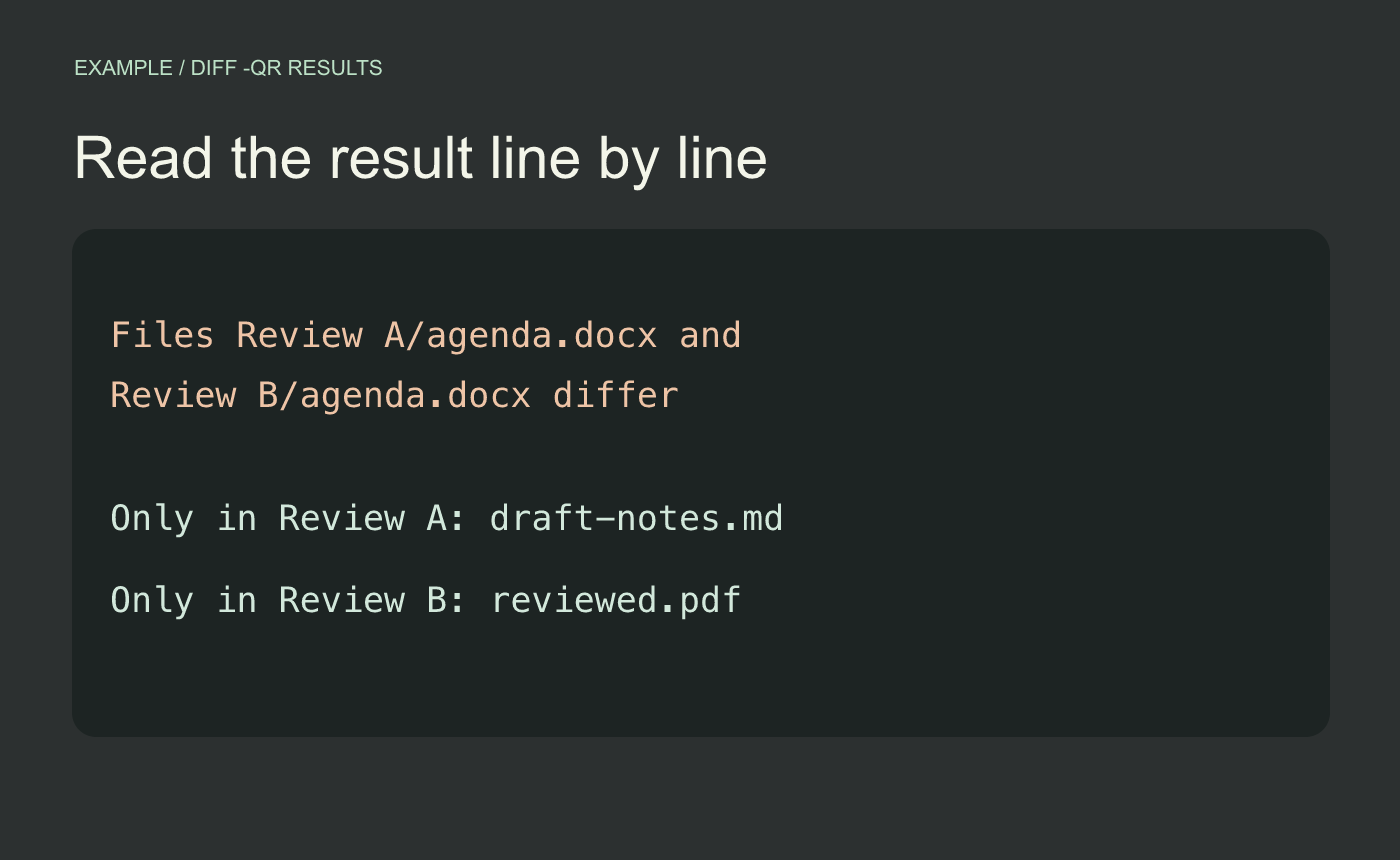
Sample output. Each line tells you where to look next.
Read the differences as separate decisions
“Files … differ” means both paths exist and their contents differ. For the agenda, open both and check the time and location in the body before you decide which one to deliver. “Only in” means a name was found on one side. In the sample, draft-notes.md is present in Review A and absent from Review B. Confirm whether that omission was deliberate.
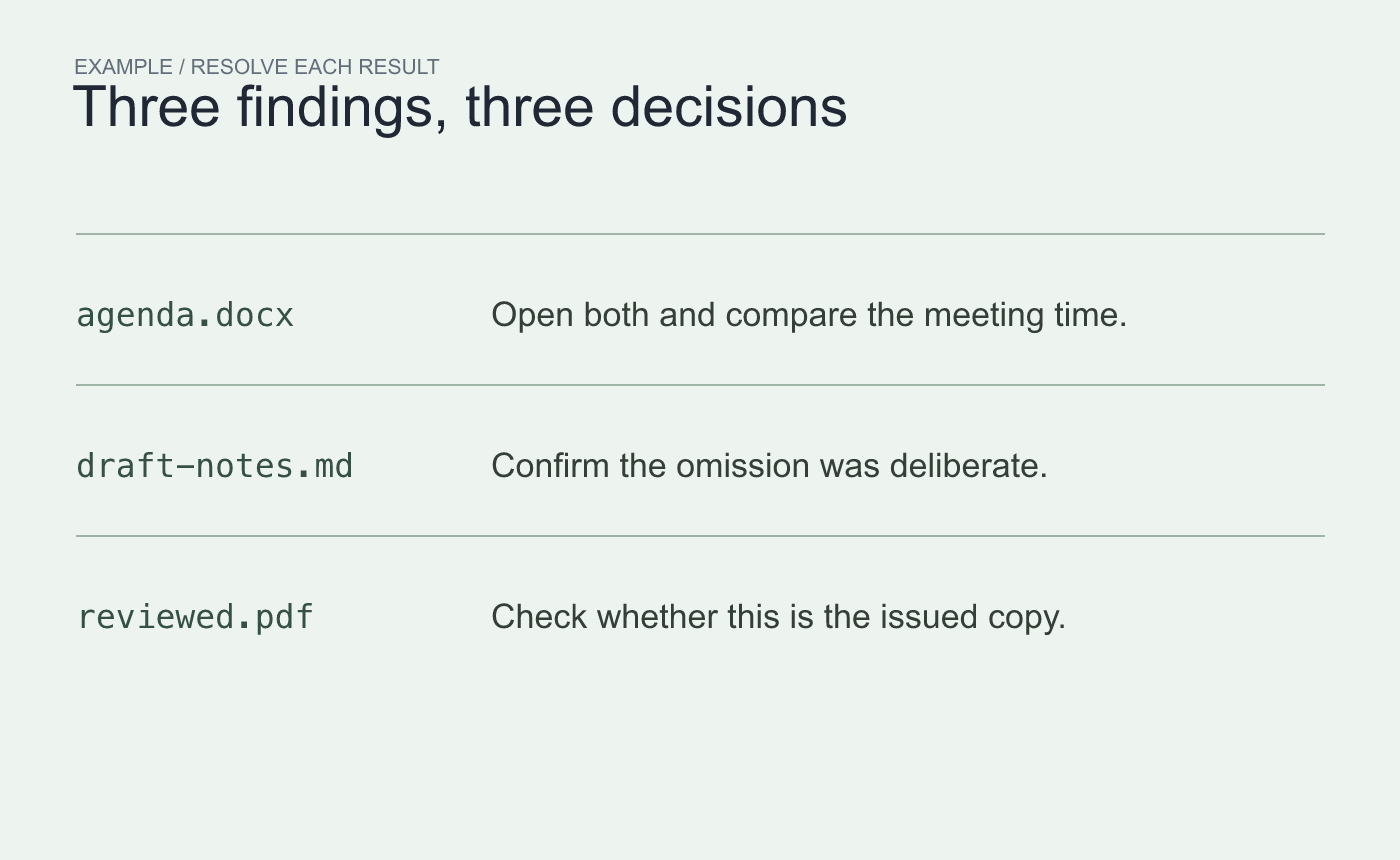
Example follow-up. Use the report to inspect the files that matter to your handoff.
Document the files you intend to take from each folder. Rerun the comparison after copying them into the final review folder. A byte-level difference in a DOCX can involve more than the visible text, so use the file itself to resolve a meaningful difference.
Reference BSD diff option reference. You can also read man diff on your Mac.



