
Five fixture tests are planned. Three have passed, one has failed and one has yet to run. If the workbook reports the pass share of recorded outcomes, that last slot needs to stay empty until there is a result.
Put real Boolean values TRUE, FALSE, TRUE and TRUE in D2:D5 and leave D6 genuinely empty. In E2, enter =AVERAGEA(D2:D6) and use percentage formatting. The four recorded cells contribute 1, 0, 1 and 1, so expect 75%.
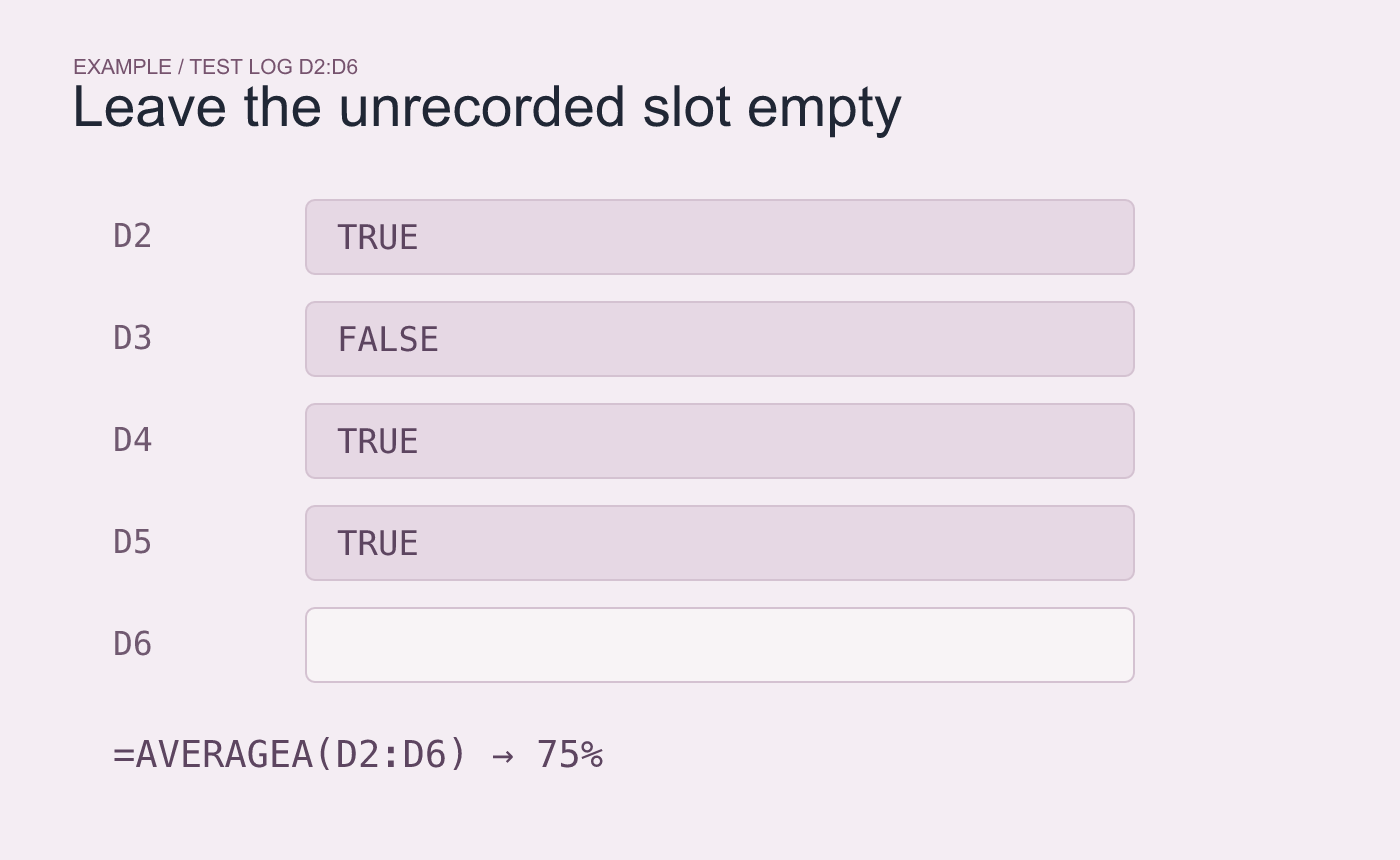
Example inputs. There are four recorded outcomes in five planned checks.
Record one more outcome in a test copy
Put a Boolean FALSE in D6. The numerator stays at three and the denominator rises to five, so expect 60%. Clear the test cell afterward. If your source imports TRUE and FALSE as words, check the type and convert it intentionally before using the formula. Avoid filling empty slots with status text or a formula that returns an empty string.
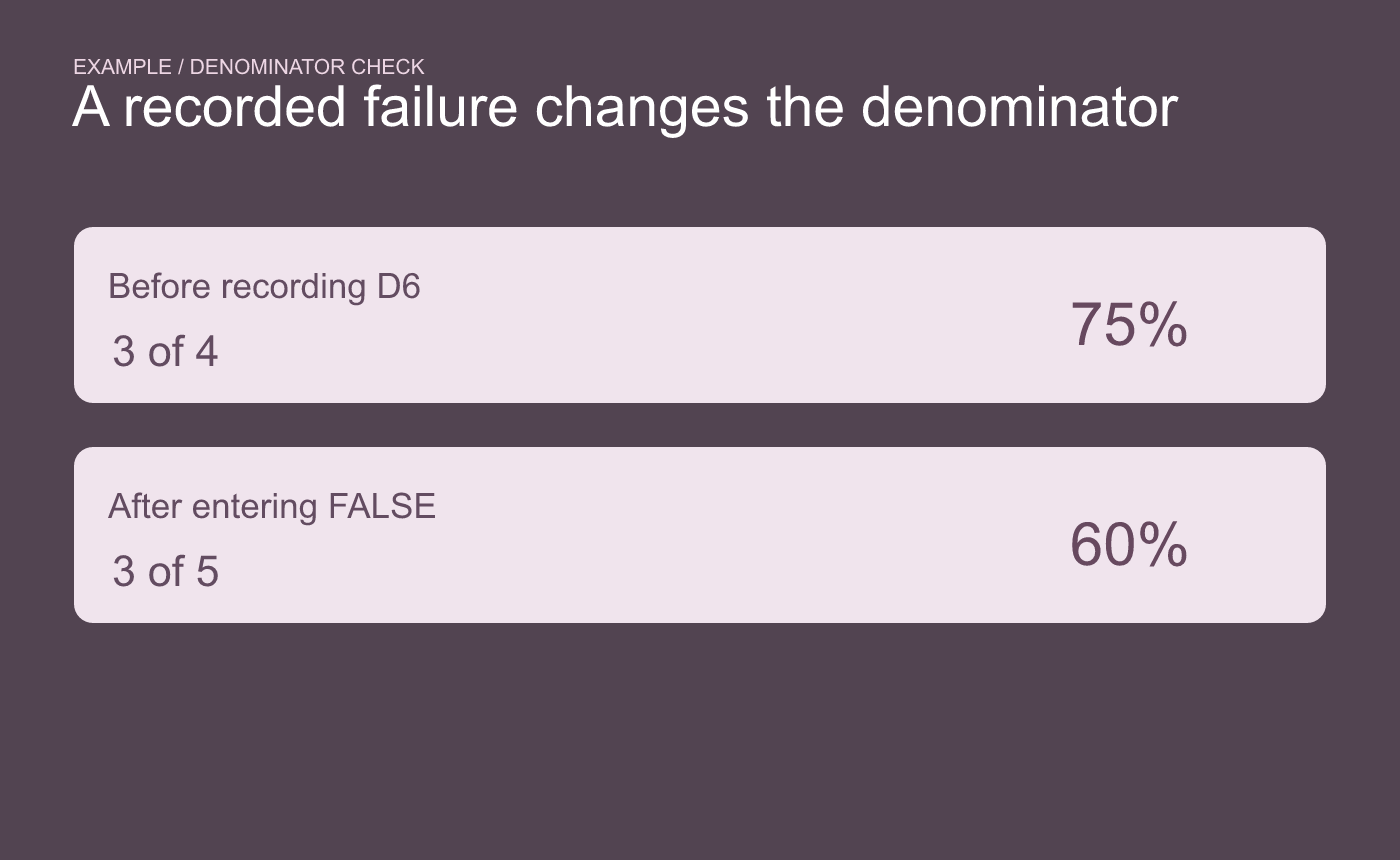
Example denominator check. Recording a failure adds an observation without adding a pass.
Display the recorded count with the percentage. “3 of 4 recorded” gives the reader the missing context when five tests were planned.



