
The packing team wants its Wash, Mix, Fill and Pack capacity columns to fit on a narrow printout. Angle the station labels and keep the figures horizontal.
In Ulet Sheets, select B1:E1. On Home, open the text orientation control in Alignment and choose Angle Counterclockwise. Check the selection before applying it so that row 2 and the other data rows stay out of the formatting change.
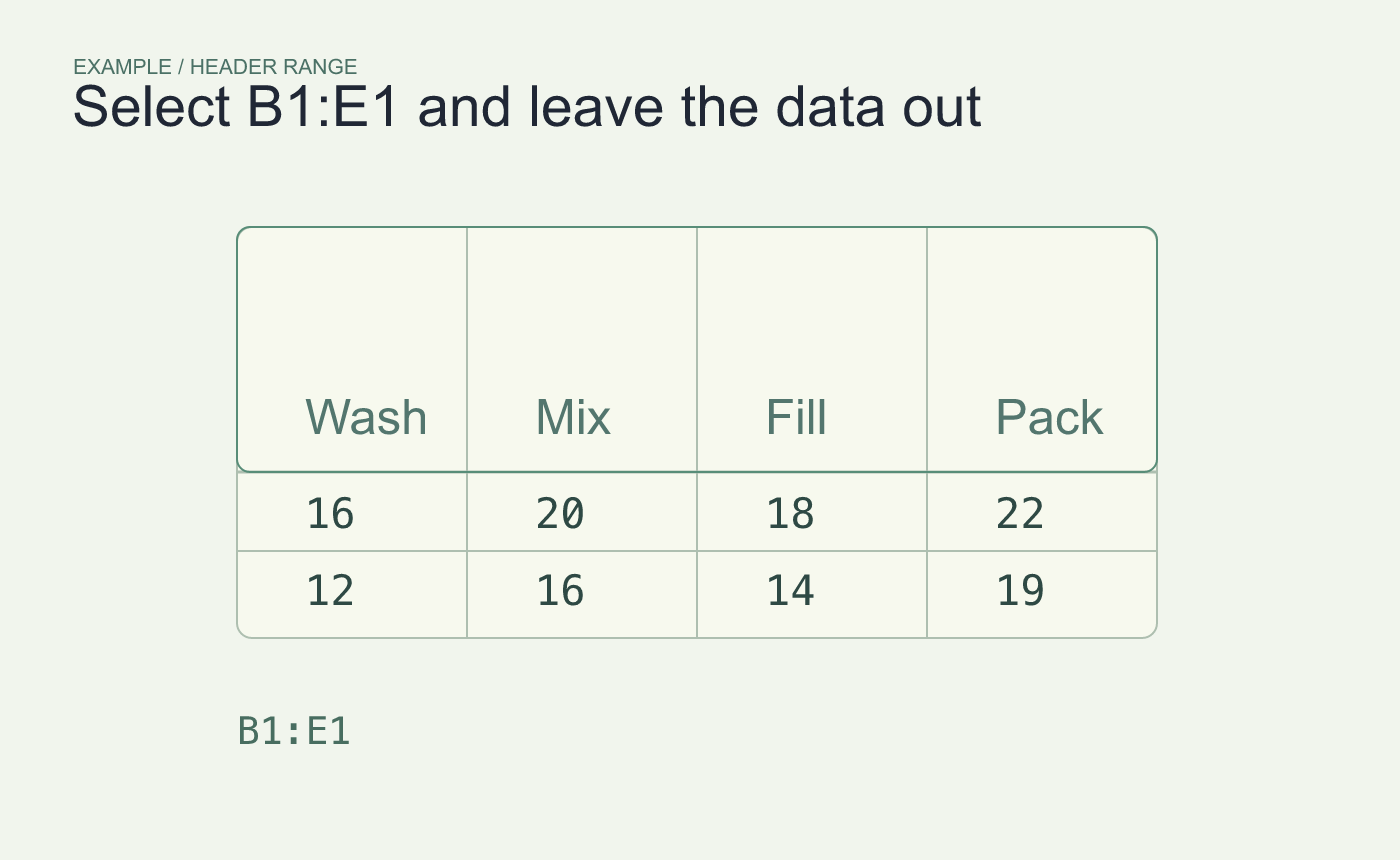
Example header range. Leave the numeric rows out of the selection.
Read the headings against their values
Follow the angled label for Wash down to its own column, then check Pack at the other edge. If letters are cut off, give row 1 more height or shorten the headings. Keep the first numeric row horizontal. Use Clear Rotation if the angled version is harder to read in your layout.
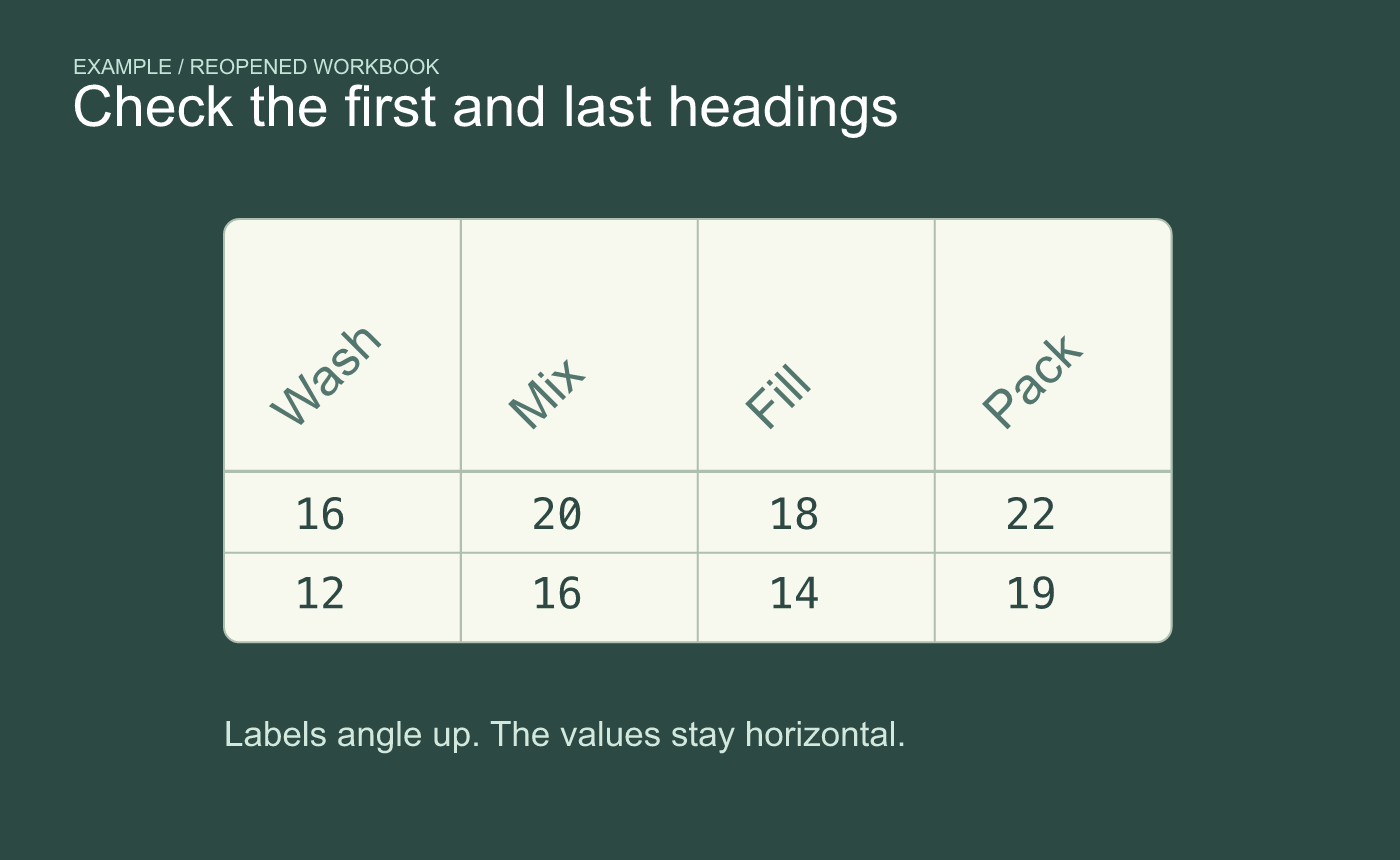
Example result. Check the first and last labels for clipping after reopening.
Save and reopen the XLSX. If it goes to paper, inspect the print preview for clipped labels and confirm the four headings still align with the numbers below.



