
During an event budget walkthrough, you want to stay on Event Summary. The Rate Card sheet still supplies the figures behind it. Hide the supporting tab in a copy and check a known result before showing the workbook.
Hide Rate Card for the walkthrough
In Ulet Sheets, open the context menu on the Rate Card tab and choose Hide. Keep Event Summary visible. In this example, the summary shows $480 for four hours at $120 per hour. Confirm it still shows the same amount after hiding Rate Card.
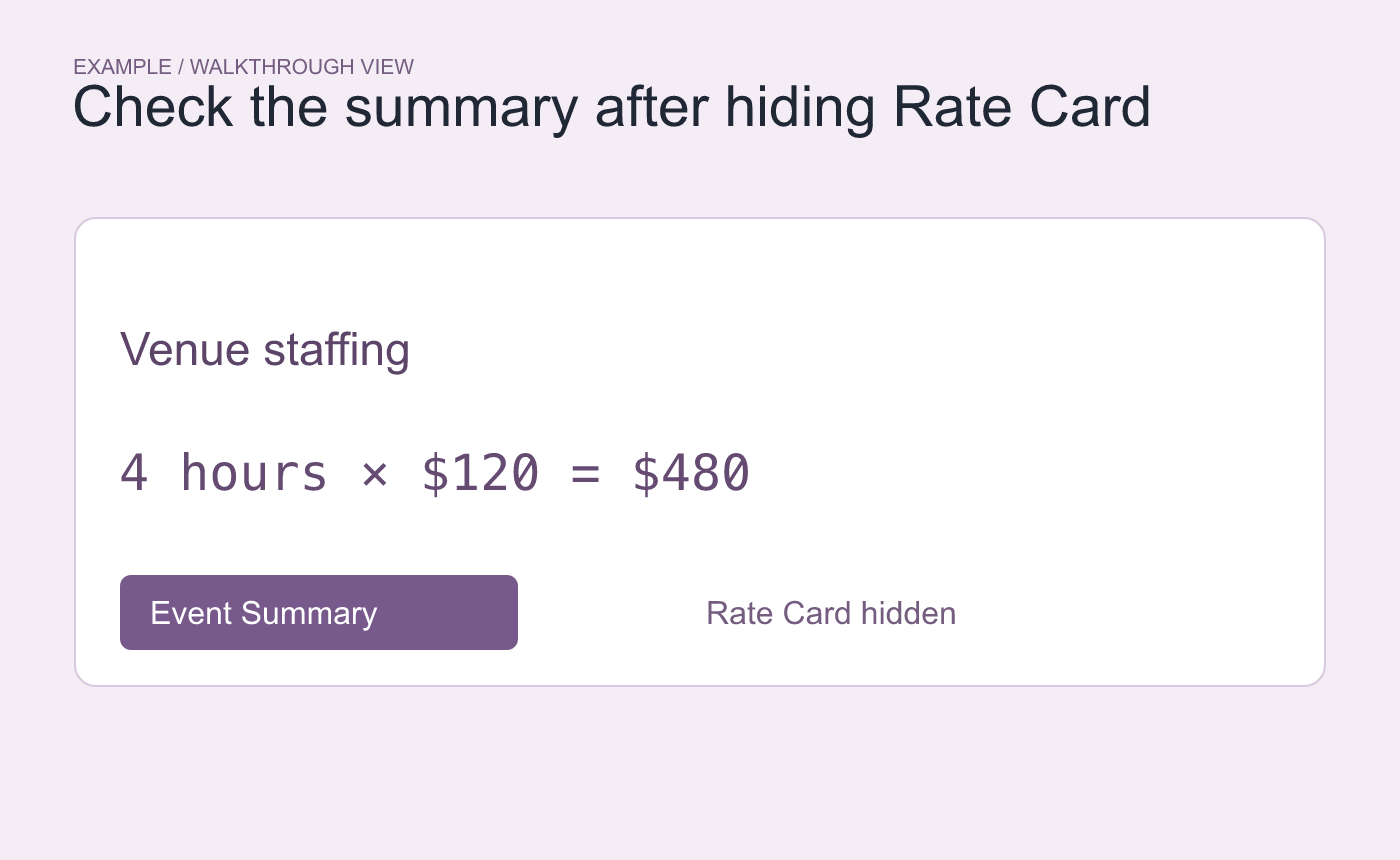
Example walkthrough. Compare a known result before and after hiding the support tab.
Bring the worksheet back
Open a visible sheet tab’s context menu and choose Unhide. Select Rate Card and check that the restored tab shows the $120 rate. Save the copy with the tab visibility you intend, reopen it and check the tab bar again.
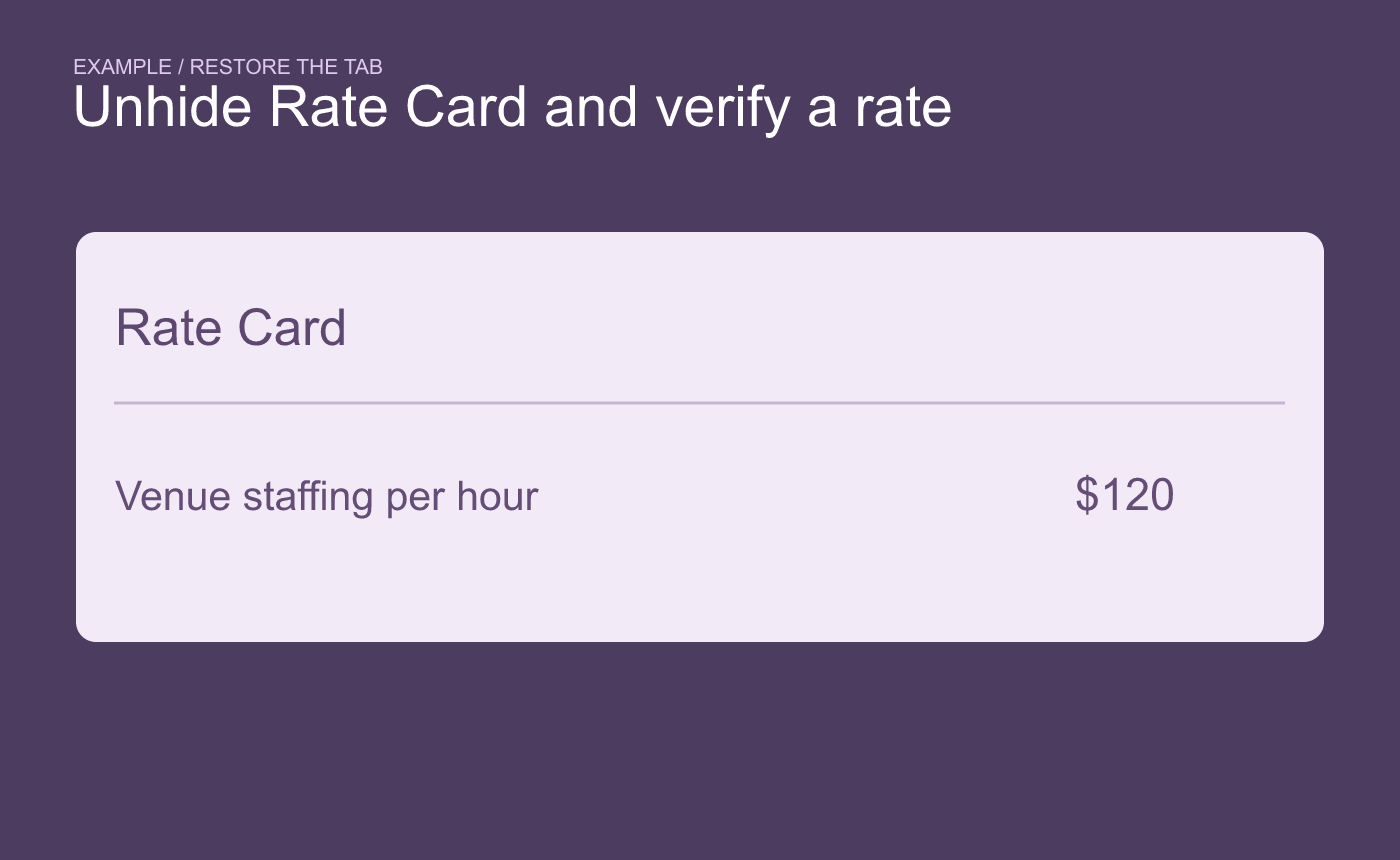
Example restoration. Verify the tab and a value inside it.
Hidden sheets remain in the workbook. If an external copy must omit the rate table, prepare a separate deliverable and verify which sheets and data it contains.



