
The dispatch list was narrowed to Ready orders at Dock A. At the end of the handoff you need the full list, but the next coordinator still needs the filter arrows.
Choose two records to check after the reset
In the sample filter range, D-18 is Hold at Dock A and D-21 is Ready at Dock B. Both are excluded by the current view, for different reasons. Keep their IDs handy before clearing the criteria.
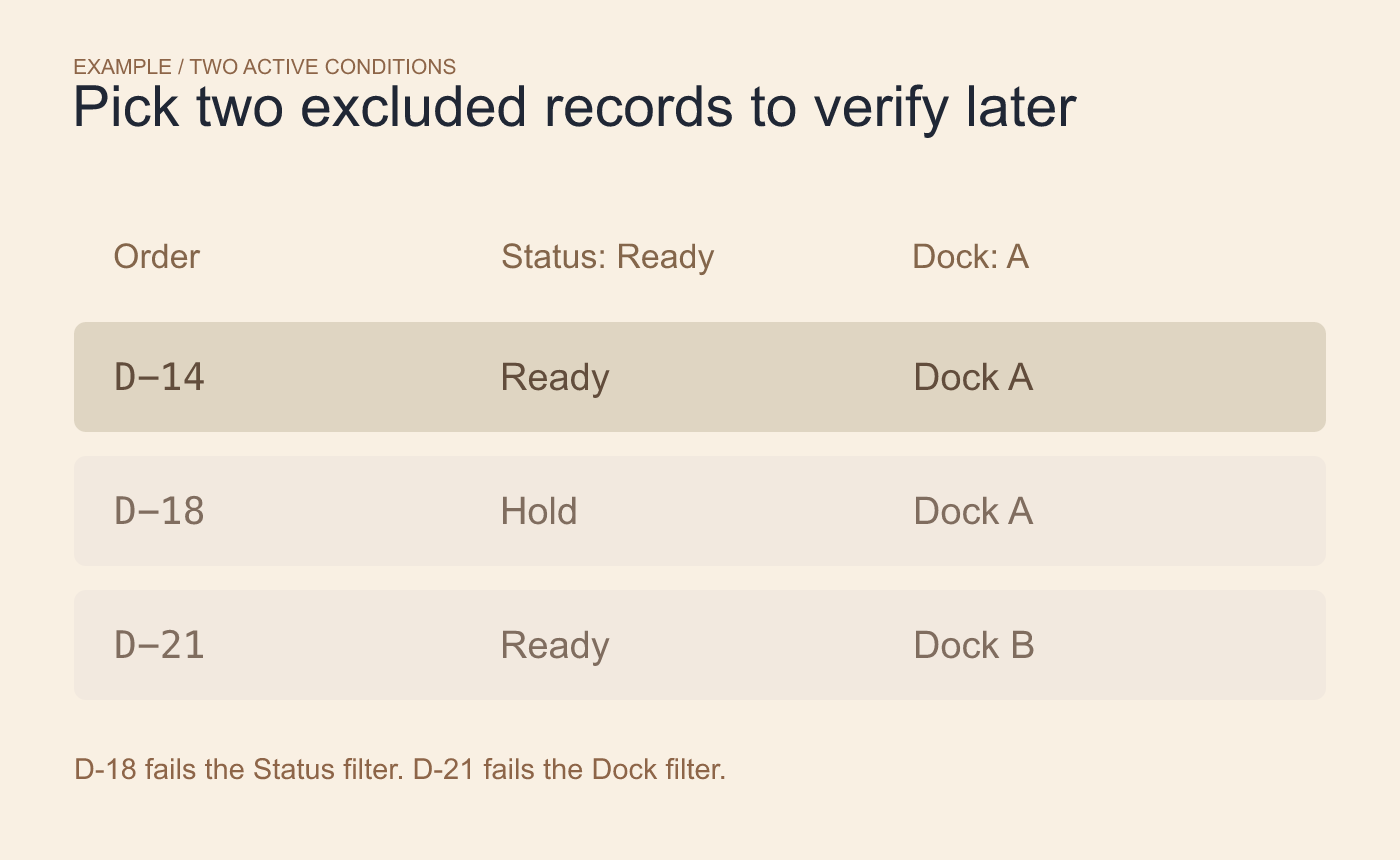
Example starting state. Choose one recognizable record excluded by each criterion.
Clear the conditions and keep the filter controls
Select a cell in the filtered list. On the Data tab in Ulet Sheets, find Sort & Filter and choose Clear. Its tooltip refers to clearing filter criteria. After the reset, check that D-18 and D-21 are visible and that the Status and Dock headers still show their filter controls.
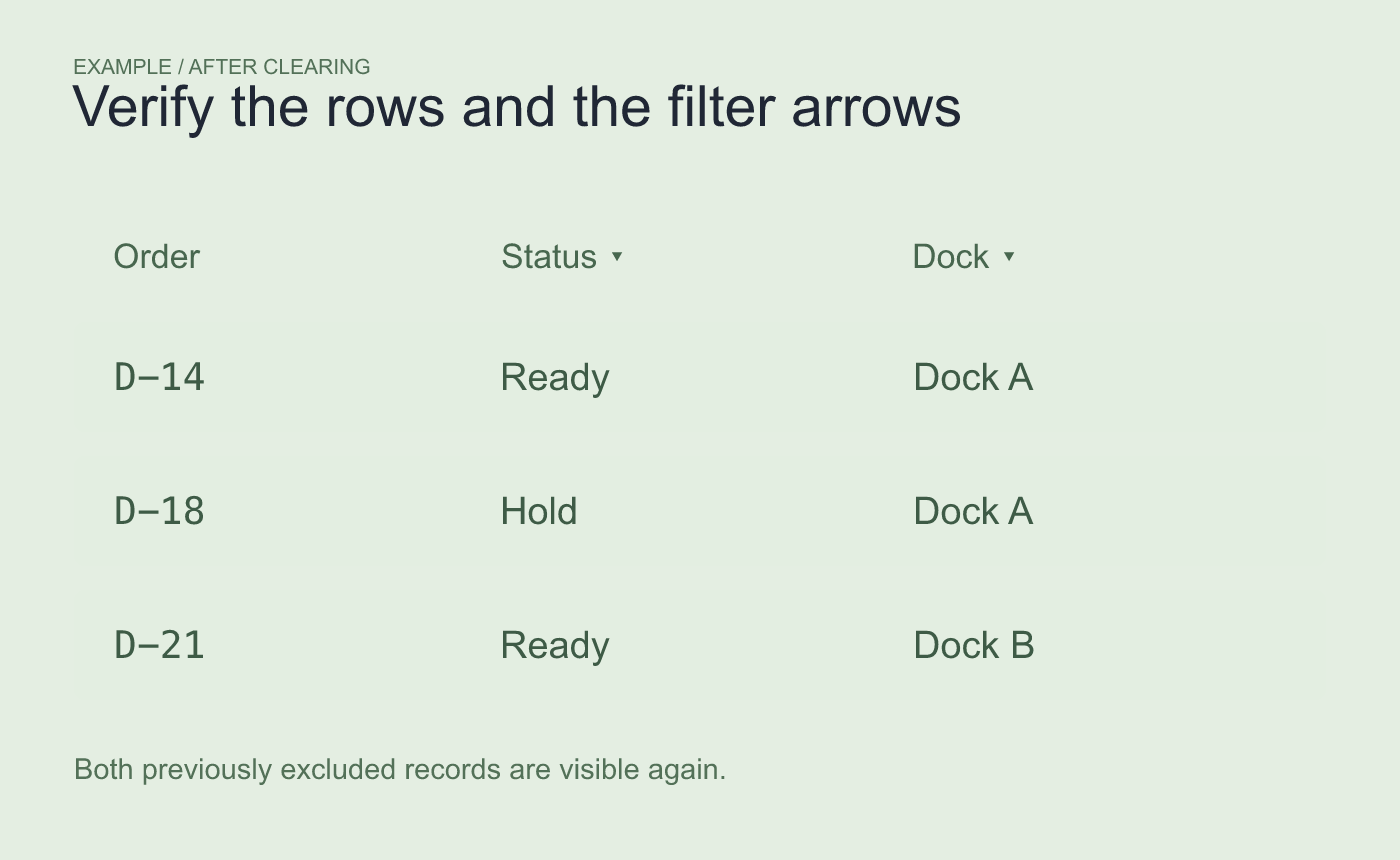
Example after clearing. Verify both rows and both dropdown controls.
Try opening a dropdown if you need to confirm it is still usable. If a known row stays missing, check the filter range and whether the row was hidden separately before treating the visible list as complete.



