
The packing summary fits a vertical sheet. The shipment grid has an extra Carrier column that the team needs on paper. Give each worksheet its own orientation and check both proofs before the handoff.
Set Landscape on Shipment Grid
In Ulet Sheets, select the Shipment Grid tab. Under Page Layout > Orientation, choose Landscape. Check the active sheet’s preview. The page should be wider than it is tall. Make sure the Carrier column is included. If it still falls off the page, check the print area and scaling separately.
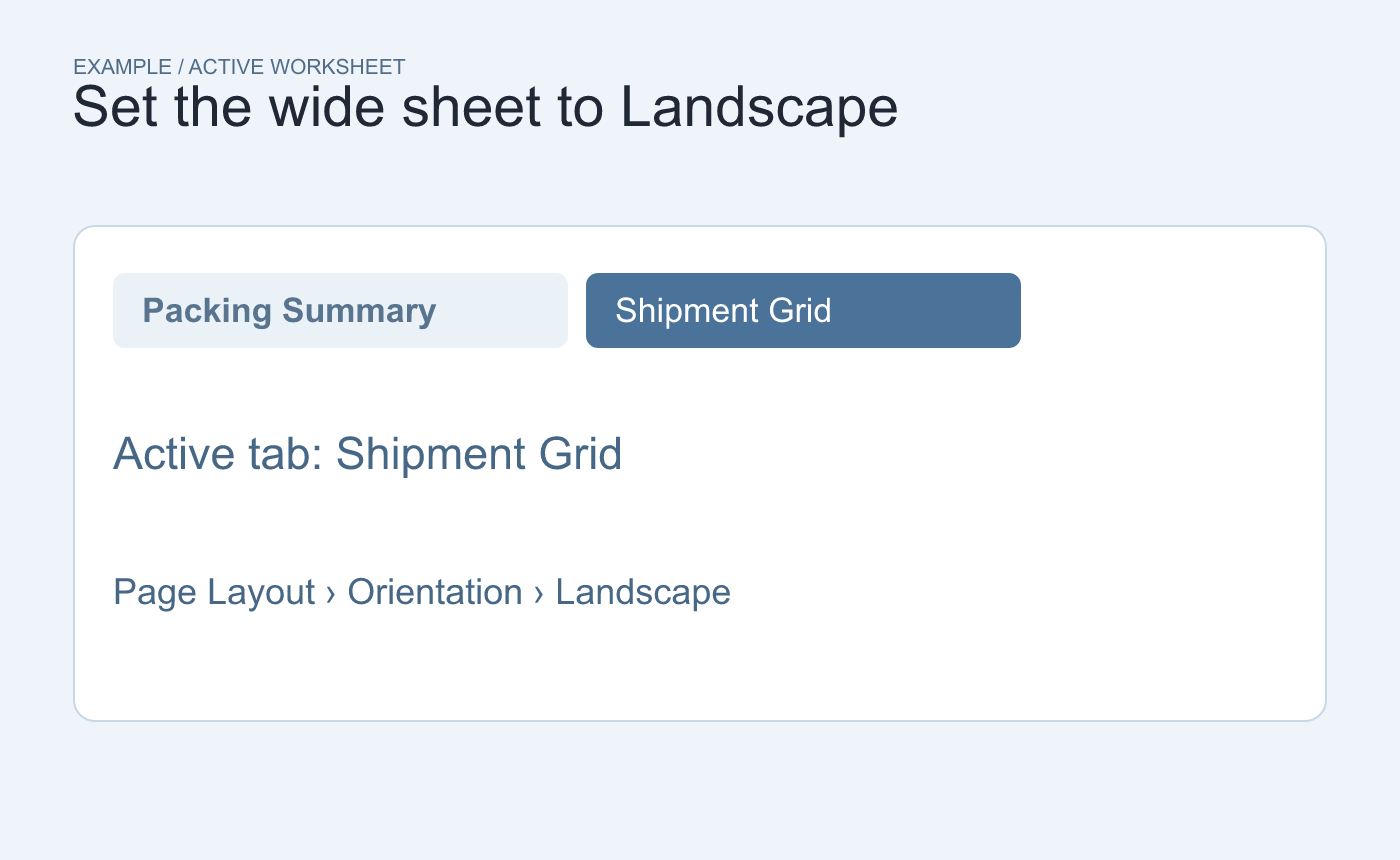
Example workbook. Change the orientation while Shipment Grid is active.
Read the two proofs as separate pages
Switch to Packing Summary and check its preview. If the job calls for portrait, verify or set it on that tab. Save and reopen the XLSX, then inspect both sheets again. If the print dialog offers an orientation override, check the actual printed or exported page.
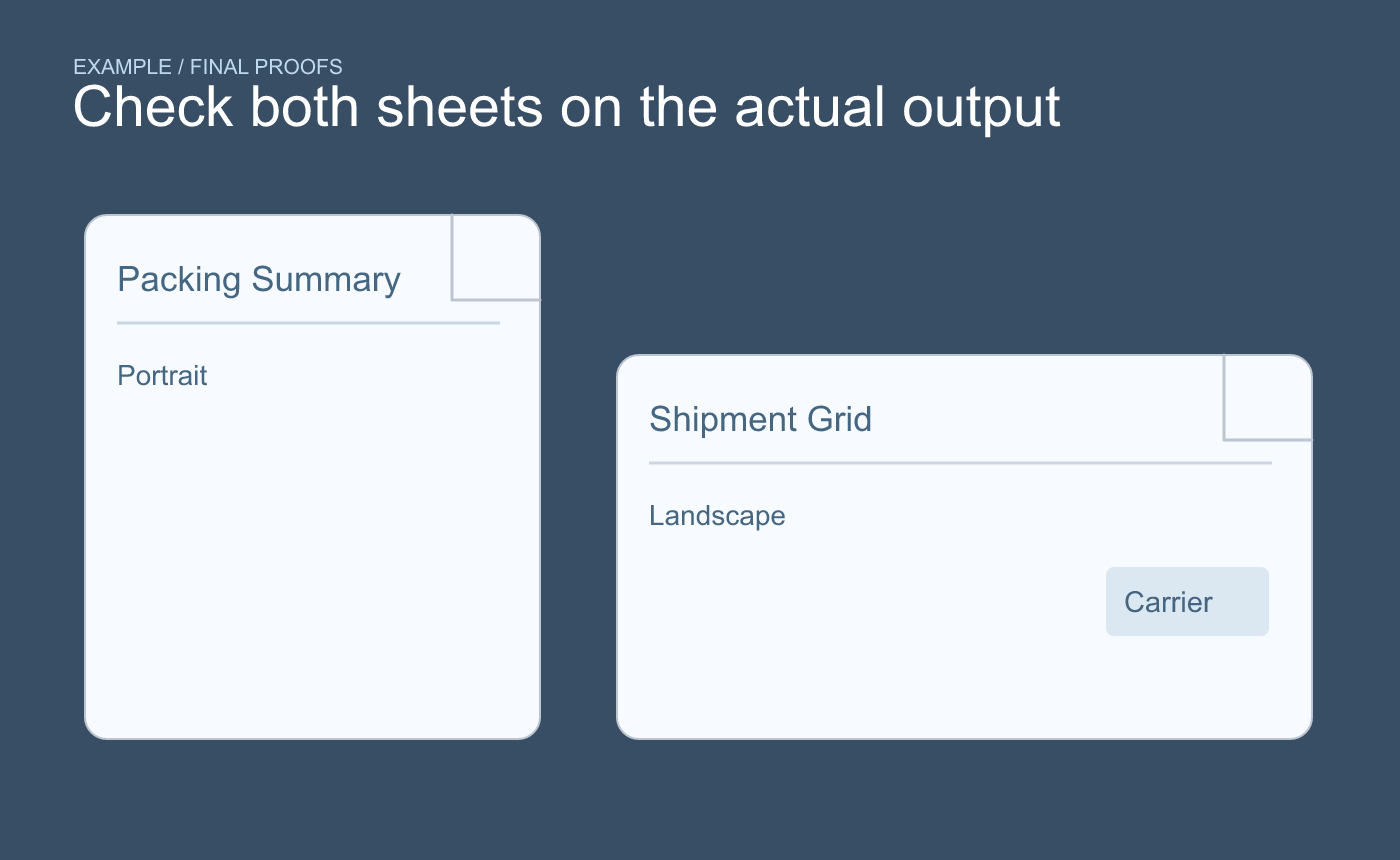
Example verification. Confirm the orientation and the last needed column on the actual proof.
Use the worksheet names in separate proof filenames so the recipient can tell which layout each file represents.



