
The inventory uses one tall Lighting label beside three items. That grouping reads well in the original order. Before sorting by item name, put the category on every row so it can travel with the item.
Unmerge and fill the original group
In a working copy in Ulet Sheets, select the category merged across A2:A4. On Home, open the Merge menu and choose Unmerge Cells. The visible label normally stays in A2. Fill A3 and A4 with Lighting for Dimmer, Lantern and Stand. Leave the next category, Rigging, outside that fill.
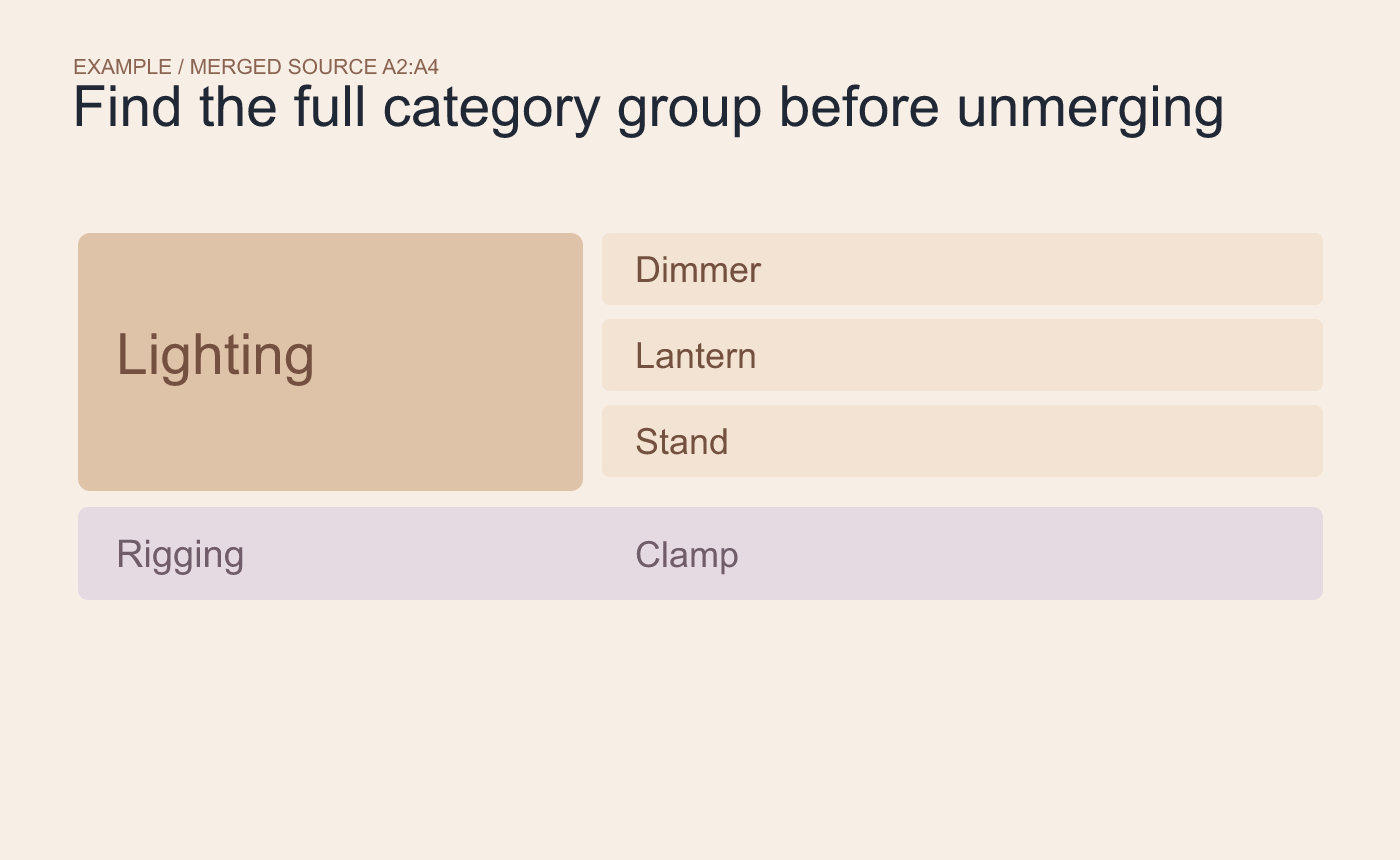
Example starting layout. Find where the category begins and ends before unmerging.
Sort the complete records and spot-check them
Select the full inventory range, including category, item and count, then sort by item. Find Lantern and confirm it still says Lighting. Find a Rigging item and check its category and quantity. A sort of the item column alone would separate those fields from their records.
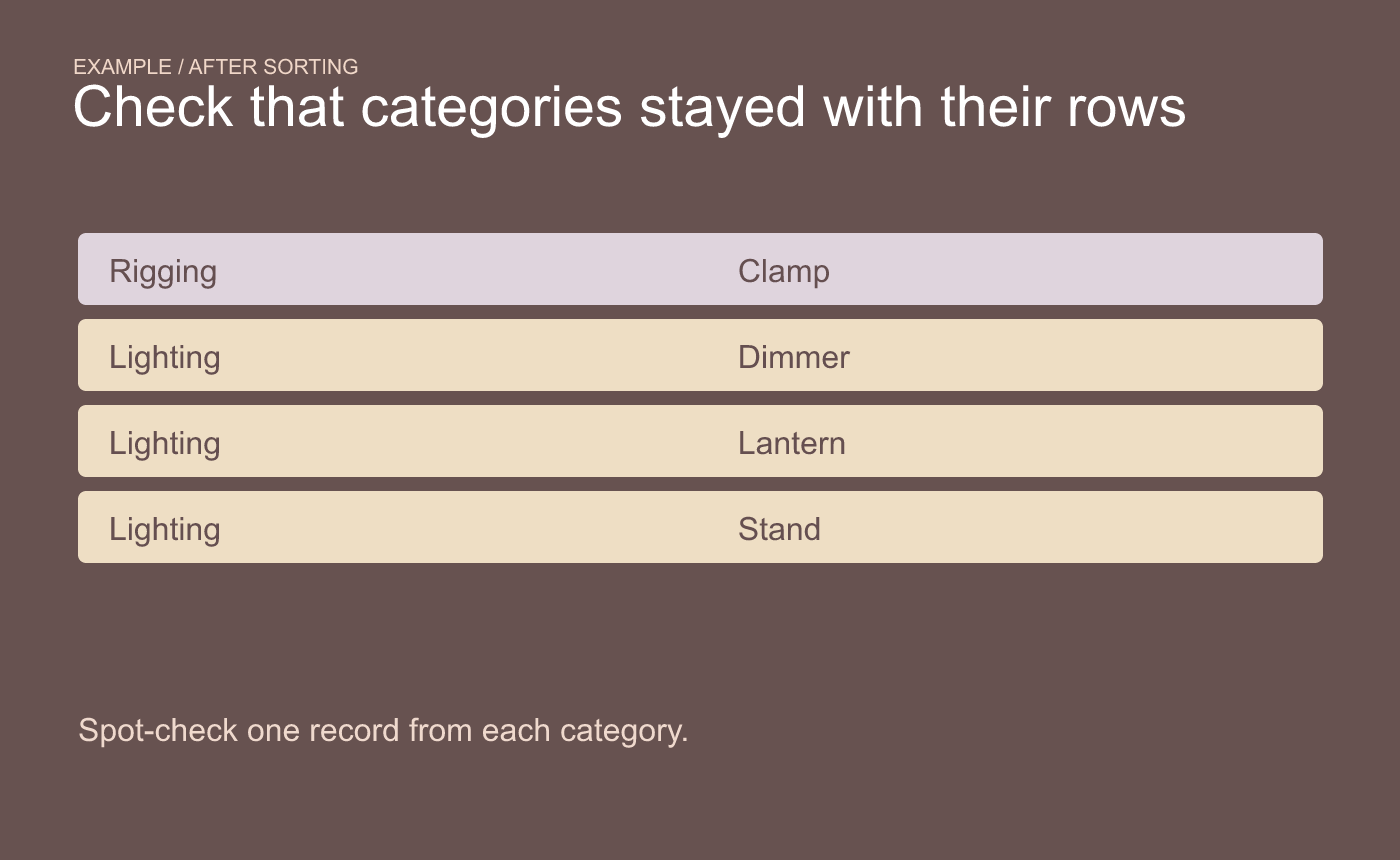
Example sort check. Confirm each item kept its category when the rows moved.
If readers also need the grouped visual layout, keep a separate presentation sheet. Use individual category values in the sortable inventory.



