
The order sheet uses one lamps-per-pack value for both delivery orders. Before changing the pack size, find which formulas read that input and test the effect on the two totals.
Trace from the shared input
In a sample Ulet sheet, put 3 in B2. Put pack counts of 6 and 10 in C5:C6. Enter =$B$2*C5 in D5 and =$B$2*C6 in D6. The results should be 18 and 30. Select B2 and choose Formulas > Trace Dependents. Follow the arrows to D5 and D6 and inspect the formula bar in both cells.
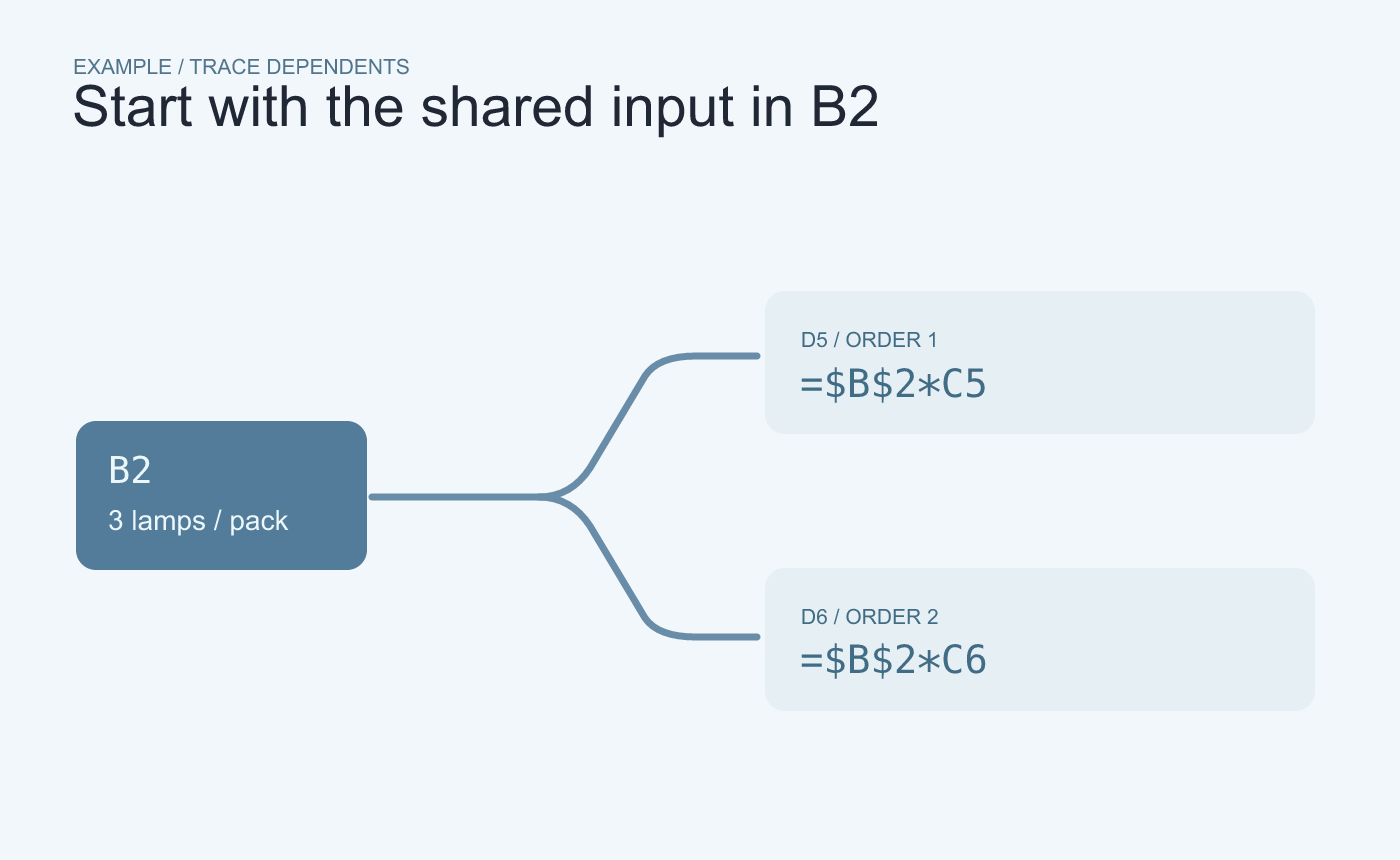
Example trace. Start at the shared input and follow arrows to the formulas that read it.
Test the change before editing the shared file
In a working copy, change B2 from 3 to 4 and expect 24 and 40. Restore the sample input and use Remove Arrows when you finish. If Ulet reports that the trace covered only the loaded region, treat it as partial and check other sheets and downstream summaries separately.
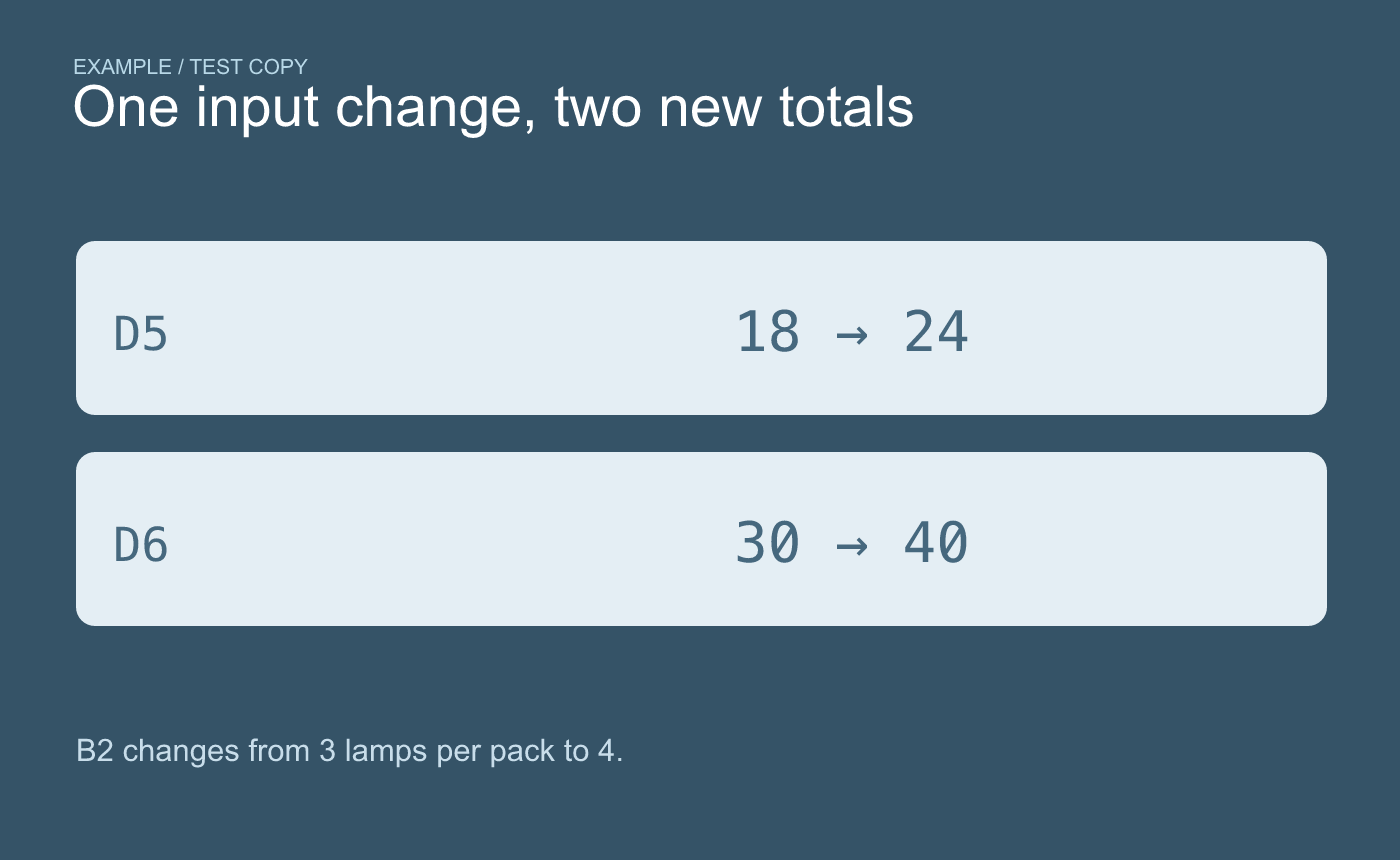
Example test. Check both dependent formulas after changing the input in a copy.
Use the arrows to locate formulas. Use a known result or a small test to check what those formulas should calculate.



