
A pallet register contains PL05 from one import and PL05 from another. They look similar, but the first uses full-width characters. Build a narrow helper key before checking whether the records match.
Keep the original and convert beside it
Put the two codes in A2 and A3 as text. In a spreadsheet editor that supports ASC, enter =ASC(A2) in B2 and fill down. With support for these characters, both helper cells should read PL05. Check that the zero in the code is still there.
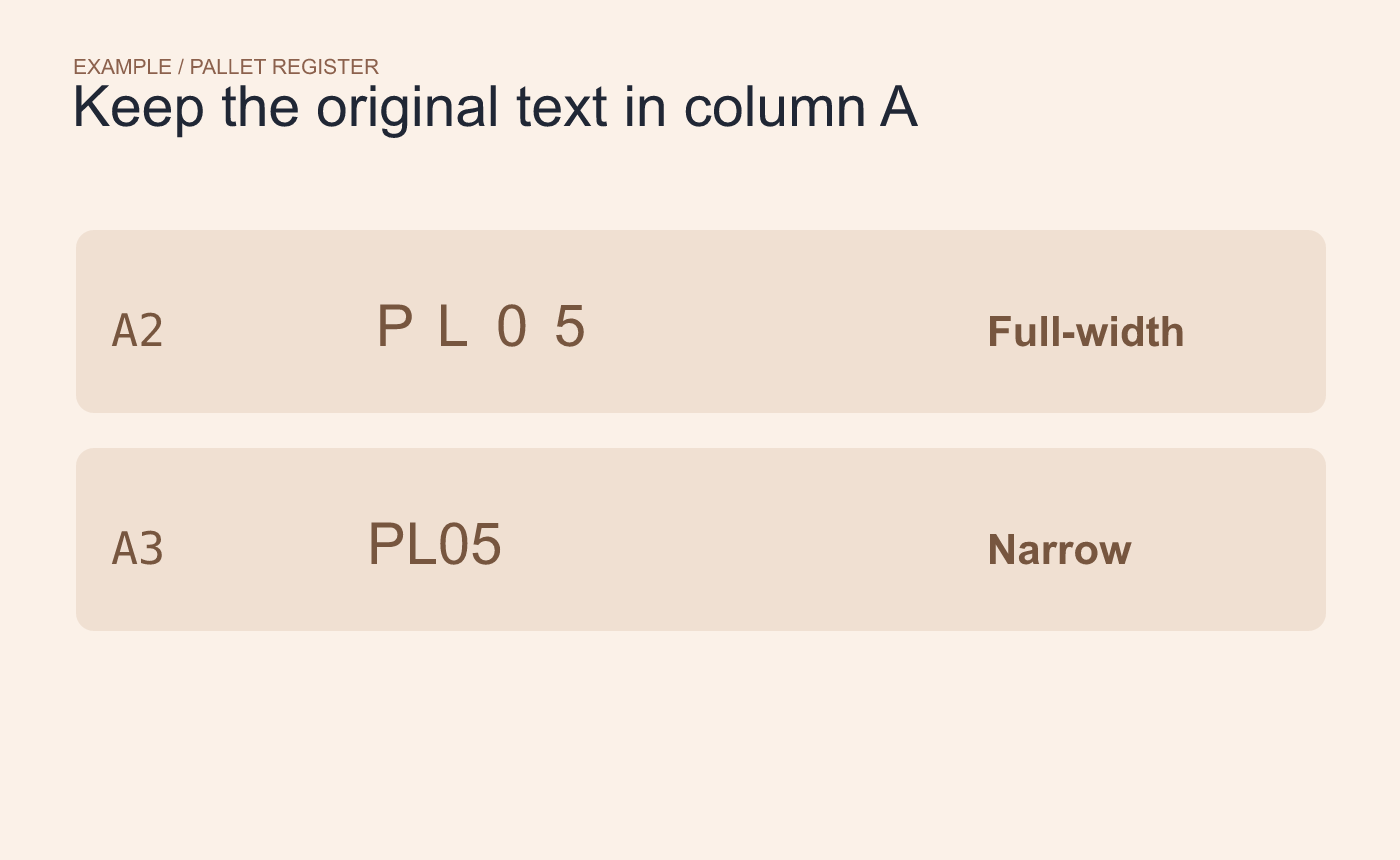
Example inputs. Preserve the original codes in their own column.
Inspect the collision before using the key
Filter the helper for PL05 and compare both source rows with the pallet registry. If they represent the same pallet, decide which record to keep for the task. If they represent different pallets, the helper alone cannot distinguish them.
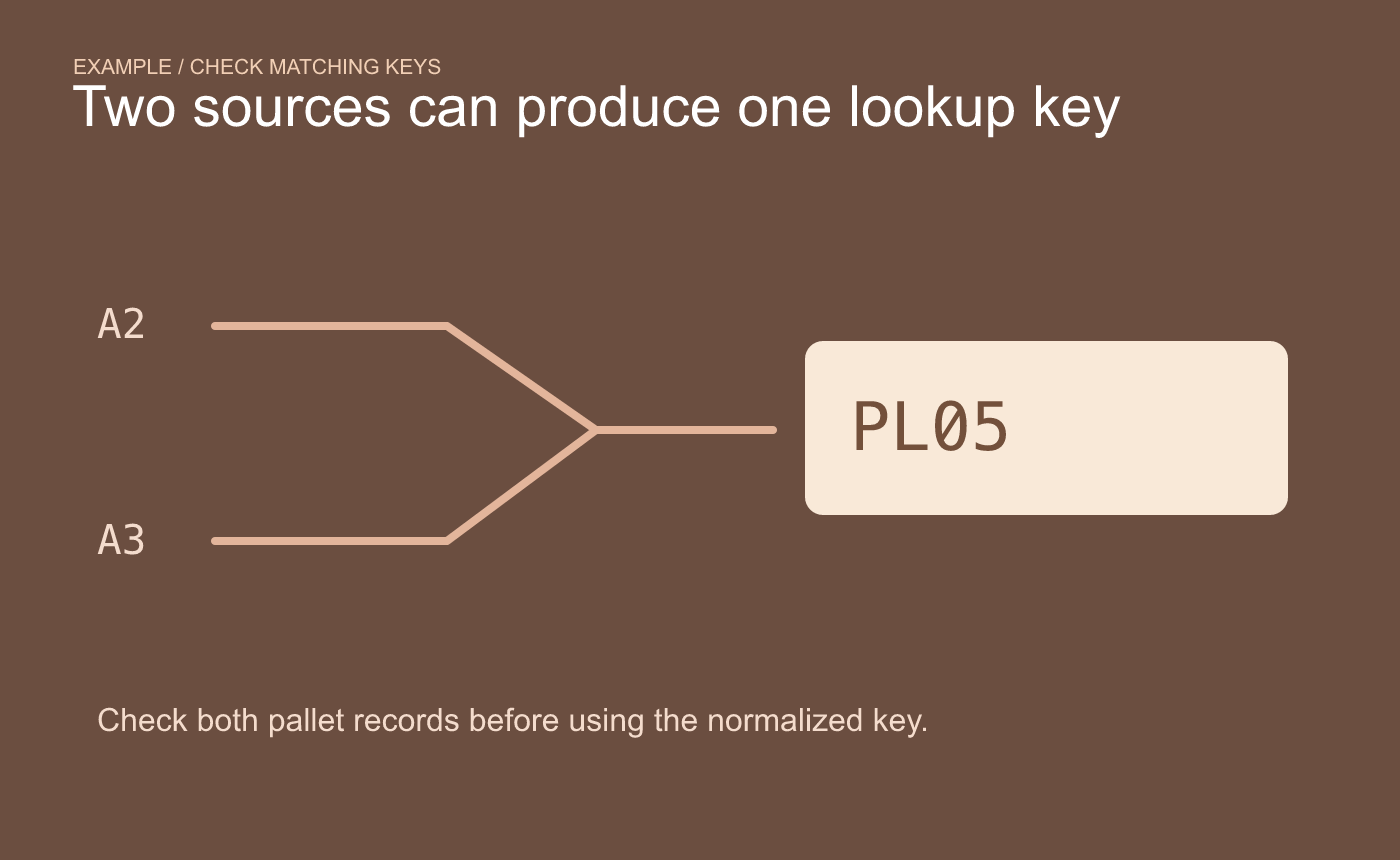
Example matching check. Confirm whether the two rows represent the same pallet.
Test representative input in the spreadsheet editor that will receive the workbook. Width conversion handles character width for supported inputs. The registry determines whether the resulting code is valid.



