
The sample review should start with the bowl, then show the tray and mug. Those items are scattered through the catalog. Use their positions to assemble a separate review view while keeping each item paired with its material.
In A3:B7, enter these five pairs in order: Mug and Glass, Rack and Steel, Bowl and Ceramic, Mat and Cotton, and Tray and Wood. The bowl is position 3 in this range even though it is on worksheet row 5.
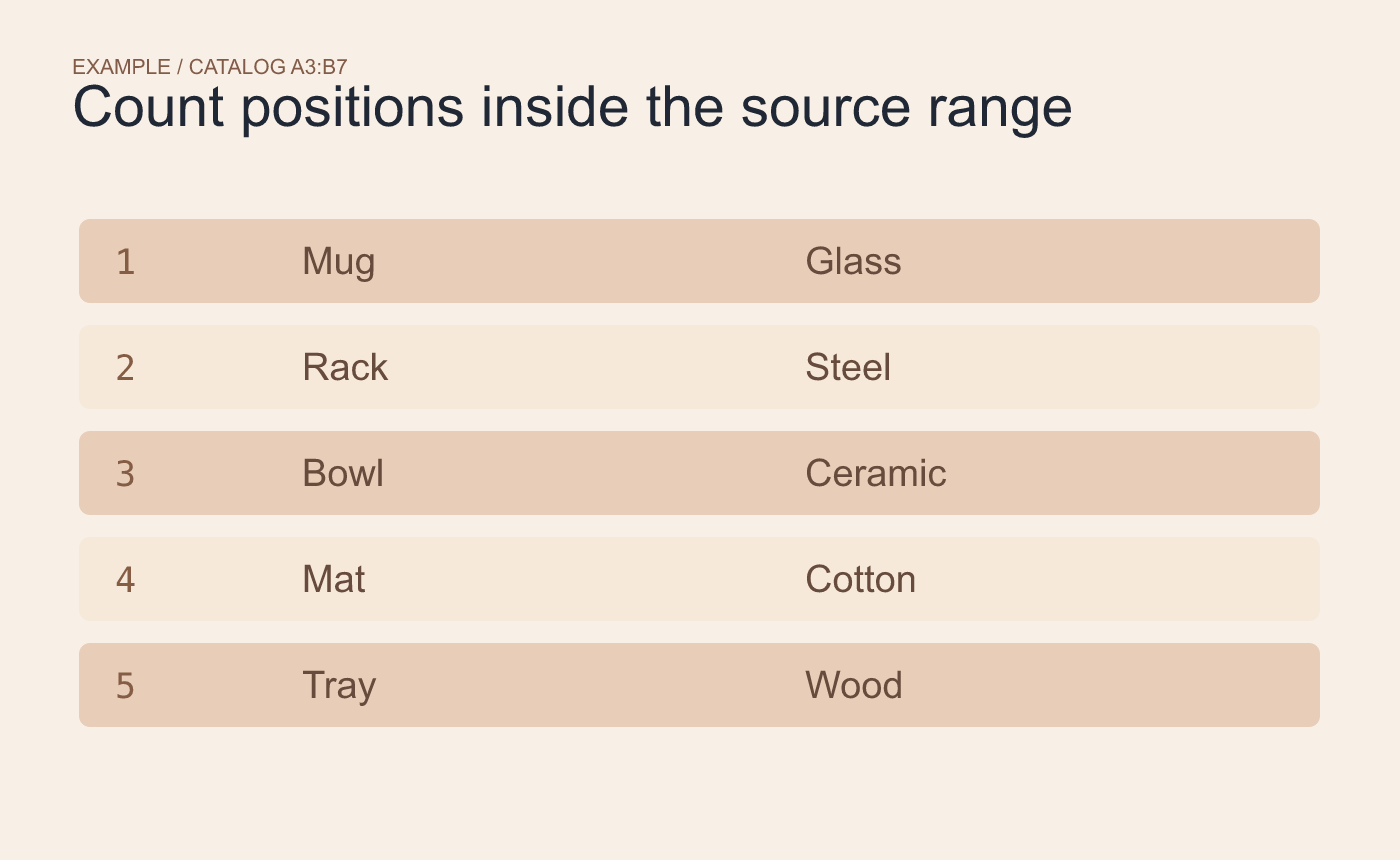
Example input. Count positions from the top of the selected range.
Request positions 3, 5 and 1
In an editor that supports CHOOSEROWS, clear E3:F5 and enter =CHOOSEROWS(A3:B7,3,5,1) in E3. Expect Bowl–Ceramic, Tray–Wood and Mug–Glass, in that order.
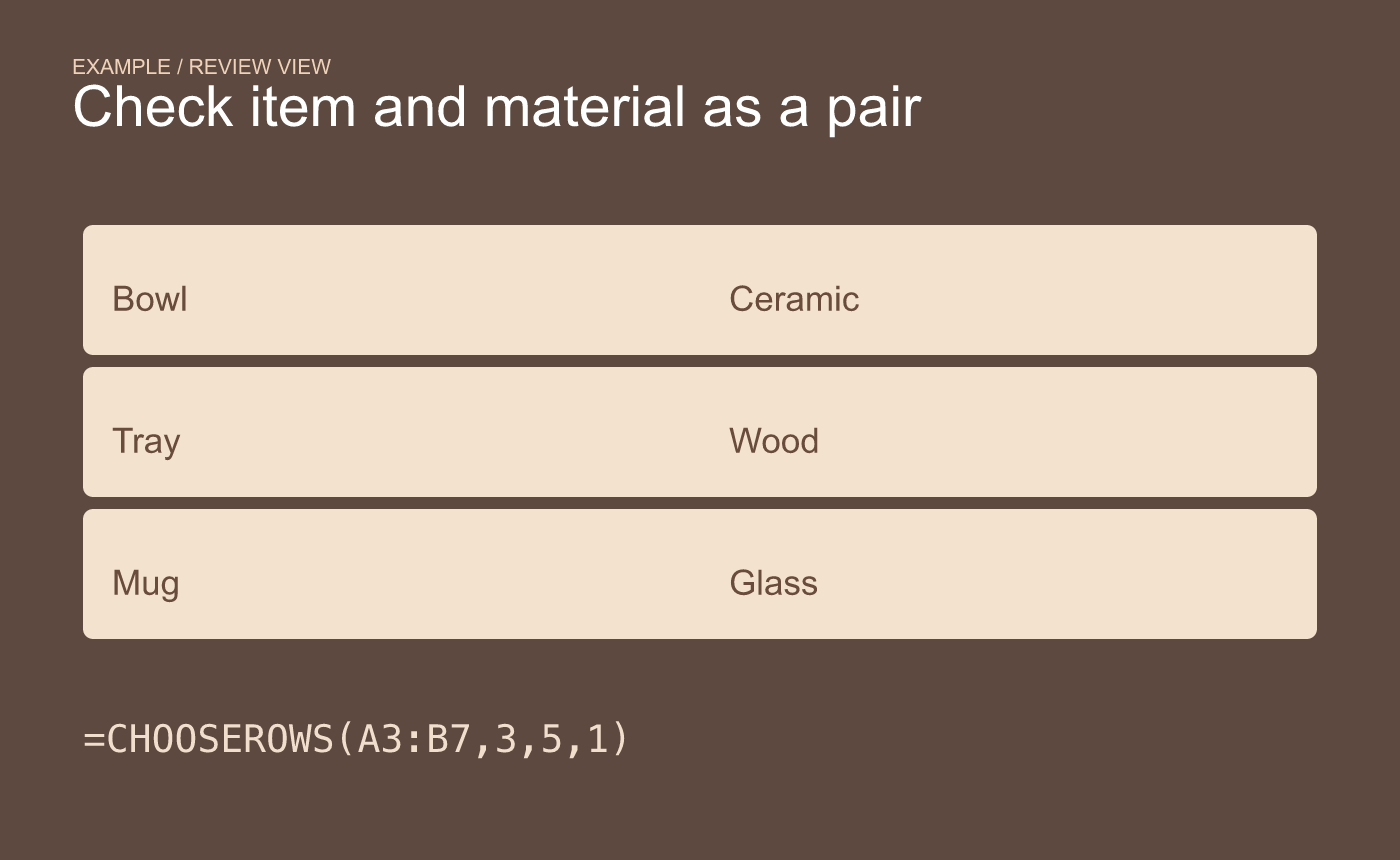
Example sample view. Confirm that each material stayed with its item.
Compare each result with the source row. If the catalog is sorted later, a position may refer to a different item. Use stable item IDs when the same products must stay in the review after sorting.



