
The appendix index needs Roman labels, but the author still moves sections by number. Keep a numeric order column and generate the labels beside it.
Enter 6, 9 and 14 in A2:A4. In B2, use ="Appendix "&ROMAN(A2,0) and fill down. Zero selects the classic form. Expect Appendix VI, Appendix IX and Appendix XIV. Keep the order values numeric.
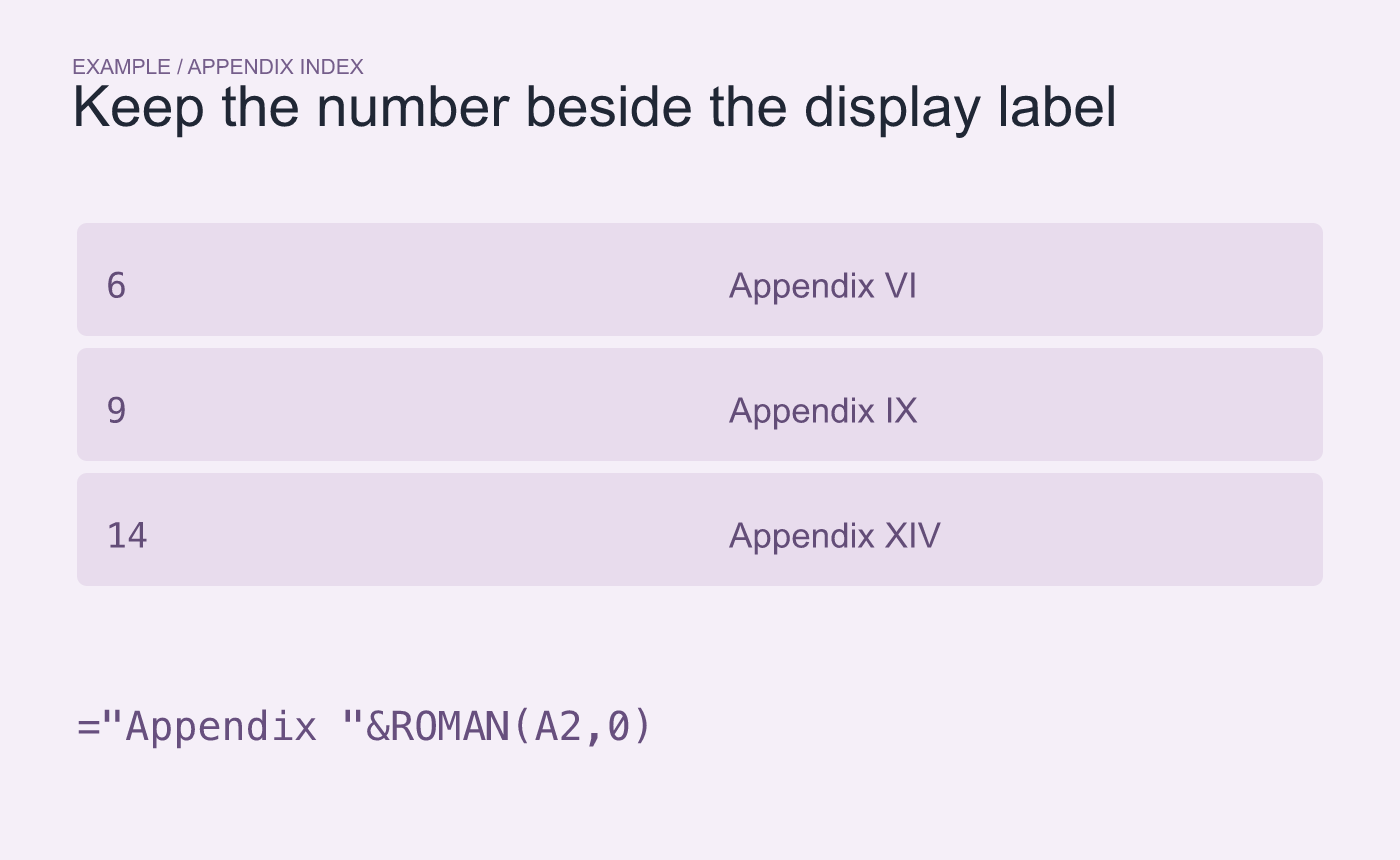
Example index. Keep the numeric order in its own column.
Sort by the numbers and check the printed labels
Select the full index range and sort by column A. Sorting by label text can put Appendix IX before Appendix VI because I sorts before V. Check that 9 displays as IX and that each label still travels with the correct appendix title.
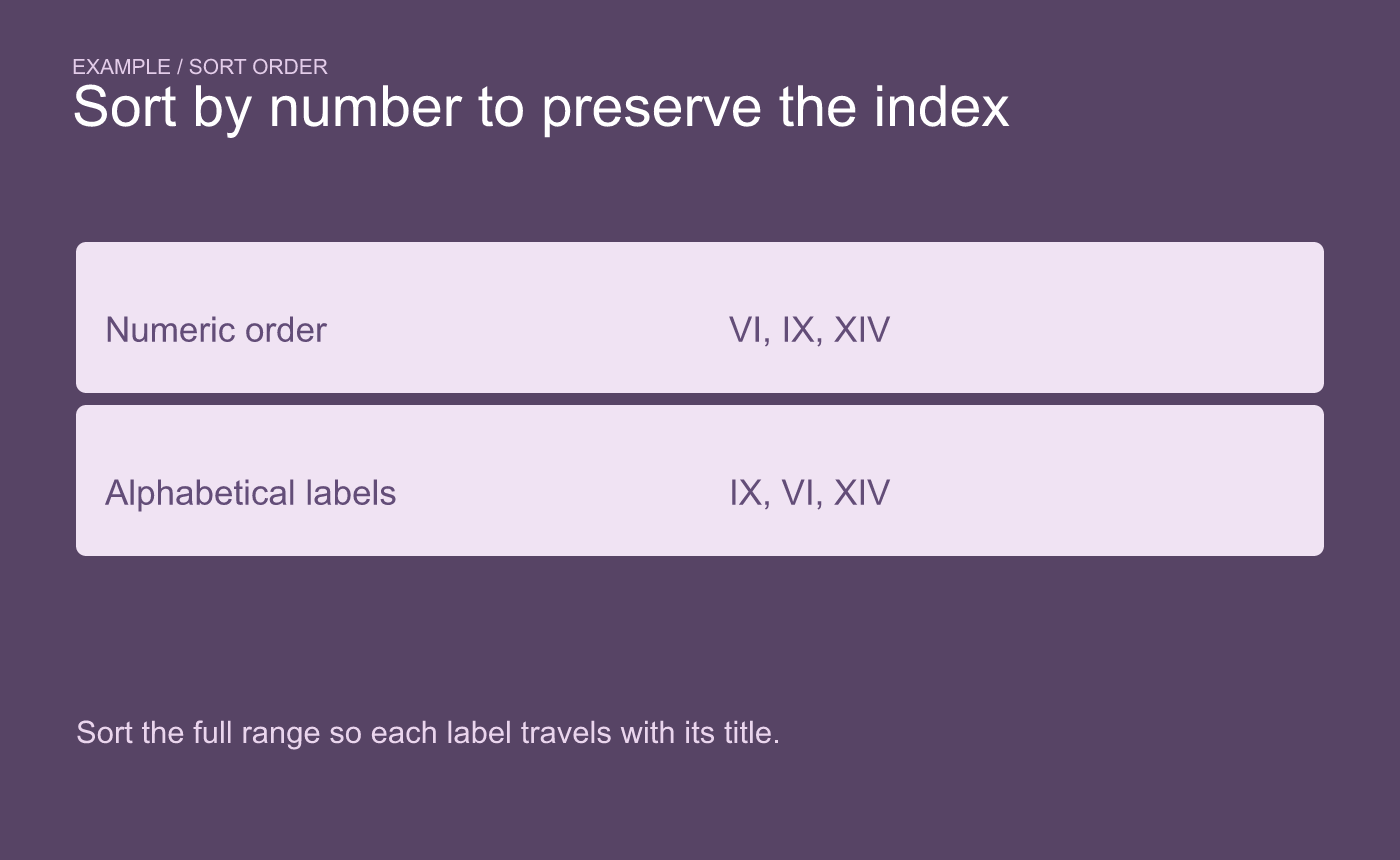
Example sorting check. Sort the full range by the numeric column.
If you rearrange the document, update the numeric order and then compare the regenerated labels with the headings and references in the final copy.



