
The inspection log contains three entries for pump P12. You need the one nearest the bottom of the current range. Search backward and then translate the returned position into a sheet row.
Search the range from its last entry
Enter P12, P34, P12, P50 and P12 down A6:A10. Put P12 in D2 and enter =XMATCH(D2,A6:A10,0,-1) in E2. The 0 requests an exact match. The -1 makes the search run from last to first. Expect 5.
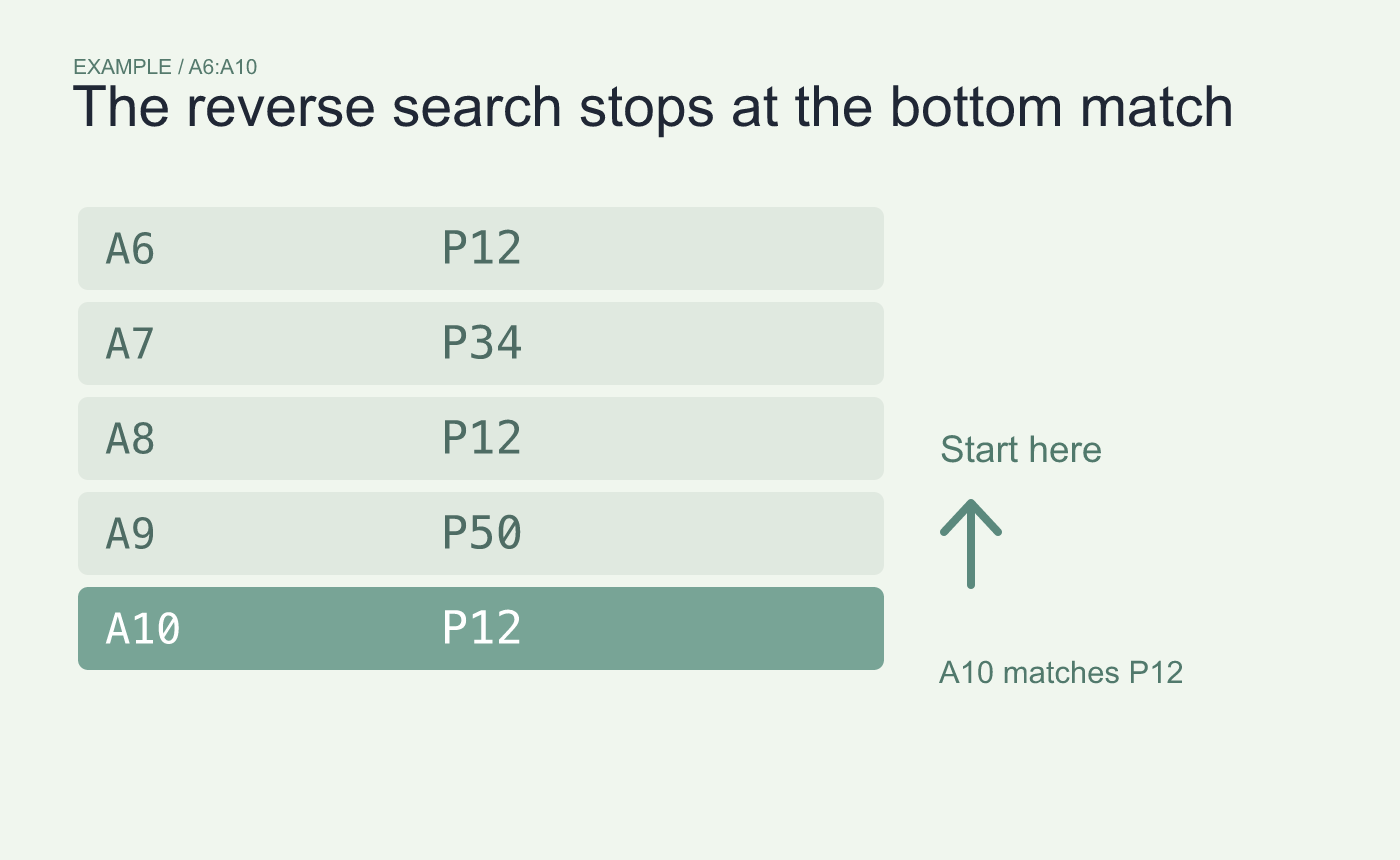
Example search direction. Exact matching stops on the bottommost P12.
Translate the position into a row number
The position is measured from the top of the range. Counting from A6, position 5 is A10. To get the sheet row in another cell, use =ROW(A6)+E2-1 and expect 10.
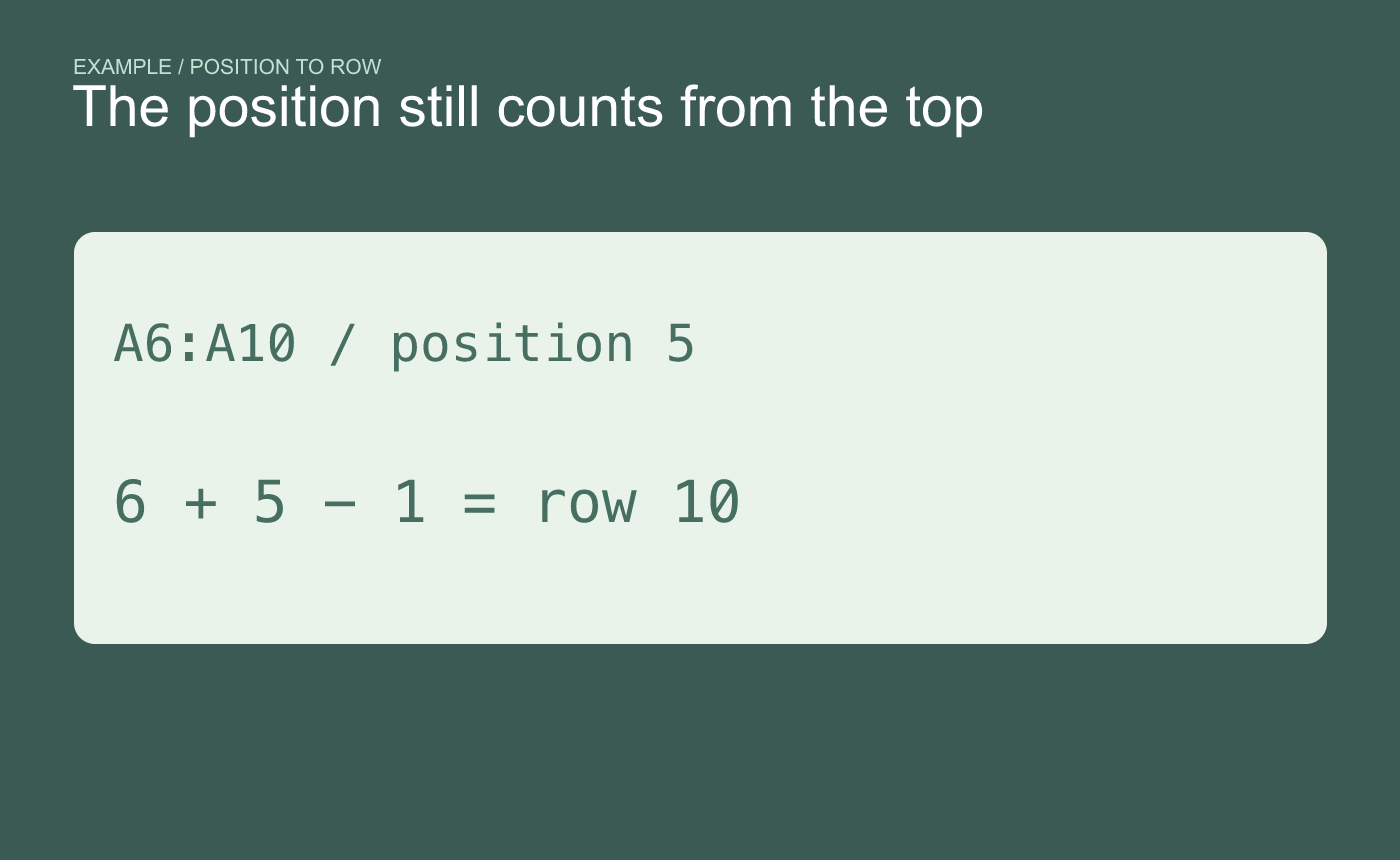
Example position check. The returned position counts from the top of the input range.
Inspect the timestamps if you need the newest entry. The bottommost record is the newest only when the range’s current ordering puts the newest entries last.



