
A diagram showing Request, Verify and Issue needs enough context for someone who cannot see the arrows. Give it a short name and describe what the arrows mean.
```mermaid
flowchart LR
    accTitle: Desk check-in
    accDescr: The desk receives a request, verifies the booking, then issues a badge.
    R[Request] --> V[Verify booking]
    V --> B[Issue badge]
```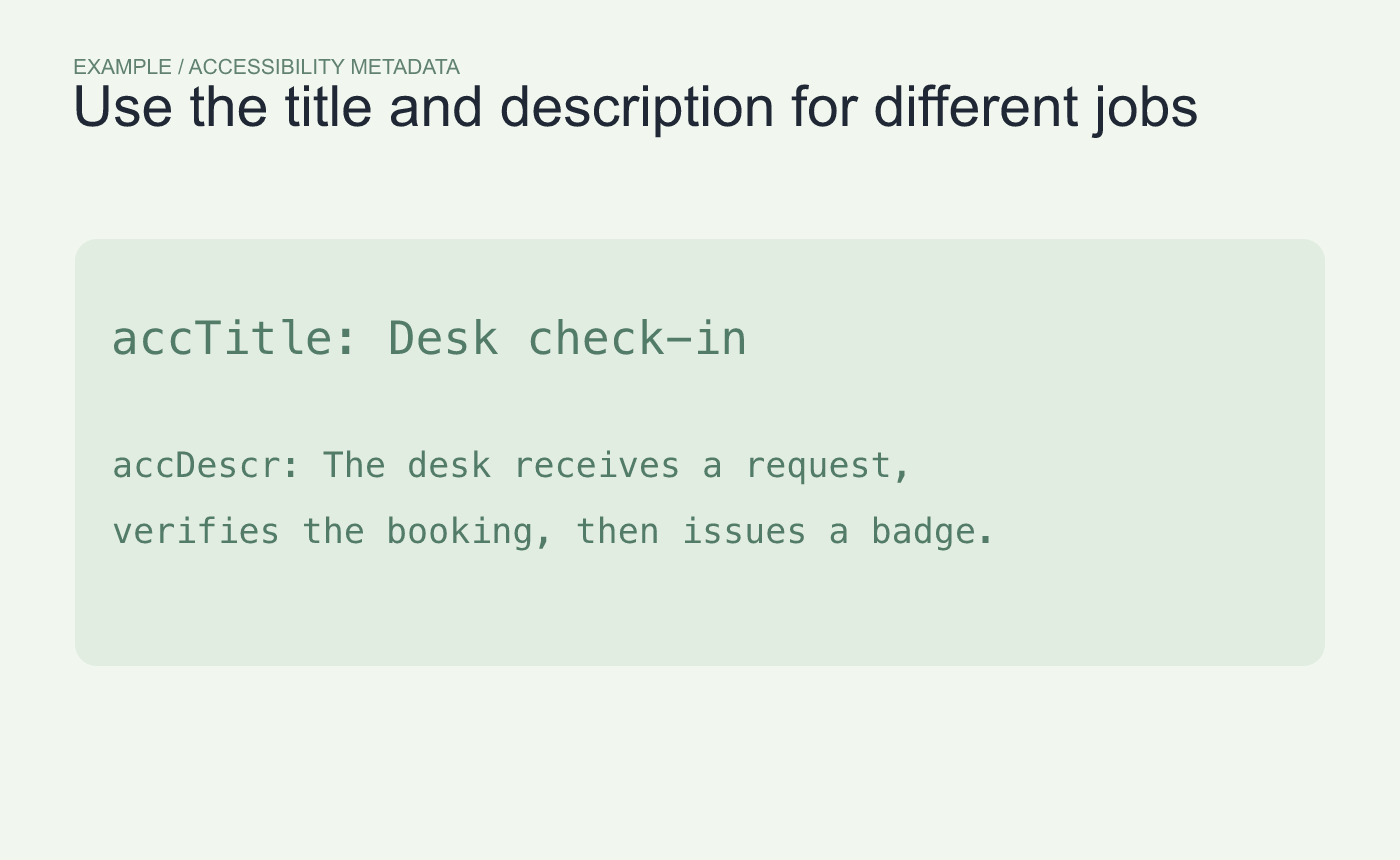
Example metadata. Use the title for the subject and the description for the relationship.
Check the final rendering
Preview in the destination that readers use. Where you can inspect its accessibility view, check the diagram name and description. Mermaid can place that metadata in the generated SVG, but a surrounding editor, export or conversion may handle it differently.
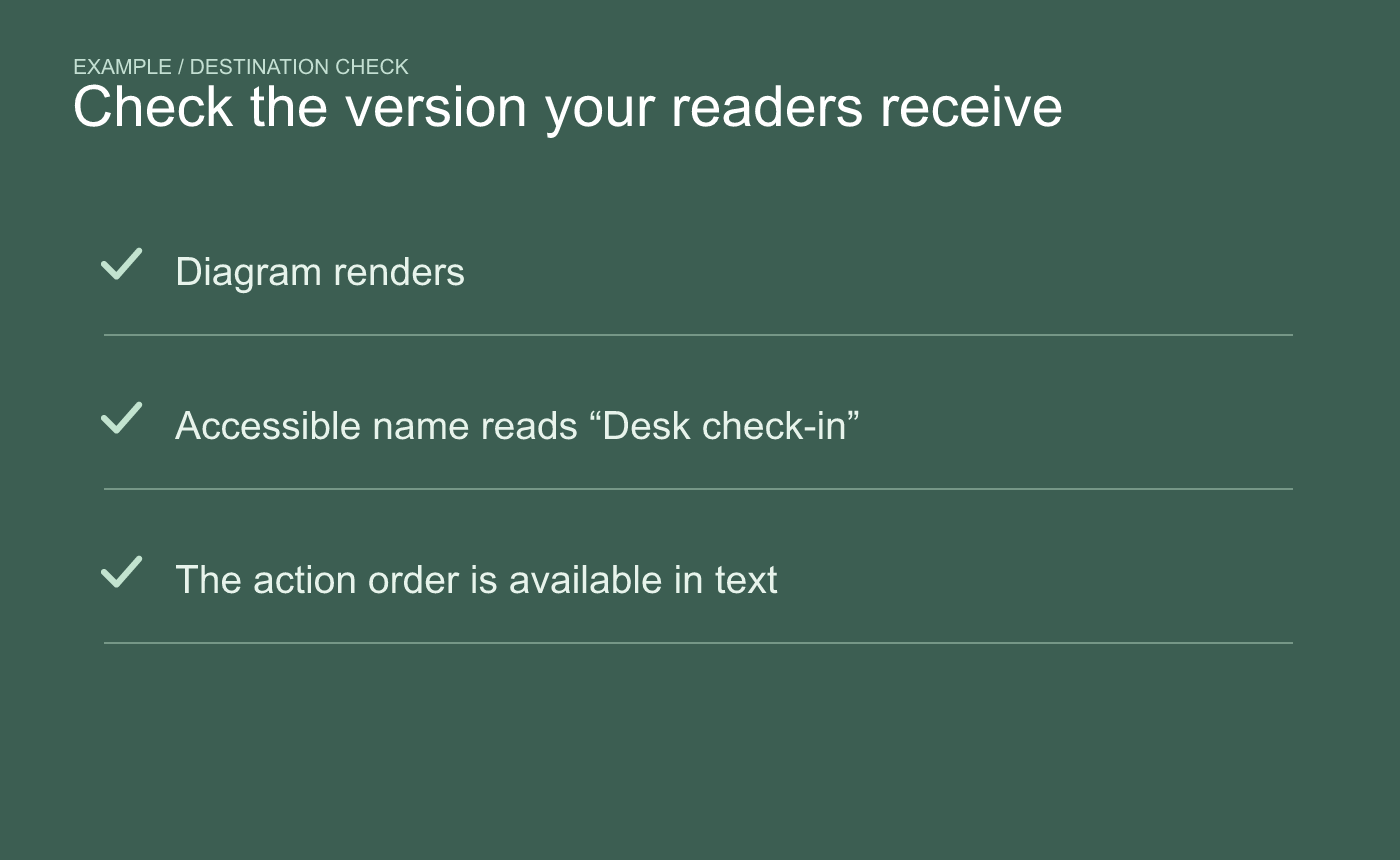
Example destination check. Test the representation readers will receive.
If the delivered diagram loses its description, put the same relationship in text beside it. A nearby sentence also helps when the destination displays the fenced source or a static image.



