
The Field Kit note is on disk, but a workspace search is using the whole archive and Ulet reports skipped files. Choose a folder that contains the current project and check a note you already know is there.
Choose the project folder
In Ulet Markdown, open View > Workspace. Read the root shown in the panel. Use its folder chooser to select Archive/Field Kit/ for this example, rather than the entire archive. Keep related project references inside the chosen root if the workspace search needs to find them.
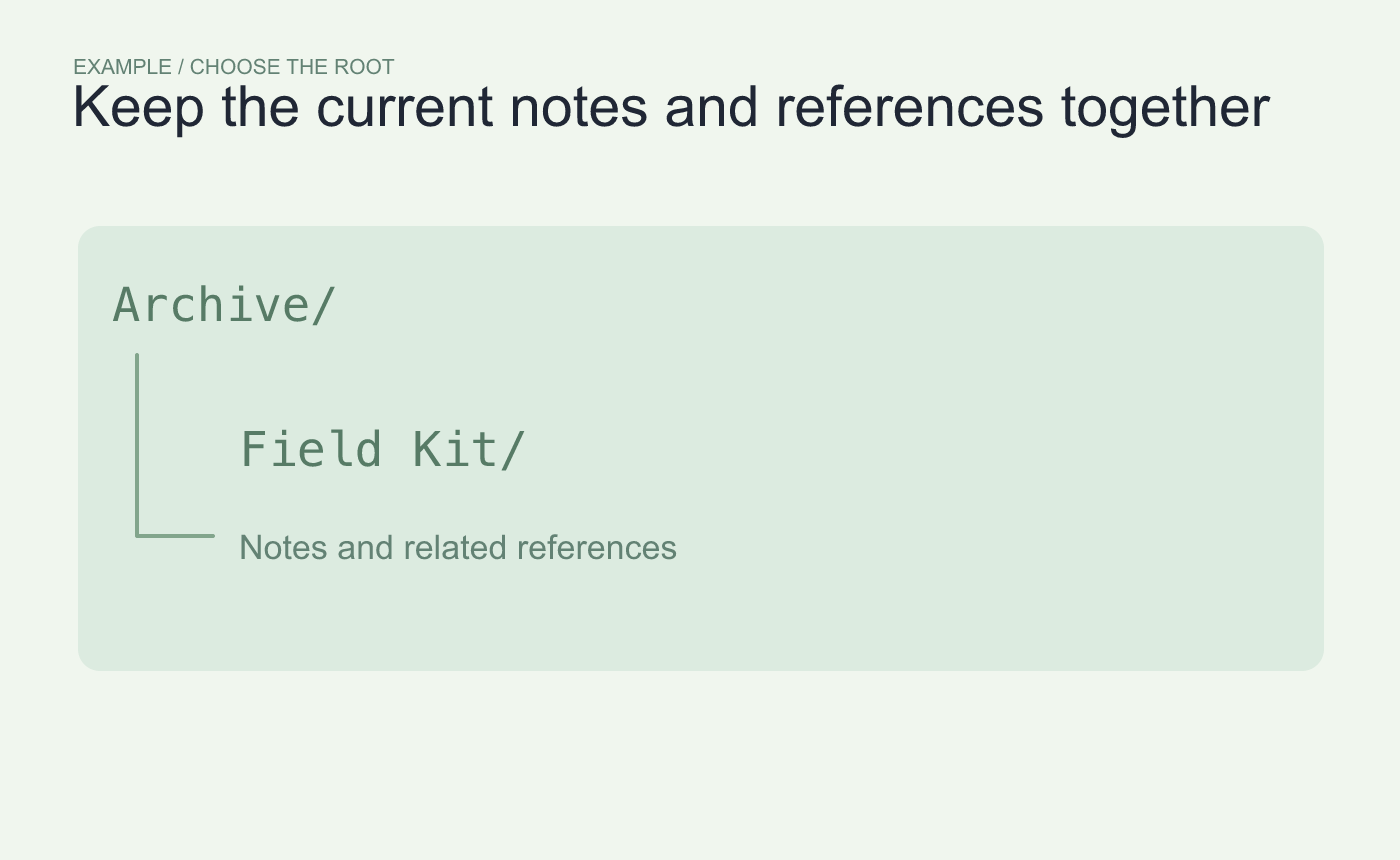
Example root choice. Include the current project notes and the references they use.
Open two known files from the results
In Files, find Kit list.md. Check the path before opening it, especially if an older folder contains the same title. Repeat with Pickup notes.md in another part of the project.
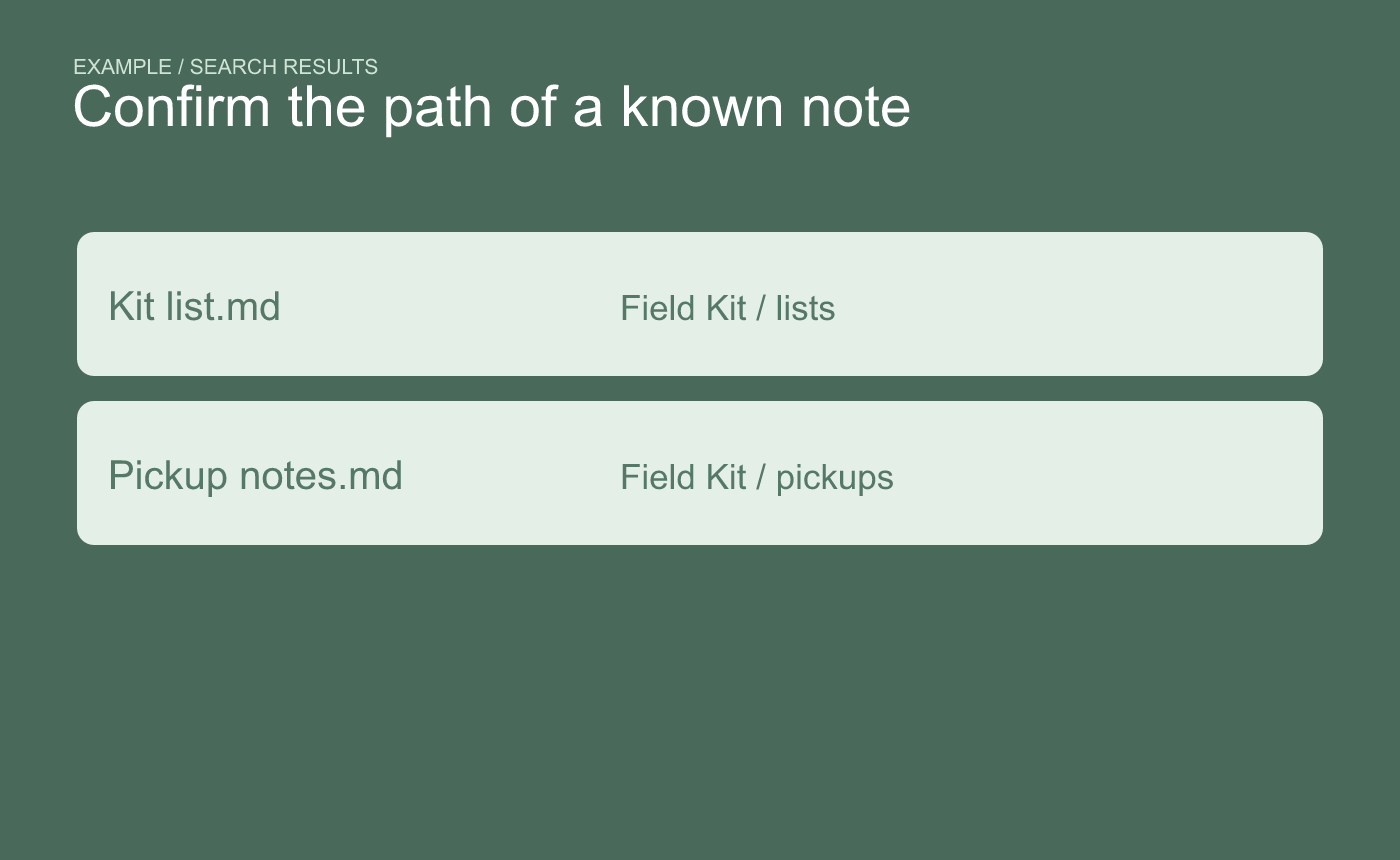
Example verification. Confirm the result comes from the selected root.
If a smaller root still reports skips, check the file’s size, readability and encoding. The current workspace notice also lists file-count and total-size limits. Open the file directly if you need to read it while investigating the index.



