
Before moving table-map.svg, find every place the open note mentions it. A match in a path needs a different decision from a match in instructions.
Search the source, then read each match
In Ulet Markdown, choose View > Source. On Home, choose Find and search for table-map.svg. Read the source around each result.

Ask the venue lead to review table-map.svg.
[map-reference]: assets/table-map.svg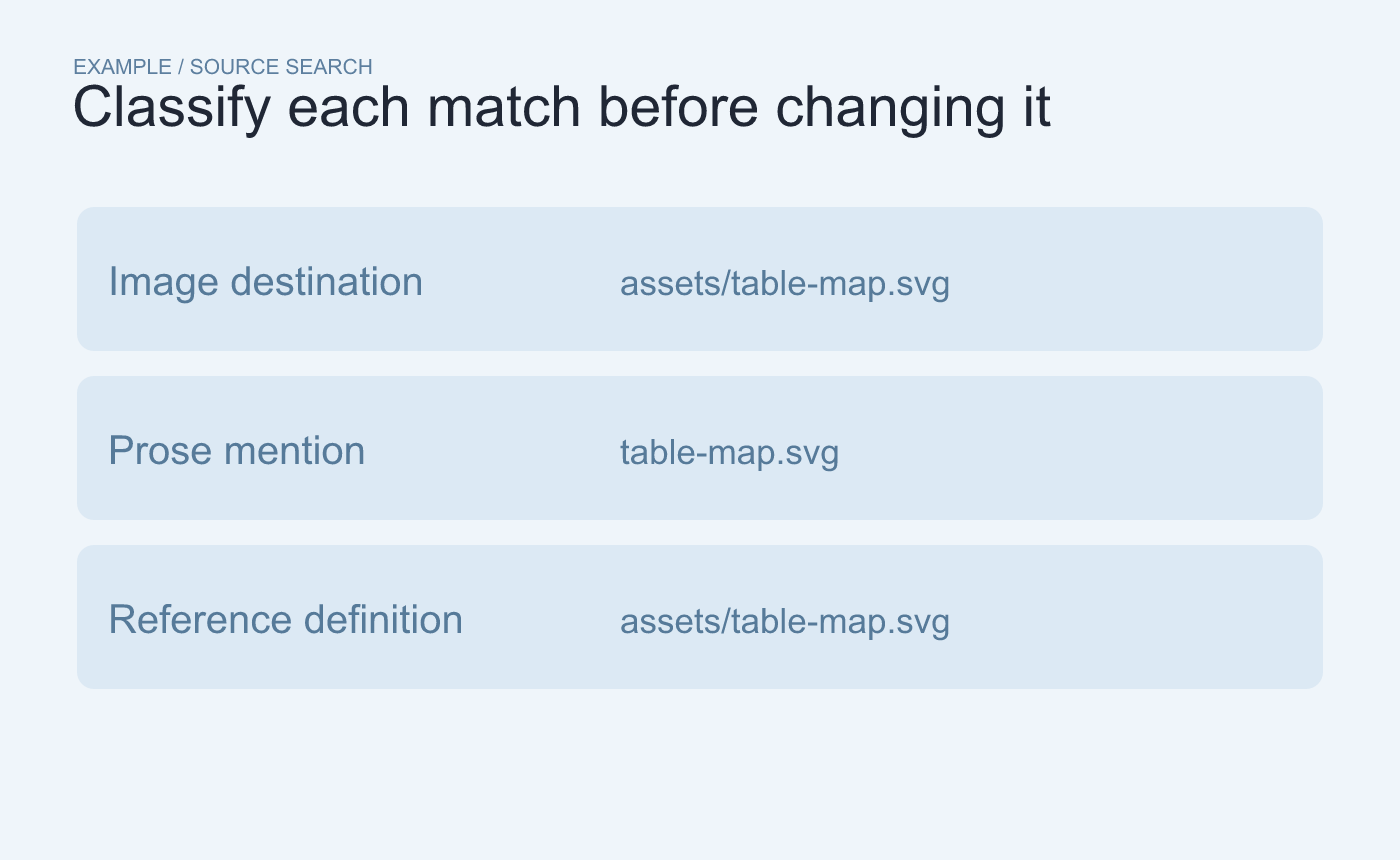
Example search. Identify whether each match controls an image or only mentions its name.
Change the paths that should follow the file
If the file moves to diagrams/table-map.svg, update the image destination. Update the reference definition too if another link uses it. Leave the prose mention as a filename unless the instruction itself needs a path.
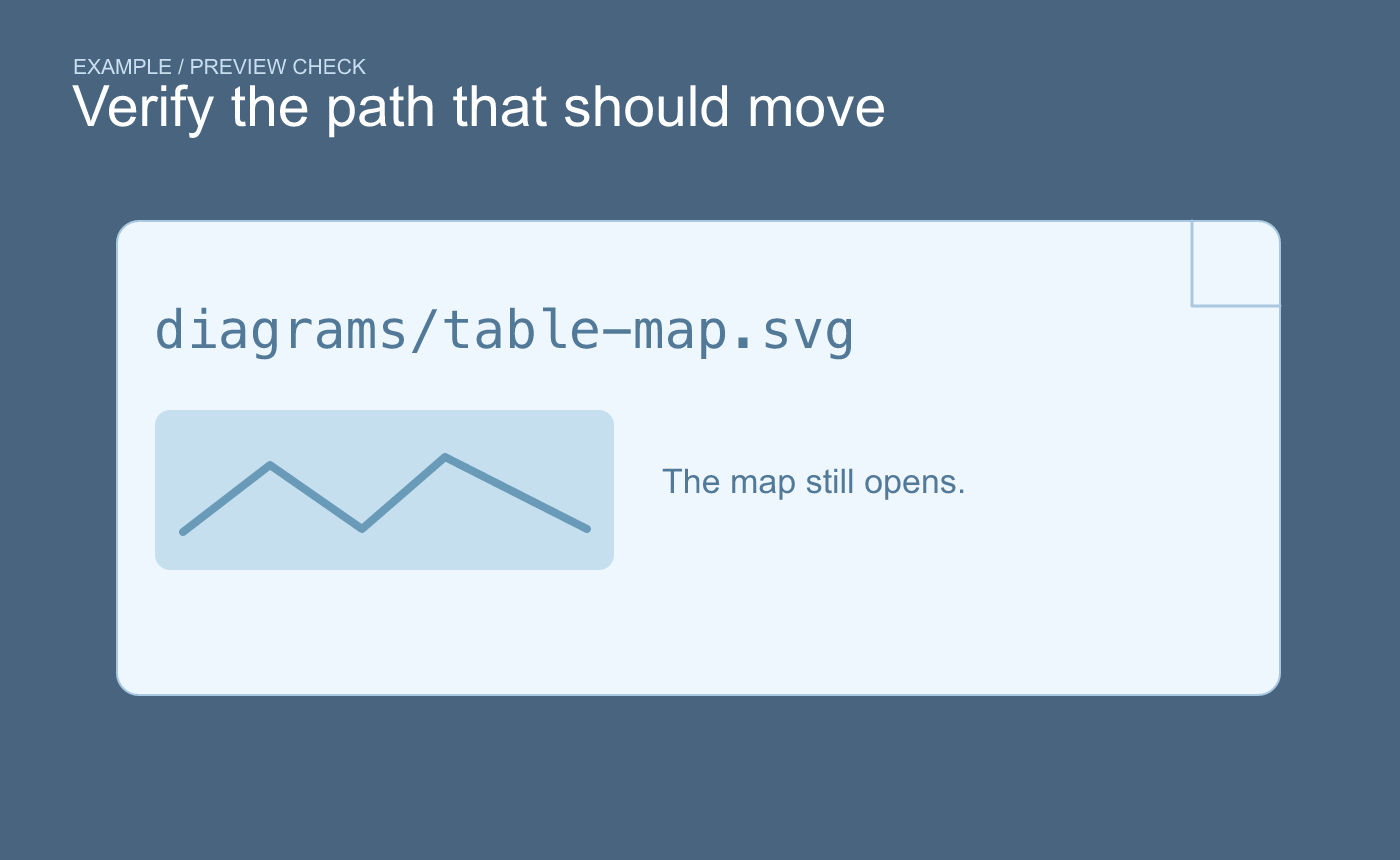
Example preview check. Verify the image at the new destination.
Save and preview the note. Verify the map still opens and the alt text describes it. Search the old assets/table-map.svg path once more to catch an overlooked destination.



