
The exhibit sign needs to tell guests where to return empty badge sleeves after the event. In the working PDF, the expanded instruction runs into the paper recycling note below it. Shorten the text while keeping the facts a guest needs.
Keep the action, timing and destination
Open a working copy and edit the paragraph in Ulet. “After the event, please return the empty badge sleeves to the marked tray” can become “After the event, return empty badge sleeves to the marked tray.” Keep “marked” if several trays are nearby. If the area is still too small, revise the editable source so the section has enough room.
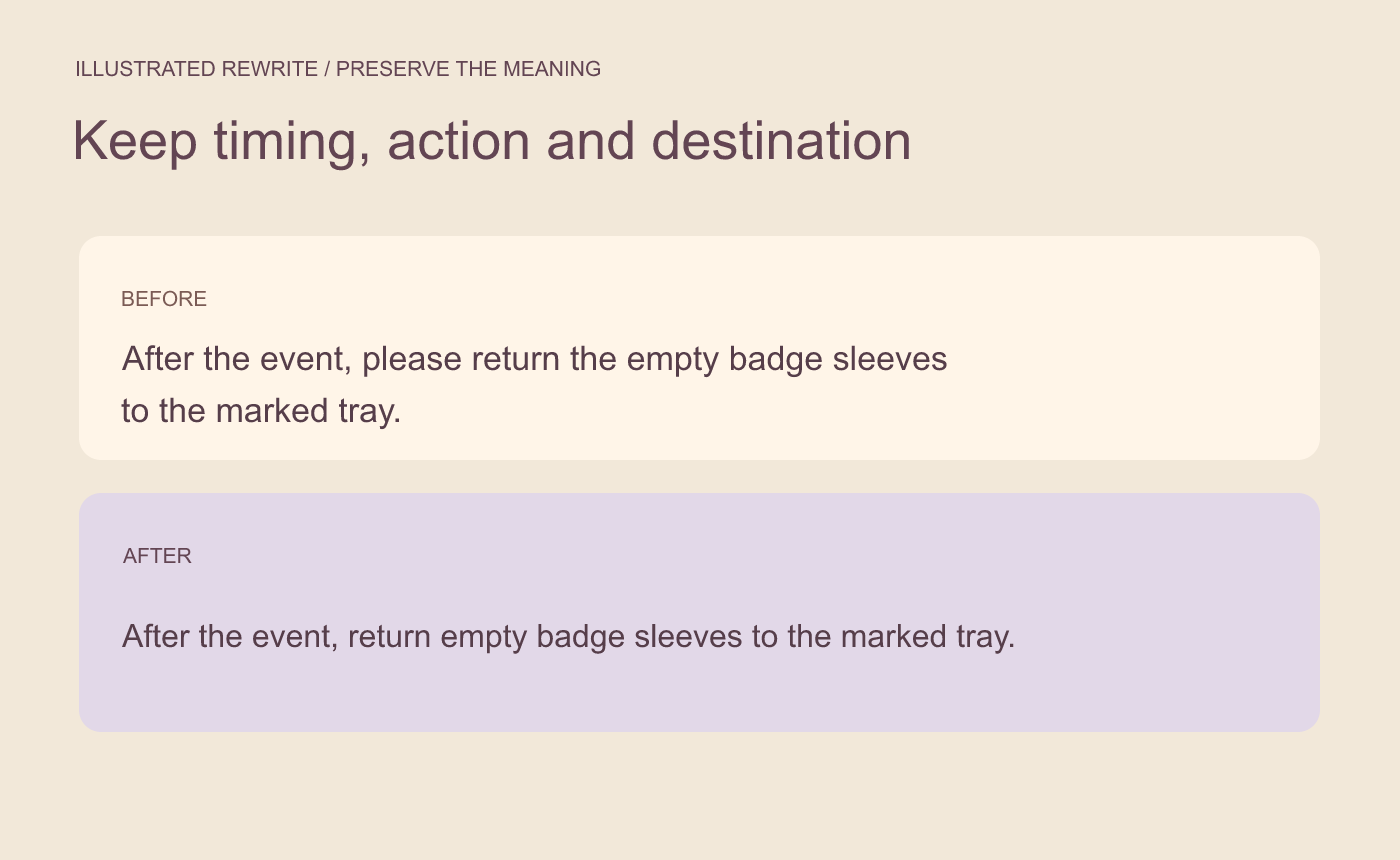
Illustrated rewrite. Keep the three facts readers need even when the copy gets shorter.
Read the next line before applying the edit
Use the edit preview to check for overlap. The separate recycling note should remain fully visible. If the editor warns about the edited paragraph’s height, return to the wording or adjust the source layout. A smaller font can fit more words but may be harder to read at sign size.
Proof the saved sign at reading size
Save the copy, reopen it, and read both lines at the intended print scale. Someone seeing only the sign should be able to tell what to return, when to return it, and which tray to use. Confirm the recycling note still reads as a separate instruction.
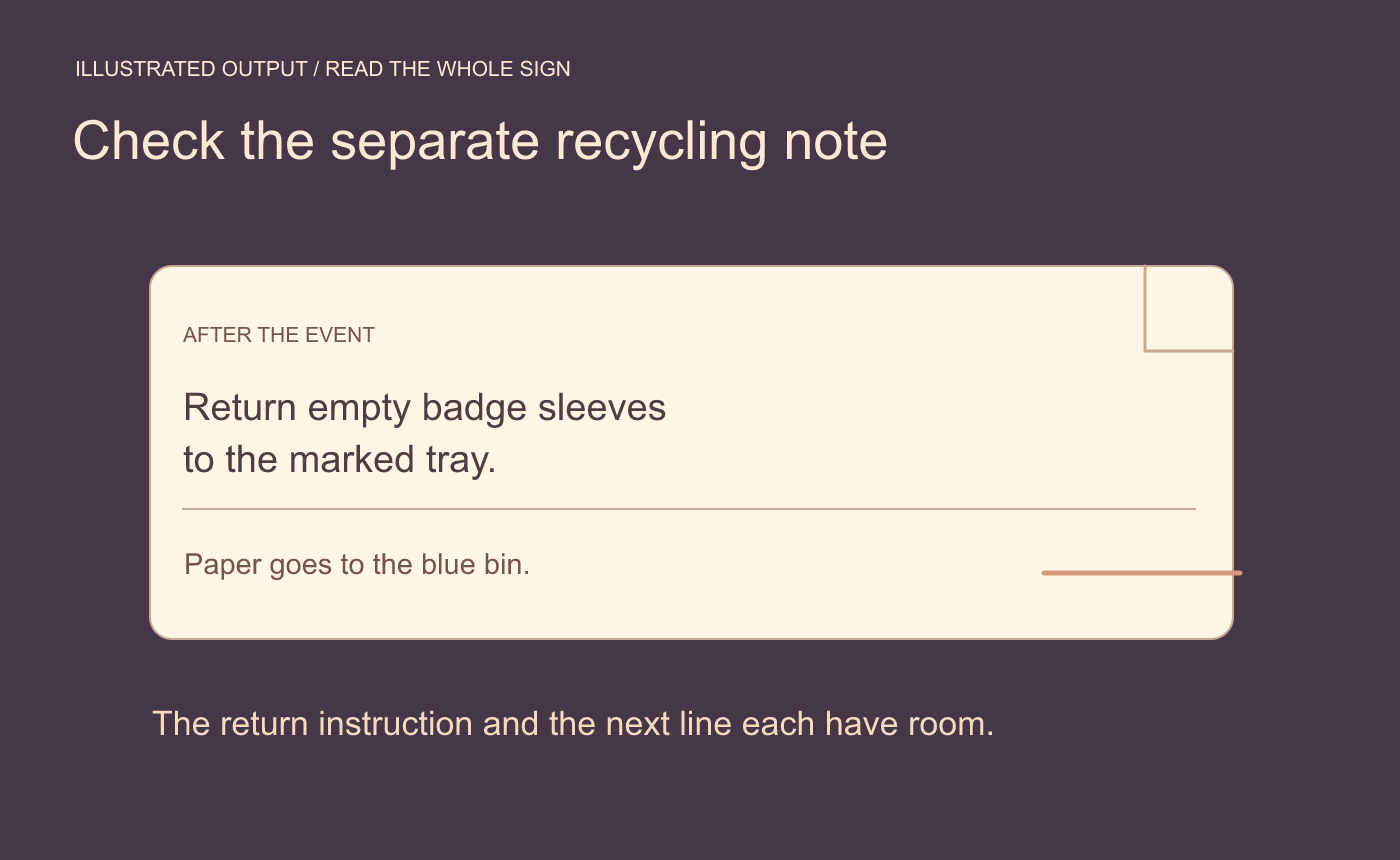
Illustrated result. Check the instruction and its neighboring line after reopening.



