
Six pages from a repair notebook came through the scanner sideways. Ulet can turn every page at once if they all need the same clockwise turn. Start by finding the top edge on the thumbnails.
Confirm the direction before rotating
Open a working copy. Inspect the first, middle and last pages, and any thumbnail with a different layout. In this example, all six top edges point left. The heading moves to the top after one clockwise quarter-turn. If there are mixed orientations, use individual page controls for the exceptions.
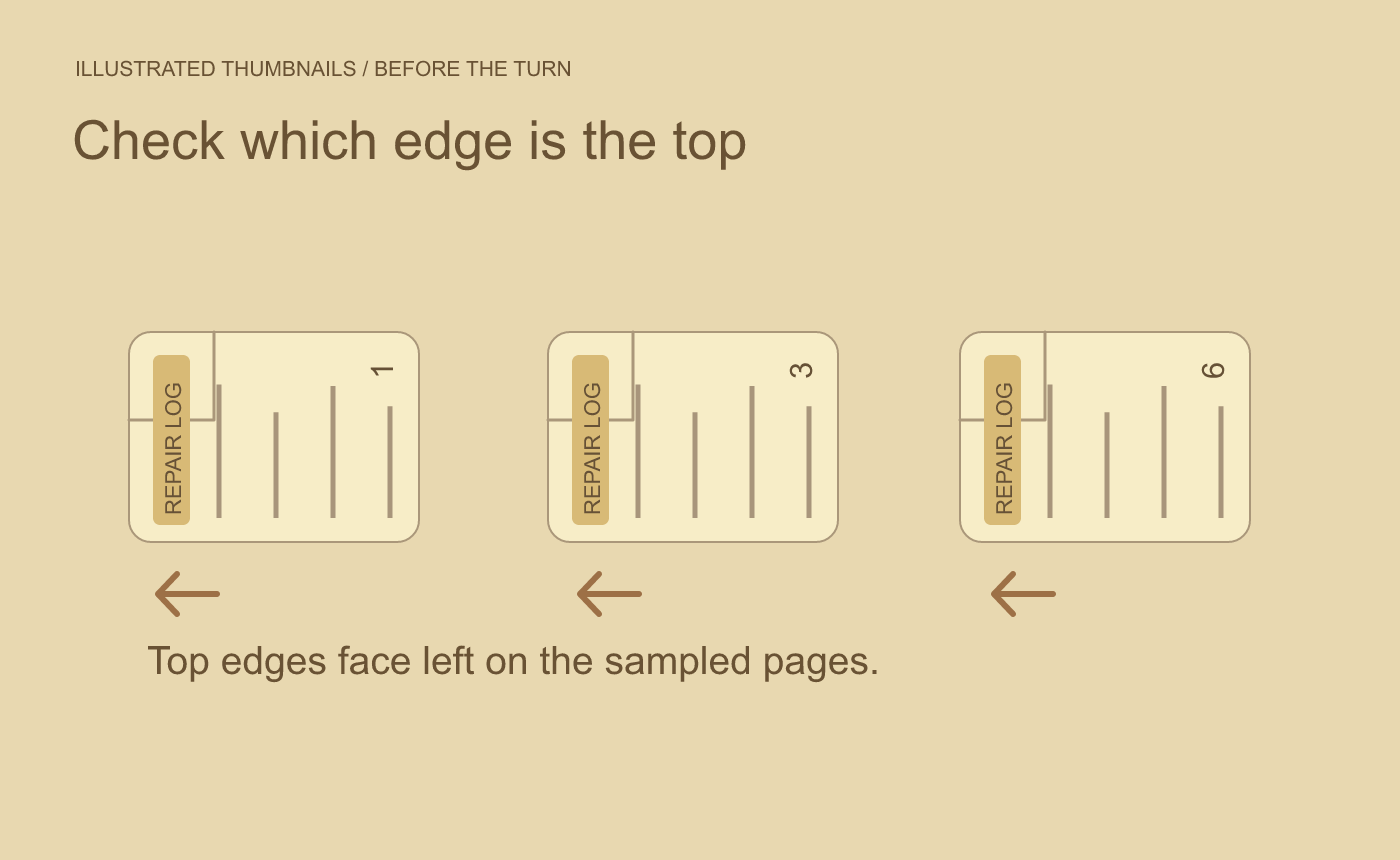
Illustrated diagnosis. Check the direction on several pages and inspect any thumbnail that differs.
Apply a page rotation and verify the saved file
In the Page tab, choose Rotate all. Read the headings in the preview to check the turn. Save the copy, close it and reopen it. Confirm pages 1, 3 and 6 read upright, the page count is still six, and the page order matches the notebook. Use the saved file for the check since a reader’s temporary view rotation can make an unchanged scan appear upright.
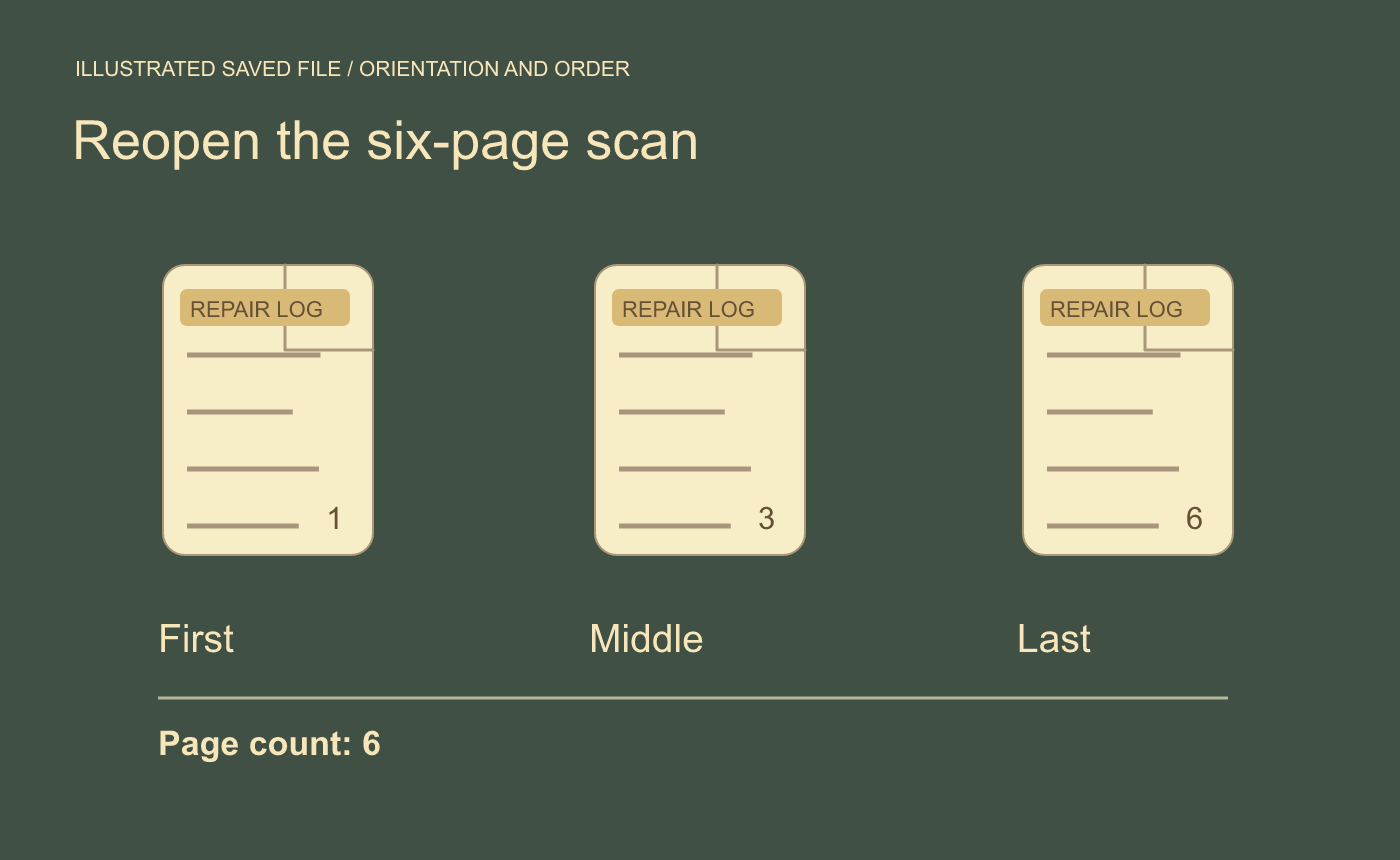
Illustrated saved-file check. Verify both the direction and the six-page count.



