
Three files in the loan kit start with “Equipment Guide.” A borrower with a flashing amber light can open all three before finding the fault table. A short finder can send them to the right section from the start.
Start with the reader’s situation
Use entries like “Set up the kit for the first time,” “Clean it before returning it,” and “Find out why the amber light is flashing.” Give each entry a specific guide title and, if available, a section link. When versions differ, show where the reader can find their kit edition.
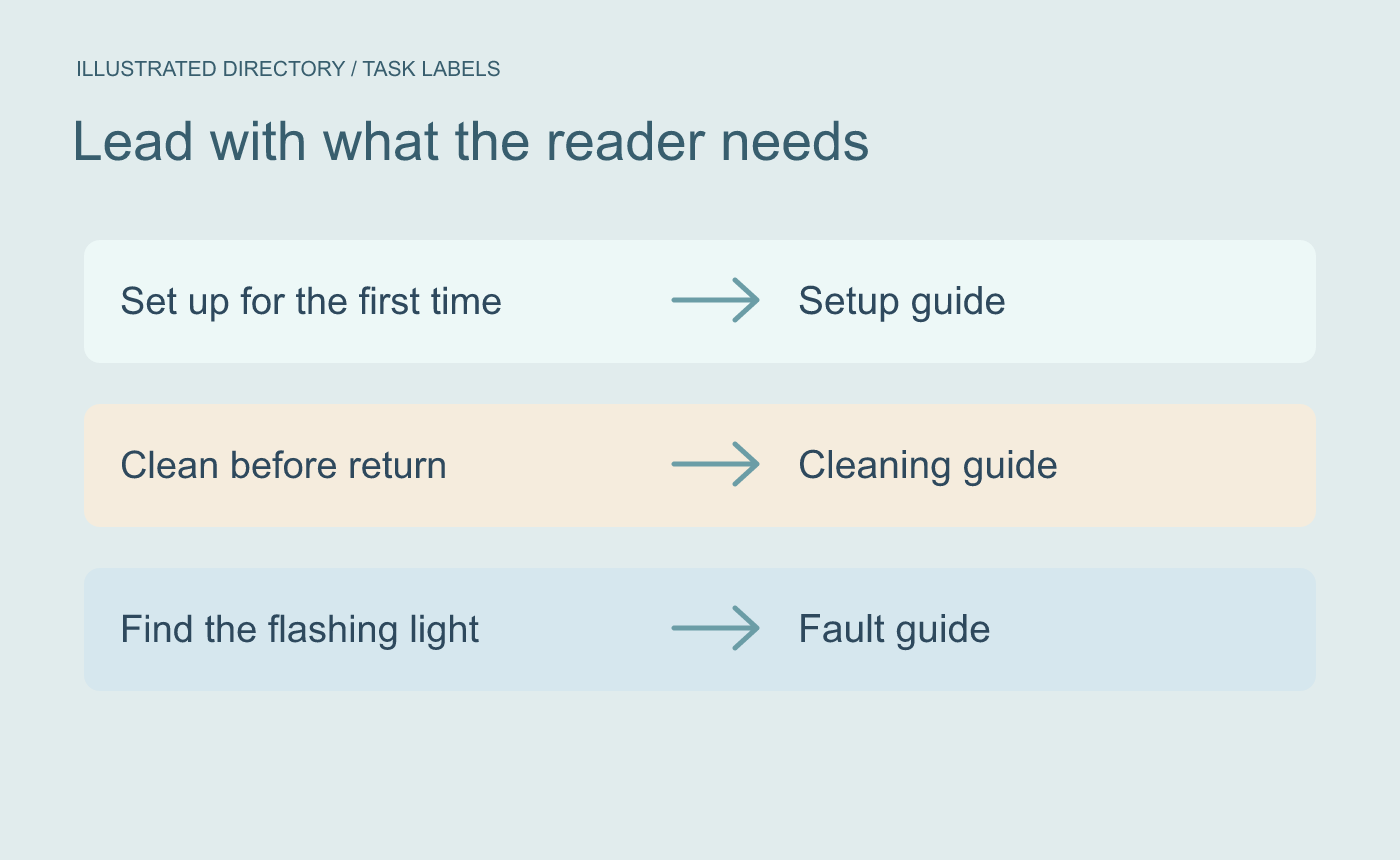
Illustrated directory. Start each entry with what the reader needs to accomplish.
Test the choice with one realistic question
Hand the finder to someone with a sample question: “My edition B kit has a flashing amber light.” Check which link they choose and whether it opens the correct fault table. If the setup guide also mentions lights, make the link labels more specific. Give readers who cannot identify their edition a clear contact or comparison page.
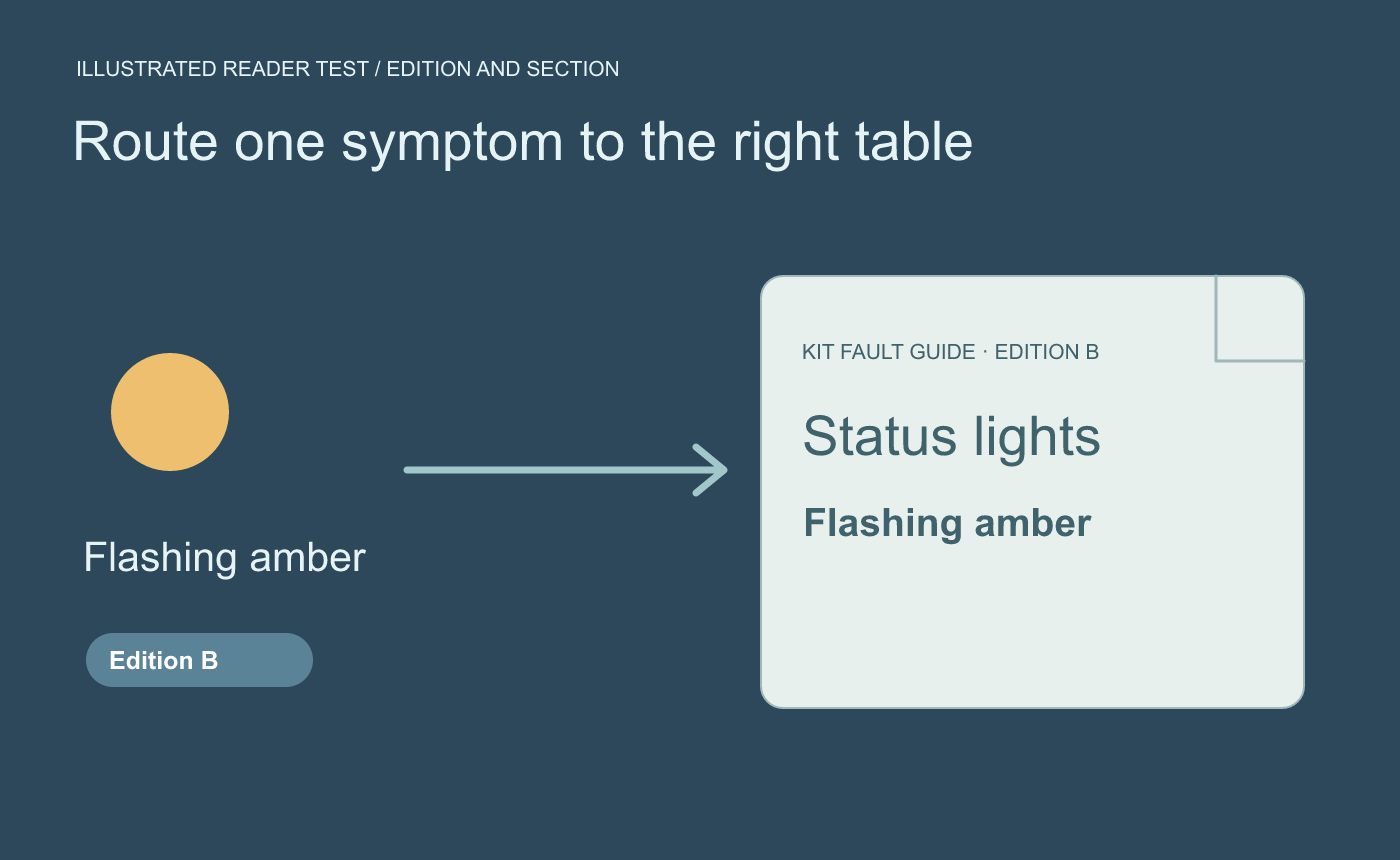
Illustrated reader test. Use a realistic symptom and verify that the linked guide actually answers it.
Open the finder from the folder or published page where it will live. Follow all its links from there and check that each guide’s title, version and destination section match the directory.



