
A gauge log needs a separate whole-unit column while the original readings keep their precision. Use TRUNC when the rule is to remove the fraction and keep the sign.
Keep the exact value in its source column
With the reading in A2, enter =TRUNC(A2,0) in B2. For 8.7 the result is 8. For −8.7 it is −8. The formula changes the calculated value in B, leaving the source number available for other calculations.
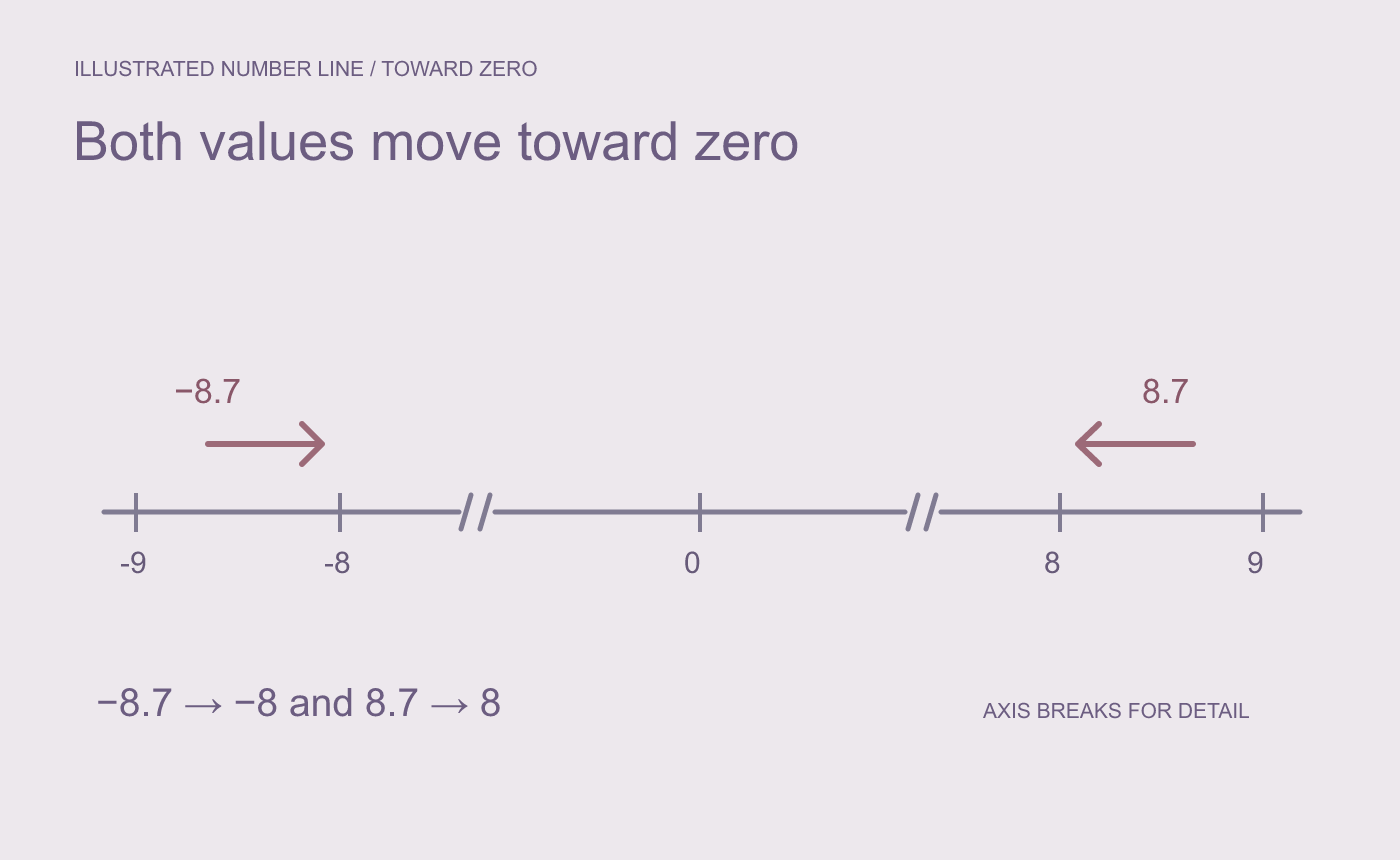
Illustrated direction. TRUNC removes the fractional part toward zero.
Compare a negative test before copying down
In a separate cell try =INT(A2) with −8.7. It returns −9 because INT rounds down. Also try −0.4. TRUNC returns zero, so keep the signed source reading if direction matters for small values.
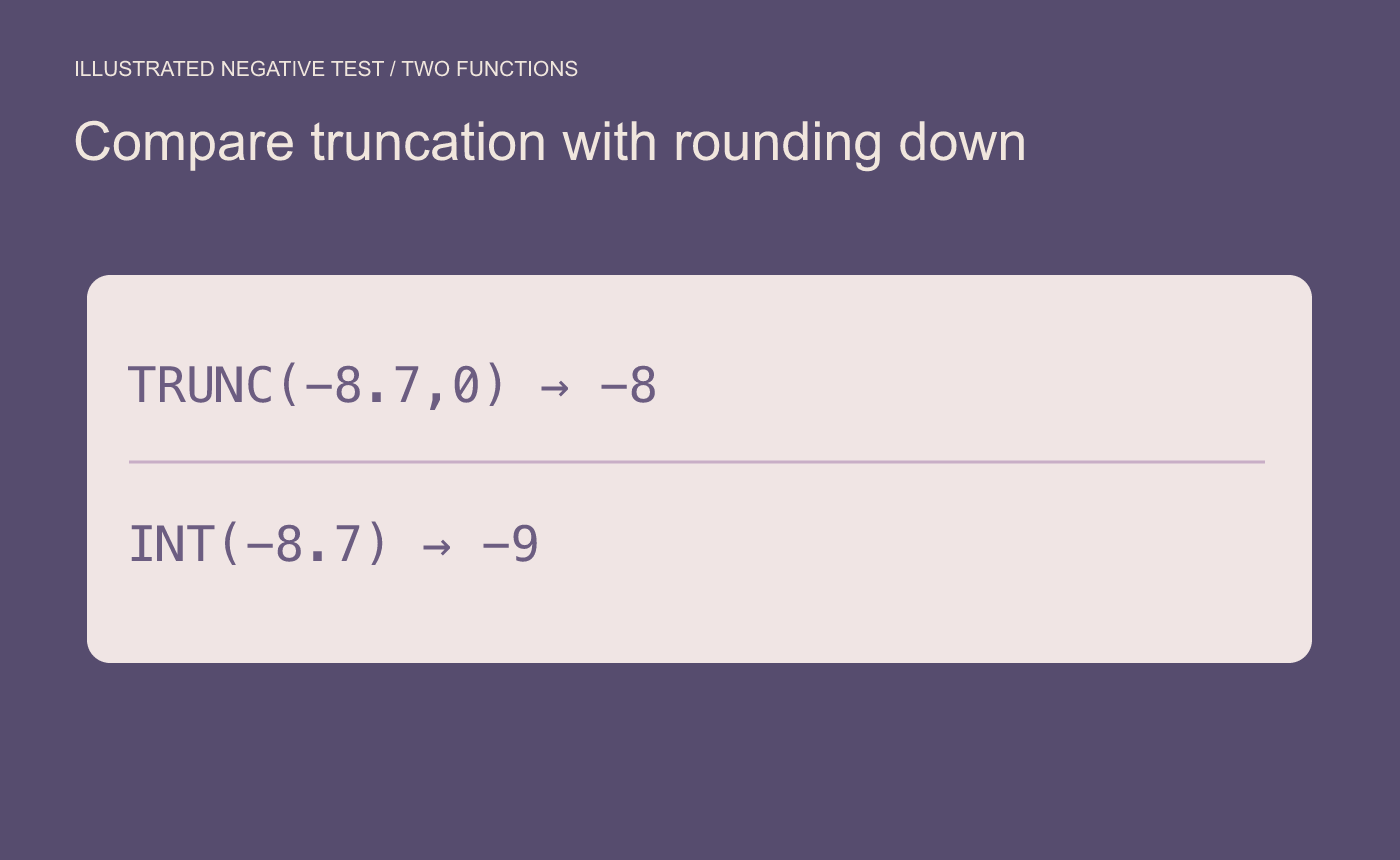
Illustrated signed check. Test a negative value before filling down.
Changing the display to zero decimal places can show a different whole number while the underlying value remains fractional. Compare the formula result with the original before sharing the sheet.



