
Ticket KIT-17 is ready, but it still appears in a queue filtered to Waiting. Reapply the current filter after committing the status change.
Change one row you can find again
In the Waiting view, locate KIT-17 and change its status to Ready. Commit the cell edit. In Ulet Sheets, choose Reapply in the Data tab’s Sort & Filter group.
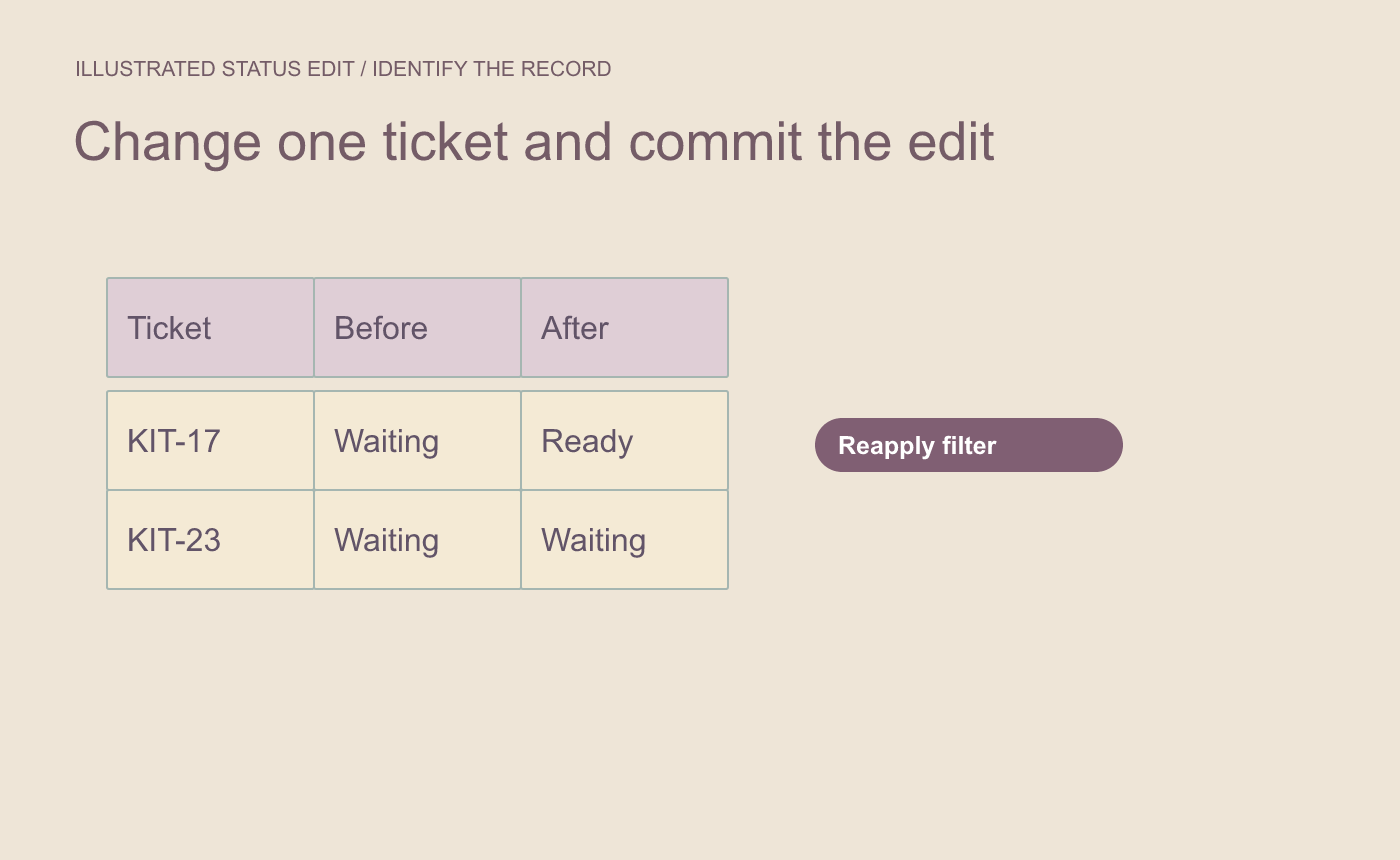
Illustrated status edit. Keep a record ID available for the follow-up check.
Check the filtered view and the source
Confirm KIT-17 is hidden and KIT-23, which still says Waiting, is visible. Clear the filter temporarily and locate KIT-17. It should still exist with its new status. Restore the Waiting filter when you are done.
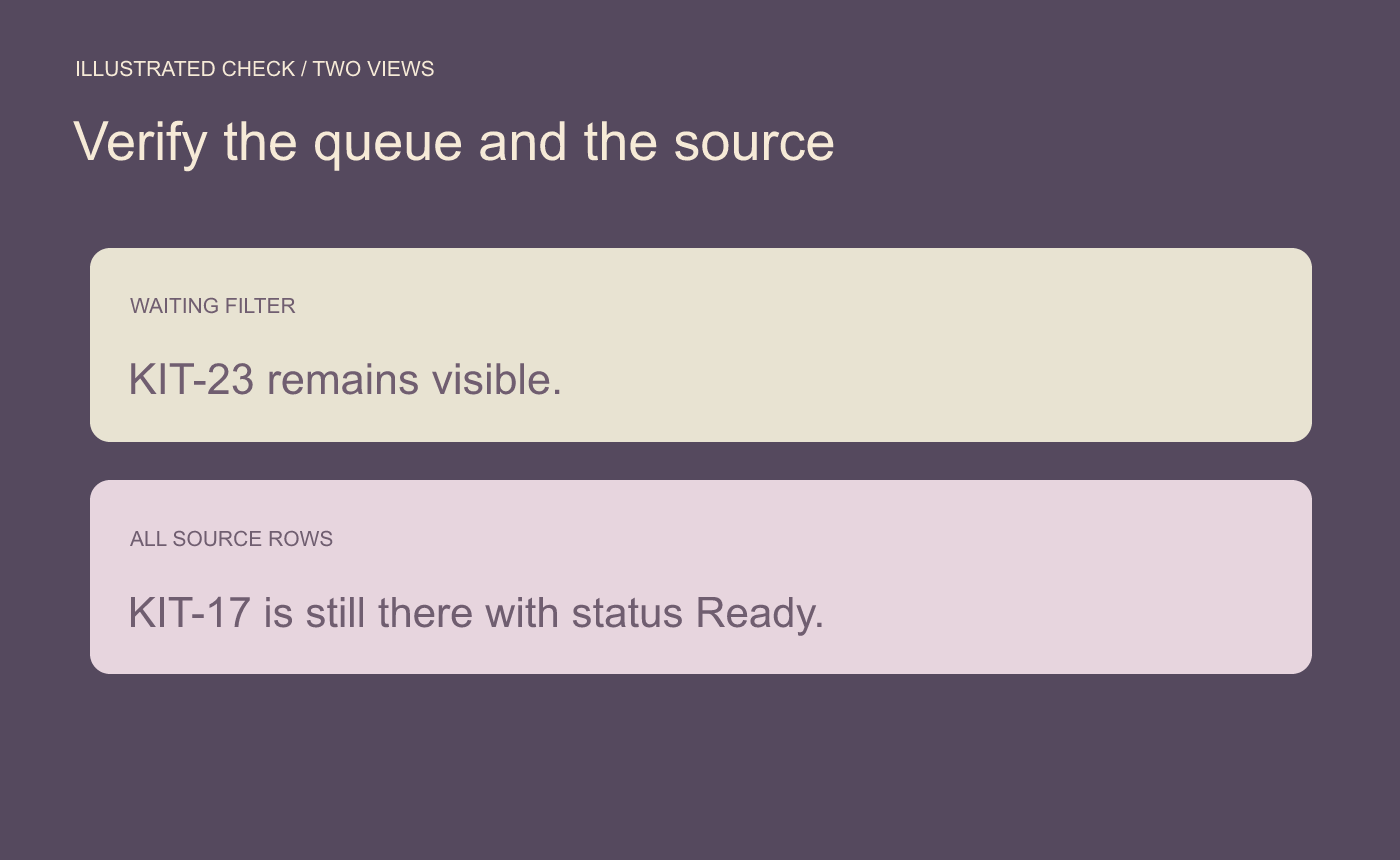
Illustrated filter check. Reapplying changes visibility while keeping the edited record in the source.
If the row still shows unexpectedly, verify the filter covers that row and check the exact stored status for extra spaces or a different label.



