
A venue note works for day and evening bookings. Only the evening version needs the access-code paragraph. Give the template user a clear condition and a boundary around the text to remove.
Put the editing instruction beside the block
Mark it “Keep this paragraph only for evening bookings with access arranged.” Keep the recipient-facing paragraph separate from that instruction. For the daytime case, remove the whole block and its template note. For the evening case, fill the access details and remove the editing note.
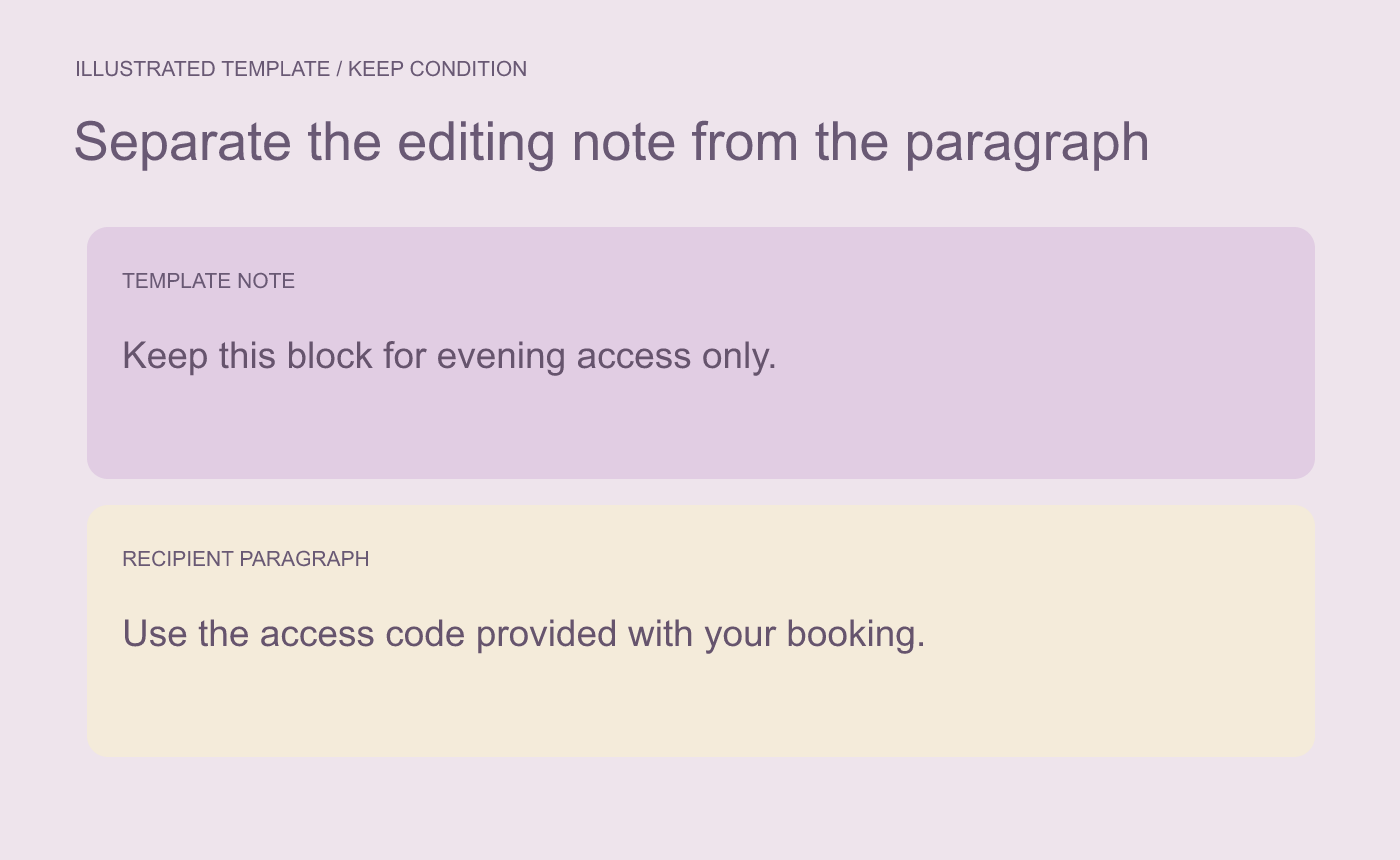
Illustrated template. Put editing guidance where the template user can see it.
Proof both finished versions
Make a daytime and an evening test copy. Search for the editing instruction and any placeholder tokens. Check any later reference to the access paragraph, and confirm that spacing still works after it is removed. If the template uses paragraph numbering, inspect the sequence after deleting the block.
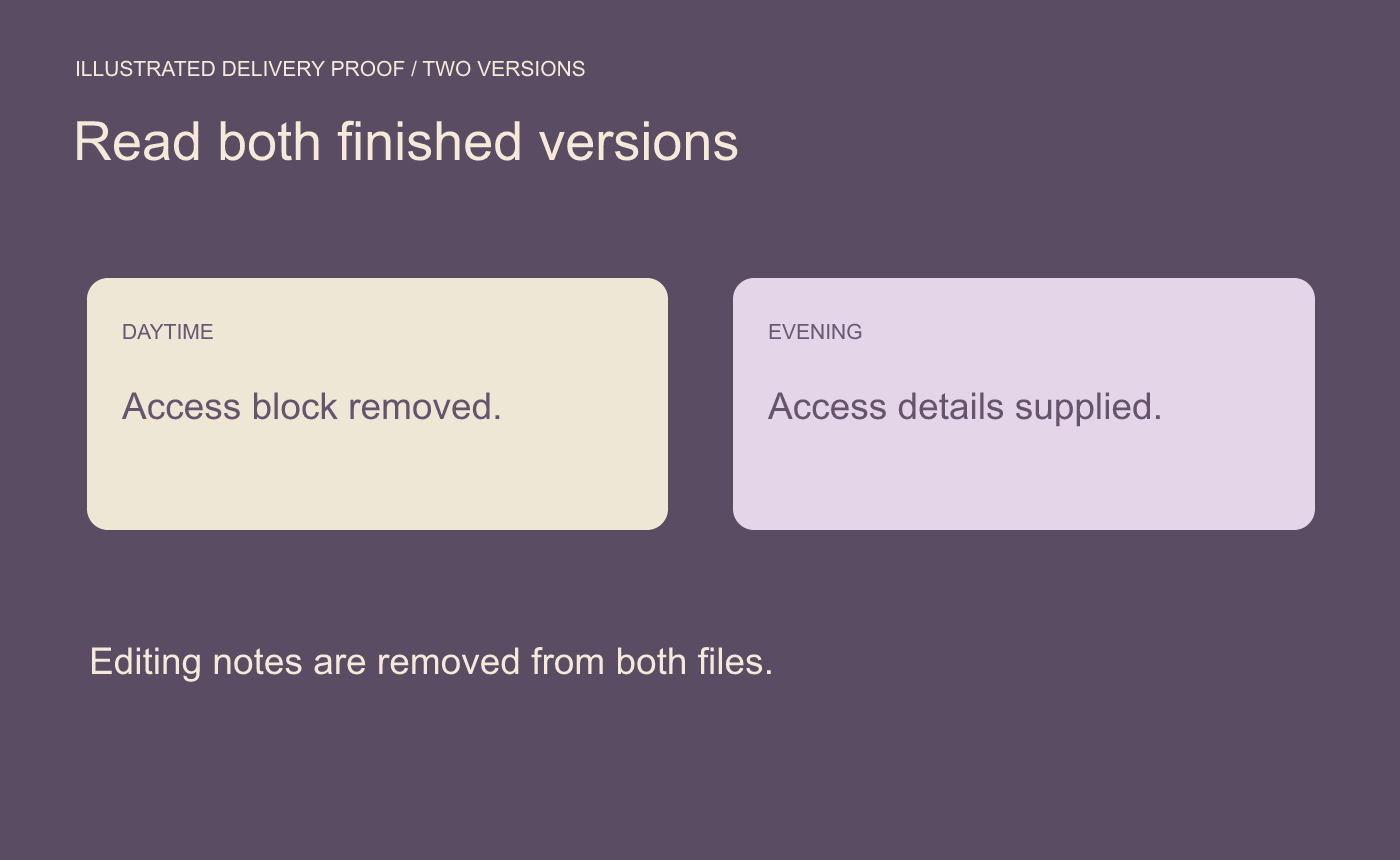
Illustrated proof. Check both results for stray instructions and broken references.
Open the exact DOCX or PDF you plan to send. Read it as the recipient, with no template instructions needed to interpret it.



