
A setup sheet has a circle around “Lock the stand” and a stray ink line in the margin. Remove the isolated line and keep the mark that still matters.
Zoom in and choose the drawing eraser
In a working copy, open Draw → Eraser. Click or swipe an isolated part of the margin stroke. Check that it disappears without touching the circle.
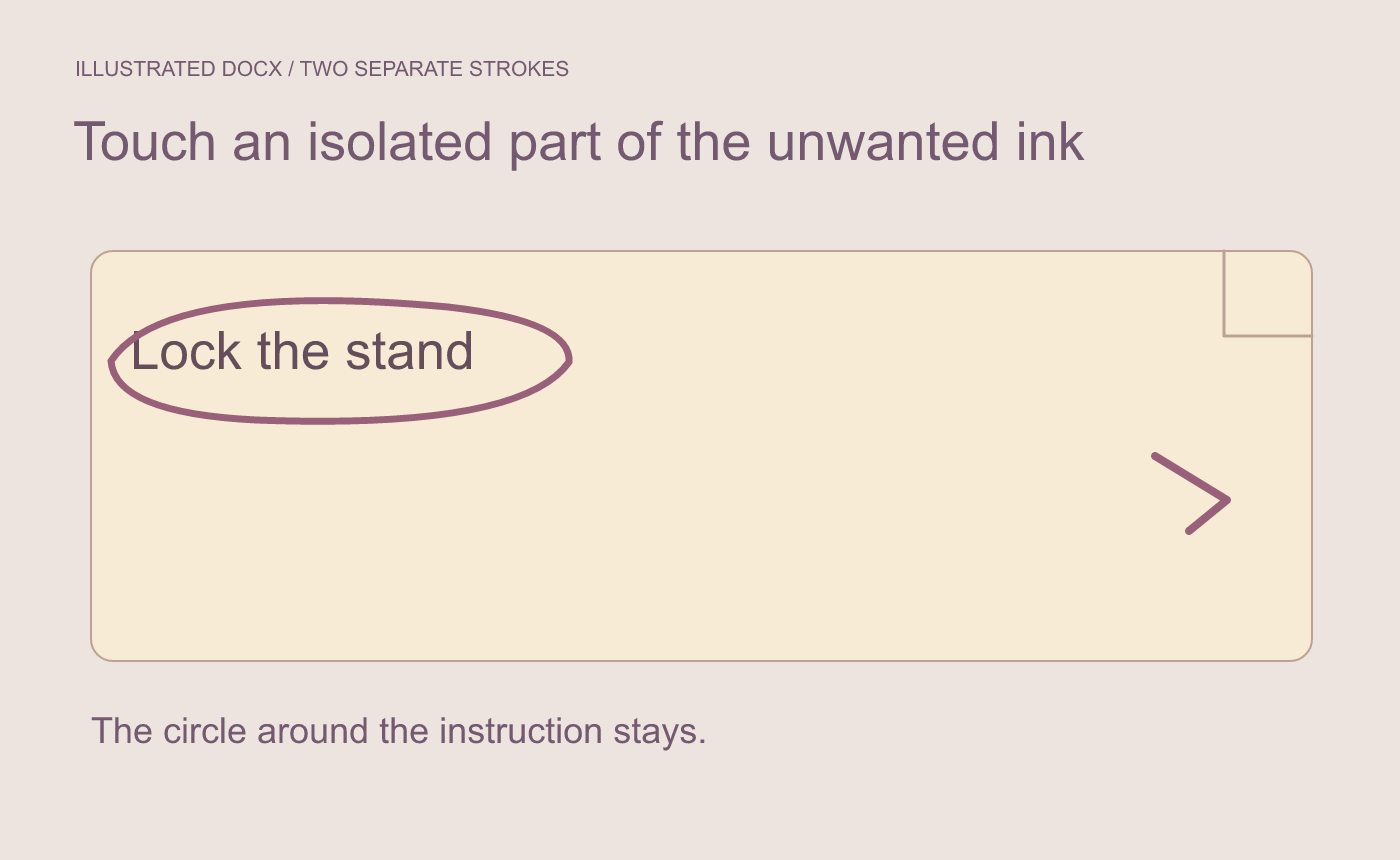
Illustrated selection. Touch an isolated part of the unwanted stroke.
Inspect the remaining ink and text
Read “Lock the stand” and confirm the circle still surrounds it. If another stroke disappears, undo and try a point farther away. Choose Select in Draw before going back to text editing.
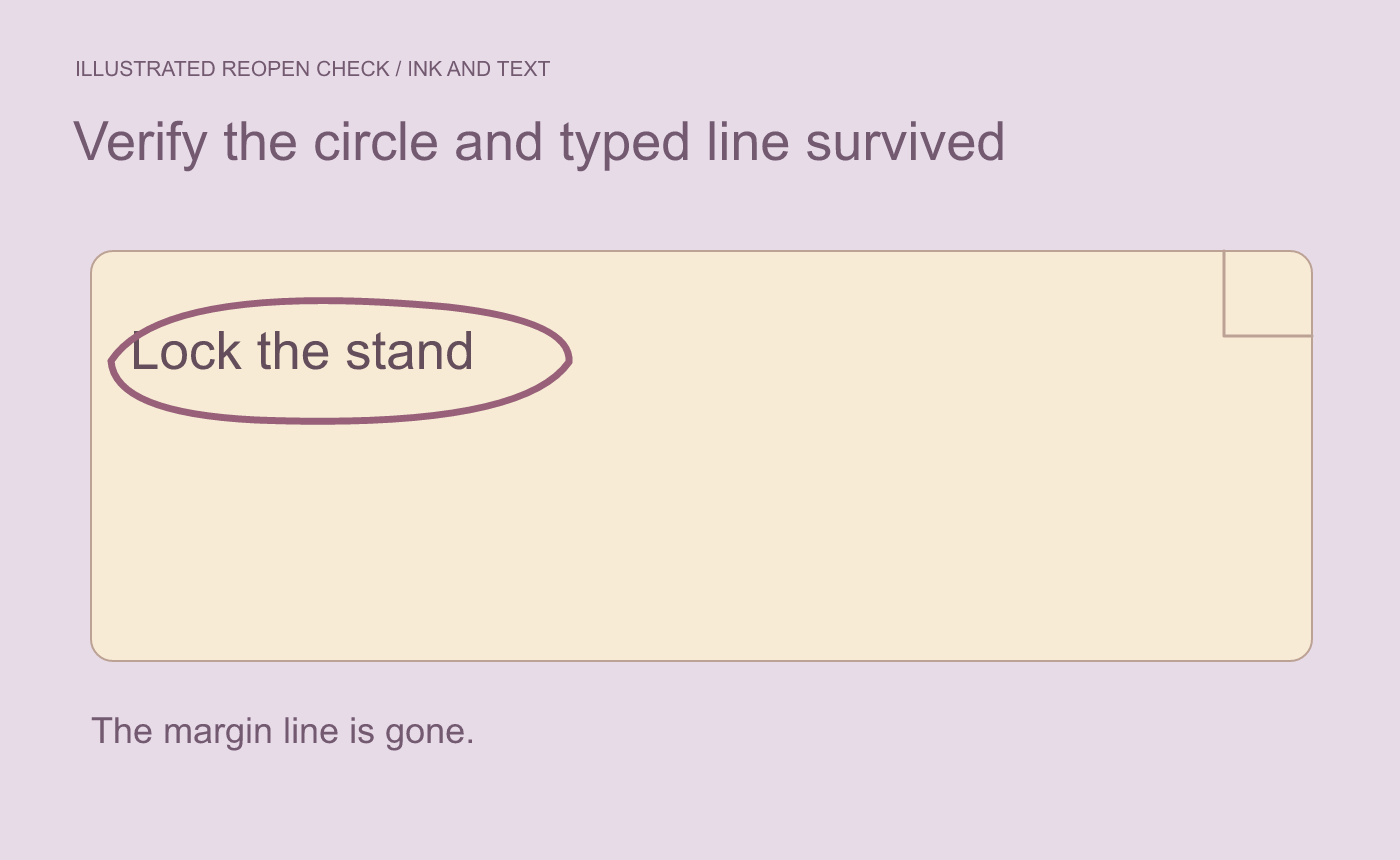
Illustrated result. Compare the nearby text and remaining ink after reopening.
Save and reopen the DOCX. Check the same page for both marks and the typed line. If it will be read in a different editor, inspect the delivery file there too.



