
The map on a one-page handout looks slightly offset from the note beneath it. Turn on page gridlines to compare the edges against the same reference.
Check which element is offset
In Ulet’s Page Layout view, choose View → Gridlines. Compare the left edge of the map and its callout. In the example, the map already starts on the intended guide. The callout starts farther right.
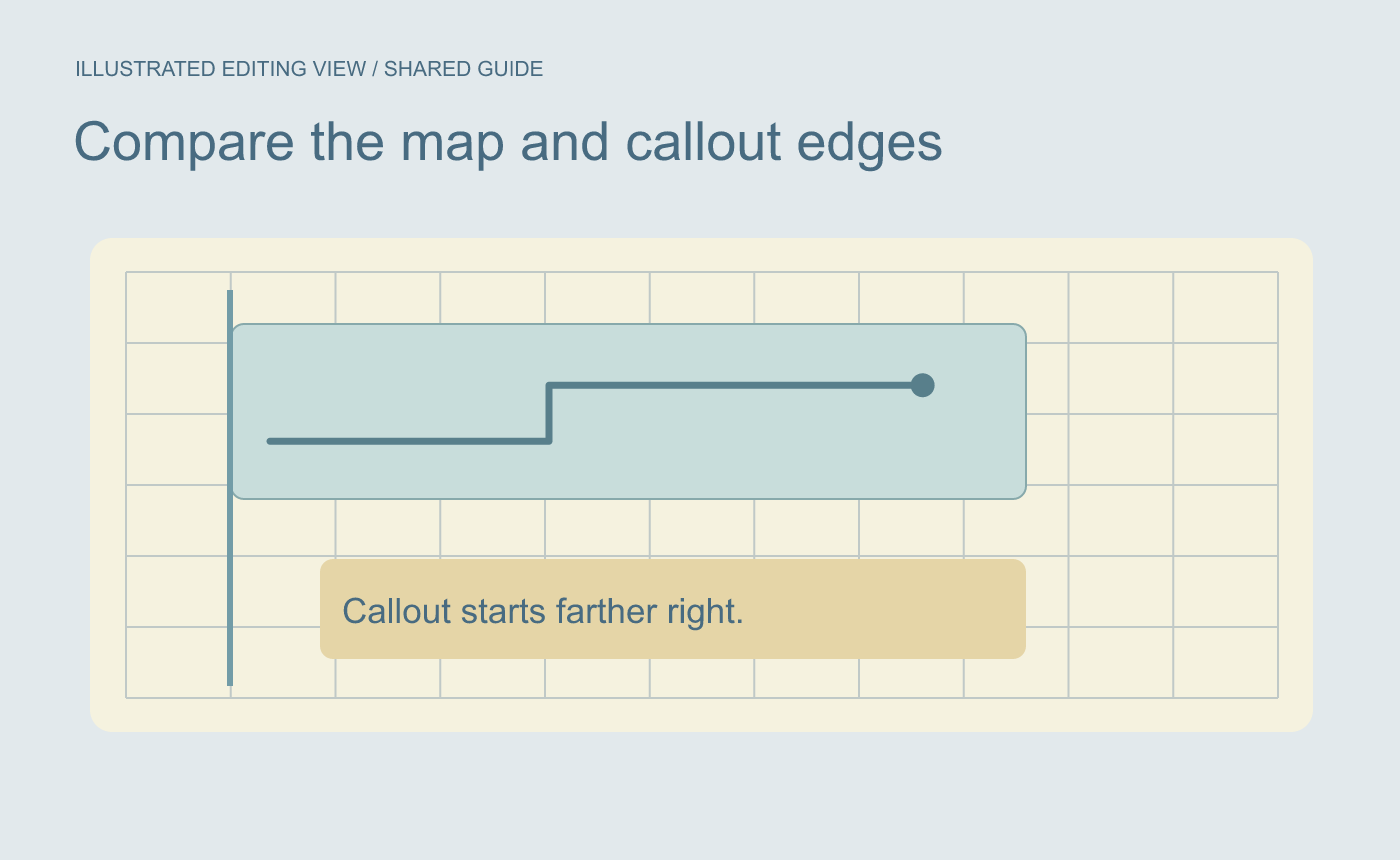
Illustrated alignment check. Compare both elements against the same vertical reference.
Adjust the callout and read the clean page
Check the callout’s paragraph indent or move it if it is a floating object. Inspect any surrounding text that moves with it. Turn off Gridlines and read the page at normal size. The guides are for on-screen alignment. Check the delivery or print preview for the final placement.
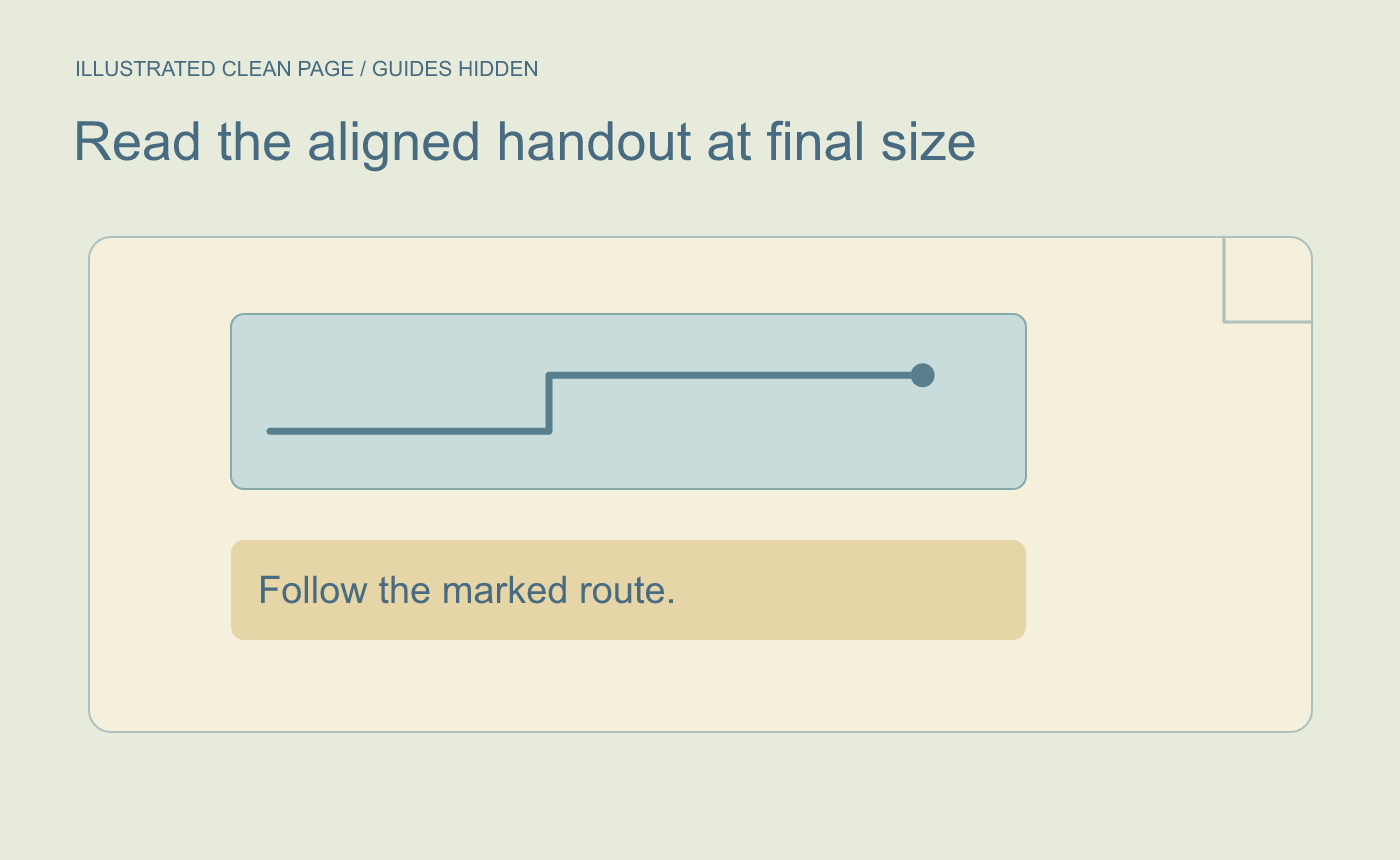
Illustrated output. Check the text and alignment at the final size.



