
A storage label needs “Dock returns” on one line and “Bay 4” on the next. Keep both lines in one paragraph if they should share its alignment and spacing.
Put a manual break inside the paragraph
Type “Dock returns,” press Shift+Enter, then type “Bay 4.” Use a separate paragraph for any instruction below the label that needs different spacing.
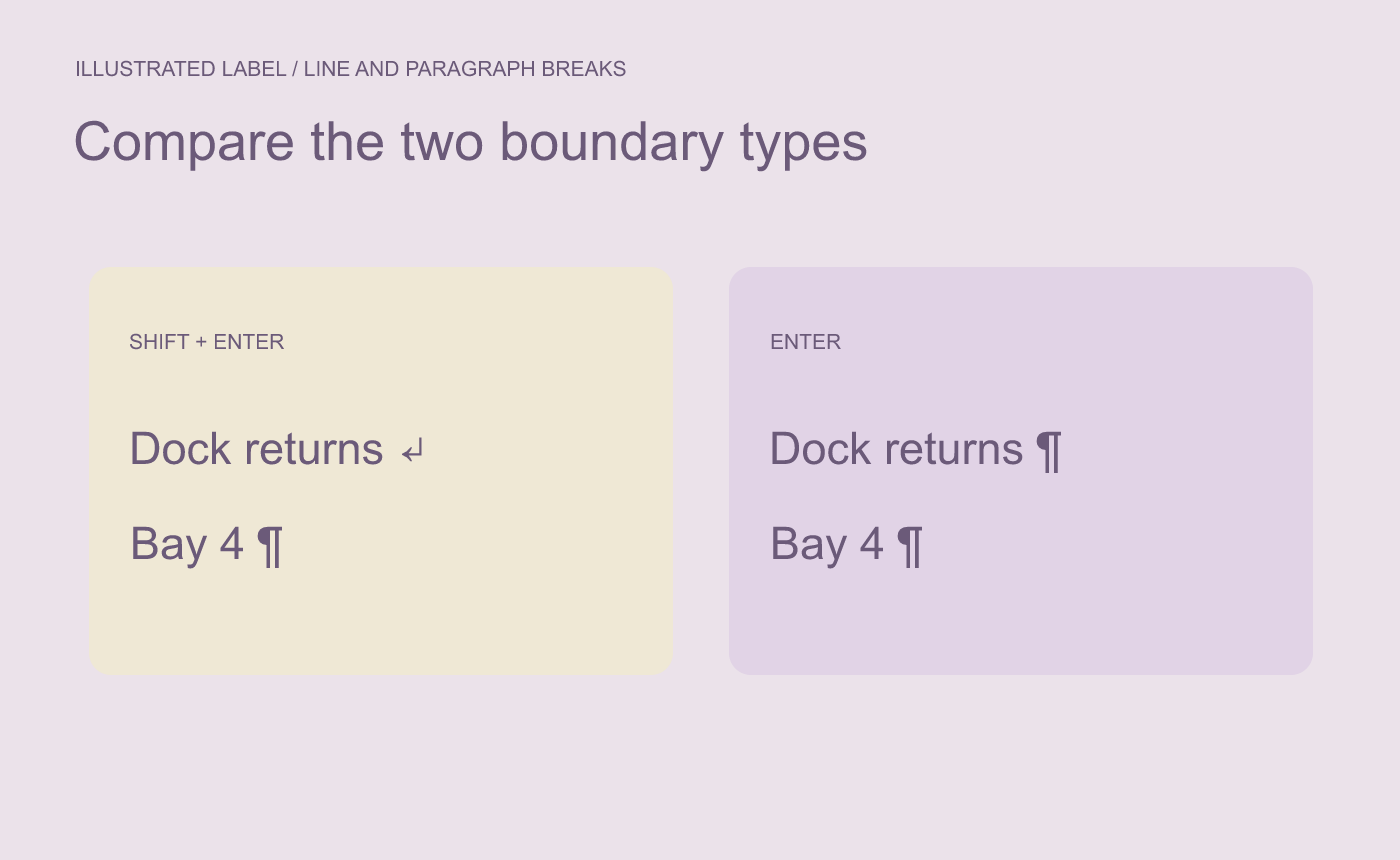
Illustrated structure. Use Shift+Enter when both lines belong to the same label.
Check the marks and the final layout
In Ulet, use Home’s ¶ control to show formatting marks. Look for one paragraph ending after “Bay 4.” If each line has its own paragraph ending, correct the first break and check the text again.
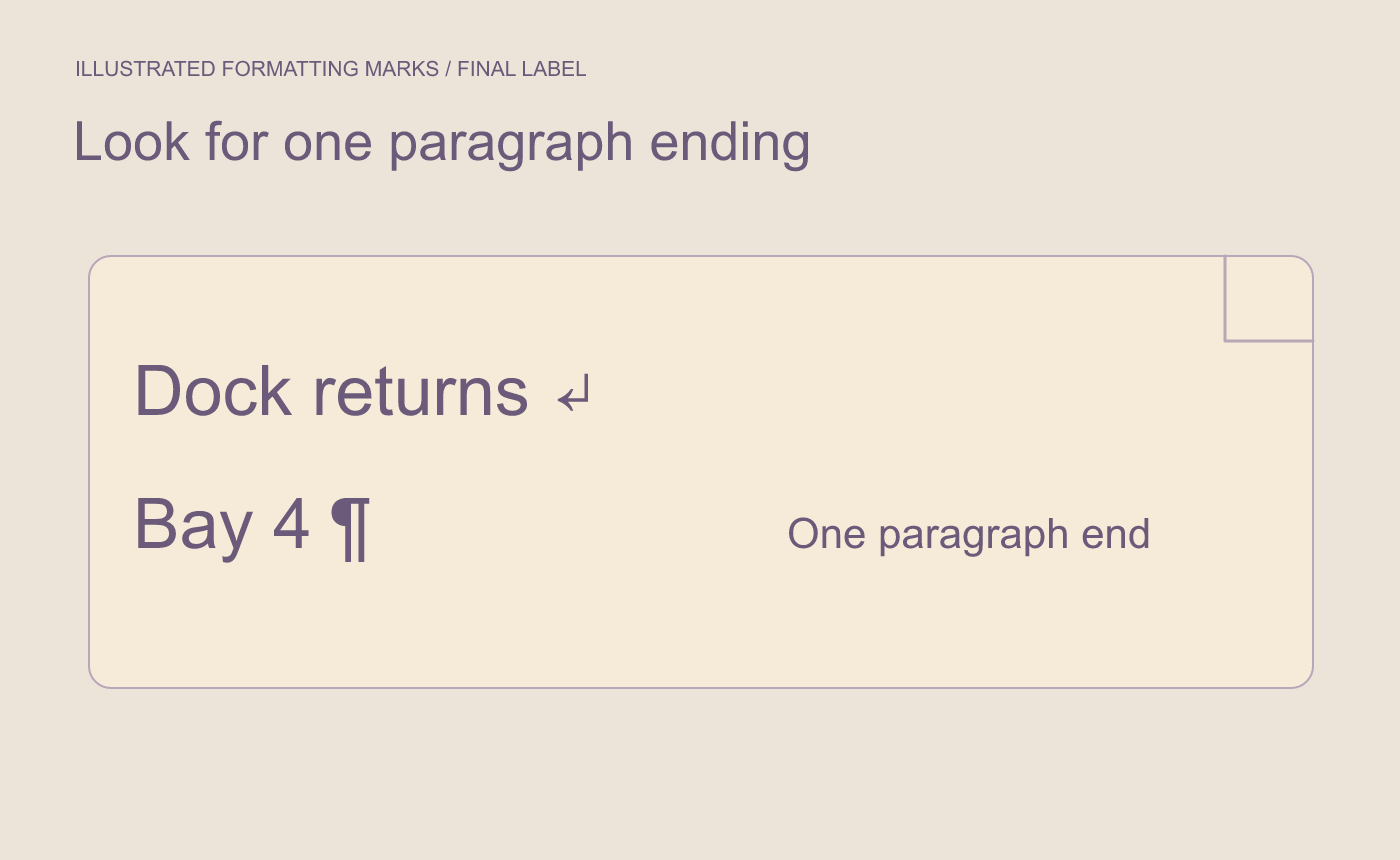
Illustrated check. The arrow denotes a manual line break. The paragraph ends after Bay 4.
Save and reopen the DOCX at page size. Confirm the label reads as one unit and the intentional line break remains visible in the output.



