
A door sensor reset instruction starts at the bottom of one page and continues on the next. Read it in Web Layout to check that the sequence makes sense as a whole.
Read through the break
Choose View → Web Layout in Ulet. Read the entire reset instruction before the next heading. In the example, “Keep the door closed” belongs with “wait for the green indicator.” Change the window width if a shorter line makes the section easier to review.
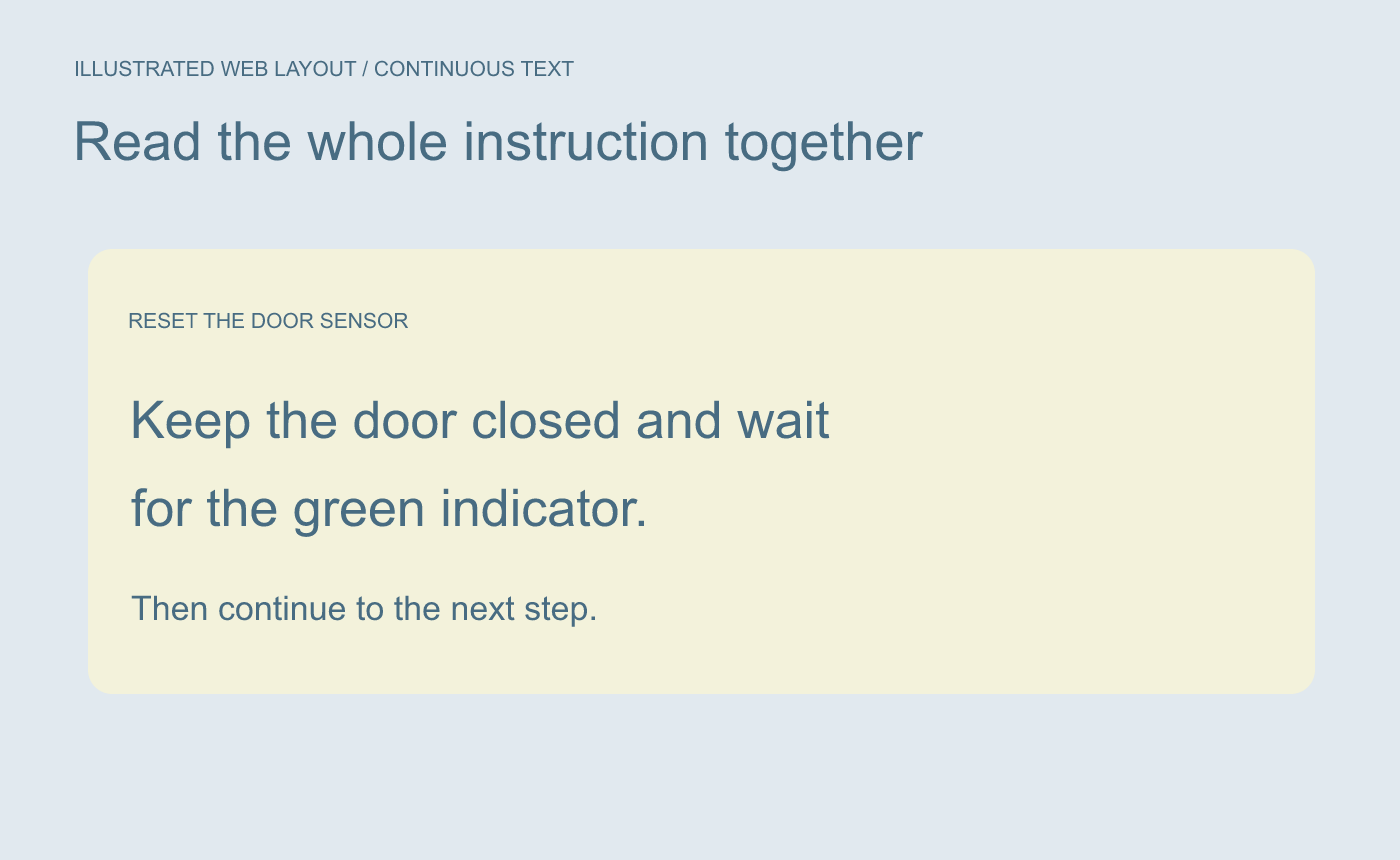
Illustrated reading pass. Follow the instruction through the point where the printed page breaks.
Return to the page-sized view for output checks
Choose View → Page Layout. Check where the next heading starts and whether its first line stays with it. If you revised the wording, recheck the pages around the change.
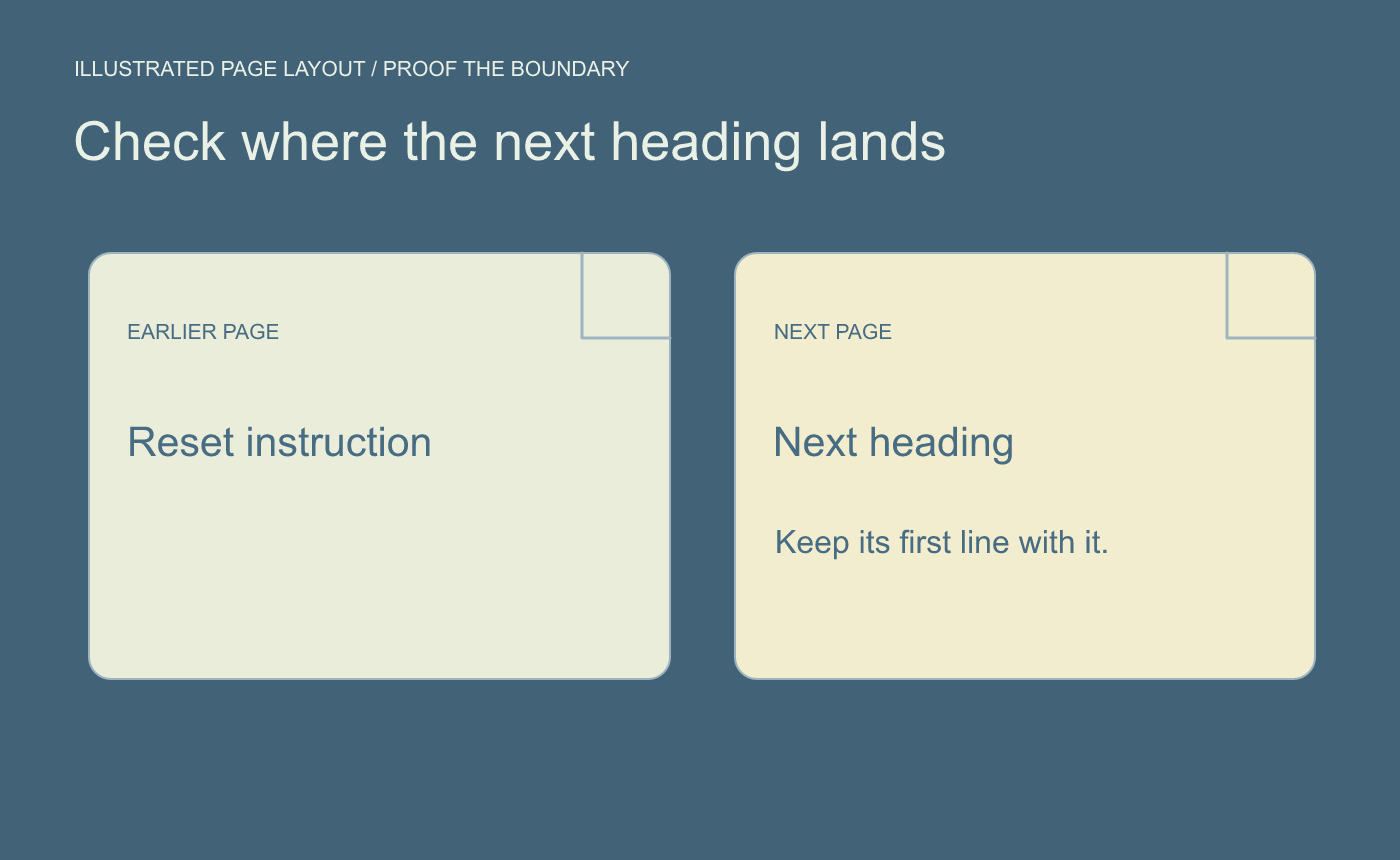
Illustrated layout pass. Verify the intended page positions separately.
Save and reopen the DOCX before sharing. Read the changed passage once in the continuous view and verify the final page boundaries in the layout view.



