
The fixture list has a lamp and then a power lead. Put the diffuser just below the lamp so the related parts stay together.
Use the lamp row as the anchor
Right-click a cell in the lamp row in Ulet. Choose Insert → Insert Below. Check that the empty row is between the lamp and the lead. A simple unmerged table makes the row boundary easier to check.
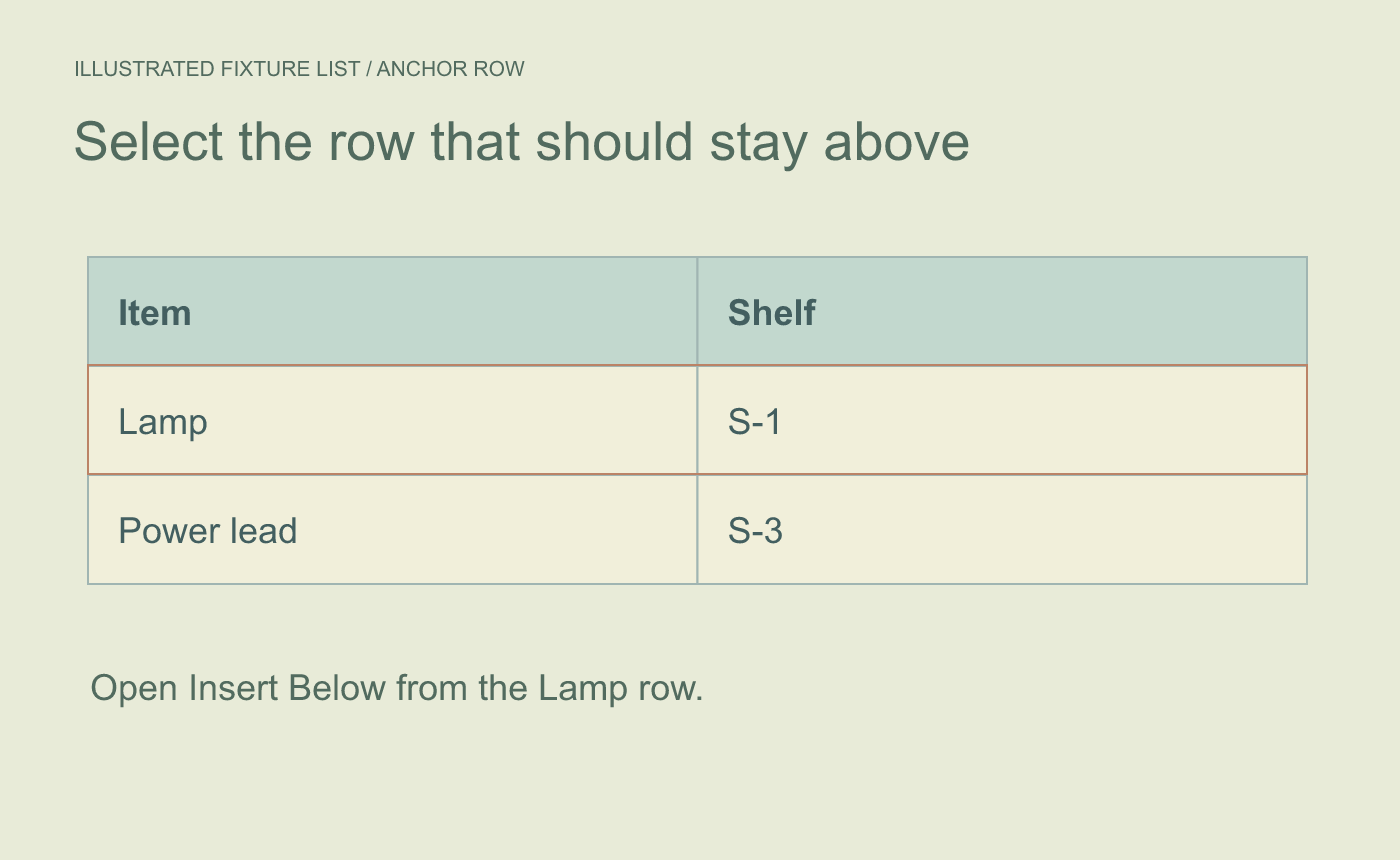
Illustrated anchor. Choose a cell in the row that should remain above the new one.
Enter the new record and inspect its neighbors
Type Diffuser in the Item column and S-2 in the Shelf column. Read all three rows under their headers. In Page Layout, check whether the added height moved a caption or pushed a row to another page.
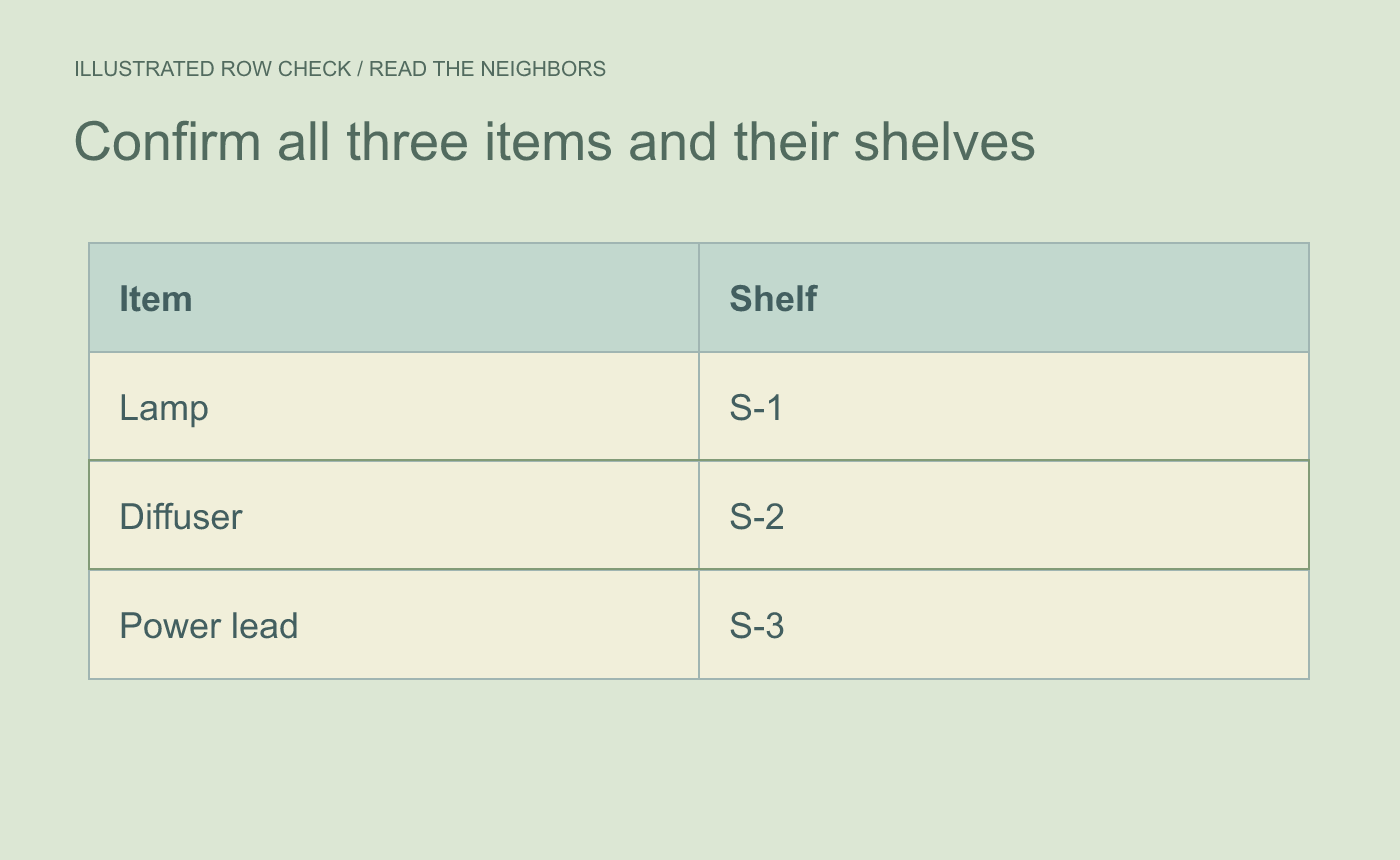
Illustrated record check. Confirm the new entry and both neighboring rows.
Save and reopen the DOCX. Confirm the diffuser still sits below the lamp and the shelf values remain with the right items.



