
A bilingual notice has an English heading and an Arabic instruction that includes room code B-14. Set the direction of the Arabic paragraph so the sentence can read in its intended order.
Set the direction for the Arabic paragraph
Place the cursor inside the Arabic paragraph. In Ulet’s Home tab, open the Paragraph controls and choose Right-to-Left Text Direction. Keep the English text in a separate paragraph and use Left-to-Right Text Direction there if needed. The paragraph’s reading direction and its alignment are separate choices.
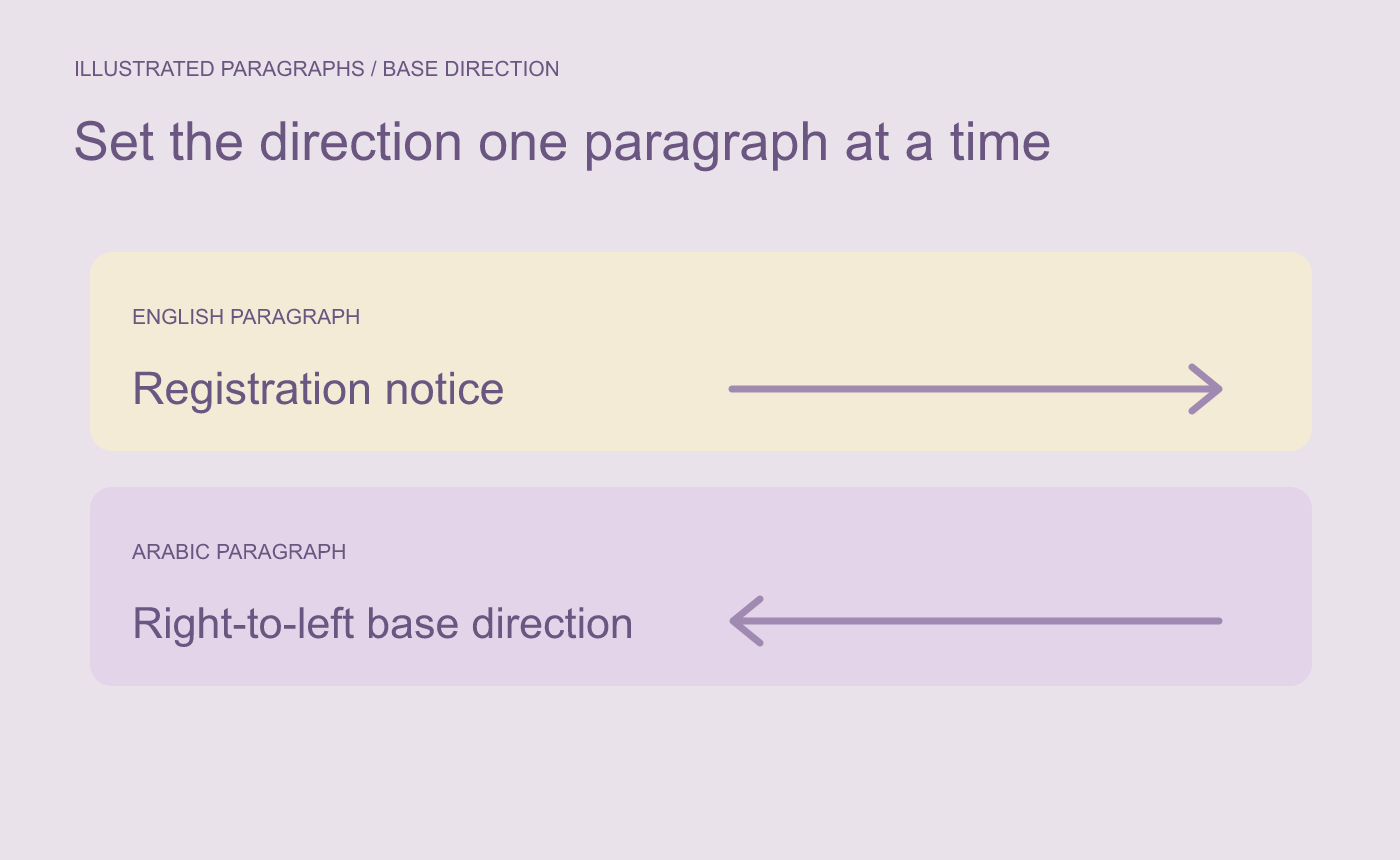
Illustrated paragraph setting. Apply the direction to the paragraph that needs it.
Check the embedded code and numbers
Read the whole Arabic sentence and verify that B-14, 09:30 and nearby punctuation appear as intended. Let the editor handle the ordering of mixed scripts. Verify the Arabic wording with a reader who can review it if the notice will be distributed.
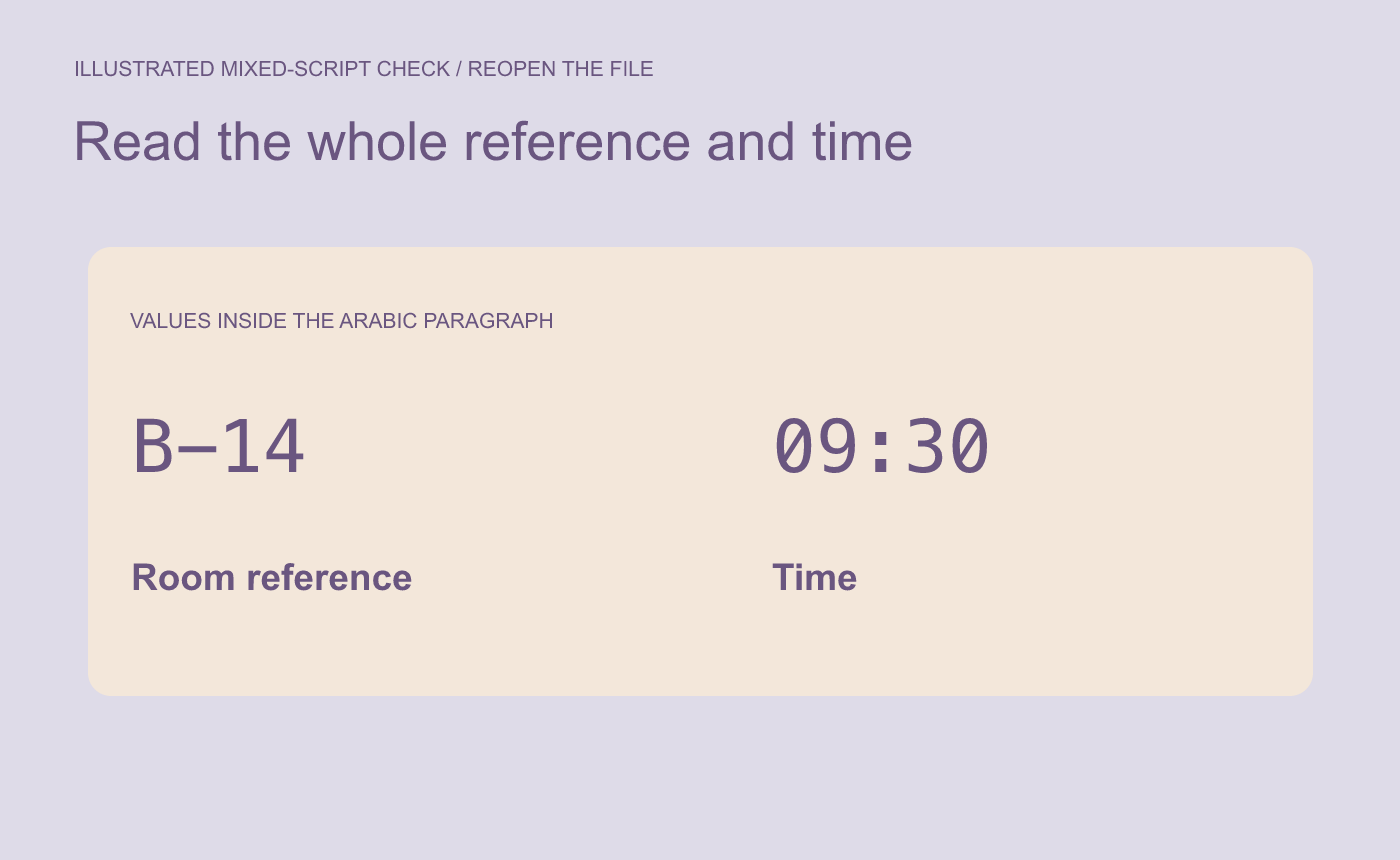
Illustrated recheck. Verify the whole reference and its surrounding punctuation.
Save and reopen the DOCX. Inspect both paragraphs and repeat the check in any PDF you export.



