
The locker guide says “Leave the key at the desk.” A visitor might choose reception instead of the equipment counter. Use a read-through to catch the ambiguity before editing.
Read the section from a visitor’s point of view
Choose View → Read Mode in Ulet. Read the return section without stopping to change it. Note the heading and the unclear sentence separately. The mode keeps the document read-only while you read.
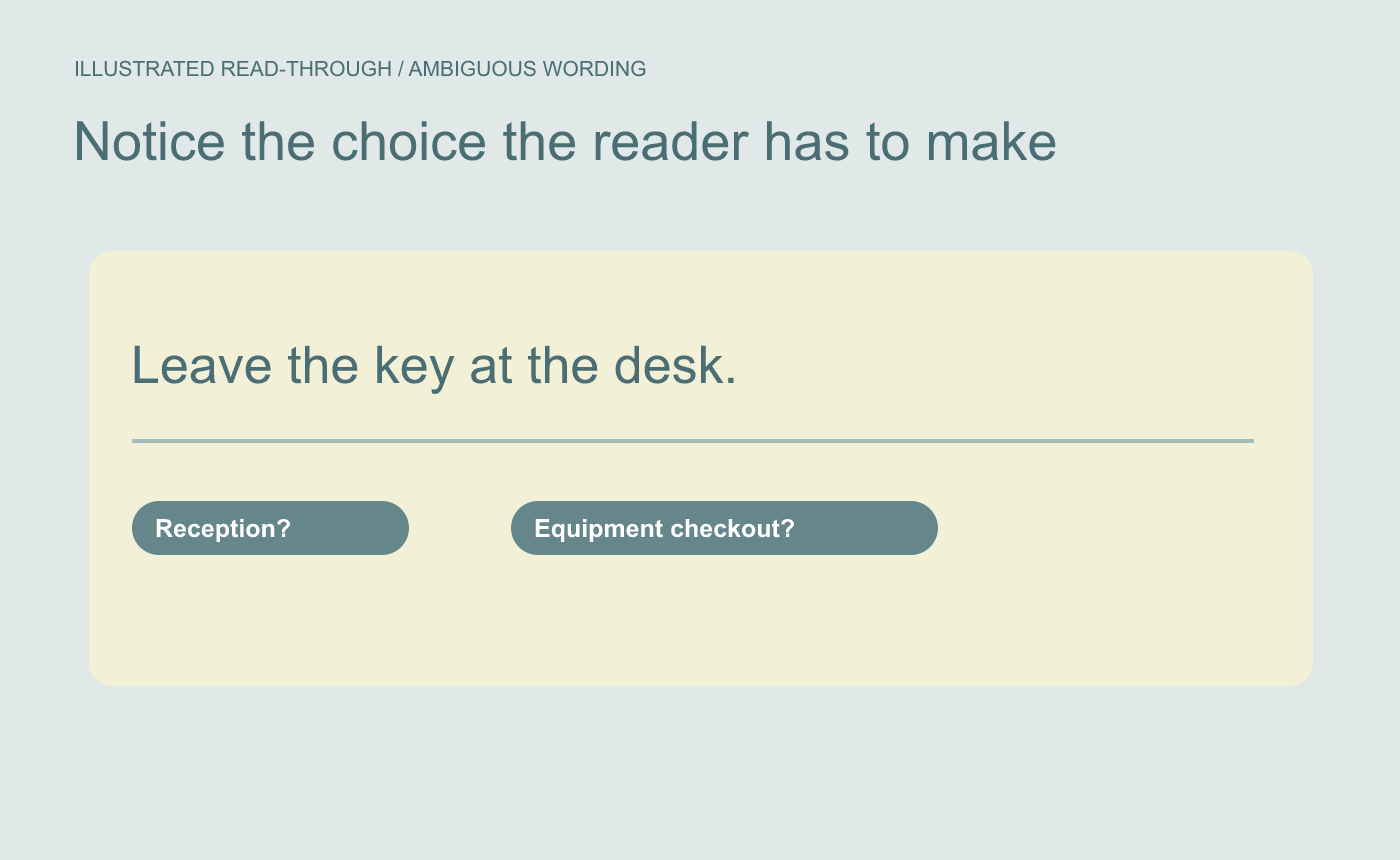
Illustrated reading problem. Note the sentence and section without changing the document mid-read.
Exit the mode and make the correction
Press Esc to return to editing. Change the instruction to “Leave the key at the equipment checkout counter.” Read the next sentence to make sure it still follows. Save, reenter Read Mode and read the full section again.
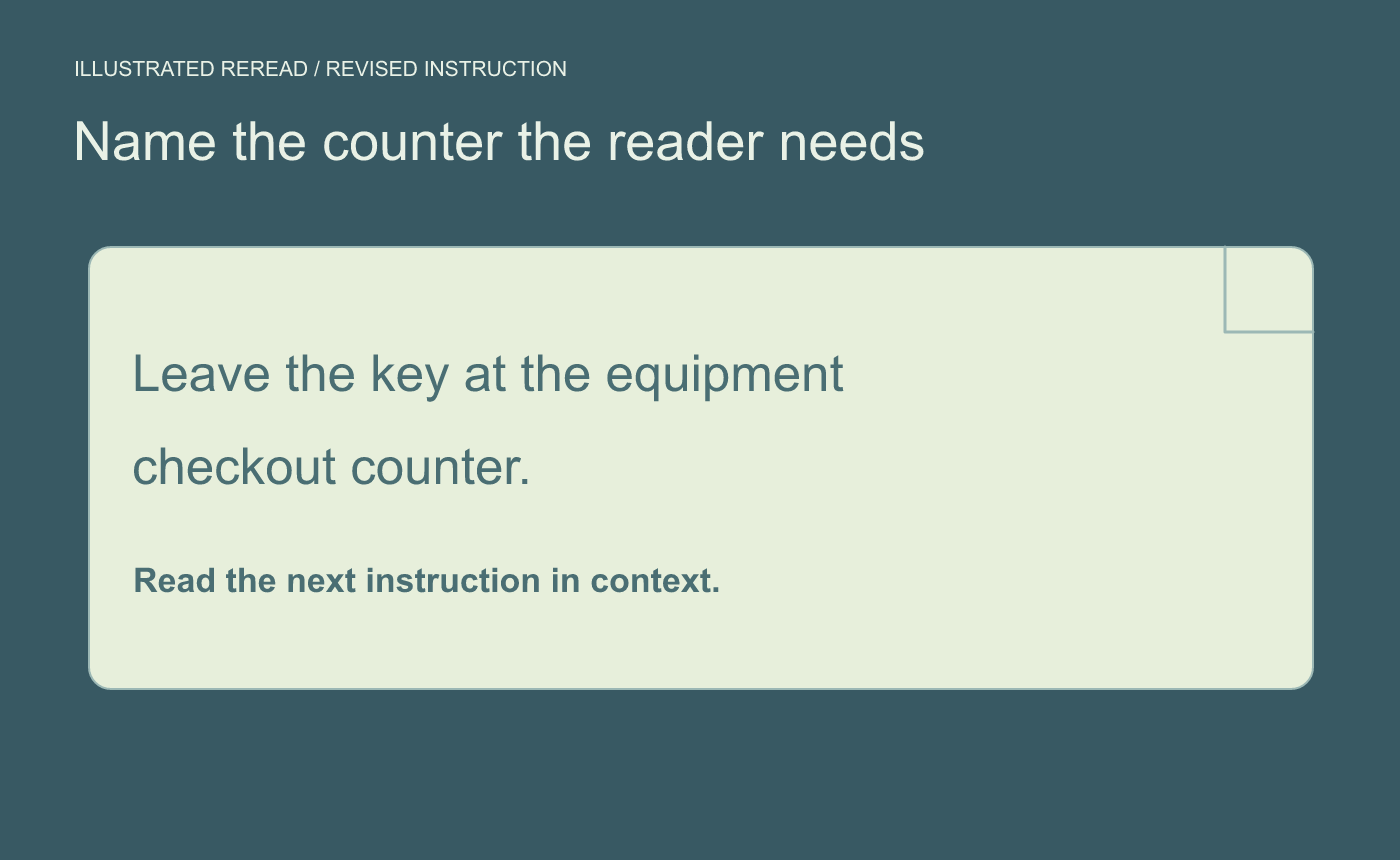
Illustrated revision check. Reenter Read Mode and reread the passage in context.
For the final check, imagine seeing the instruction for the first time. You should know which desk to use and what to do next.



