
The field manual has a section called “Field setup” and a subsection called “Battery check.” The subsection uses Heading 3 even though there is no Heading 2 between them. Use Outline view to check the structure before changing the style.
Follow the headings in their intended order
In Ulet, choose View → Outline. Find the parent and read the headings that follow it. In this case, “Battery check” is a direct subsection of “Field setup.” It should sit at Heading 2 under that Heading 1.
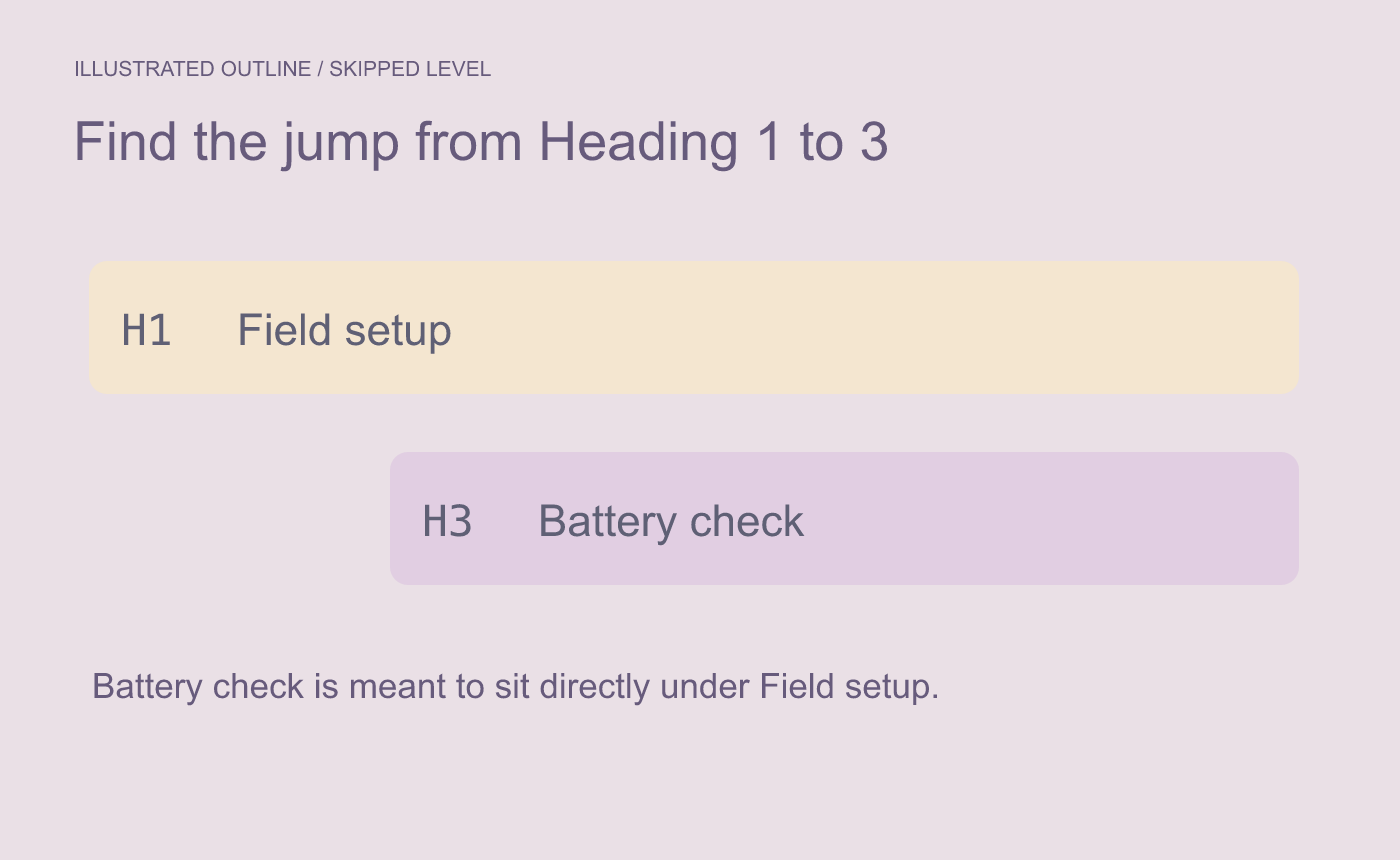
Illustrated hierarchy issue. Compare the subsection with its intended parent.
Correct the style and review the result
Return to Page Layout and apply Heading 2 to the whole Battery check paragraph. Open Outline again and verify the subsection’s level and position. Update the table of contents if there is one and inspect the same entry there.
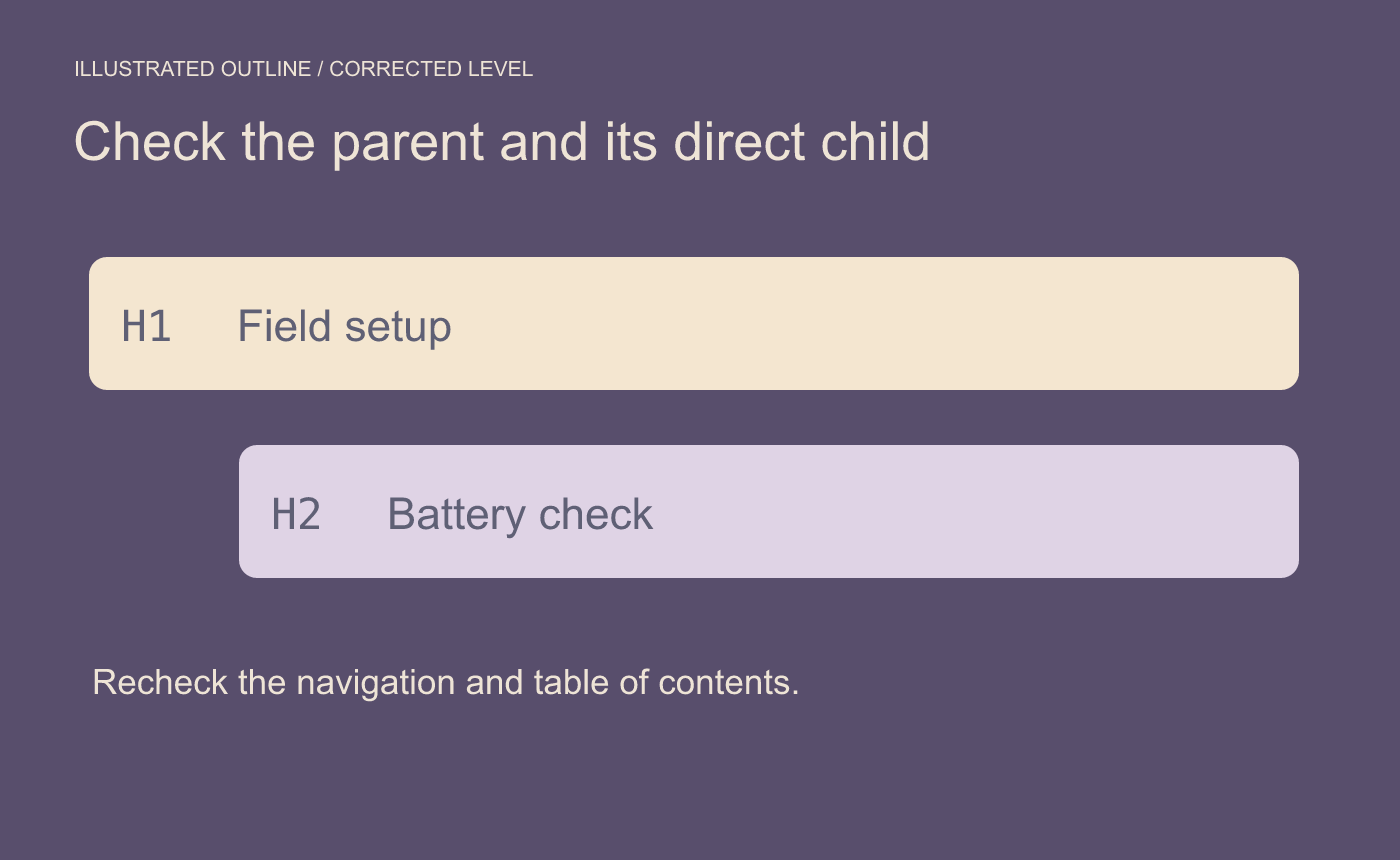
Illustrated result. Verify the heading style and the navigation order.
Save and reopen the DOCX. Check that the new structure persists and the body text remains beneath the right heading.



