
“Supplies” has dropped farther down the page than you expected. Before changing paragraph spacing, turn on formatting marks and check whether an extra empty paragraph is taking up the room.
Look for a paragraph ending on the blank line
In Ulet, use Home’s ¶ control. If a paragraph mark appears on an otherwise empty line before Supplies, place the cursor on that line. Remove the empty paragraph and check that the heading and the previous paragraph remain separate. Undo if their styles or text merge.
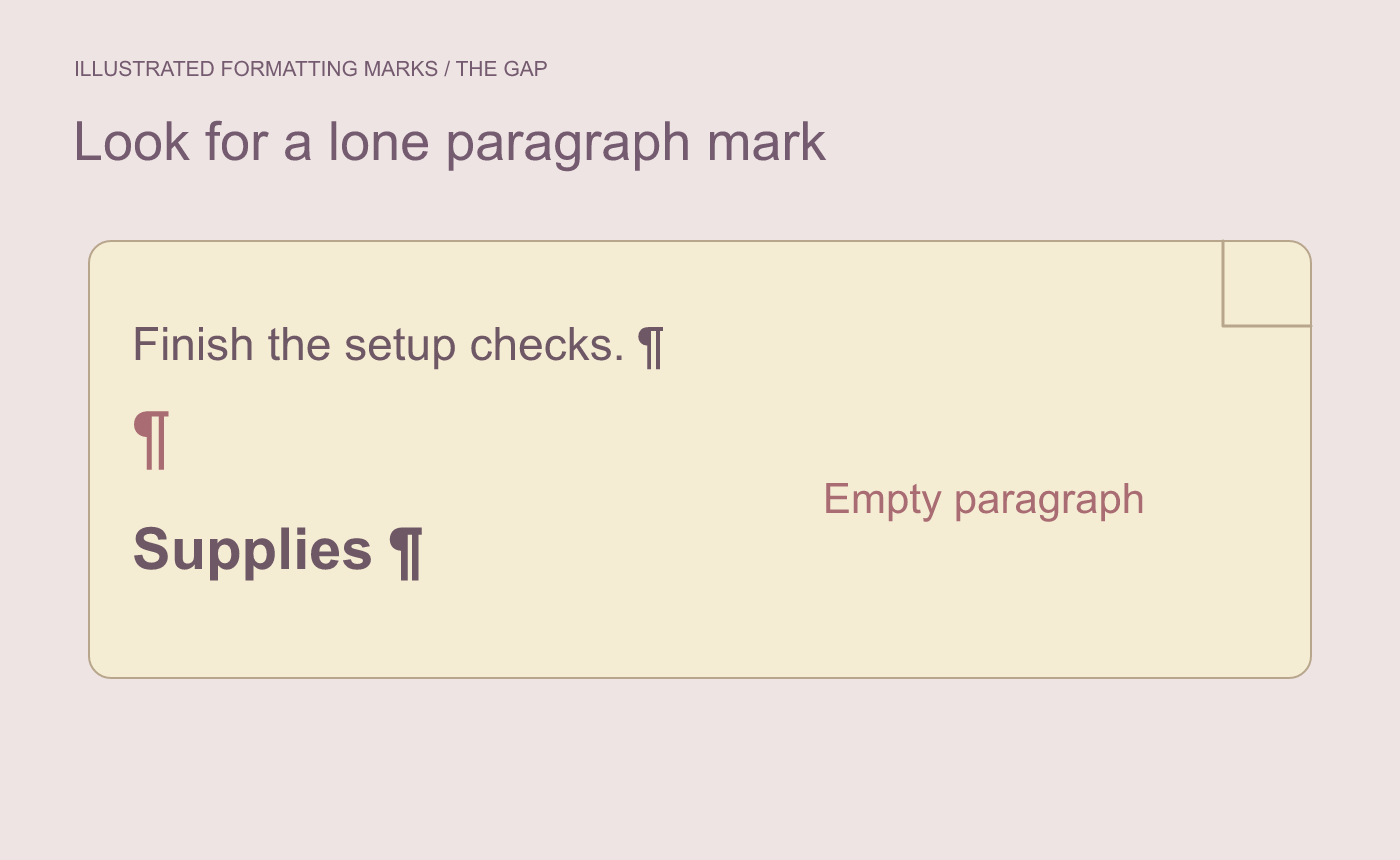
Illustrated diagnosis. Confirm the gap is an empty paragraph before deleting it.
Inspect style spacing if the gap has no empty paragraph
A gap can come from space before or after a paragraph. Inspect those settings if there is no lone mark. Turn formatting marks off and read the page at its planned size.
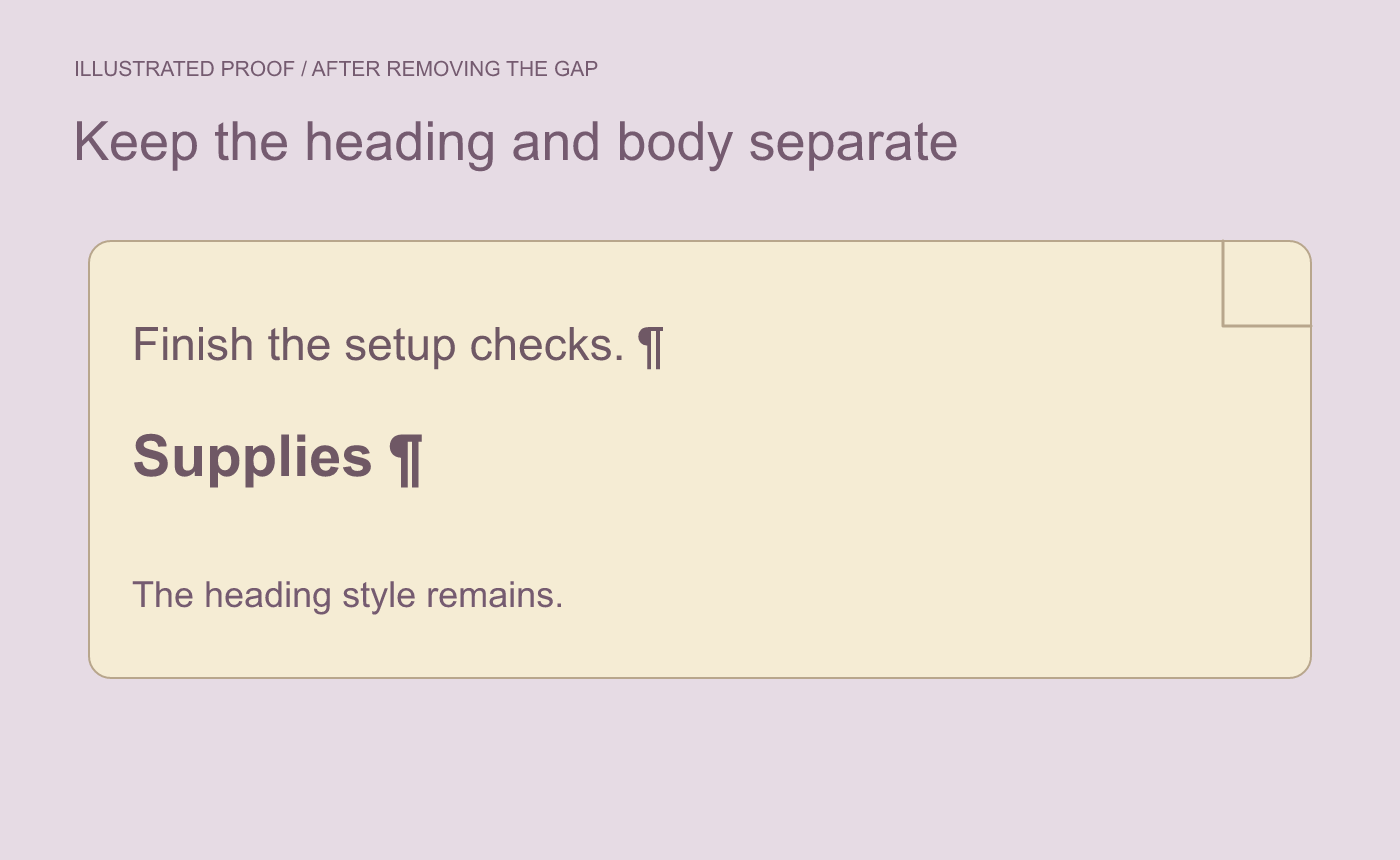
Illustrated proof. Check that the heading style survives the edit.
Save and reopen the DOCX. Verify the unwanted gap is gone and the surrounding heading still has its intended style.



