
An old PDF proof keeps showing in File Explorer Home. Remove its recent entry to make the current project easier to find, then verify the actual file is still in its folder.
Choose the recent entry in Home
Open File Explorer and find poster-proof-r1.pdf in Home or Quick Access. Right-click the recent entry and choose Remove from Quick access when it is offered. If several names look alike, check the revision suffix and location before choosing.
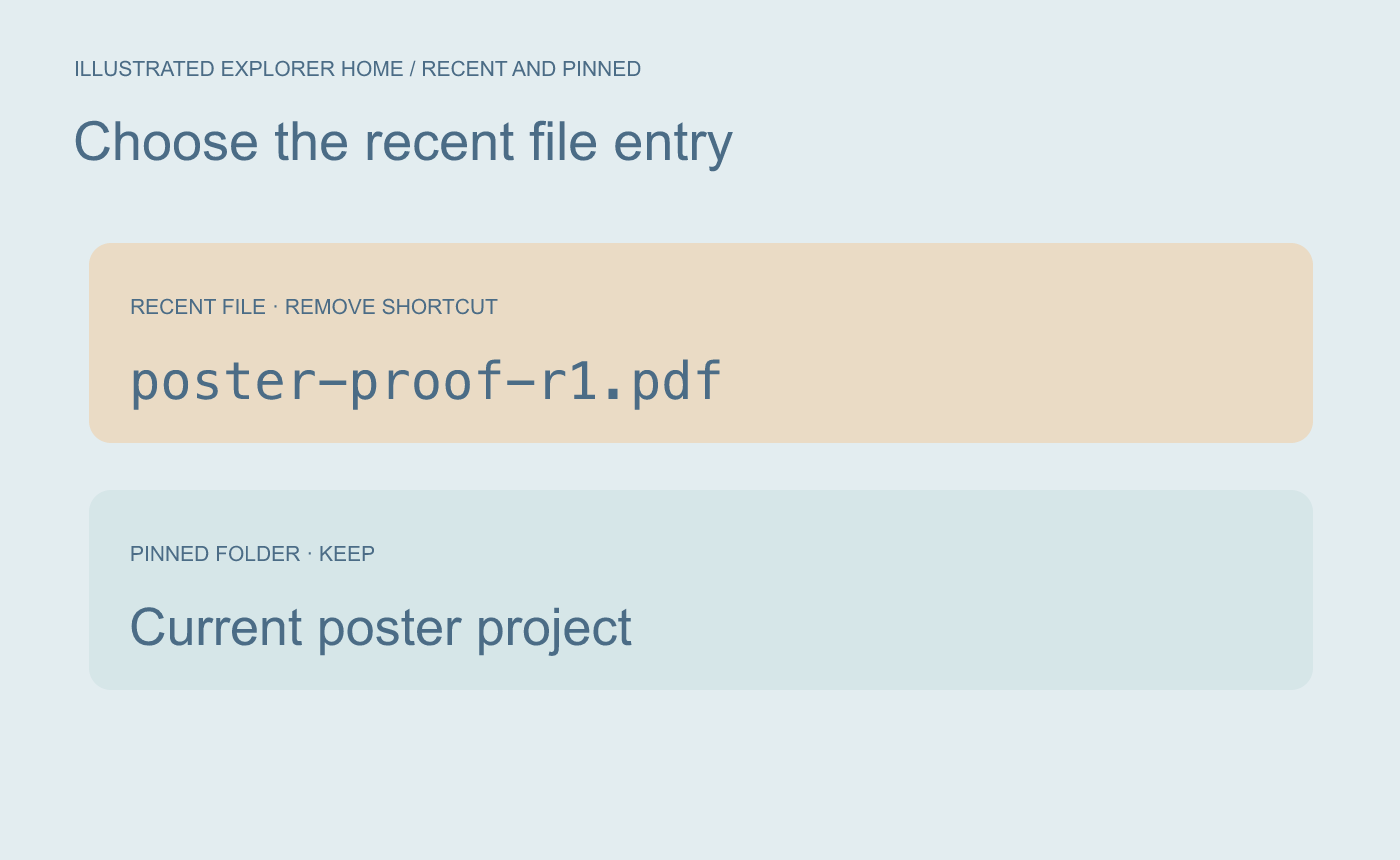
Illustrated choice. Use the shortcut’s own context menu.
Open the original from its saved folder
Return to Home and confirm the old shortcut is gone. Navigate to the project’s Proofs folder and open poster-proof-r1.pdf there. Check the revision in the file name or on the page. A pinned project folder can stay available for daily use.
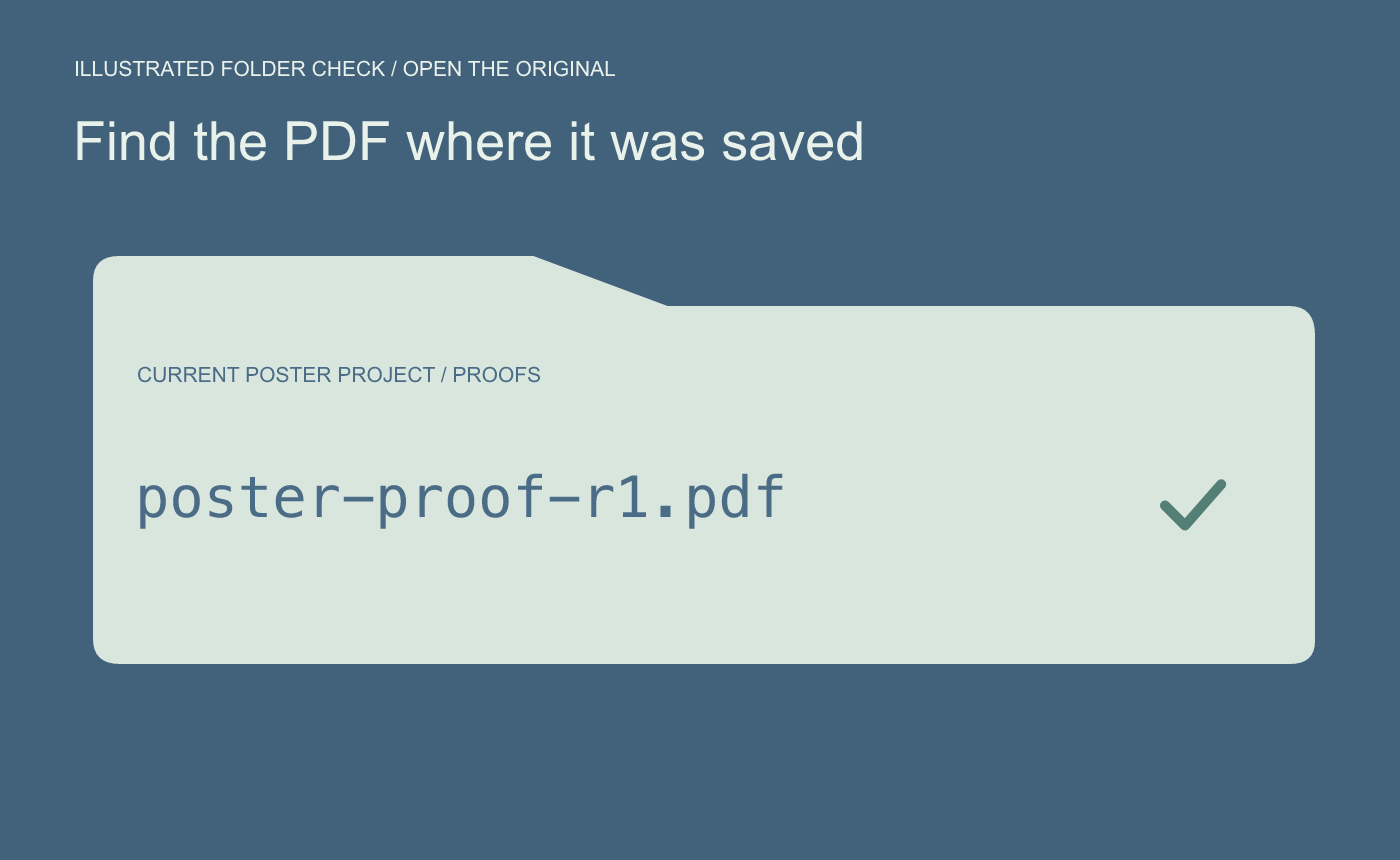
Illustrated check. Confirm the file still exists and opens from its saved location.



