
Two folders both contain schedule.docx. If both files will land in the same place, a normal copy may ask you to replace one. Find those collisions before starting the merge.
Write down the path each file will land at
Choose the target structure. In the example, both source roots would put schedule.docx in the same destination root. Two notes.docx files can coexist if one stays in Ops/ and the other in Review/. On a case-insensitive destination, include case-only differences in the comparison.
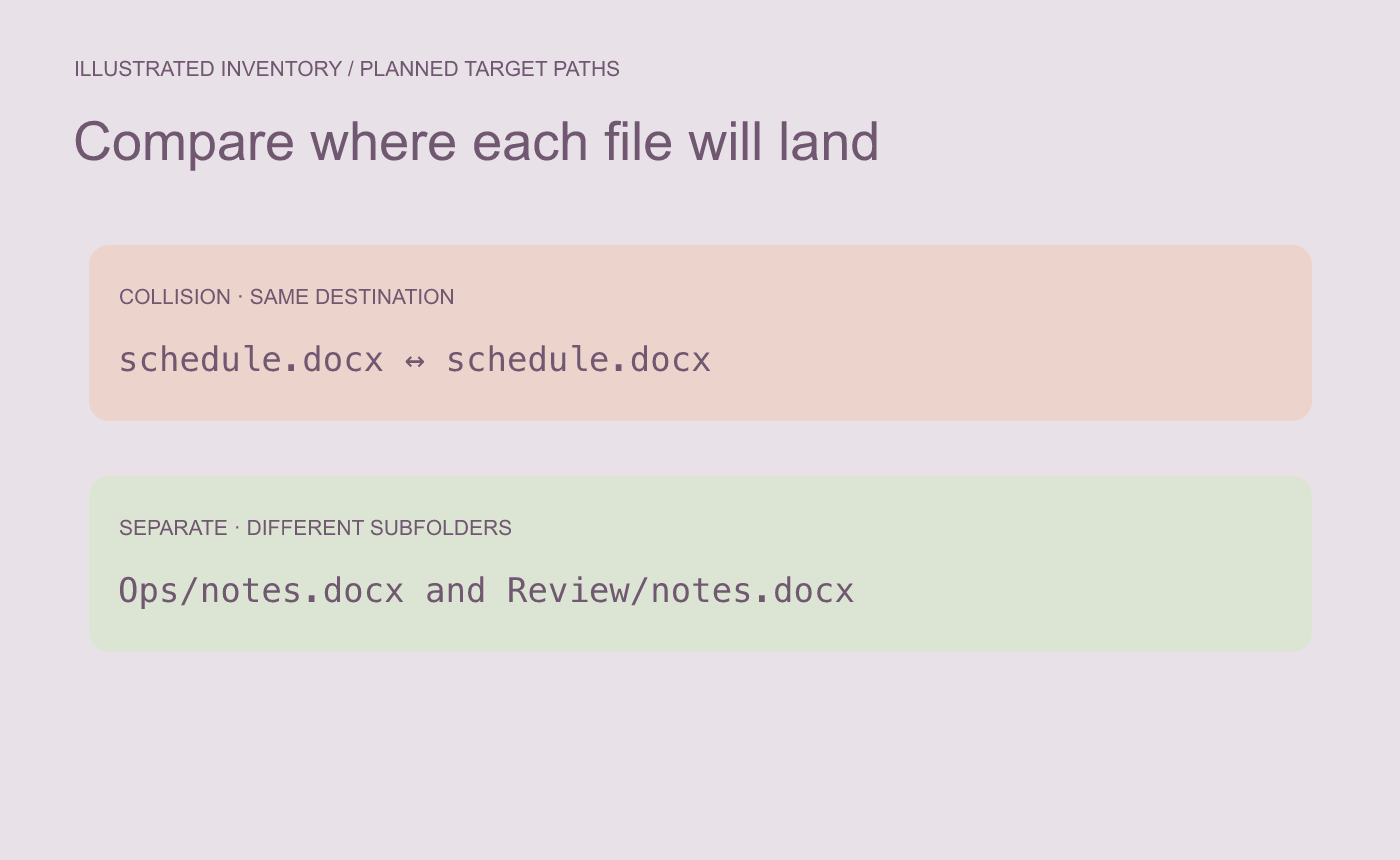
Illustrated inventory. Compare planned destination paths, including subfolders.
Resolve the collision in a staging copy
Rename the two schedule copies with meaningful suffixes and open them to compare the event time or revision. Decide which goes into the final folder. Keep both originals available while you check. Record the source and disposition of any renamed file.
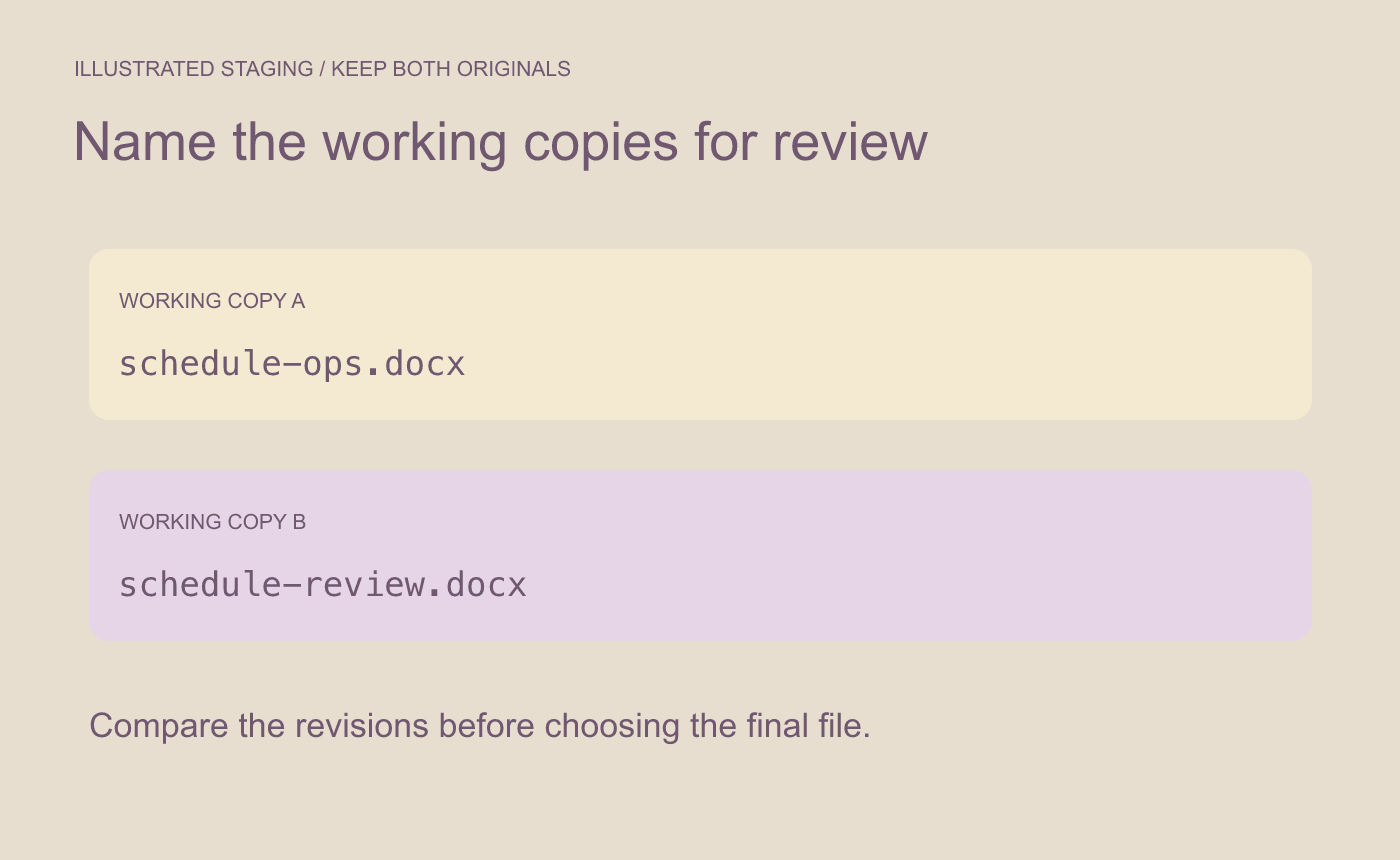
Illustrated resolution. Record what to keep before copying into the final folder.
Before delivery, compare the staged list against the planned destination paths. Confirm every intended file has a unique destination and open the selected schedule from the actual merged folder.



