
A workbook PDF export clips the last column heading. The original project has twenty files. Make a small local copy that demonstrates the issue and can be tried from a clean starting point.
Keep just enough material to reproduce it
Create heading-clip-repro/ with a copy of the workbook, one exported example and steps.md. Remove unrelated sheets and replace sensitive data in the copy. Re-run the export after each reduction. If the clipping disappears, restore the last part that mattered.
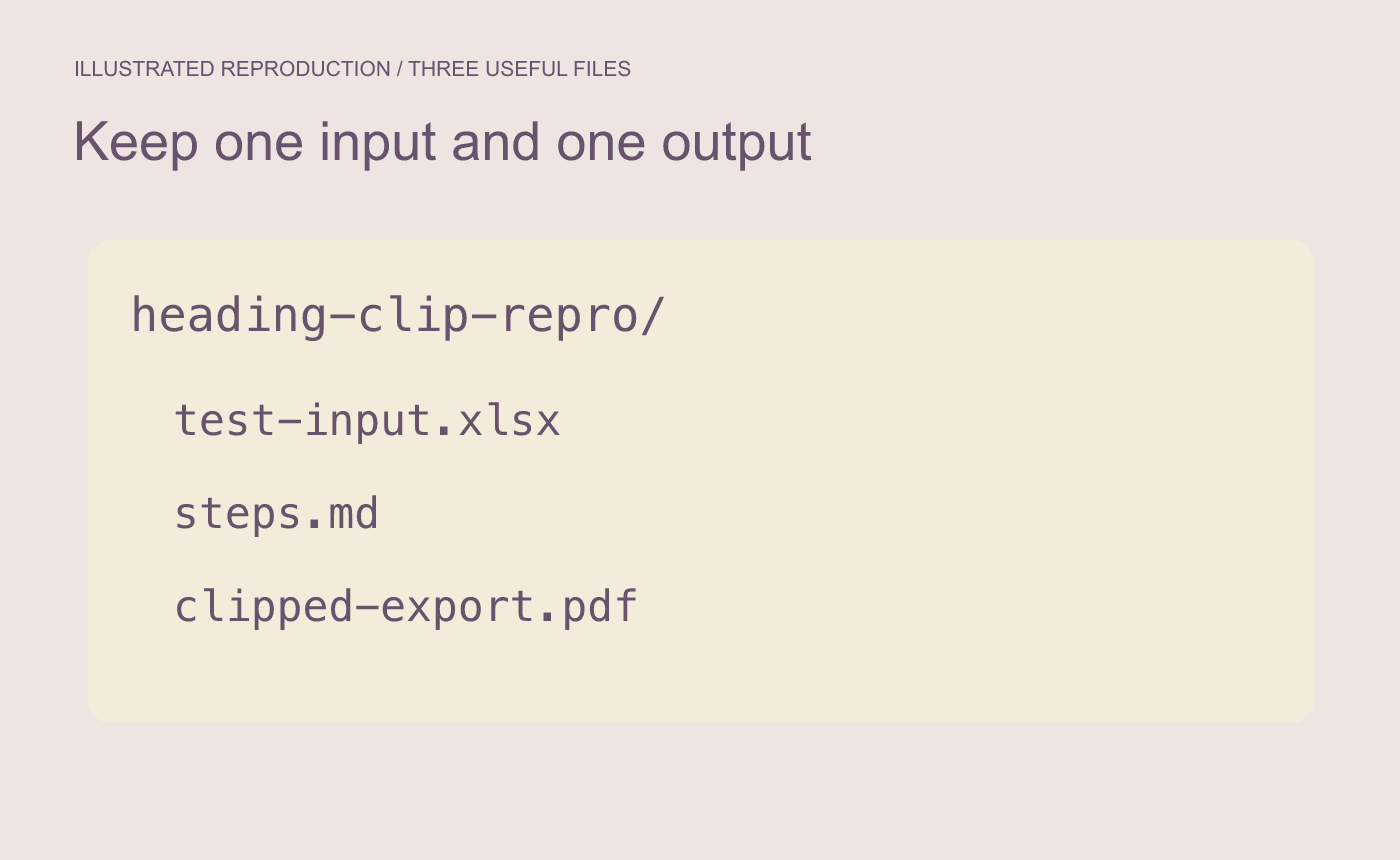
Illustrated reproduction package. Keep the smallest input that still shows the issue.
Record the setting and observable difference
Write down the app version, operating system, sheet, paper size and scaling setting used in the example. State the expected result “Last heading reads Collection status” and the observed result “Export ends at Collection sta.” Include where to look on the exported page.
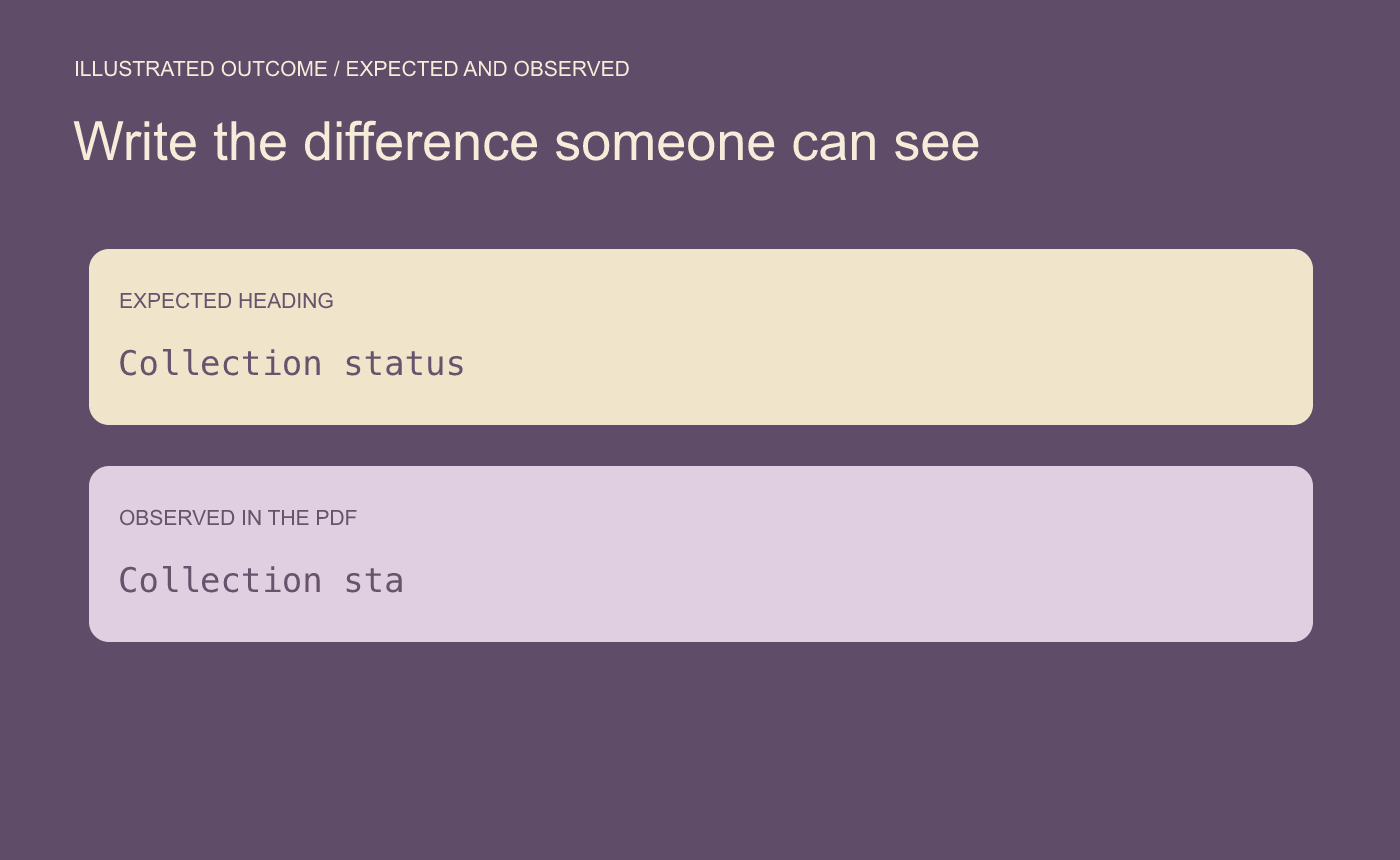
Illustrated outcome. Confirm the defect can be reproduced from the clean folder.
Try the steps once more from the folder alone. Confirm that the copied workbook opens, the same operation produces the symptom, and the example contains only material intended for review.



