
You need a list of the files directly inside the review folder. Ask PowerShell for file names at that one level.
Point the command to the folder
Open PowerShell and substitute the folder you want to inspect. Keep quotes around a path that contains spaces.
Get-ChildItem -LiteralPath 'C:\Work\Venue Review' -File -Name | Sort-Object-File selects files, and -Name returns their names. With no recursion requested, the command stays at the selected level. -LiteralPath treats the path as written.
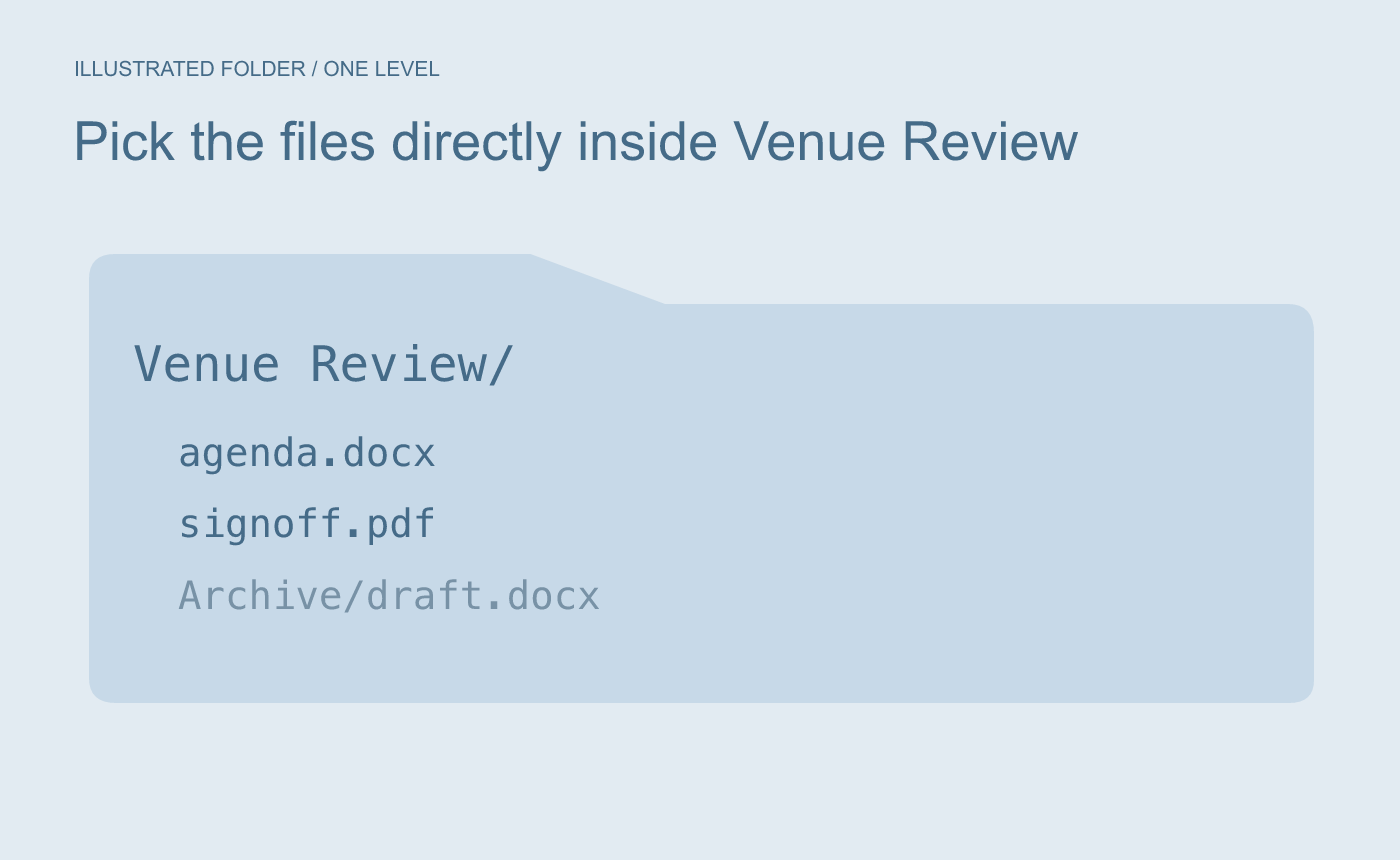
Illustrated scope. Only files directly inside the named folder are requested.
Check the names against a known example
If the folder contains agenda.docx, signoff.pdf and an Archive folder, the sample output contains just the two file names. If hidden files are in scope, add -Force and check the resulting list.
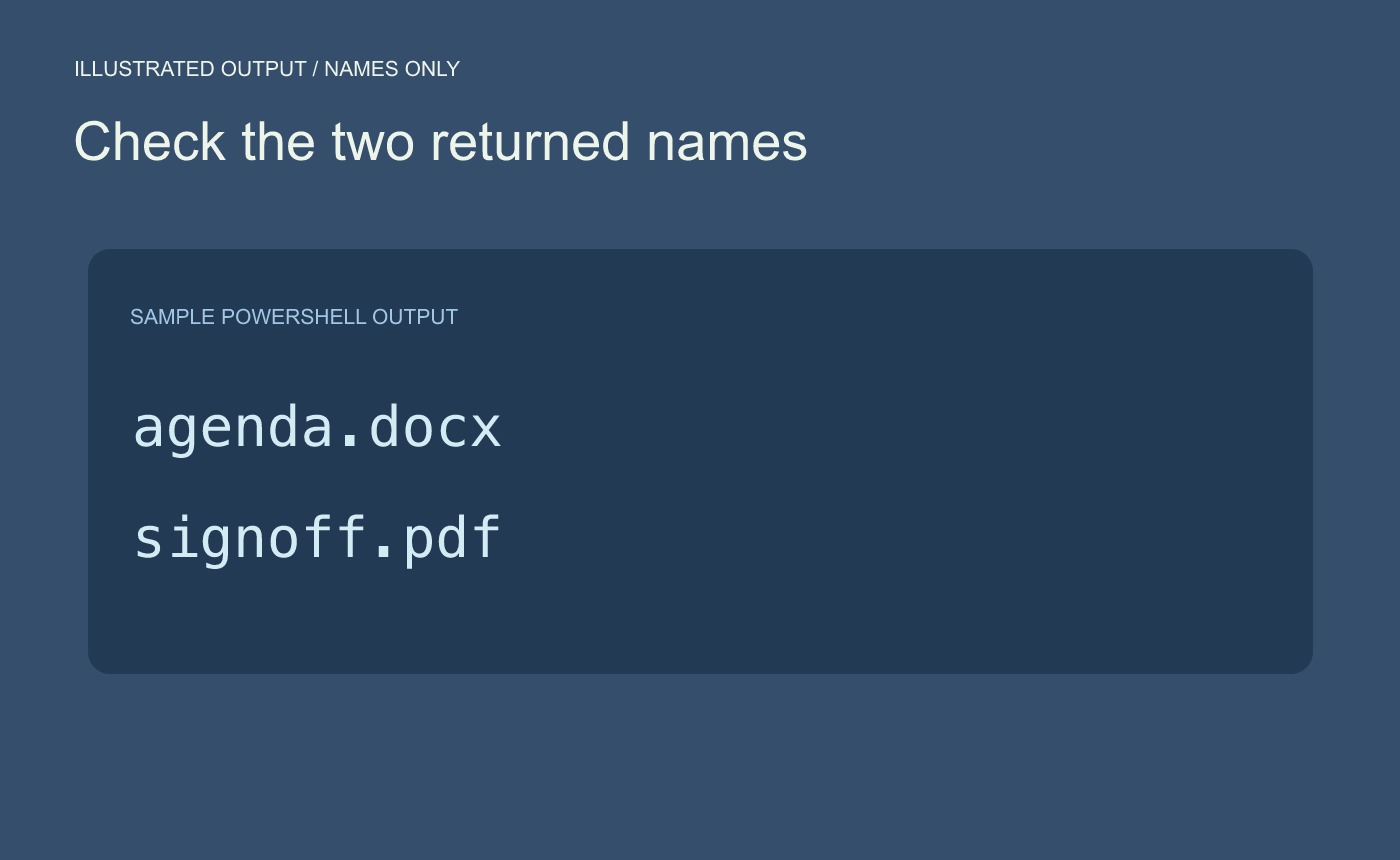
Illustrated output. Compare the list with the folder and check whether hidden files matter.



