
You open the proof at R:\Events\proof.pdf. Your colleague’s R: points somewhere else. Send the full share path when a local drive letter would be ambiguous.
Check which share the drive represents
Inspect the mapping in File Explorer. If R: points to the Projects share on the fictional server files.example.org, then R:\Events\proof.pdf corresponds to:
\\files.example.org\Projects\Events\proof.pdf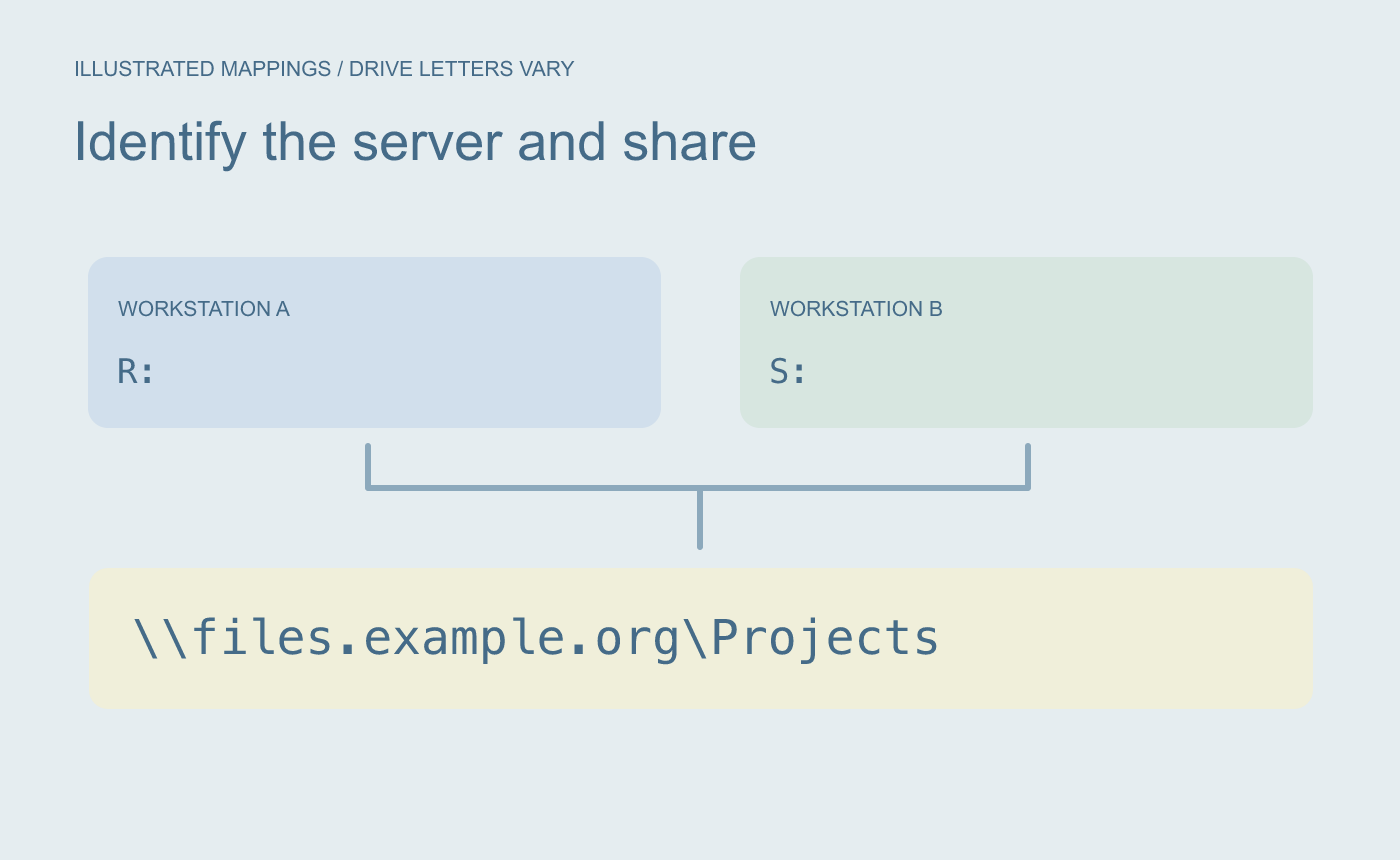
Illustrated drive mapping. A drive letter depends on the workstation’s configuration.
Verify the shared path and file together
Use the actual server and share name from your environment. Open the UNC path and check the filename and revision. Have the intended recipient try it from their own authorized session. Network access and permissions still determine whether it opens.
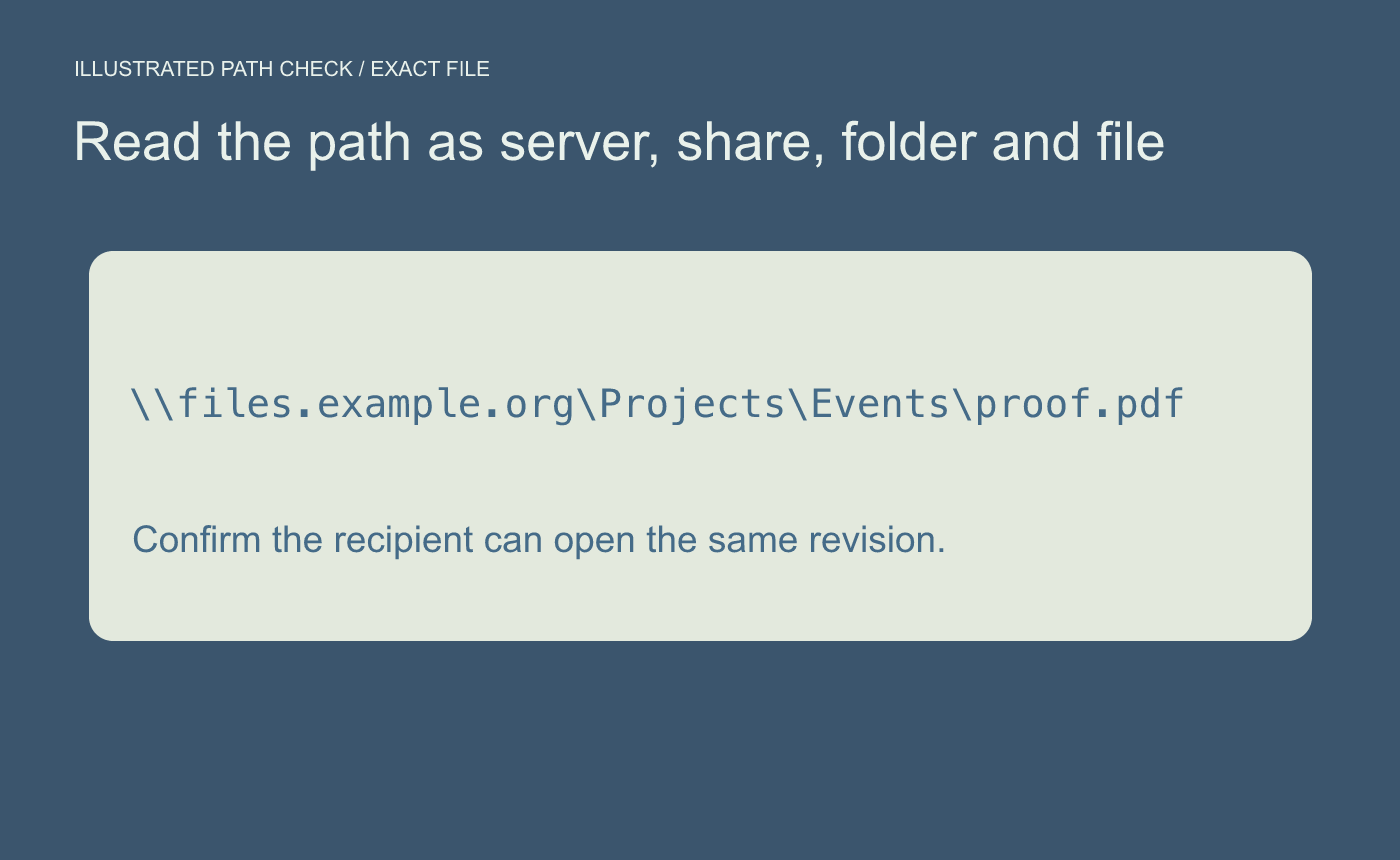
Illustrated path check. Test the actual path from an authorized recipient’s session.
Keep the drive letter for a workstation-specific shortcut when it is convenient. Use the UNC path in a handoff where different recipients may use different mappings.



